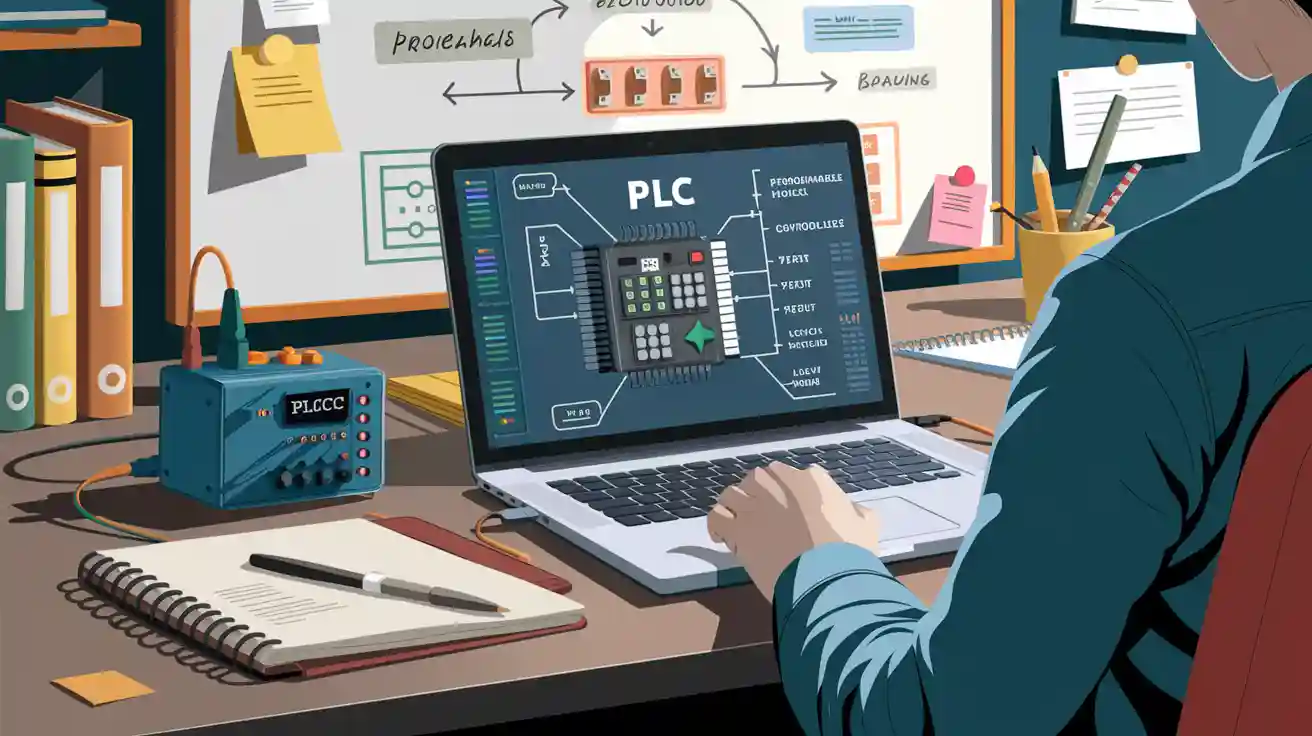
Welcome! If you feel worried about learning plc programming, you are not alone. You can begin with no experience and still do well. PLCs help control how much material is used in glass making. They keep food processing safe. They also make paper production work better. You will see PLCs in many types of jobs, like energy and cars. Look at some top brands in the table below:
Industry | Notable PLC Brands |
|---|---|
Manufacturing | Siemens, Allen-Bradley |
Energy | Siemens, Schneider Electric |
Automotive | Siemens, Allen-Bradley |
The PLC market keeps getting bigger. This shows how important these skills are.
PLC Programming Basics
What is a PLC?
You may ask what programmable logic controllers are. These devices look like tiny computers. They do more than just math. Programmable logic controllers help control machines in factories. You see them in many industries. Here is what top automation groups say about programmable logic controllers:
A programmable logic controller is a small, solid-state computer made for special jobs.
Programmable logic controllers have taken the place of old mechanical relays.
They have changed factories by making automation easier, saving money, and helping things run better.
Think of programmable logic controllers as the brains of automated systems. They make choices using information from sensors and switches.
Why Learn PLC Programming?
Learning plc programming helps you find jobs in many fields. You get to work with machines and fix problems. You help companies work better. Programmable logic controllers do important things:
Control when machines start and stop
Watch over production lines
Help devices talk to each other
Assist with assembly work
Use logic to make work faster and safer
When you learn plc programming, employers notice you. A PLC Technician certificate helps you stand out. You work safer and faster. You can handle bigger projects and get more responsibility. The job market for programmable logic controllers is growing. Factories are coming back to the U.S. New technology is changing how things are made. PLC programmers can earn up to $70,452. Some reports say jobs may drop by 7% from 2018 to 2028. But new automation projects keep appearing.
Prerequisites
Before you start plc programming, you need some basic skills. Here is a simple checklist to help you prepare:
Learn basic electrical ideas like circuits and control systems.
Get to know different programmable logic controllers and what they do.
Begin learning ladder logic, which is the easiest way to program programmable logic controllers.
Pick a PLC platform, such as Allen Bradley or Siemens.
Put the programming software on your computer.
Read the manuals and guides from the PLC maker.
If you want to learn more, check out these beginner resources:
Resource | Description |
|---|---|
PLC Training Resources for Technicians, Electricians, Operators, & Engineers | Free tutorials and videos on programmable logic controllers, hardware, programming, troubleshooting, and design. |
PLC Programming MADE EASY (Level 1) | A course that covers hardware, system setup, and starting with ladder logic. |
Tip: Choose one PLC platform and practice basic ladder logic instructions like XIC, XIO, and OTE. This will help you build a strong base for programmable logic controllers.
Ladder Logic Overview
What is Ladder Logic?
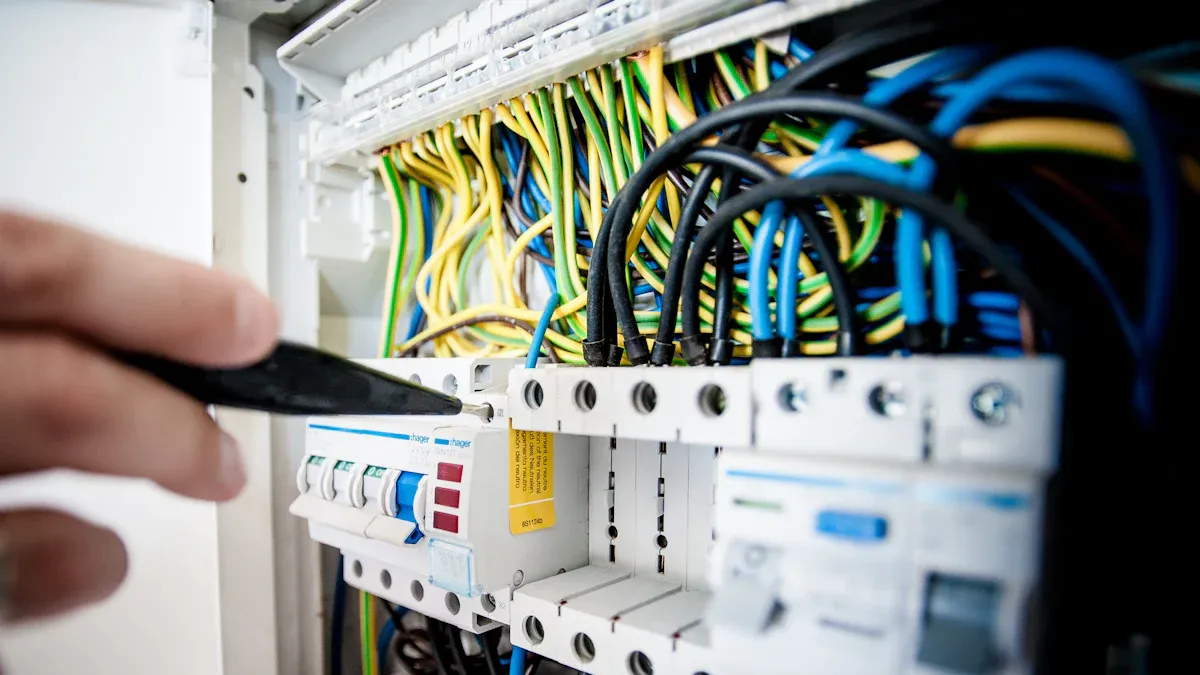
You might wonder what ladder logic programming means. It’s a way to tell a PLC what to do using pictures that look like old electrical relay circuits. Ladder logic programming uses symbols and lines, so you can see how things connect. When you look at ladder diagrams, you see two vertical lines called rails. These rails act like the power source and ground. Between them, you find horizontal lines called rungs. Each rung shows a step in the control process. Ladder logic diagrams make it easy for you to follow the flow of electricity and logic. If you have an electrical background, ladder logic programming feels familiar. You don’t need to be a computer expert to start ladder logic programming. You just need to learn how to read ladder diagrams and understand what each symbol means.
Tip: Ladder logic programming is also called ladder diagrams or LD. The structure looks like a ladder, with rungs of logic connecting the rails.
Ladder Diagram Elements
When you start ladder logic programming, you work with different elements in ladder diagrams. The main parts include power rails, horizontal links, and vertical links. Here’s a simple table to help you with understanding ladder logic diagrams:
Element Type | Description |
|---|---|
Power Rails | Vertical lines on each side of ladder diagrams. They show where power comes in and goes out. |
Horizontal Link Element | Horizontal lines that pass the state from left to right in ladder logic diagrams. |
Vertical Link Element | Vertical lines that cross horizontal links. They show the OR state in ladder diagrams. |
You also use contacts, coils, and timers in ladder logic programming. Contacts act as switches. They let current flow or stop it. Coils are outputs. They turn things on or off. Timers add delays, so actions happen after a set time. When you practice ladder logic programming, you get better at understanding ladder logic diagrams and how each part works together.
Logic Gates
Logic gates help you control how signals move in ladder logic programming. You use gates like AND, OR, and NOT in ladder diagrams. Each gate has a special job. Here’s a quick look at how they work in ladder logic diagrams:
AND Gate: Turns on the output only if all inputs are on.
OR Gate: Turns on the output if any input is on.
NOT Gate: Flips the input. If it’s on, the output is off.
NAND Gate: Turns off the output only if all inputs are on.
NOR Gate: Turns on the output only if all inputs are off.
XOR Gate: Turns on the output if inputs are different.
XNOR Gate: Turns on the output if inputs are the same.
Here’s a table to help you with understanding ladder logic diagrams and how gates look in ladder logic programming:
Logic Gate | Ladder Logic Representation |
|---|---|
AND Gate | Y = A * B |
OR Gate | Y = A + B |
NOT Gate | Y = (!A) |
NAND Gate | Y = (!(A*B)) |
NOR Gate | Y = (!(A + B)) |
EX-OR Gate | Y = (A*(!B)) + ((!A)*B) |
EX-NOR Gate | Y = (AB) + ((!A)(!B)) |
When you use ladder logic programming, you build ladder diagrams with these gates to control machines. You can create simple or complex ladder logic diagrams. The more you practice ladder logic programming, the easier it gets to design and troubleshoot ladder diagrams.
PLC Programming Steps

Learning plc programming feels much easier when you break it down into clear steps. Let’s walk through each part together. You’ll see how to go from an idea to a working program. We’ll use a simple example: turning on a light with a switch.
Identify the Problem
Every project starts with a problem to solve. You need to know what you want your automation system to do. Here’s how you can identify a problem that fits plc programming:
Define what you want the system to do. For example, “Turn on a light when I press a switch.”
List all input devices (like switches or sensors) and output devices (like lights or motors).
Decide what logic you need. Should the light stay on until you press the switch again? Or turn off when you let go?
Think about safety. Will anyone get hurt if something goes wrong?
Many beginner projects use plc programming to solve problems like these:
Traffic light control
Water level control
Conveyor belt automation
Garage door control
Home automation (like lights or fans)
Tip: Start with a small project, such as turning on a light with a switch. This helps you learn the basics before moving to bigger systems.
Wiring and Diagrams
Once you know your problem, you need to connect your devices to the PLC. Wiring is a big part of plc programming. You must follow standard wiring diagrams to keep things safe and organized.
Power Supply Wiring: Connect the PLC to the right AC or DC power source.
Earthing: Always ground your PLC. This protects you and your equipment.
Wiring Inputs and Outputs: Keep input wires (like switches) and output wires (like lights) separate. This helps prevent electrical noise and interference.
Before you start wiring, remember these safety steps:
Check for hazards in your work area.
Use lockout-tagout (LOTO) to make sure machines stay off while you work.
Wear safety gear, like gloves and glasses.
Test your wiring before turning on the power.
Double-check that all safety devices work.
Note: Never rush wiring. Careful work keeps you and your equipment safe.
Install Software
You need special software to write and test your plc programming. Many brands offer beginner-friendly platforms:
Siemens TIA Portal
Codesys
Beckhoff TwinCAT
B&R Automation Studio
Pick the software that matches your PLC brand. Install it on your computer. Most programs come with tutorials to help you get started.
Networking
PLCs often need to talk to other devices. Networking lets your PLC share data or get commands from a computer. Here are some common networking options:
Networking Option | Description |
|---|---|
Remote I/O | Controls inputs and outputs from a distance using cables or fiber optics. |
Peer-to-Peer Networks | Links several PLCs together so they can share data. |
Host Computer Links | Connects PLCs to computers for more data processing and programming. |
When you set up networking, you might face a few challenges:
Hardware must match and work together.
Logic errors can happen if you don’t test your program.
Security is important. Protect your PLC from hackers.
Maintenance keeps your system running smoothly.
Learning takes time, so be patient with yourself.
Tip: Start with simple connections. Add more devices as you get comfortable.
Write the Program
Now comes the fun part—writing your plc programming! Here’s a step-by-step guide:
Plan your program. Draw a diagram or write out what you want to happen.
Open your PLC software.
Create a new project and select your PLC model.
Add a rung for each action. For our example, you’ll add a rung that turns on a light when you press a switch.
Add conditions if needed. Maybe you want the light to turn off when you release the switch.
Test your program in the software.
Label everything. Good labels help you and others understand your work.
Here’s a simple table for our light-switch example:
Input/Output | Description |
|---|---|
IN1 | SWITCH1 (Normally Open) |
OUT1 | Light control relay coil CR1 |
A basic ladder logic rung for this might look like:
|----[ ]----( )----|
     IN1    OUT1
When you press the switch (IN1), the light (OUT1) turns on.
Simulate and Test
Before you use your program on real equipment, you should test it. Simulation helps you find mistakes without risking damage.
Best Practice | Description |
|---|---|
Use of Simulators | Try PLC software simulators to test your code safely. |
Separate Environments | Keep your testing and real systems apart. |
Proper Documentation | Write down what you change and why. |
Some popular simulation tools for beginners include:
Codesys (free)
Do-More Simulator (free)
OpenPLC Editor (free)
EasyPLC (paid)
Machines Simulator (paid)
Ask yourself these questions when picking a simulator:
Does it support the language you want to use?
Can you test your code in real-time?
Is it free or affordable?
Note: Always test your program in a simulator before using it on real machines. This keeps you and your equipment safe.
When you finish testing, upload your program to the PLC. Watch how it works with real devices. If something doesn’t work, go back and fix your logic. Testing and troubleshooting are key parts of plc programming.
Troubleshooting Tips
Common Mistakes
You might run into a few bumps when you start working with PLCs. Don’t worry—everyone makes mistakes at first! Here are some of the most frequent errors beginners face:
Poor planning before programming. If you jump in without a clear plan, things can get messy fast.
Ignoring scan cycle timing. PLCs work in cycles, and not knowing how this affects your code can cause surprises.
Overusing delays and timers. Too many timers can make your system act strangely or become unreliable.
Neglecting comments and documentation. If you skip writing notes in your code, fixing problems later gets much harder.
Failing to simulate or test properly. Uploading code without testing can be risky, especially for important systems.
Tip: Always take a moment to plan your project and write down what each part of your code does. This will save you headaches later!
Debugging Steps
When something doesn’t work, you need a good strategy to find and fix the problem. Try these steps to make debugging easier:
Check that instructions like IF-THEN-ELSE, timers, and counters are set up correctly.
Double-check your math, especially if you use sensor data.
Use debugging tools in your software:
Watch Window lets you see values change in real time.
Breakpoints help you pause and look at what’s happening.
Single-Step Execution lets you go through your code one line at a time.
Make sure all wires and connections are tight and in the right place.
Look up error codes in the PLC manual. These codes often point you to the problem.
Ask questions in online forums. Other users might have solved the same issue.
Work step by step. Avoid changing lots of things at once.
Test and write down every change before you use it on real equipment.
Try simulation software to catch mistakes before they cause trouble.
Use version control to keep track of your code changes.
Further Learning
You can keep building your skills with some great resources. Think about your budget, what you want to learn, and how you like to study. Free courses are a good way to start. Books can help if you want a deeper understanding.
The Online PLC Programming Technician Training gives you pay-as-you-learn access. You get all materials and extra resources to help you learn more.
Here’s a quick look at some popular courses:
Course Title | Lessons | Level | Certificate | Rating (Reviews) |
|---|---|---|---|---|
PLC Programming from Scratch 1 | 20 | Beginner | Yes | 4.9 (18 reviews) |
PLC Programming MADE EASY (Level 1) | 47 | Beginner | Yes | 4.7 (12 reviews) |
CODESYS 1: Introduction to PLC Programming | 58 | Beginner | Yes | 0.0 (0 reviews) |
IIoT Fundamentals: Smart Sensors & Actuators in Automation | 15 | Beginner | Yes | 4.8 (56 reviews) |
You can also check out these books:
Programmable Logic Controllers by Frank Petruzella covers everything you need to know as a beginner.
Programmable Logic Controllers by William Bolton is a budget-friendly choice and includes a handy chart for learning.
Keep practicing, ask questions, and explore new projects. You’ll get better every day!
You now know the basics, like wiring and making your first program. Try new projects to learn more. Test your code in a simulator to find mistakes early. If you have problems, fixing them helps you learn.
When you finish a project, you feel proud. You see how ladder logic works in real life.
Helping with different projects lets you learn new skills. You also become more confident.
Keep learning and try harder topics. You improve each time you practice!
FAQ
What does PLC stand for?
PLC stands for Programmable Logic Controller. You use it to control machines and processes in factories. It acts like the brain for automation.
Can I learn PLC programming without an engineering degree?
Yes, you can! You just need curiosity and patience. Many beginners start with online tutorials and simple projects. You don’t need advanced math or engineering skills.
Which PLC brand should I choose as a beginner?
You can start with Allen-Bradley or Siemens. These brands offer lots of beginner guides and free software trials. You find plenty of help online for both.
How do I test my PLC program safely?
Try using a simulator first. You can check your code without risking real equipment. Many PLC software tools have built-in simulators for beginners.
What is ladder logic?
Ladder logic is a way to write instructions for PLCs. You use symbols that look like a ladder. Each rung shows a step in your control process.