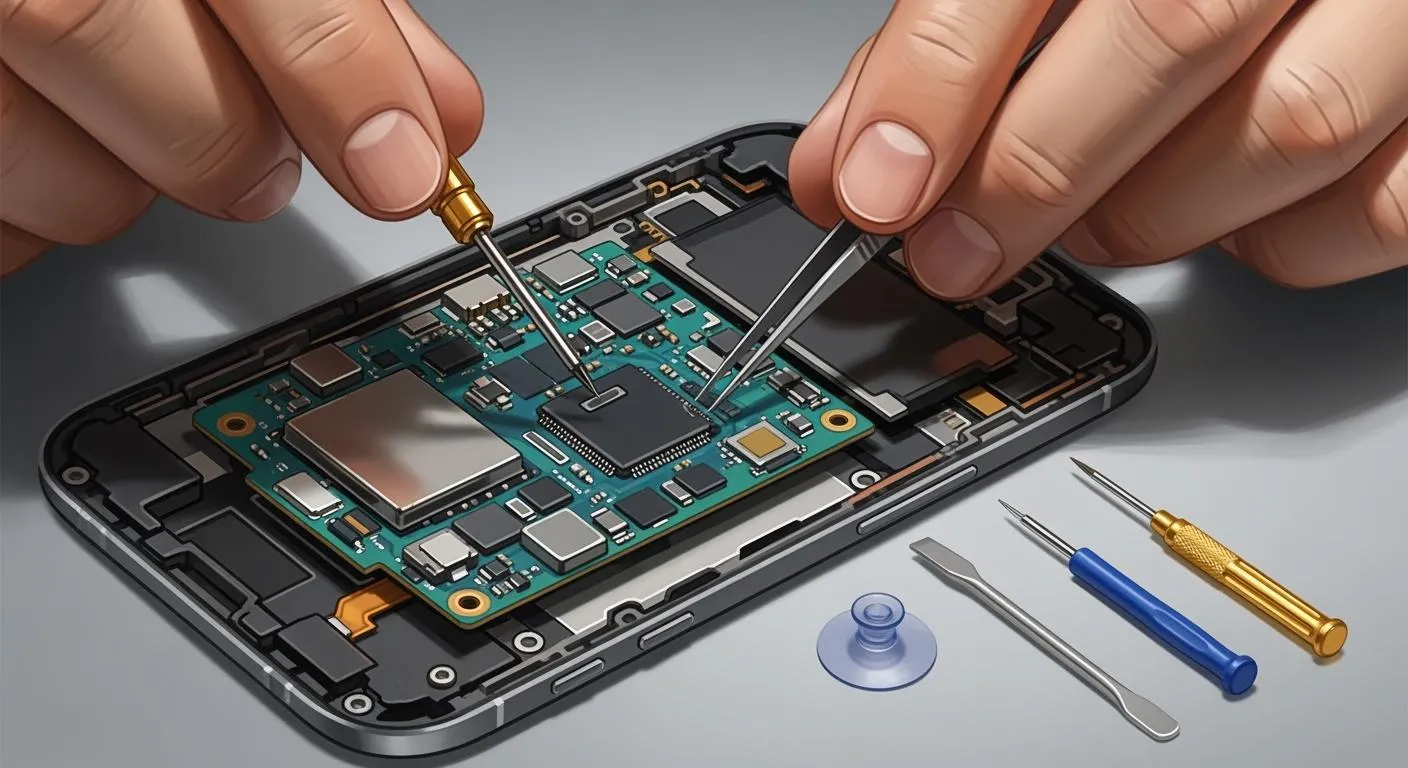
You can fix common mobile phone repair issues related to motherboard problems with easy tips. These tips help you save money and reduce waste.
Fixing a motherboard through mobile phone repair costs about $150 to $400. Getting a new one can cost more than $500.
By opting for mobile phone repair, you avoid paying for a new device, taxes, or additional expenses.
You also contribute to environmental sustainability by using fewer new materials and consuming less energy.
Always save your data before you start any mobile phone repair. Go slow and be careful with small parts.
Cause of Motherboard Failure | Simple Repair Tips |
|---|---|
Physical impact | Use a case and do not drop your phone |
Water exposure | Keep your phone away from water |
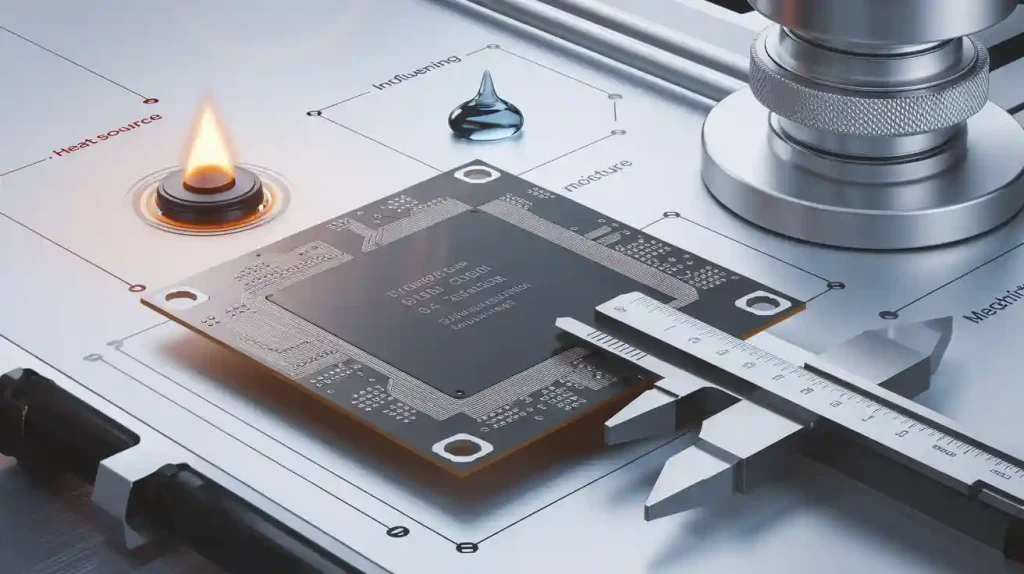
Excessive heat | Stay out of hot places and use your phone less |
Key Takeaways
Always save your data before you fix your phone. This keeps your information safe.
Look at your phone’s motherboard for any damage you can see. Clean it gently so you do not cause a short circuit.
Put any loose connections and cables back in place. This can fix problems like blank screens or charging that does not work.
Get help from a professional if your phone will not turn on, gets too hot, or has water damage.
Use the correct tools and take your time when fixing your phone. This helps you not make expensive mistakes.
Visual Inspection for Mobile Phone Motherboard Issues
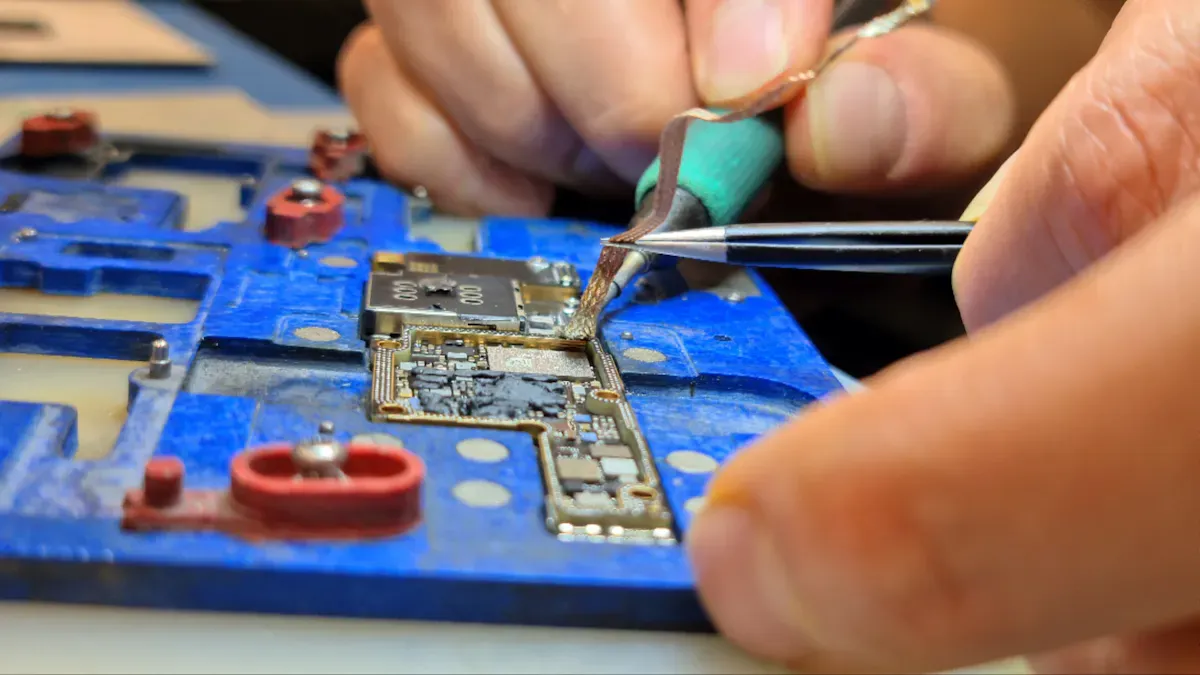
Looking at your phone’s motherboard is the first thing to do. You can find problems before you try harder repairs.
Prepare Workspace and Tools
Work in a clean place with good light. Get the right tools so you don’t break your phone. You need:
A screwdriver set with Torx, Phillips, and Pentalobe heads for different phones.
Plastic prying tools to open the phone without scratching it.
A suction cup and heating pad or hot air gun to loosen glued screens.
Tweezers for picking up small screws and connectors.
Wear anti-static gloves and use an ESD-safe mat. This keeps your phone safe from static electricity.
Open the Phone Safely
Turn off your phone and take out the battery first. Use the right screwdriver to take out the screws. Use the plastic prying tool to open the back cover gently. Do not use metal tools because they can scratch or break parts. Go slow and keep all screws and small pieces together.
Check for Damage or Debris
Look closely at the motherboard. Some signs of damage are:
No power or random shutdowns
Boot loops (phone keeps restarting)
Overheating
Camera, touchscreen, or charging port not working
Visible corrosion, green residue, or burn marks
These signs show your phone needs repair. Sometimes, the motherboard design makes it hard to see all problems. Use a magnifying glass if you need help.
Clean the Motherboard
Dust and dirt can cause short circuits. Use compressed air or a soft brush to clean loose stuff. For sticky dirt, use isopropyl alcohol and a soft brush. Make sure the board is dry before you put your phone back together. Never use water unless you know how to dry the board fully.
Tip: Do not touch gold contacts or open circuits with your fingers. This keeps them clean and stops more damage.
Careful checking helps you find easy problems early. It can save you time and money on repairs.
Reseating Connections in Mobile Phone Repair
Loose connections often cause problems in your phone. You can fix many issues by checking and reseating cables and connectors. This step does not need advanced skills. You only need patience and care.
Identify Flex Cables and Connectors
Flex cables look like flat, ribbon-like strips. They connect different parts of your phone to the mobile phone motherboard. You will see them running from the screen, battery, cameras, and charging port. Each cable has a small connector at the end. These connectors snap onto the board. Some connectors have a latch or clip that holds them in place.
Tip: Take a photo before you remove any cables. This helps you remember where each one goes.
You can use tweezers to gently lift the connectors. Do not pull hard. If you see a latch, open it first. Look for any cables that look loose, crooked, or not fully pressed down.
Locate and Reseat Connections
Find all the flex cables attached to the motherboard. Check each one for a secure fit. If you find a loose connector, press it back into place. You should hear or feel a small click. Make sure each latch or clip is closed.
If you see dust or dirt on the connectors, clean them with a soft brush or compressed air. Do not use water. After you reseat all connections, reassemble your phone and turn it on. Many times, this simple step solves problems like a blank screen, no sound, or charging issues.
You can save money and time by doing this step before seeking professional motherboard repair. Many mobile phone repair shops start with this check. You can do it at home with basic tools.
Note: If your phone still does not work after reseating connections, the problem may be deeper. You may need to check other parts or seek expert help.
Basic Mobile Phone PCB Repair: Component Testing and Replacement
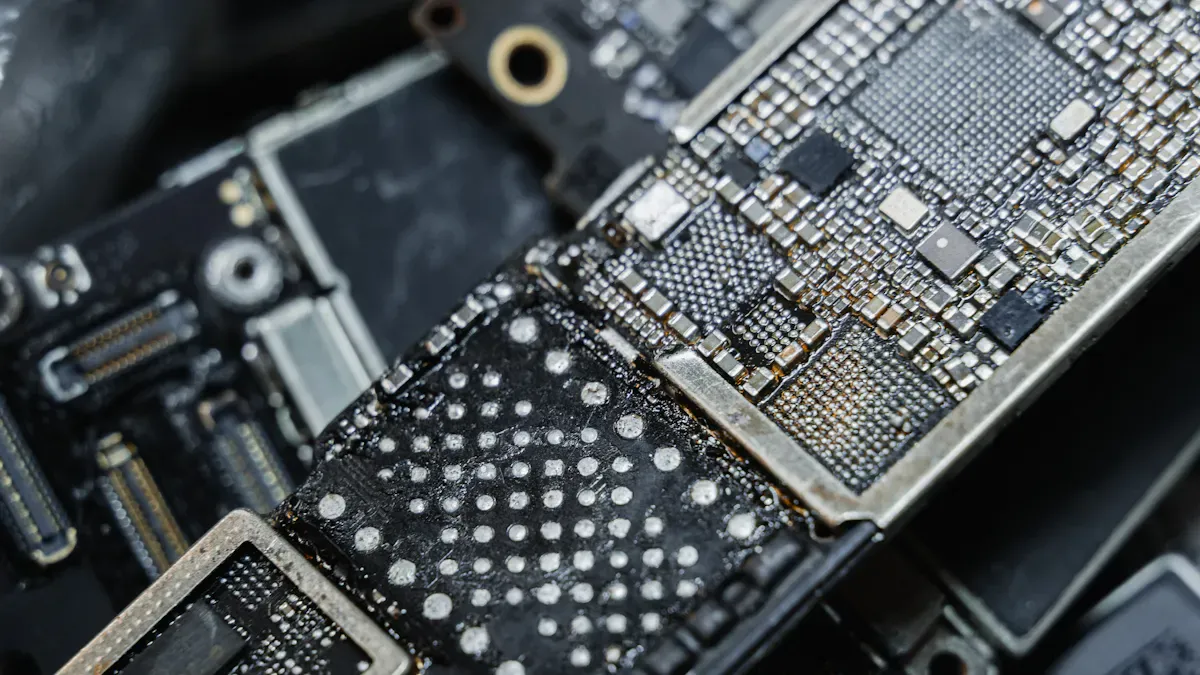
Spot Faulty Components
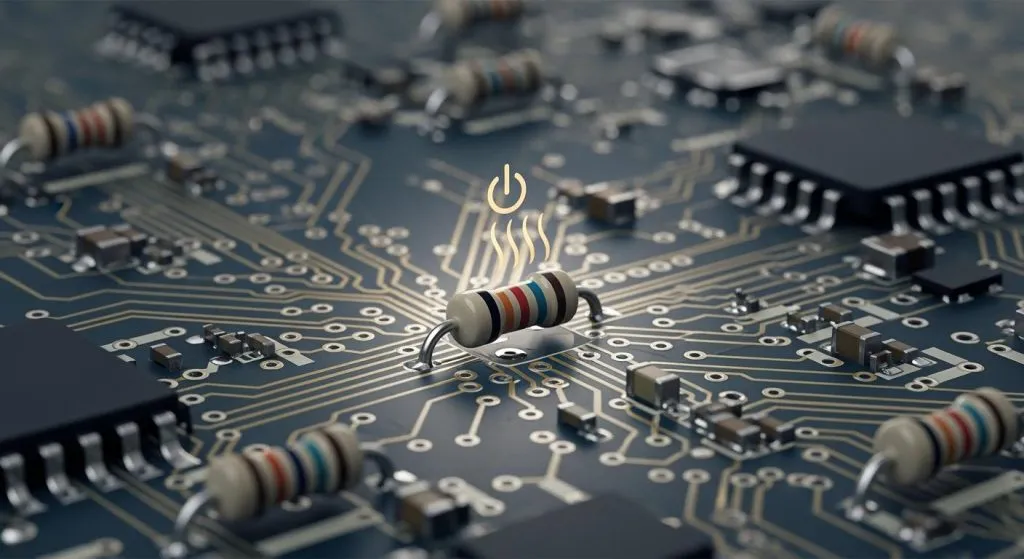
You can find broken parts on your mobile phone motherboard by looking closely. Some parts break more often than others. If your phone will not turn on or charge, a shorted capacitor might be the cause. Broken connectors can make the screen or battery stop working. Damaged ICs can cause your phone to shut down or show display problems. When you do mobile phone pcb repair, always check for these common issues:
Shorted capacitors
Broken connectors
Damaged ICs
If you see burn marks or loose parts, you may need pcb short circuit repair or broken trace repair. These problems can make your phone stop working.
Test with Basic Tools
You do not need fancy equipment to test simple parts. A few basic tools help you find problems and decide what to do next. Here is a table of tools and their uses:
Tool | Purpose |
|---|---|
Multimeter | Used for testing voltage, continuity, and resistance to identify issues. |
PCB Rework Station | Combines hot air and soldering capabilities for delicate component work. |
Use a multimeter to check if you need pcb short circuit repair. If you find a spot with no continuity, you may need broken trace repair. Always test before you try to replace any part on pcb.
Replace Simple Parts
You can replace some parts on pcb with basic skills. If you find a shorted capacitor or broken connector, you can remove it with a soldering iron. Put the new part in place and solder it. This fixes many pcb short circuit repair problems. If you see a broken trace, use a small wire to connect both ends. This is called broken trace repair. Always check your work before turning your phone back on.
⚠️ For hard repairs, like changing tiny ICs, you should go to a mobile phone repair shop. Advanced pcb short circuit repair and broken trace repair need special skills and tools. Trying these repairs at home can cause more damage, void your warranty, or make you lose your data. Only do simple component replacement on pcb if you feel sure.
You can fix many mobile phone pcb repair problems by finding bad parts, testing with basic tools, and replacing simple parts on pcb. For tough jobs, let an expert do the pcb short circuit repair or broken trace repair.
When to Seek Professional Mobile Phone Repair
Signs You Need Expert Help
You may try many fixes at home, but some problems need a trained technician. If you see these signs, you should stop and get help from a mobile phone repair shop:
No power when you press the button
No Wi-Fi or network signal
No charging even with a new cable
Abnormal audio, like no sound or strange noises
Overheating that feels hot to the touch
Fast power consumption even after replacing the battery
Water damage, such as after dropping your phone in liquid
Inability to flash or update the software
No display or a screen that stays black
Problems like abnormal audio can mean the audio IC or circuit has failed. Overheating may point to a short circuit or a bad CPU. Water damage can cause many faults, like random restarts or unstable current. If you see any of these issues, you should not try to fix them yourself. You could make the problem worse or lose your data.
⚠️ Tip: If your phone has more than one of these symptoms, do not open it again. Take it to a professional for safe troubleshooting common issues.
Data Backup and Cost Considerations
Before you visit a repair shop, always back up your data. Save your photos, contacts, and files to a cloud service or computer. This step protects your information if the phone cannot be fixed.
Think about the cost before you decide on mobile phone pcb repair or a full replacement. Repairing a simple part often costs less than buying a new phone. For older phones or high-end models, the price of repair can be close to the price of a new device. Ask the technician for a quote and compare your options. Sometimes, a new phone is the better choice if repairs are too expensive.
You can keep your phone working longer by knowing when to seek expert help. This saves money and keeps your data safe.
You can fix many motherboard problems with three easy steps: look at the board, check and press down cables, and change broken parts. These steps help you save money and make your phone last longer. Always save your data before you start repairs. Try to back up your data every week and before you fix or update your phone. Watch out for these common mistakes:
Not turning off your phone first
Opening your phone too roughly
Losing screws or tiny pieces
Be careful and use the right tools. If you still have problems or feel unsure, ask a trained technician for help. After you finish, make sure everything on your phone works right.
FAQ
How do I know if my phone’s motherboard is damaged?
You may see signs like your phone not turning on, random restarts, or no charging. If you notice burn marks or corrosion inside, your motherboard may have damage.
Can I repair a motherboard without special tools?
You can do basic checks and reseat cables with simple tools like screwdrivers and tweezers. For soldering or replacing parts, you need special tools and skills.
Is it safe to clean the motherboard with alcohol?
Yes, you can use isopropyl alcohol and a soft brush. Make sure the board dries completely before you put your phone back together.
What should I do if my phone gets wet?
Turn off your phone right away. Remove the battery if possible. Dry the phone and take it to a repair shop. Do not use a hair dryer or oven.
Will repairing my motherboard erase my data?
Repairing hardware does not always erase data. You should back up your files before you start. Some repairs may require a reset or could cause data loss.