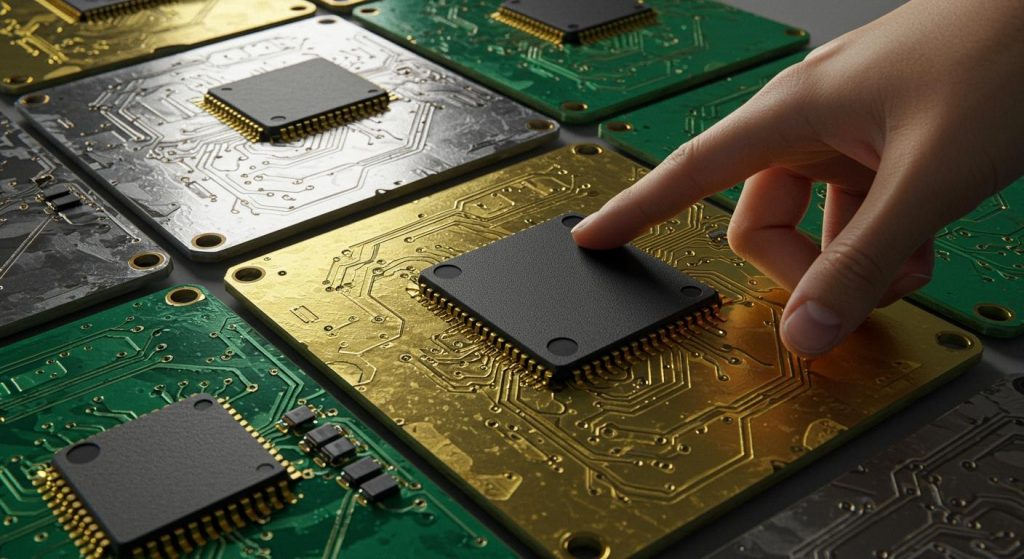
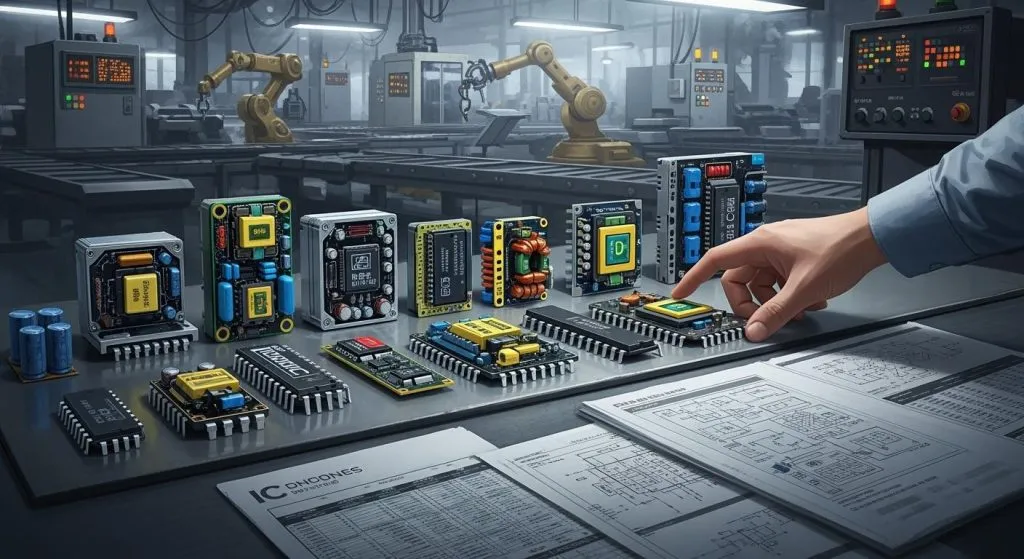
Taking care of PCB Maintenance and Repair is important to keep electronics working well. A broken PCB can cause problems, making devices unsafe or unreliable. Industries like healthcare and car electronics depend on strong PCBs, where failures can be very serious.
Ignoring PCB Maintenance and Repair issues can cause devices to stop working and cost more to fix or replace. Every year, about 50 million tons of electronics are thrown away. Fixing PCBs through proper maintenance and repair can save up to 70% of the cost compared to making new ones. Smart tools like machine learning now find problems early, showing how important PCB Maintenance and Repair is to avoid big expenses.
By spotting problems early, fixing them quickly, and preventing damage, you can make PCBs last longer and keep devices dependable.
Key Takeaways
Check your PCB often to find problems early. Look for loose parts, burn marks, or rust to stop bigger issues.
Use a multimeter to check connections and spot problems. This tool keeps your PCB working well and saves repair costs.
Keep your PCB cool with good airflow. Proper cooling stops overheating, which can harm parts and shorten its life.
Buy good-quality PCBs from trusted sellers. Strong boards last longer and lower the risk of breaking, saving time and money.
Get expert help for hard repairs. Professionals have the tools and skills to fix big damage, making your PCB work like new.
Key Signs of PCB Issues
Power Loss
Losing power is a common sign of a bad pcb. If your device turns off suddenly or won’t start, the problem might be in the circuit board. This could happen because of broken parts, damaged paths, or bad components. You might see flickering lights or uneven performance.
To fix power loss, check the power source and connections first. Look for loose wires or parts that are not connected. If the issue continues, the pcb might need a closer look or fixing.
Tip: Always unplug the power before checking or fixing a pcb to stay safe.
Overheating or Burn Marks
Too much heat is another sign of pcb trouble. Heat can harm parts and leave burn marks on the board. This happens when parts are overworked or when the pcb doesn’t have enough airflow.
You can spot overheating by carefully touching the device or looking for color changes on the board. Burn marks often show up near resistors, capacitors, or other heat-sensitive parts. If you see these signs, act fast to stop more damage. Better airflow or replacing broken parts can solve the problem.
Malfunctioning Components
Broken parts can mess up the whole pcb and make the device fail. These problems can come from old age, factory mistakes, or things like water and dust.
Testing for heat and shaking can find bad parts. These tests show how stress affects the pcb over time. Studies also link part failures to pcb problems. Engineers use data to predict and stop these issues.
If you think a part is broken, check it carefully. Replace bad parts quickly to make the pcb work again. Regular check-ups can help avoid these problems later.
Physical Damage or Corrosion
Physical damage or rust can harm how a pcb works. You might see cracks, scratches, or color changes on the board. These problems often happen because of water, dust, or dropping the device. Heat and shaking can also weaken the board over time. Rust, which shows wear, looks like green or white spots on the pcb.
Mistakes during manufacturing, like drilling errors, can also cause damage. These problems might not show right away but can make the pcb less reliable later. For example, smart systems now find rust on parts during assembly. This helps factories fix bad connections and stop devices from failing.
To fix damage or rust, clean the pcb with rubbing alcohol and a soft brush. This clears dirt and rust without hurting the board. If you see cracks or broken lines, fix them with conductive ink or solder. Always handle the pcb gently to avoid more damage.
Tip: Keep your pcb in a dry, clean place to stop rust and damage.
Circuit Shortages or Open Circuits
Shortages and open circuits are common reasons for pcb problems. A short happens when two paths connect by mistake, sending power the wrong way. This can cause overheating, broken parts, or the device to stop working. Open circuits happen when a connection breaks, stopping electricity flow.
Design mistakes during pcb making often cause shorts. For example, traces placed too close can connect accidentally. Open circuits can come from broken solder joints or damaged parts. These problems can make devices act strangely or stop working.
The table below shows examples of how shortages and open circuits cause pcb failures:
Evidence Description | Link |
|---|---|
Shorts during PCB making can cause failures later. | |
Shortages can make devices unstable, showing pcb problems. |
To fix these problems, check the pcb for damage. Use a multimeter to find broken or shorted areas. Fix broken lines with solder or conductive ink, and replace bad parts if needed.
Note: Checking your pcb often can help find problems early and save money on repairs.
Troubleshooting Techniques for PCB Maintenance and Repair
Visual Inspections
Looking at the pcb is a simple way to find problems. Check for loose parts, burned spots, or solder mistakes. These can show where the issue is. Don’t turn on the board before checking it, as this might make things worse.
To inspect better, follow these steps:
Understand the board’s layout and connections.
Compare it with a working board to find differences.
Use a magnifying glass or microscope to see small details.
Research shows that visual checks can catch early pcb problems. For example, Loh et al. (1999) used images to check solder quality. Ma et al. (2010) used machine vision to improve image clarity. These methods prove how useful visual inspections are.
Study | Findings | Method |
|---|---|---|
Loh et al. (1999) | Checked solder quality using images | Manual inspection with digital tools |
Ma et al. (2010) | Used machine vision for clearer images | Special lighting and math tools |
Borthakur et al. (2015) | Found defects with wavelet transform | Image comparison with 82.5% accuracy |
Tip: Use bright light when inspecting to spot tiny flaws.
Multimeter Diagnostics
A multimeter is a key tool for fixing pcb problems. It measures voltage, resistance, and continuity to find faults. Set the multimeter to the right mode before testing. Check different parts of the board for broken paths or shorts.
For instance, use the continuity mode to test if a path is complete. A beep means the connection works. No beep means there’s a break. Also, check voltage on parts to see if they work properly.
Note: Always unplug the power before using a multimeter to stay safe.
Signal Tracing
Signal tracing is a harder but helpful way to find pcb issues. It checks how signals move through the board by measuring voltage and waveforms.
Studies show signal tracing works well for finding faults. For example, researchers tested signal interference like crosstalk on boards. Their results matched real-world data, proving this method is reliable.
Signal tracing finds problems like crosstalk, where signals mix up.
Special algorithms for tracing have been tested and trusted.
To trace signals, use tools like an oscilloscope. These tools show how signals flow and help find problems.
Tip: Keep a circuit diagram nearby when tracing signals for better accuracy.
Advanced Testing Methods
Advanced tests help find tricky pcb problems basic tools miss. These tests use special tools to check the board’s quality. They are great for spotting hidden or rare issues in complex designs.
Here are some advanced testing methods to try:
Automated Optical Inspection (AOI): Cameras scan the pcb for mistakes like bad soldering or missing parts. This method is fast and accurate.
X-ray Inspection: X-rays show inside the pcb, finding cracks or gaps in solder.
Boundary Scan Testing: This checks connections between parts without touching the board. It works well for tightly packed boards.
Functional Testing: This test mimics real-life use to see if the pcb works properly.
These methods make your pcb work better and last longer. They also save money by catching problems early, keeping customers happy.
Tip: Use advanced tests when basic tools can’t find the issue. They are worth it for tough repairs.
Professional Assistance
Sometimes, fixing a pcb needs skills you don’t have. In these cases, getting help from experts is the best choice. Professionals have the right tools and know-how for hard repairs.
When should you ask for professional help?
Severe Damage: If the pcb has big cracks or rust, experts can decide if it’s better to fix or replace it.
Complex Issues: Problems like signal mix-ups or multilayer board errors need special tools only experts have.
Time Constraints: If you’re too busy to fix the pcb, professionals can do it quickly and correctly.
Experts often give warranties for their work, so you feel secure. Many repair shops use advanced tools to make your pcb work like new.
Note: Always pick a certified repair service to ensure good quality and avoid more damage to your pcb.
Repair Tips for PCB Maintenance and Repair
Resoldering Connections
Resoldering fixes weak or broken pcb connections. Over time, solder joints may crack or loosen, stopping electricity flow. To fix this, reheat the joint and add fresh solder to reconnect it.
Steps for safe resoldering:
Use a clean, fine-tipped soldering iron.
Heat the joint evenly without harming nearby parts.
Add a small amount of solder for a strong connection.
Tip: Work in a ventilated space to avoid breathing solder fumes.
Resoldering helps your pcb work again and stops more damage. Regular checks can find weak joints early, saving repair costs.
Replacing Components
If a part on your pcb breaks, replacing it is best. Broken parts can cause problems or harm other board areas. Use tools like a multimeter to find the bad part.
Steps to replace a part:
Remove the broken part with a soldering iron or pump.
Clean the spot to remove leftover solder or dirt.
Attach the new part, making sure it fits correctly.
Good-quality parts make your pcb last longer. Tools like X-rays can find hidden part issues, making replacements easier.
Cleaning Corrosion
Corrosion can hurt your pcb and shorten its life. It looks like green or white spots caused by moisture or dirt. Cleaning it quickly can fix the board and stop more harm.
Steps to clean corrosion:
Use rubbing alcohol and a soft brush to clean gently.
For tough spots, try special pcb cleaning products.
Dry the board completely before putting it back together.
Note: Adding protective coatings after cleaning keeps your pcb safe from future rust. These coatings block dust and moisture, helping your board last longer.
Cleaning and protecting your pcb keeps it working well. Knowing what causes corrosion and cleaning it right ensures your devices stay reliable.
Fixing Broken Traces
Broken traces stop electricity from flowing in a pcb, causing devices to fail. Fixing these traces is key to making the board work again. Scratches, shaking, or spills often break traces, but good repair methods can make the pcb work like new.
To fix broken traces, do these steps:
Use a multimeter to find where the trace is broken.
Clean the area with rubbing alcohol to remove dirt or rust.
Use conductive ink or a soldering iron to fix the trace.
New ways to repair are helpful for flexible pcbs and special devices. These boards are heat-sensitive, so careful methods are needed to avoid more damage. Studies show these methods work well to keep pcbs reliable.
Repair Method | What It Does |
|---|---|
Trace Repair | Fixes broken circuits caused by scratches, shaking, or spills. |
Tip: Be gentle with the pcb during repairs to avoid more harm.
Keeping copper traces connected helps the pcb work smoothly. Regular checks can find problems early, saving time and money on repairs.
When to Replace a PCB
Sometimes, fixing a pcb isn’t the best choice. Replacing it is better if the damage is too much or repairs cost more than a new board. Think about these points before deciding:
Cost Check: Look at the cost of fixing versus replacing. Checking part prices early can stop surprise costs later.
Part Choices: Decide if using single parts or combined ones saves money. For example, picking between a DAQ card or a microprocessor can change costs and time.
Design Ideas: Look at diagrams to find ways to save, like making the pcb smaller or using less power.
Planning for part costs and availability is important to avoid last-minute changes. Managers should also share resources wisely to keep things running smoothly.
Note: Replacing a pcb might be cheaper if it has many layers or if key parts are hard to find.
By comparing repair and replacement costs, you can choose what’s best for your budget and device performance.
Preventive Measures for PCB Maintenance and Repair
Ventilation and Cooling
Good airflow and cooling keep your pcb working longer. Too much heat can harm parts, lower efficiency, and cause failures. Managing heat well helps your pcb stay reliable.
You can cool your pcb with fans, heat sinks, or liquid cooling. Liquid cooling works best but costs more and is harder to set up. For most devices, a fan or better airflow can lower heat easily.
How Cooling Helps Your PCB |
|---|
Too much heat shortens lifespan and lowers efficiency. |
Good cooling improves performance and reliability. |
Liquid cooling works well but is more complex. |
Keeping the temperature low is key for small devices where heat builds fast. A cool pcb avoids overheating and lasts longer.
Tip: Put your device in a cool, open space to stop heat buildup.
Regular Inspections
Checking your pcb often is an easy way to stop problems. Regular checks can find loose parts, rust, or damage before they get worse.
Steps for checking your pcb:
Look for burn marks, cracks, or broken lines.
Use a magnifying glass to check solder joints and parts.
Test connections with a multimeter to see if they work.
Smart tools like XGBoost predict problems by spotting heat changes early. These tools find issues with 94% accuracy, helping you fix them before they cause trouble.
Note: Check your pcb every few months to catch problems early.
High-Quality PCB Sourcing
A good-quality pcb makes devices work better and last longer. High-quality boards fail less, saving money and time.
When buying pcbs, look for these features:
Low signal loss for better performance.
Good heat control to stop overheating.
Protection against rust and wear.
Most electronic failures come from bad pcbs, so quality matters. Trusted makers follow standards, giving you better boards that last.
Tip: Always check your pcb supplier’s certifications to avoid bad products.
By improving cooling, checking often, and choosing good boards, you can keep your pcb in great shape and avoid expensive fixes.
Proper Soldering Practices
Good soldering is key to keeping a pcb working well. Bad soldering can make weak connections, causing devices to fail. Always make sure solder joints are strong and neat to avoid issues later. Weak joints, like cold or poorly filled ones, often cause pcb problems. These happen when the soldering heat is too low or not enough solder is used.
To solder better, follow these steps:
Use enough solder to avoid weak joints.
Set the right heat to stop cold joints.
Clean the pcb before soldering for better bonding.
Heat the pad and pin evenly for a strong hold.
These steps help prevent cracks and weak spots. A properly soldered pcb lasts longer and works better. Always work in a space with good airflow and use quality tools for the best results.
Tip: Practice on an old pcb before working on your main one. This helps you improve and avoid mistakes.
Environmental Protection
Caring for the environment is part of good pcb maintenance. Mishandling pcbs can create harmful waste that hurts nature. Simple actions can lower the environmental impact while keeping pcbs in good shape.
Dispose of damaged pcbs the right way. Many parts have harmful materials like lead or mercury. Recycling these stops them from harming the planet. Find certified e-waste centers near you for safe disposal.
Fixing pcbs instead of replacing them also reduces waste. Repairing broken lines, resoldering, or swapping parts makes pcbs last longer. This saves resources and energy by needing fewer new boards.
Note: Use lead-free solder when you can. It’s safer for you and the planet.
By using eco-friendly habits, you help protect the earth and keep your pcbs in great condition.
Finding PCB problems early saves money and avoids device failures. Fixing issues quickly stops the need for costly repairs or redesigns. Working with manufacturers during the design stage can prevent expensive mistakes, as shown below:
Source | Evidence |
|---|---|
AnyPCB | Talking to manufacturers early helps spot costly design problems. |
Using DFM rules during design lowers errors and extra costs. | |
ProtoExpress | Improving board design prevents factory issues and saves money. |
Taking care of your PCB regularly makes it last longer. Predictive maintenance uses data and smart tools to find problems early. This method keeps devices running well and avoids breakdowns. By following these tips, you save money and keep your electronics working great.
FAQ
What tools are needed for PCB repair?
You’ll need simple tools like a soldering iron and tweezers. A multimeter is useful for checking connections. For harder fixes, use an oscilloscope or X-ray tools. A magnifying glass helps you see small details.
Tip: Buy good-quality tools for safer and better repairs.
How can PCB overheating be avoided?
Make sure your device has good airflow. Use fans or heat sinks to keep it cool. Don’t put your device in tight spaces where heat can trap.
Quick Tips:
Place the device in a cool spot.
Clean dust from vents often.
Can a badly damaged PCB be fixed?
Yes, but it depends on how bad the damage is. Small problems like broken lines or loose parts can be fixed. Big issues like deep cracks or burnt layers might need a new board.
Note: For tough repairs, ask an expert to avoid more harm.
How often should a PCB be checked?
Check your PCB every 3 to 6 months. Look for rust, loose parts, or cracks. Regular checks help find problems early and make the PCB last longer.
Reminder: Use a multimeter to test if connections work.
Should you fix or replace a PCB?
Fixing is cheaper for small problems. Replacing is better for big damage or old boards. Compare the cost of fixing and replacing before deciding.
Situation | Best Choice |
|---|---|
Small damage | Fix |
Big damage | Replace |
Old technology | Replace |
Tip: Think about time and money before choosing what to do.