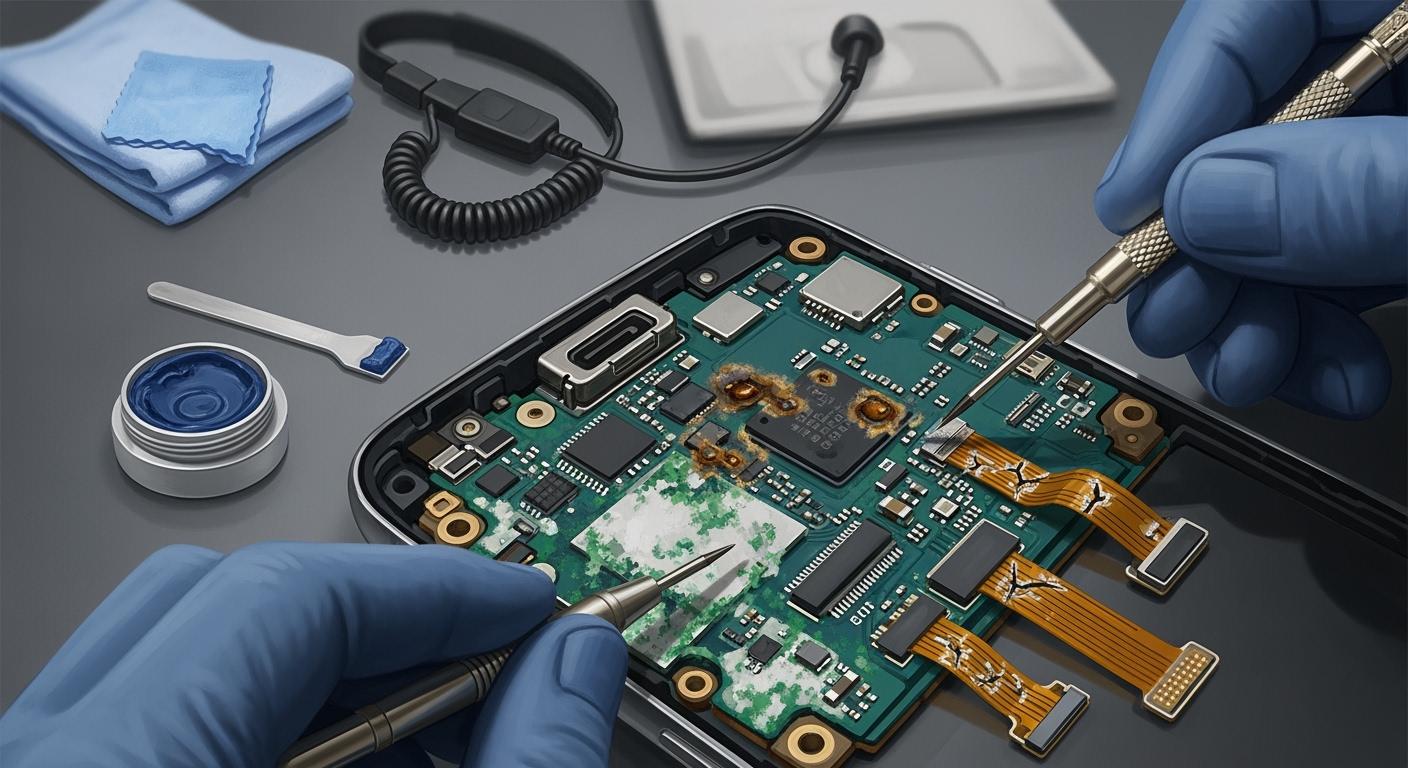
You may ask why mobile phone motherboards stop working. The biggest causes are overheating, water getting inside, physical harm, power problems, and not taking care of them. If you do not fix these issues, mobile phone motherboards can break fast. You could lose your data and pay more for repairs when mobile phone motherboards fail. Doing easy things helps you keep mobile phone motherboards safe from usual risks. With smart habits, you make mobile phone motherboards last longer and avoid problems.
Key Takeaways
Mobile phone motherboards can stop working because of too much heat, water getting inside, being dropped, or bad charging habits.
A strong case and a screen protector help stop damage from falls and hits.
Keep your phone cool and do not use heavy apps when charging to stop it from getting too hot.
Use only chargers and cables that are certified to stop power surges that can hurt the motherboard.
Clean your phone often and look for dust to stop short circuits and help your phone last longer.
Common Causes of Cell Phone Motherboard Damage
You should know why your phone’s motherboard can stop working. If you learn about these problems early, you can keep your phone safe and save money. The main reasons for cell phone motherboard damage are physical damage, overheating, and power surges from charging problems. Let’s talk about each one.
Cause | Description |
|---|---|
Physical Damage | Dropping the phone can crack the board and disconnect parts. |
Overheating | Too much heat can bend the motherboard and cause damage. |
Power Surges | Using bad chargers can send too much power and hurt the motherboard. |
Physical Damage
Physical damage is a top reason for cell phone motherboard problems. If you drop your phone or press it hard, you can break parts inside. Even a small drop can make tiny cracks in the motherboard. You might not see these cracks, but they can cause trouble later. Dropping your phone many times makes the damage worse. Your phone might stop working or lose its connection to the screen or battery.
Tip: Use a strong case and a screen protector. These help stop damage from drops and bumps.
Overheating
Overheating is another big reason motherboards fail. Phones work best between 0℃ and 35℃. If it gets hotter than 45℃, the motherboard can get hurt. Overheating happens when you play games, charge for a long time, or leave your phone in the sun. Too much heat can bend the board and make the battery unsafe. Your phone might feel hot or turn off by itself.
Temperature Range | Description |
|---|---|
0℃ – 35℃ | Safe range for your phone’s motherboard |
> 45℃ | Overheating can cause permanent damage |
Note: If your phone feels hot, stop using it and let it cool. Do not use heavy apps for a long time.
Power Surges and Charging Issues
Power surges and charging problems can also hurt your motherboard. If you use cheap or fake chargers, your phone can get too much power. This can burn parts of the motherboard. Bad charging habits, like charging all night or using broken cables, make things worse. Your phone might charge slowly, restart, or not turn on.
Use only chargers and cables from good brands.
Unplug your phone when it is fully charged.
Check your charging cable for damage before you use it.
Remember: Good charging habits help stop power surges and keep your motherboard safe.
If you know these common causes early, you can protect your phone. Simple steps can help your phone last longer.
Water Exposure and Liquid Damage
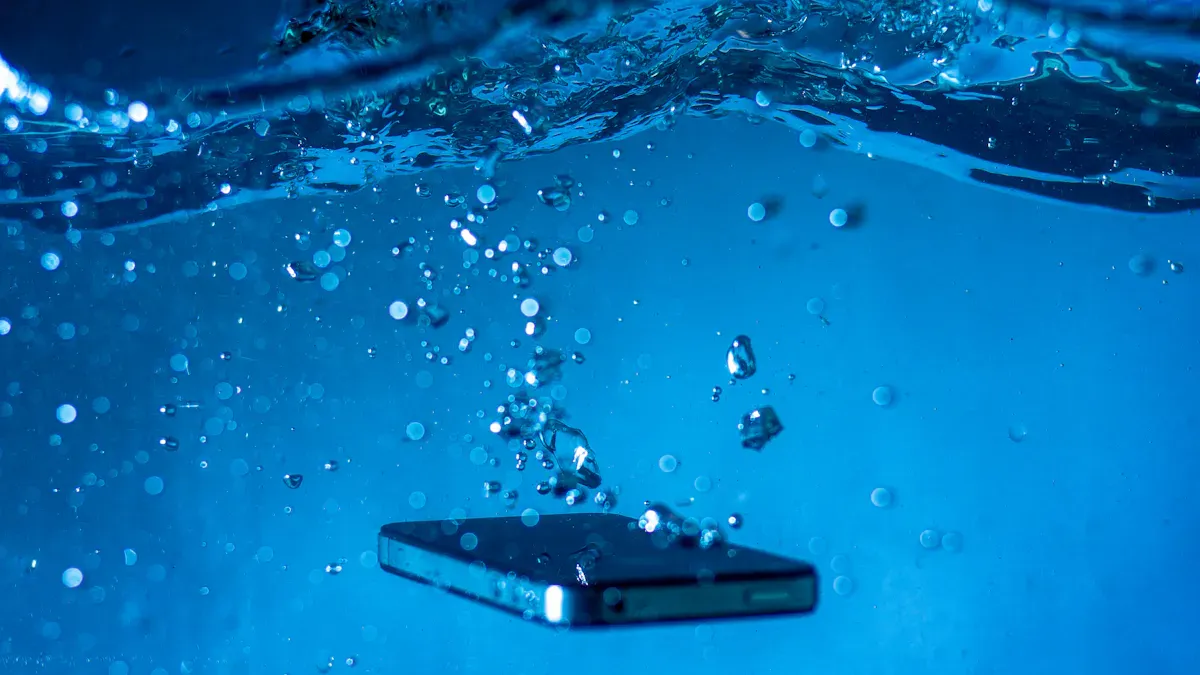
How Water Affects Mobile Phone Motherboards
You should know that water and electronics do not mix. When water gets inside your phone, it can cause serious problems. Water creates paths for electricity to flow where it should not. This can lead to short circuits. Short circuits make your phone stop working right away. Over time, water can also cause corrosion. Corrosion happens when water touches metal parts inside your phone. The metal starts to break down, and this weakens the motherboard. Liquid damage often leads to malfunctioning buttons, a screen that does not respond, or a phone that will not turn on.
Liquid exposure is a common cause of motherboard failure.
Water can create short circuits and damage important parts.
Corrosion from liquid damage can slowly destroy your phone’s motherboard.
Prevention Tips for Water and Moisture
You face many risks for water exposure and liquid damage in daily life. Here are some common ways your phone can get wet:
You might drop your phone in a sink, pool, or puddle.
Rain can seep into your phone’s ports if you use it outside.
Sweat during workouts can cause moisture to build up inside.
Spills from drinks can reach your phone quickly.
Steam from showers or hot tubs can get inside your phone.
Saltwater at the beach can cause even more liquid damage.
You can protect your phone from liquid damage by following these tips:
Use a waterproof case to seal your phone from water.
Keep your phone away from bathrooms, kitchens, and other humid places.
Store your phone in a waterproof bag when you are near water.
Check your phone for open crevices and seal them if needed.
Clean your phone with a dry cloth and never use liquids.
Tip: If your phone gets wet, turn it off right away and let it dry completely before turning it back on.
By staying alert and using these strategies, you can prevent water exposure and liquid damage from ruining your phone.
Common Causes of Mobile Motherboard Shorting
You might not know it, but mobile motherboard shorting can happen in many ways. If you learn about the main causes, you can keep your device safe and save money. Let’s see what causes shorting and how to stop it.
Dust and Debris Buildup
Dust and debris can hurt your phone without you noticing. When dust builds up inside, it lets electricity go where it should not. This can make the motherboard short out. Dust also blocks air from moving, so your phone gets hot. In wet places, dust soaks up water and makes a film. This film can connect parts that should not touch, causing shorting. Over time, dust can even make metal parts rust and break the motherboard.
Dust can let electricity move between parts.
Too much dust stops air and makes the phone hot.
In wet air, dust gets wet and forms a film that conducts electricity.
Dust for a long time can cause rust and damage that does not go away.
To stop dust from causing shorting, try these tips:
Check the charging port every 2–3 weeks.
Use compressed air once a month to clean out dust.
Do not put your phone in pockets with lots of lint.
Charge your phone on a clean, flat place.
Try wireless charging to use the port less.
Tip: Cleaning your phone often helps stop shorting and makes it last longer.
Faulty Batteries and Overcharging
Bad batteries are a big reason for mobile motherboard shorting. If your battery gets bigger, it can push on the motherboard and crack it. Swollen batteries can also make connectors come loose inside your phone. Bad batteries can make the power go up and down, which hurts the circuits and voltage regulators. Sometimes, broken batteries leak and this can make the motherboard rust and short out. Look for signs like swelling, getting hot, or leaking. Change bad batteries fast to stop shorting.
Low-Quality Chargers
Using cheap chargers is another reason for mobile motherboard shorting. Bad chargers can make the power change quickly and cause surges. These problems can hurt the charging port, battery, and motherboard. Your phone might charge slowly, restart, or not turn on. Sometimes, bad chargers can mess up your phone’s software. This can make bugs that stress the hardware and cause shorting.
Using cheap chargers a lot can break the power-management IC.
Power that is not steady can hurt the battery and mess up the software.
The charging port and motherboard can get damaged.
Sometimes, your phone might stop working.
To stay safe, always use good chargers and cables that are certified. Real chargers keep your phone’s hardware and data safe. Certified accessories help stop shorting and protect your phone.
Note: Do not charge your phone from places you do not trust. This helps stop power changes and keeps your phone safe from shorting.
If you know what causes mobile motherboard shorting, you can do easy things to protect your phone. Cleaning, careful charging, and using good accessories help stop shorting and keep your motherboard safe.
Solutions and Prevention Tips
General Care and Maintenance
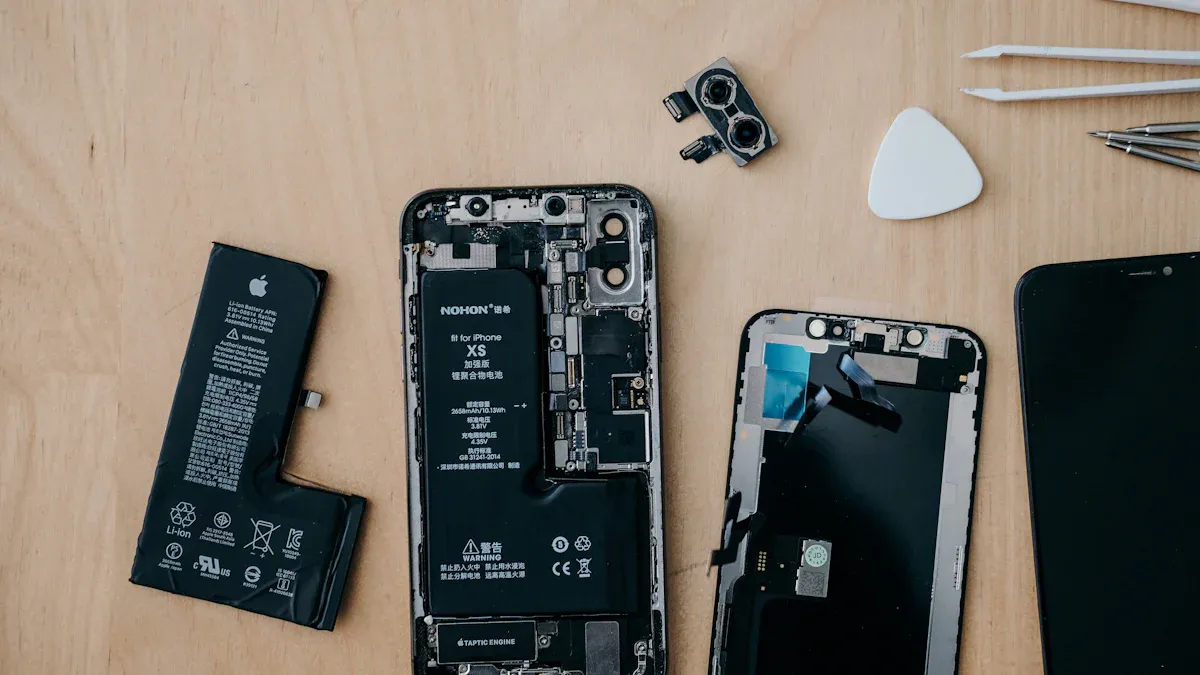
You can keep your phone’s motherboard safe with easy steps. Clean your phone often to get rid of dust and dirt. Use a soft cloth or compressed air for the charging port and buttons. Try not to drop your phone or press it too hard. Pick a strong case to help protect it from damage. Keep your phone away from water and wet places. These steps lower the risk of problems if you take care of your phone. If your phone gets too hot, let it cool before using it again. Taking care of your phone often stops many problems before they happen.
Tip: Set a reminder every month to check your phone for dust and damage.
Safe Charging Practices
Charging your phone the right way keeps the motherboard safe from heat and shorting. Here are some tips to stop mobile motherboard shorting:
Only use chargers and cables that are approved or certified.
Charge your phone in a cool, dry place.
Do not charge your phone under pillows or blankets.
Check your cables for damage and change them if needed.
Do not play games or use heavy apps while charging fast.
Clean the charging port often.
Unplug your phone when it is fully charged.
“Even small changes in voltage can slowly hurt lithium-ion cells. Over time, this can make the battery wear out.” — Dr. Alan Zhou, Electrical Engineer & Battery Systems Researcher
Using real accessories lowers the chance of overheating and keeps the motherboard safe. Fake chargers can cause power surges and break your phone. New phones have some protection, but too many power problems can still cause damage.
When to Seek Professional Help
Sometimes, you need more help than just basic care. If your phone will not turn on, gets stuck at the logo, has no display, feels hot in one spot, or shuts down suddenly, you should get it checked by a pro. The table below shows when you need expert help and what they might do:
Symptoms | Diagnostic Steps |
|---|---|
Complete unresponsiveness | Measure battery interface voltage |
Stuck at manufacturer logo | Flash stock firmware via EDL mode |
No display | Check LCD connector |
Localized heating >65°C | Identify shorted capacitors |
Sudden shutdowns | Reapply thermal interface material |
Fixing your phone can cost $50 for small problems or over $200 for big ones. Getting a new phone usually costs more. Think about the repair cost and your phone’s value before you decide.
Note: Getting help from a pro for big problems saves time and stops more damage to the motherboard.
Doing these things helps you avoid heat, shorting, and expensive repairs. Taking care of your phone helps it last longer.
You can prevent most motherboard failures by following smart habits. The biggest mistakes are letting your phone get wet, dropping it, overheating, and using poor chargers. To help your phone last longer:
Use a strong case.
Avoid water and heat.
Charge with real accessories.
Update your software.
Replace swollen batteries.
Regular checks help you spot problems early. If you need more help, ask a repair expert or join a community forum. Share your story or ask questions to help others.
FAQ
What signs show my phone’s motherboard is failing?
You may see your phone freeze, restart by itself, or not turn on. The screen might stay black. Charging could stop working. If you notice these problems, your motherboard might have damage.
Can I fix a damaged motherboard at home?
You should not try to fix a motherboard at home. The parts are very small and need special tools. You can make the problem worse. Always ask a trained technician for help.
Does using my phone while charging cause damage?
Using your phone while charging can make it hot. Too much heat can hurt the motherboard over time. Try to let your phone rest when it charges for better safety.
How often should I clean my phone’s charging port?
You should check and clean the charging port every two to three weeks. Use a soft brush or compressed air. Keeping the port clean helps prevent short circuits and keeps your phone safe.
Will a waterproof case fully protect my phone from water?
A waterproof case gives strong protection, but no case is perfect. Water can still get in if the case is not closed right. Always double-check the seal before you go near water. 🛡️