
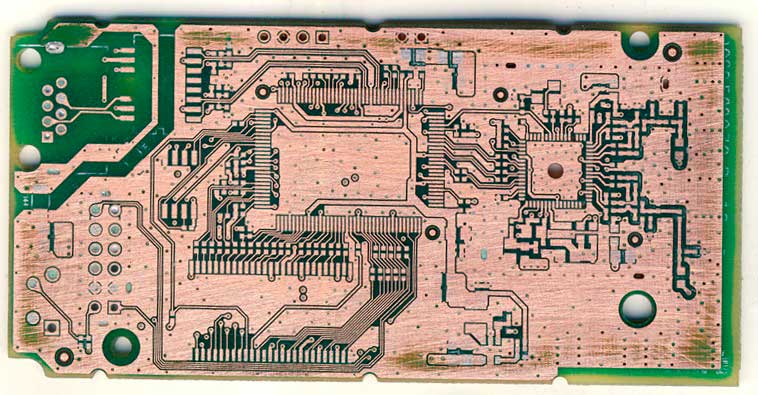


Get a PCB and first record the model, parameters, and location of all vitality components on paper, especially the direction of the diode, triode, and IC gap.
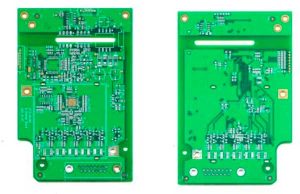 Remove all components and remove the tin from the PAD holes. Use alcohol to clean the PCB, then put it into the scanner, start PHOTOSHOP, and color the silk Scan the printing surface and print it out for later use.
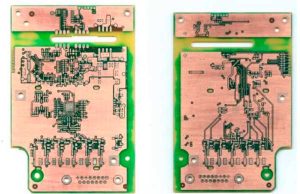 Lightly polish the TOPLAYER and BOTTOMLAYER layers with water gauze paper until the copper film is shiny. Put it in the scanner, start PHOTOSHOP, and scan the two layers in color. Note that the PCB must be placed horizontally and vertically in the scanner, otherwise the scanned image will not be usable.
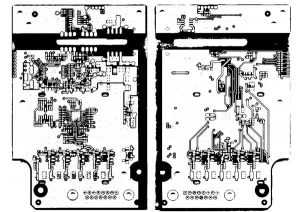 Adjust the contrast and lightness of the canvas so that the part with copper film and the part without copper film are in strong contrast. Then convert the image to black and white and check whether the lines are clear. If not, repeat this step. If it is clear, save the image as black and white BMP format files TOP.BMP and BOT.BMP.
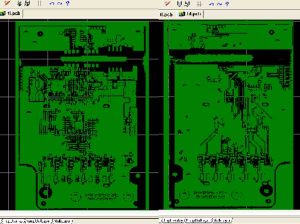 Convert the two BMP format files to PROTEL format files respectively, and transfer the two layers in PROTEL. The positions of PAD and VIA on the two layers are basically coincident, indicating that the first few steps are done well. If there is a deviation, repeat the third step.
Take the top.bmp/bottom.gmp File to convert to the top.PCB/bottom.PCB, pay attention to convert it to the Drill Guide layer, then just trace the line on the Top layer/Bottom Layer, and place the component package according to the picture. After painting, delete the Drill Guide layer.
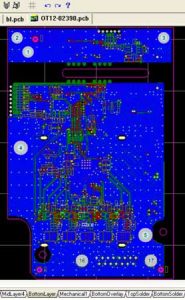 Set TOP in PROTEL. PCB and BOT. PCB is transferred in and merged into one picture and it is OK.
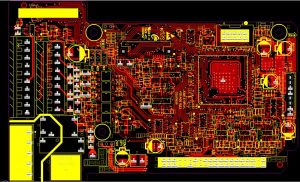 Inspection. After drawing all the layers, you still need to check carefully. Export the drawn PCB file as a GERBER file, open it through CAM2000DE, then export the picture and compare it with your PCB source file to see if there are any omissions or errors.