Your phone dies before lunch. Your drawer is full of tangled cables and wrong adapters. You wonder which charger works best. Battery management and USB-C work together to give smart, safe, and fast charging. They do this by letting the charger and device agree on the best voltage and current.
These two act as a smart charging team. Your device’s battery management system checks temperature and power flow constantly. Meanwhile, USB Type-C charging allows for flexible power delivery. The USB Type-C port talks directly with the charger. This protects your battery’s health while making it as fast as possible. You get faster charges without hurting battery life. Understanding this partnership helps you charge smarter every day.
Key Takeaways
Battery management and USB-C work together to give safe, fast, and effective charging.
The battery management system checks temperature and power to keep the battery healthy.
USB-C Power Delivery picks the best voltage and current for your device.
Using certified USB-IF accessories prevents damage and extends battery life.
Higher-wattage chargers are safe because the device controls how much power it uses.
The Role of Battery Management
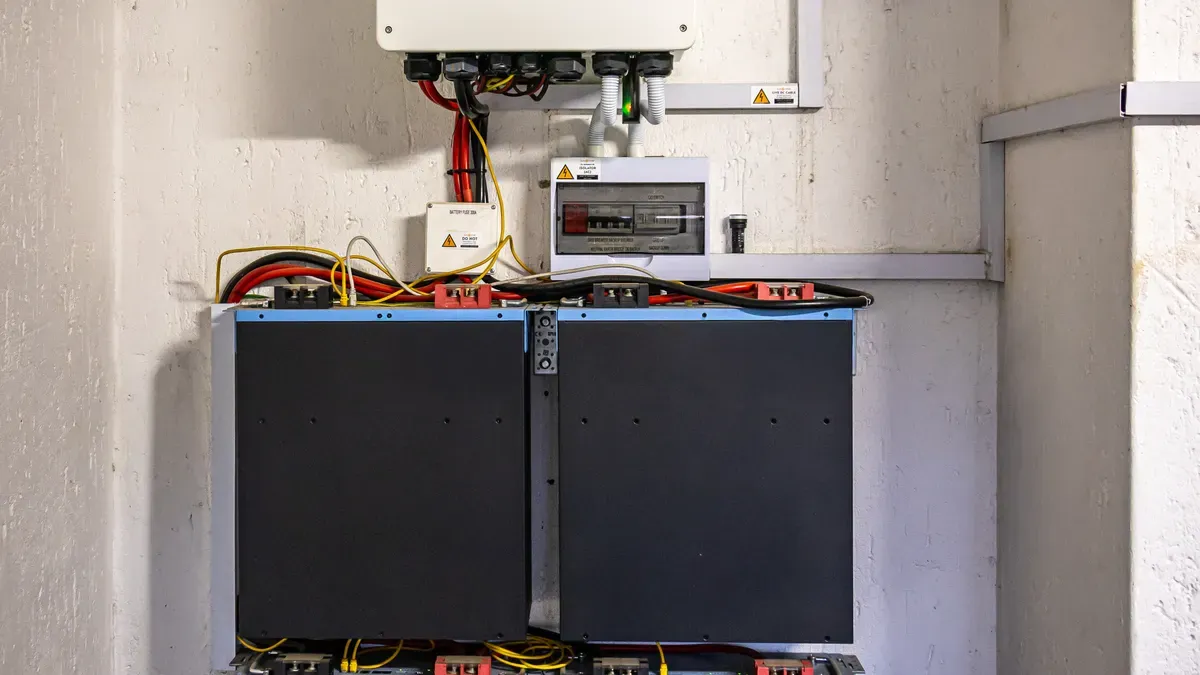
Think of a battery management system as the brain of your device’s power setup. It does not charge your cells directly. Instead, it manages the entire charging process. This system monitors key parameters every moment. It tracks voltage, current, and temperature across the cells. Advanced systems sample these parameters hundreds of times per second. This constant monitoring keeps your cells safe and working at their best.
Core BMS Functions
This system performs several critical jobs. First, it monitors voltage, current, and temperature. This tracking prevents dangerous conditions like overheating. Second, it estimates the state of charge (SoC). This calculation tells you how much energy remains. Third, it performs cell balancing. Cells in a pack can drift apart over time. Balancing keeps them at the same voltage level. This maximizes capacity and lifespan. Fourth, the system handles power management. It controls power flow and prevents overcurrent situations. Protection functions safeguard against overcharging and overtemperature events. All these tasks happen automatically. You never see them working. But they keep your device running safely every day.
Why BMS Matters for Longevity
A good battery management solution directly impacts how long your cells last. Without proper management, cells degrade faster. They lose capacity over time. They may even become unsafe. An integrated battery management approach prevents these problems. It ensures your cells stay within safe operating limits. Temperature control is especially important. High temperatures reduce life significantly. Your system activates cooling or reduces charging speed to protect the cells.
Modern usb type-c designs use a different battery management solution like the TI BQ25798. This chip saves space and reduces complexity. It supports charging up to 20V at 5A without any external FETs. That means fewer components on your circuit board. The design removes the need for a separate microcontroller. The TPS25750 PD controller handles all communication. This simplifies firmware development. Engineers can use a web-based GUI to configure the system. The result is a smaller, simpler charging circuit for your usb type-c device. This integrated battery management chip delivers excellent performance. Your battery benefits from precise control. The system protects your battery health over many cycles. Effective battery management keeps your cells safe. This battery management approach is integrated into your usb type-c device. The integrated design protects your battery. Your cells last longer with proper care.
USB Type-C Charging Capabilities
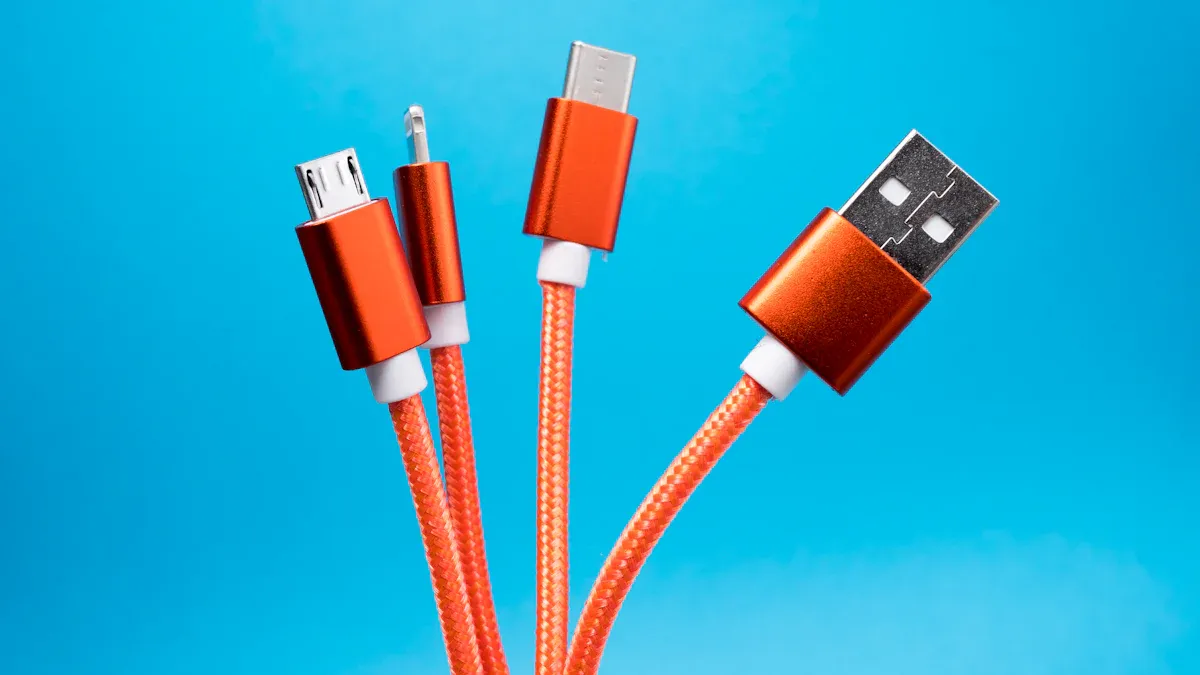
USB Type-C charging changes how you power your devices. The USB PD 3.1 rule sets three higher power levels. These levels let you charge everything from tiny earbuds to big laptops. The table below shows the maximum power delivery options available.
Voltage | Power Level |
|---|---|
28V | 140W |
36V | 180W |
48V | 240W |
The highest power is 240W at 48V and 5A. This ability means one USB Type-C port can work with many devices. You can charge a smartwatch or a computer with the same plug.
Power Delivery Protocol Basics
Power delivery talks happen in a clear order. The charger first checks what the cable can handle. It sends a message with Power Data Objects (PDOs). Your device then sends back a Request Data Object (RDO). This asks for the voltage and current it wants. The charger says yes or no to your request. If yes, the charger changes its power before sending a PS Ready message. Only after that can your device take the power it asked for.
The e-marker chip is very important for safety. This tiny part is inside the cable. It tells the charger the cable’s highest limits before any power moves. Without an e-marker, the system sets a safe limit of 60W. This stops the cable from getting too hot and causing danger. The e-marker decides the final power level.
Beyond Charging: Data and Power Integration
USB Type-C does more than just give power. It lets you send data fast while charging at the same time. Power talks use a separate channel. This way, data and power can flow together without messing each other up. You can move files while your battery charges at full speed.
The USB Type-C system can change power levels as needed. Devices can ask for more power when they need it and less power when they don’t. This makes the dual-role USB Type-C connector very useful. Your laptop can charge your phone, or your phone can power small gadgets.
New designs should use the USB-C power control system. Pushing voltage into the bus can be dangerous. The built-in method lets the system set safe levels on its own. This design protects your battery and makes things work well. The USB Type-C port handles power and data equally well. Your charging becomes simpler and safer with this tech.
How USB Type-C and BMS Interact
The real magic happens when your battery management system talks with the USB-C controller. These two components work as a team. Your device’s BMS knows exactly what your battery needs. The USB-C PD controller knows what the charger can provide. Together, they find the perfect match for every charging session.
Power Negotiation Process
The negotiation follows a clear sequence. When you plug in your charger, the process begins immediately.
Cable capability identification: The charger first checks what your USB-C cable can handle. It reads the e-marker chip embedded inside the cable.
Source capabilities message: The charger sends a message containing Power Data Objects (PDOs). These advertise available voltage and current combinations like 5V, 9V, 15V, and 20V.
Sink request: Your laptop or phone responds with a Request Data Object (RDO). This specifies which voltage and current your device wants.
Source accept/reject: The charger replies with either an accept or reject message based on your device’s request.
Voltage/current change: If accepted, the charger adjusts its output to match the requested voltage and current.
PS Ready message: The charger sends a “power supply ready” signal. Only then does your device draw the agreed power level.
USB PD works through negotiation. The source advertises what it can provide, the laptop requests a voltage and current combination, and power flows only after the devices agree. Common levels include 5V, 9V, 15V, and 20V, which is why a laptop expecting a 20V profile may not be satisfied by a low-output USB-C port.
Your battery management solution plays a critical role in this process. It tells the PD controller exactly what your cells need. This prevents voltage mismatches that could damage your battery.
Safety Features and Dynamic Scaling
Safety features work through constant communication. Your BMS monitors temperature and adjusts charging in real time. This dynamic scaling prevents overcharging and overheating.
The BMS works with the USB-C PD chip to negotiate the correct voltage (5V, 9V, 12V, 15V, 20V) for each connected device. This cooperation prevents voltage mismatches that could lead to overcharging, thereby addressing the safety measure for overcharging prevention.
Modern systems sample temperature frequently. A quality charger maintains lower temperatures during operation. This matters because heat degrades battery chemistry over time.
Parameter | Value/Description |
|---|---|
1 reading every 0.03 seconds (30 ms) vs. standard BMS every 3-10 seconds | |
Voltage adjustment precision | 20 mV (0.02V) increments via PPS |
Predictive response | Calculates rate of temperature change and reduces power before critical threshold |
Anker charger temperature at 30W | 38-45°C |
Budget charger temperature at 30W | 52-65°C |
Battery capacity after 1 year (quality charger) | 92-96% of original |
Battery capacity after 1 year (budget charger) | 82-90% or less |
The integrated design of modern charging systems delivers remarkable precision. Your usb type-c port communicates with the charger hundreds of times per second. This constant dialogue ensures your battery stays within safe limits.
The dual-role usb type-c connector adds another layer of flexibility. Your laptop can charge your phone. Your phone can power small accessories. The negotiation process works in both directions.
Your battery benefits from this intelligent cooperation. The usb type-c charging standard provides the highway for power. Your battery management system acts as the traffic controller. Together, they deliver safe, efficient charging every time.
The integrated approach means fewer components and simpler designs. Your usb type-c device handles power delivery smoothly. The system adapts to changing conditions automatically. When temperatures rise, charging slows down. When your battery approaches full capacity, the current tapers off.
This dynamic scaling directly addresses your concerns about battery health. You never need to worry about overcharging. The system prevents it automatically. You never need to worry about overheating. The predictive response catches problems before they become dangerous.
Your usb type-c charging experience becomes seamless. Plug in any certified charger. The negotiation happens automatically. Your battery stays protected. Your device charges at the optimal speed. This partnership between BMS and USB-C delivers the perfect charging experience.
Best Practices for Your Charging Duo
You now understand the smart partnership inside your device. You can make better choices about your charging habits. The right accessories and knowledge will protect your battery for years.
Choosing Certified Accessories
Your first step is selecting quality cables and chargers. Look for the USB-IF certification logo on every product you buy. This mark tells you the product passed strict quality tests. The USB-IF cable certification program maintains a list of cables that meet quality standards for USB environments.
All USB-C to USB-C cables must display a power capability label of either 60W or 240W.
Cables supporting higher data rates must show the appropriate speed logo, such as 20Gbps.
High-Speed USB-C to USB-C cables need the power icon and may add the USB 2.0 trident logo.
Products that pass the USB-IF Compliance Program are considered USB-IF certified and are added to the Integrators List and have the right to license the USB-IF Logos.
You can verify certification using the official USB-IF Product Search tool. This database lists only products that passed the compliance program. Remember that the public list defaults to products certified within the last two years. Older products may not meet current standards.
Cheap, uncertified accessories create serious risks. Non-certified chargers introduce dangerous voltage spikes. These spikes can reach 19.3V during transient load changes. This exceeds the safe 20V limit allowed only under strict PD negotiation. Your battery management controller can suffer permanent damage.
The damage goes beyond voltage problems. Knockoff cables trigger uncontrolled thermal throttling. Your device’s logic board temperature rises by 11.4°C on average. This heat accelerates battery degradation. After 120 charge cycles, batteries charged with uncertified accessories retained only 79.3% of original capacity. Certified equivalents kept 91.6%. That 12.3% difference means your battery dies much sooner.
Data corruption and security vulnerabilities add more danger. Non-certified accessories corrupt data at rates up to 37% during 10GB file transfers. Some devices skip cryptographic signature verification. Attacks like ‘BadPower’ can force sustained 28V output. This permanently damages security enclaves in modern chips.
Understanding Device Limits
You might think a higher-watt charger always charges faster. This is not true. Your device’s battery management system caps the input to its safe limit. The integrated BMS knows exactly what your cells can handle. It will not accept more power than your battery needs.
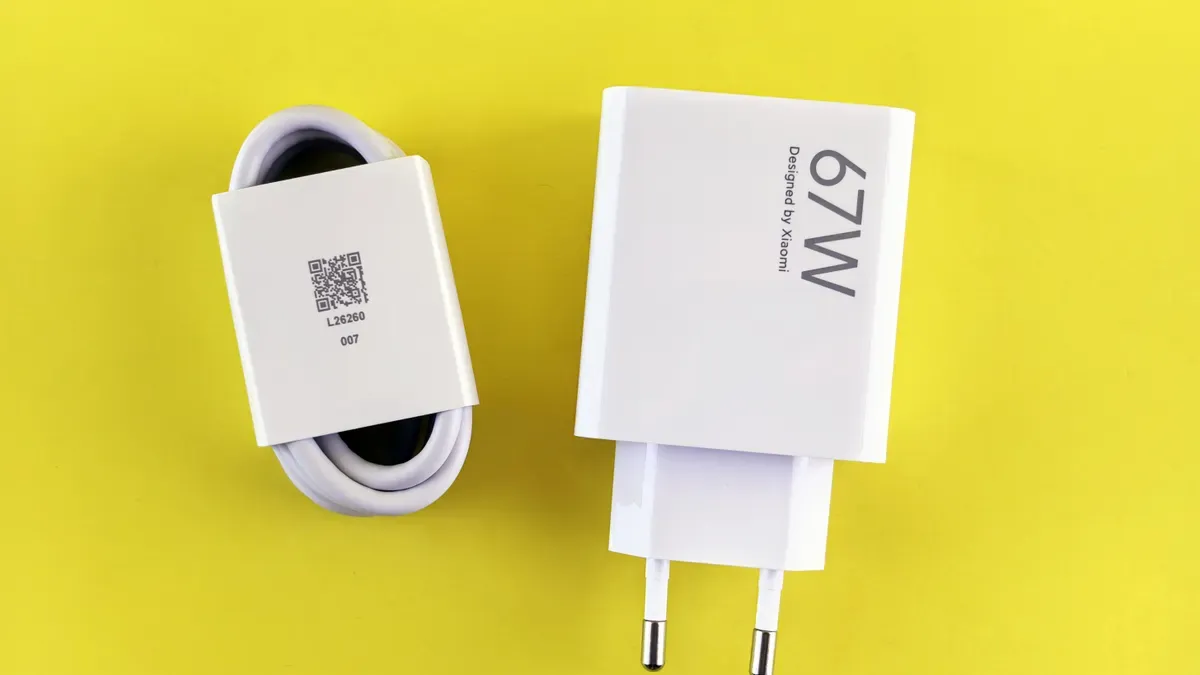
Using a 100W charger with a phone that supports 20W charging works fine. The phone’s BMS negotiates a lower voltage through the usb type-c port. The charger provides only what your device requests. Your battery stays safe. Your charging speed stays the same as a 20W charger.
The usb type-c charging standard handles this negotiation automatically. Your device communicates its power needs. The charger adjusts its output accordingly. This system prevents overcharging and overheating. Your battery management solution works with the PD controller to find the perfect balance.
Your usb type-c accessories should match your device’s capabilities. Check your device specifications before buying new chargers. Look for the recommended PD profile. Match your charger to that profile for optimal performance. A quality charger maintains lower temperatures during operation. Budget chargers run hotter and degrade your battery faster.
The right accessories protect your investment. Certified products cost more upfront. They save you money over time. Premature device replacement from battery damage results in a 104% increase in total cost of ownership per year. Quality accessories also reduce embodied carbon by 210%. Your choices affect both your wallet and the environment.
Your battery management system acts as the guardian. It knows your battery’s exact limits. USB Type-C PD serves as the highway. It delivers power efficiently and safely. This duo prioritizes intelligence over raw speed. Every charging session negotiates the perfect voltage and current.
The USB-C PD Controllers market is projected to grow annually by 12.9% from 2026 to 2033. This growth confirms that smart charging becomes the standard.
Your integrated battery management solution protects your cells daily. The usb type-c port communicates constantly with your charger. Your usb type-c cable carries both power and data. Your usb type-c charger adapts to your device’s needs. Your battery stays healthy for years.
Invest in certified accessories. Check for USB-IF logos. Your battery management system depends on quality hardware. Choose wisely. Your device will reward you with longer life and reliable performance every day.
FAQ
Can I use any USB-C charger with my device?
You should use certified USB-IF chargers. Your device talks to the charger through the usb type-c port. A certified charger follows the usb type-c standard. Non-certified options may cause voltage spikes up to 19.3V.
Does a higher-wattage charger damage my battery?
No. Your battery management system limits the power to safe levels. A 100W charger works fine with a 20W phone. The system picks the right voltage through usb type-c. Cells stay safe.
What happens if I use a non-certified cable?
Non-certified cables lack e-marker chips. They can cause thermal throttling. Your device’s logic board may heat up by 11.4°C. Cells wear out faster. Certified cables using usb type-c keep 91.6% capacity after 120 cycles.
How does the BMS know when to stop charging?
The system checks voltage, current, and temperature all the time. It reads temperature every 0.03 seconds. When cells reach full charge, the current slows down. The usb type-c standard keeps communication safe.
Is it safe to charge my phone overnight?
Yes. Modern devices use smart charging through usb type-c. The BMS watches conditions nonstop. It stops charging at full capacity. The usb type-c system talks to the charger to keep safe levels.