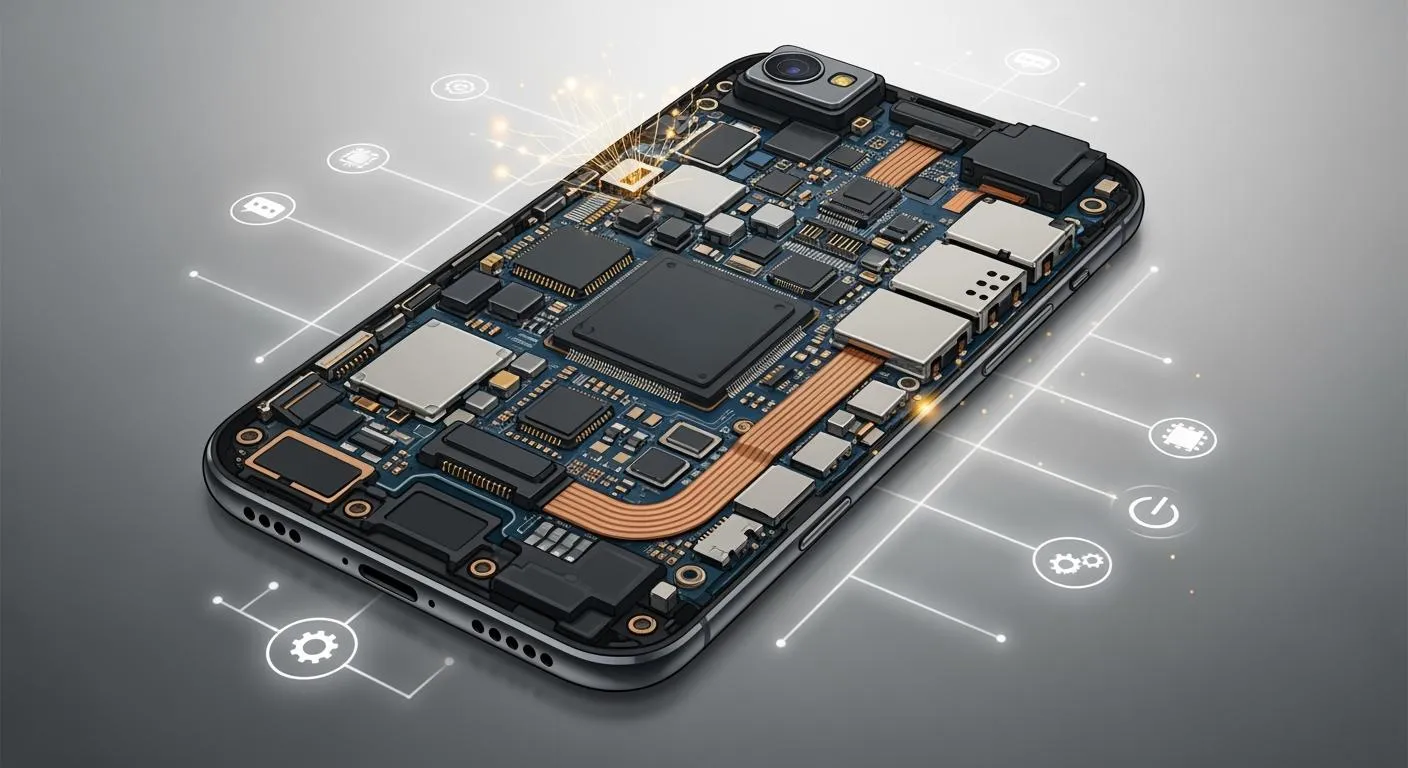
You use your mobile phone motherboard every time you use your phone. This part is like the main center. It connects important parts like the processor, memory, and storage. If the motherboard stops working, your phone will not work right. It is important to have a strong motherboard. A good motherboard helps your phone last longer. The table below shows how often phones fail. It shows why a reliable motherboard is important.
Time Period | Percentage of Failures |
|---|---|
First 2 years | 47% |
Between 2 and 3 years | 39% |
Battery Issues | 42% |
OS Issues | 14% |
If you see problems early, you can stop bigger issues. This helps your phone keep working well.
Key Takeaways
The mobile phone motherboard is the main part that links all parts of your phone. It helps them work together well.
If you notice problems like your phone slowing down or turning off by itself, these could be early signs of motherboard trouble. Catching these signs early can stop bigger problems and keep your data safe.
Check your phone’s battery health often. Try not to drop your phone or let it get hit. This can help your motherboard last longer.
If your motherboard has a big problem, you should get help from a professional. Trying to fix it yourself without knowing how can make things worse.
Using a strong case and keeping your phone away from water are easy ways to keep your motherboard safe from harm.
Mobile Phone Motherboard Basics
What is a Motherboard?
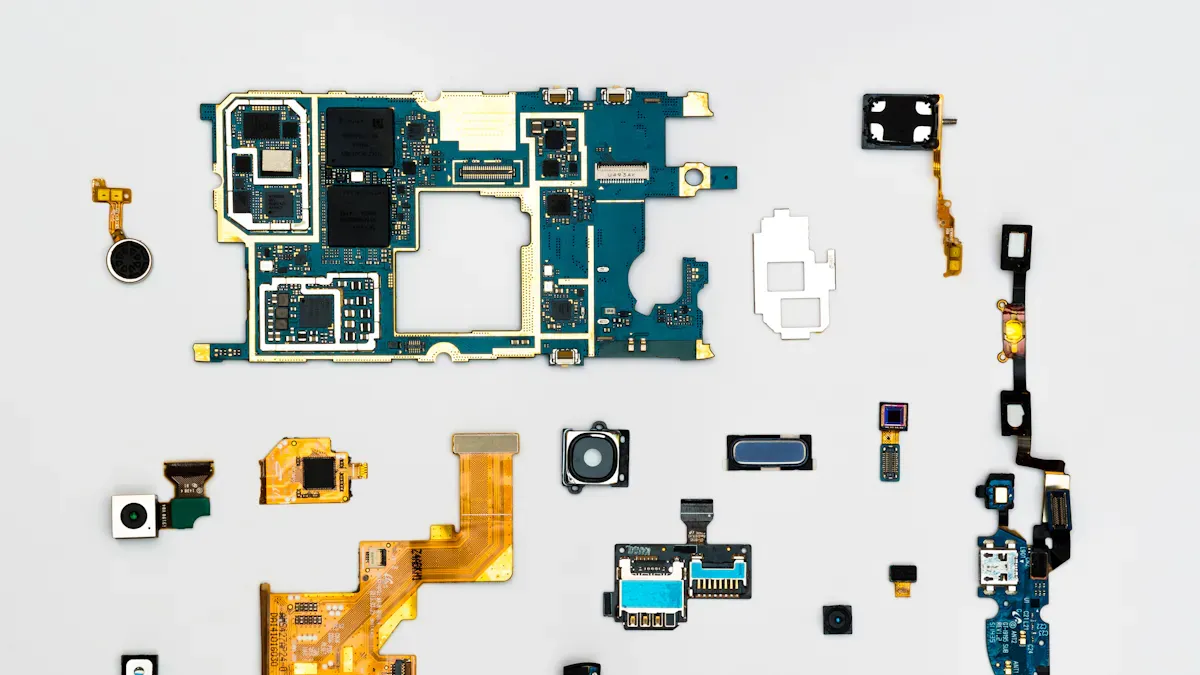
The mobile phone motherboard is like your phone’s heart. People also call it the main board. It is the main place where parts connect. All important parts inside your phone link to it. Electronics engineers say the mobile phone motherboard is the main printed circuit board. It joins the processor, graphics chip, and other circuits. These links help your phone show pictures, use networks, and run apps. If there is no main board, your phone will not work. The parts cannot talk to each other without it.
Tip: Many people think software or battery problems cause most phone issues. But sometimes, the real problem is with the mobile phone motherboard.
Key Components (CPU, RAM, Storage)
The mobile phone motherboard holds many key parts. Each part does something special:
CPU (Central Processing Unit): This is your phone’s brain. It runs apps and controls what your phone does.
RAM (Random Access Memory): This memory keeps things your phone is using now. It helps your phone work fast when you open apps or play games.
Storage: This part saves your photos, videos, and apps. Your things stay safe even when your phone is off.
Modem: This chip lets your phone use mobile networks. You can call, text, and use the internet because of it.
The CPU, RAM, and storage work together as a team. The CPU gets tasks from RAM, which holds things you are doing. Storage keeps your files and apps until you need them. The mobile phone motherboard connects these parts so they can share information fast.
Function | Description |
|---|---|
Communication and Connectivity | Lets your phone use Wi-Fi, Bluetooth, and mobile networks. |
Power Management | Controls how much power each part gets. This helps your battery last longer. |
Data Processing and Storage | Connects the CPU, RAM, and storage for quick data use and saving. |
System Control and Coordination | Runs system software and helps parts work together. |
How It Connects Device Parts
The mobile phone motherboard is like a busy road. It links the display, battery, camera, and other parts. Special connectors make sure each part fits and works well. The motherboard has a power management chip. This chip controls how much power each part gets. It keeps your phone safe and helps the battery last longer.
The charging port connects right to the motherboard. This helps your phone charge fast and safely.
The motherboard’s design makes repairs and upgrades easier. If a part breaks, a technician can fix it without changing the whole phone.
The power management chip also controls charging and energy use. This keeps your phone from getting too hot or charging too fast.
Note: The mobile phone motherboard helps every part of your phone talk to each other. If the motherboard stops working, your phone may not work, even if the battery or screen is fine.
Importance of the Motherboard
Device Performance Impact
You need your mobile phone motherboard for your phone to work well. It helps your phone run apps, play games, and load websites quickly. If the motherboard has trouble, your phone might slow down or freeze. Sometimes, it will not turn on at all. Experts say the motherboard is the most important part for how your phone works. The table below shows how a good motherboard makes your phone faster and more reliable:
Benefit | Description |
|---|---|
Improved Processing Power | Newer motherboards feature faster CPUs and advanced chipsets for better multitasking and app performance. |
Enhanced Compatibility | Supports newer operating systems and software updates that older boards may not handle. |
Better Battery Efficiency | Designed with energy-efficient components to extend battery life. |
Extended Device Lifespan | Upgrading a motherboard can revitalize an outdated device, promoting sustainability. |
Restored Functionality | Replacing a failing motherboard can fix issues like boot loops and connectivity problems. |
A strong motherboard helps stop problems like freezing or random restarts. It also keeps your phone from getting stuck on the logo screen. If you use a good replacement, your phone can get faster and work better. But if you use the wrong board, your phone might not start or lose features.
Reliability and Lifespan
How long your phone lasts depends on the motherboard’s design and quality. If the motherboard uses tough materials and passes hard tests, your phone will last longer and break less often. The table below shows what affects how long your phone works:
Factor | Impact on Reliability and Lifespan |
|---|---|
Material Composition | Lead-free materials can lead to shorter operational life under certain conditions due to brittleness. |
Thermal Stress | Proper design can mitigate thermal stress, enhancing longevity. |
Design Quality | Robust designs with adequate structures can significantly extend lifespan. |
Solder Joint Fatigue | Lead-free solders are less ductile, leading to potential fatigue failures over time. |
Testing Protocols | Rigorous testing can identify design flaws early, improving reliability. |
If the motherboard is weak, your phone may break more often. You could have charging problems, screen issues, or bad network signals. Good design and testing help stop these problems and make your phone last longer.
Communication Between Components
Your mobile phone motherboard is the main place where parts talk to each other. It connects the CPU, sensors, and wireless chips so they work together. Here is how it helps your phone:
The motherboard links the CPU, sensors, and wireless chips so everything works together.
It has chips for 4G, 5G, Wi-Fi, Bluetooth, NFC, and GPS. These let you stay connected.
The motherboard sends data and signals to the right places. This helps stop problems with talking between parts.
Sensors like accelerometers and gyroscopes send their data to the motherboard fast.
Fast communication helps your apps, games, and AR or VR features work smoothly.
If the motherboard cannot handle these jobs, your phone may not respond to touch. You might lose your network or have sensor problems. Keeping your motherboard in good shape helps your phone work well and last longer.
Motherboard Failure Signs
Common Hardware Issues
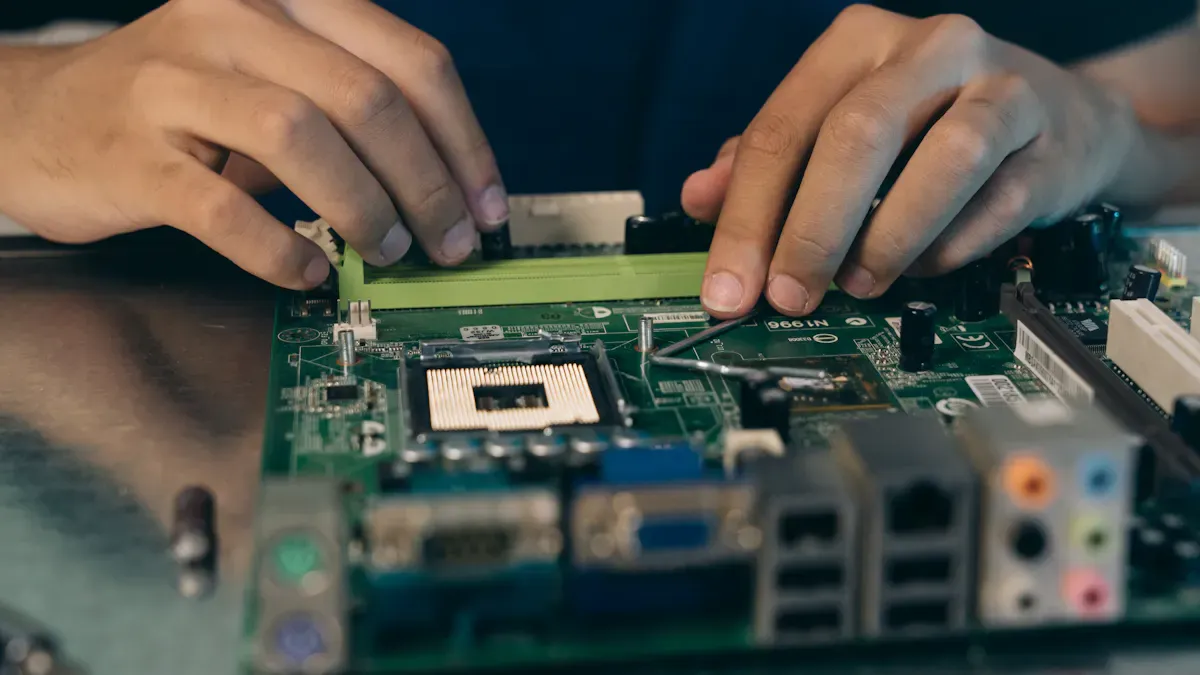
You might see signs before your phone stops working. Many problems start with hardware. Here are some common issues:
Drops can break the motherboard or loosen parts.
Water can cause short circuits and rust. Even a little water can hurt your phone.
Overheating happens if the motherboard cannot control power well.
Power problems, like sudden shutdowns or a phone that will not turn on, can mean bigger trouble.
Sometimes, defects from the factory cause early failure.
Using your phone every day can wear out the board.
Bad repairs can damage the motherboard or make it unstable.
If you notice these problems, check your phone soon. Acting early can help you avoid worse issues.
Software Malfunctions
Not all signs come from hardware. Sometimes, software problems show up first. Your phone may freeze, crash, or restart without warning. The table below shows how you can tell if these problems come from the motherboard:
Symptom | Explanation |
|---|---|
Phone Not Turning On | This can mean a damaged motherboard. Try basic troubleshooting, but deeper issues may exist. |
Frequent Freezing or Crashing | The motherboard may not let parts talk to each other well. |
Battery Issues | Fast battery drain or charging problems can signal motherboard damage. |
Unresponsive Screen or Buttons | If your screen or buttons stop working, the motherboard may have irregularities. |
Persistent Overheating | If your phone gets hot even when not in use, the motherboard may have trouble. |
You might see problems after water damage. If your phone acts strange after getting wet, the motherboard could be in danger.
Risks of Ignoring Problems
Ignoring early signs can lead to bigger risks. If you do not fix these problems, you may face:
Random restarts can turn into a phone that will not turn on.
Swollen batteries may burst or catch fire.
Motherboard shorts can hurt other parts, not just the board.
Boot loops and restarts may cause you to lose your data.
Unresponsive screens can trap your files, making them hard to get back.
Always pay attention to what causes motherboard failure. If you act fast, you can save your phone and your data. Water damage is a common reason for failure, so keep your phone dry. Watch for these signs to keep your device safe.
Troubleshooting Motherboard Issues
Basic Checks and Steps
You can start with simple steps if you think your phone has a motherboard problem. Try these actions first:
Restart your phone. This can fix small glitches.
Update your phone’s software. Updates can solve many issues.
Look for physical damage. Check for loose connections or broken parts.
You can also use some tools to check for deeper problems:
Do a visual inspection. Look for burnt spots, corrosion, or cracked solder joints.
Use a multimeter to test for short circuits. Make sure the phone is off before testing.
Try a DC power supply to see if the phone draws too much or too little current.
Use thermal imaging to find hot spots on the board.
Check schematic diagrams if you have them. These help you trace faults.
Tip: If you see water damage or burnt marks, do not try to fix it yourself. These problems need special skills.
Repair or Replace?
You may wonder if you should choose repairs or get a new motherboard. Use the table below to help you decide:
Criteria | Description |
|---|---|
Cost of Repairs | Check how much the repairs will cost. |
Overall Value of the Phone | Think about your phone’s current value. Is it worth fixing? |
Extent of Damage | Look at how bad the damage is. Severe damage may need a full replacement. |
Here is a quick look at the average costs:
Type of Service | Cost Range |
|---|---|
Repair (Minor Damage) | $50 – $100 |
Repair (Severe Damage) | $150 – $300+ |
Replacement (Budget Phones) | $120 |
Replacement (High-End) | $500+ |
If repairs cost more than your phone’s value, you may want to replace the motherboard or get a new device.
When to Get Professional Help
You should not try motherboard repairs on your own. Most repairs need special tools and training. Go to a professional if:
Your phone shows a blank screen or error messages often.
You see water damage or the motherboard does not work.
You do not feel confident about doing repairs.
Your phone is still under warranty.
Choose a licensed technician for serious problems. Good professionals have technical knowledge, problem-solving skills, and patience. They also keep learning about new phone models.
Note: Complex issues like water damage or a dead motherboard need expert help. Trying to fix these yourself can make things worse.
You need your phone’s motherboard for everything you do. It is the main part that links all other parts together. The motherboard keeps your phone working. If you find problems early, you can stop data loss and big damage. You can also save money on repairs.
Look for slow screens or when your phone shuts off.
Check your battery often to see if it is healthy.
Use a case and keep your phone away from heat.
Key Takeaway | Description |
|---|---|
Central Hub | The motherboard links and controls every part of your phone. |
Impact of Damage | Small problems can turn into big ones or make your phone stop working. |
Importance of Repair | Fixing things fast helps your phone last longer and work better. |
Pay attention to any changes in your phone. This will help your phone stay healthy and work well.
FAQ
What happens if your phone’s motherboard fails?
If your motherboard fails, your phone may not turn on. You could lose access to your data. Sometimes, you see random restarts or a blank screen. You should get help from a technician right away.
Can you repair a mobile phone motherboard at home?
You should not try to repair a motherboard at home. Special tools and skills are needed. Mistakes can cause more damage. Always visit a professional repair shop for motherboard issues.
How much does it cost to replace a phone motherboard?
Phone Type | Average Cost |
|---|---|
Budget Phone | $100 – $150 |
Mid-Range Phone | $150 – $300 |
High-End Phone | $400+ |
Prices may change based on your phone model and location.
How can you protect your phone’s motherboard?
Use a sturdy case.
Keep your phone dry.
Avoid dropping your phone.
Do not expose your phone to extreme heat.
These steps help your motherboard last longer.