Facial recognition door locks use advanced technology to scan your face and unlock doors, giving you keyless entry. Many people now choose these locks for better home security and ease of use. Imagine coming home with your hands full of groceries—your door unlocks as soon as it sees you. The market for these locks is booming:
Valued at USD 848.3 million in 2021, expected to reach USD 3,314.9 million by 2030.
Projected to reach USD 2,414.2 million by 2028.
Key Takeaways
Facial recognition door locks let you enter without a key. This makes it easier and safer for people at home. These locks use special technology to make a faceprint. Only people who are allowed can get inside your house. Smart locks work with home systems. You can control and check them from far away for more safety. Software updates and strong codes keep your data safe. They also stop hackers from breaking in. You can also use a PIN code or fingerprint to get inside. This helps if the camera does not work.
Understanding Facial Recognition Door Locks

How Facial Recognition Works
Facial recognition smart locks use biometric technology to know who you are. When you walk up to the door, a camera looks for your face. The system checks your eyes, nose, and mouth shapes. It makes a digital map called a faceprint. This faceprint is special for each person.
There are three main steps in the process:
Face Detection: The camera spots your face and takes a picture of it.
Face Analysis: The system studies your face and makes a digital faceprint.
Face Recognition: The lock checks your faceprint with the ones it has saved. If it finds a match, the door opens.
Facial recognition technology uses artificial intelligence to turn your face into a code. High-resolution cameras help the system see your face clearly and quickly. Some smart locks use 3D structured light. This shines a pattern on your face to measure how deep your features are. This helps the lock know if you are a real person or just a photo. Other advanced tools, like ultra-wideband (UWB) and millimeter wave (mmWave), make the system faster and more accurate.
Lighting and weather can change how well facial recognition smart locks work. Bright sunlight can make shadows or glare, so the camera may not see your face well. If it is dark, the camera can have trouble too. Some locks use infrared light to help the camera see in the dark. Very hot or cold weather, or high humidity, can hurt the camera or make the lens foggy.
Key Features and Benefits
Facial recognition door locks have many features that make them special. You can open your door just by looking at it, which is helpful when your hands are busy. These locks can connect to smart home systems, mobile apps, and cloud services. You can control your lock from anywhere, get alerts, and see who comes in.
Here are some key features that make facial recognition smart locks different:
Unlocks without keys or passwords, so you do not need your hands.
Gives you more ways to unlock, like PIN codes or fingerprints.
Identifies you quickly, so you do not have to wait.
Works with smart home devices for better control.
Uses 3D facial recognition to stop tricks with photos or videos.
Keeps a list of who enters and leaves, which helps with security.
There are two main types of biometric smart locks: facial recognition and fingerprint. Each type has good points and bad points. The table below shows how they are different:
Feature | Facial Recognition Door Locks | Fingerprint Door Locks |
|---|---|---|
Technology | Uses algorithms to scan and find unique facial features. | Uses biometric data from fingerprints to check identity. |
Advantages | Advanced technology, real-time analysis, easy to use, connects to other devices. | Biometric authentication, fast and easy, strong security, hard to tamper with. |
Disadvantages | May have privacy issues, needs good lighting. | May not work with dirty or wet fingers, needs touch. |
Tip: For the most convenience, facial recognition smart locks let you open your door even if your hands are full. Many models also let you use PIN codes or fingerprints as a backup.
Facial recognition door locks make homes safer by keeping out strangers. You do not have to worry about losing keys or forgetting passwords. The system keeps a record of every entry, so you always know who comes and goes. Many people say these locks save time and make life easier.
Feature | Benefit |
|---|---|
Integration with smart homes | Makes things easier and lets you check your door from far away. |
Audit trail | Gives a list of who comes in and out, making things safer. |
Makes it easy to get in, even when your hands are full. |
Facial recognition smart locks are becoming more popular as people want better security and easier ways to get into their homes.
Design Principles of Facial Recognition Smart Locks
Security and Data Protection
You want your home to be safe and protected. Facial recognition smart locks use special technology to keep your door locked. These locks use strong codes and store your data in many places. This helps keep your information safe from hackers. Companies follow privacy rules like GDPR and CCPA. They also update the software often and tell you about their privacy rules.
End-to-end encryption keeps your face data private.
Decentralized storage makes hacking harder.
Updates fix problems and make the lock safer.
You must agree before your data is used.
Design Principle | Description |
|---|---|
Enhanced Authentication | Uses biometrics and other ways for safe, easy entry. |
Interoperability | Works with new systems to share safely between devices. |
Power Management | Uses less energy so batteries last longer. |
Security Measures | Has strong parts and codes to stop hackers. |
Feature | Contribution to Security and Convenience |
|---|---|
Facial recognition | Gives safe, biometric entry. |
Voice command authentication | Lets you open the door with your voice. |
Behavioral analysis | Learns your habits to spot strange things. |
Integration with IoT | Lets you check and control your lock anywhere. |
Predictive security alerts | Warns you if something odd happens. |
Real-time threat detection | Tells you right away if there is danger. |
User Experience and Accessibility
Facial recognition smart locks make life easier for everyone. You can open the door just by looking at it. The lock is made to be simple and flexible. You can use a code, card, app, or key if you want. The design works for people of all ages and abilities.
Hands-free entry helps people who have trouble moving.
Sounds and vibrations help people who cannot see well.
The lock can be changed for people in wheelchairs.
Advanced facial recognition works for different faces.
Easy menus help people who have trouble learning.
Feature | Description |
|---|---|
3D Facial Recognition | Uses advanced tech for better safety. |
Multiple Access Methods | Lets you pick how to open your door. |
Real-time Monitoring | Keeps your home safe with sensors and chips. |
User-friendly Design | Simple for everyone to use. |
Aesthetic Appeal | Looks nice in any house. |
Smart Home Integration
Smart home integration is important for smart locks. You can connect your lock to Siri, Google, or Alexa. This lets you use your voice or phone to control the lock. You can also set up routines, like turning on lights when you open the door.
Make sure your lock works with your other smart devices.
Give guests or cleaners access for a short time.
Update your system every month for better safety.
Remove old profiles and ask for your data to be deleted if you uninstall.
Best Practice | Description |
|---|---|
Installation Comparison | Pick DIY or get a pro to set it up. |
Proper Mounting | Put the lock where there is good light and cover. |
Network Security | Use strong passwords and safe WiFi. |
Family Enrollment | Make safe profiles for each family member. |
Time-based Access | Let guests in only when you want. |
Regular Updates | Check your system every month to stay safe. |
Tip: Direct WiFi makes setup easy and gives you cool features without extra stuff.
Facial recognition technology makes your home safer and easier to use. With smart home integration, you get a smooth and safe experience.
Manufacturing Process and Technology

Hardware and Materials
Facial recognition door locks use special hardware to keep homes safe. These locks have cameras that scan your face. The cameras look at many points to check who you are. Sensors help by capturing details from your face and fingerprints. Motors inside the lock move the bolt. This helps the door open and close after you pass the check. The smart lock industry uses strong metal alloys and tough plastics. These materials help the locks last long and handle daily use.
Cameras for facial recognition technology
Sensors for biometric technology
Motors for secure locking and unlocking
Software and Testing
Software helps facial recognition smart locks work quickly and safely. The software takes your picture and finds important features. It matches these features to saved templates. There are three main steps in this process:
Image Capture and Preprocessing
Feature Extraction
Template Matching
Testing checks if the locks work well and keep homes safe. You want the locks to be accurate and make few mistakes. The table below shows how well these systems do:
Testing Aspect | Result |
|---|---|
Miss Rate (Top 1:1 Systems) | Sub-1% at low false-match settings |
High Rank-1 Identification | High at low false alarms |
Accuracy Rate (Face Detection) | 99% in real-time |
Presentation Attack Detection | Evaluated alongside accuracy |
Quality Control
You want your locks to be safe and work well. Quality control checks every part, like the camera and motor. Each lock is tested for strength and weather resistance. Encryption protects your data and keeps keyless entry safe. WiFi features make it easy to install and control your lock from anywhere. For example, the Lockly Visage model connects to your home network. This helps you manage smart lock access and makes your home safer.
Tip: Always get regular software updates to keep your facial recognition door locks working their best.
Innovations and Future Trends in Smart Lock Access
AI and Machine Learning Advances
Facial recognition smart locks get smarter every year. New systems use machine learning to spot faces and learn new things. These locks use convolutional neural networks to know your face. They work even if you wear glasses or the light changes. Adaptive learning helps the lock improve as time goes on. Your door will open fast and safe, even if you change your hair or get older. These new ideas help keep your home safe as threats change.
Connectivity and IoT
Smart locks now connect with many devices in your house. When you walk up, the lock can talk to your lights and thermostat. You can check your lock from your phone, even if you are away. IoT makes it easy for families and travelers to control who comes in. You get alerts right away and can give guests codes that work for a short time. This control makes home security easier and more flexible.
Sustainability in Manufacturing
The smart lock industry is making greener products. Companies use recycled plastics and metals that are better for the earth. Some locks use solar power or batteries that save energy. These changes help protect the planet and meet the need for green homes. You can pick locks that last longer and use less power.
PCB design and Manufacturing
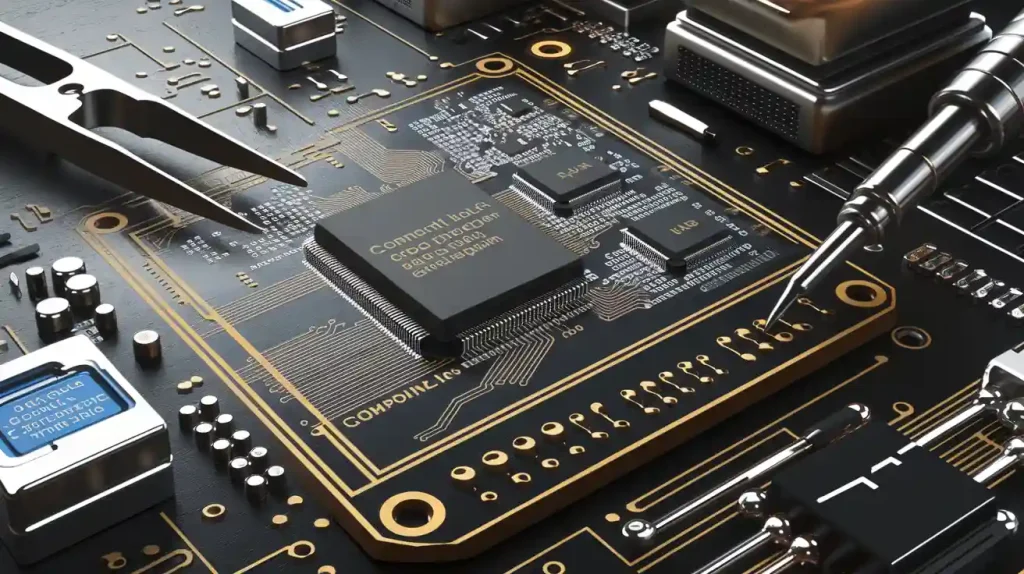
The inside of a facial recognition smart lock is important. Good PCB design makes the lock work fast and last longer. A good layout keeps signals clear and stops problems. The right materials and thickness make the lock strong and reliable. Small designs fit more features in less space, so touchless access is smooth and safe.
Reverse Engineering and redesign
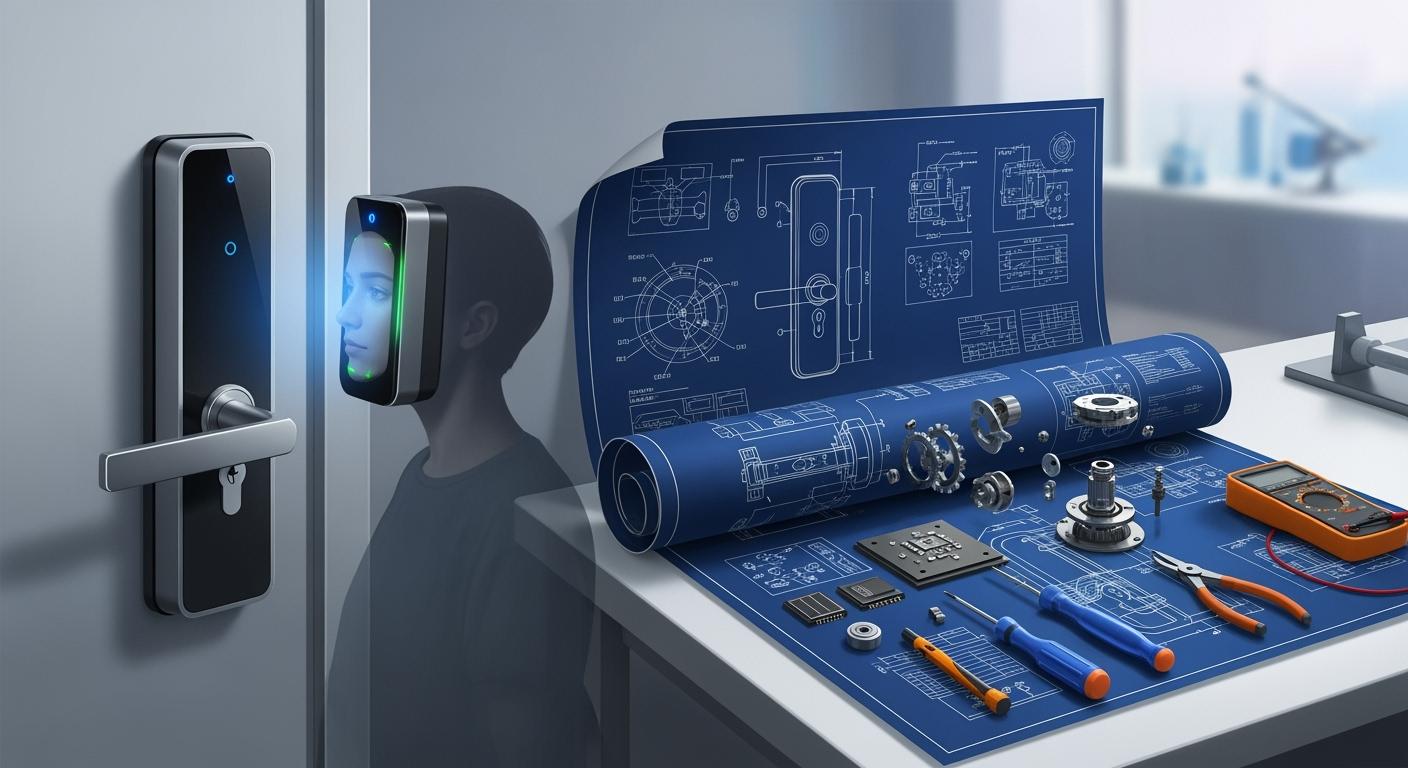
Engineers look at old locks to find ways to make them better. They use reverse engineering to find weak spots and fix them. This leads to new features like multi-modal authentication. You can use your face, fingerprint, or a code to get in. Touchless access keeps getting better, making homes safer and life easier.
Note: Facial recognition technology will keep growing. It will bring new ways to keep your home safe and your life simple.
Innovation Type | Description |
|---|---|
Biometric Technologies | Uses fingerprint, facial, and palm vein recognition for better security and convenience. |
Iris Detection | Adds another layer of safety beyond regular methods. |
Mobile App Integration | Lets you control your lock from anywhere and send codes to guests. |
Multi-Factor Authentication | Combines biometrics with PINs or app checks for stronger security. |
Dynamic Token Generation | Stops hackers from copying your credentials. |
Facial recognition smart locks help keep your home safe. You do not need keys or to touch the lock. These locks are made with special designs and careful work. They give you strong security and easy entry. In the future, security will get even better. You will open doors faster without touching anything. Smart home features will make things easier for you.
Your home will be safer with facial recognition.
You will get in easily without touching the lock.
Smart home systems will make life more simple.
FAQ
How safe is a facial recognition door lock?
You get strong security with facial recognition. The lock uses advanced cameras and encryption. Hackers find it hard to break in. Always update your lock’s software to keep your home safe.
What happens if the camera cannot recognize my face?
You can use backup options. Most locks let you enter a PIN code, use a fingerprint, or unlock with a mobile app. You always have another way to get inside.
Can weather or lighting affect the lock’s performance?
Bright sunlight, darkness, or fog can make it harder for the camera to see your face. Many locks use infrared sensors to help in low light. You should install your lock in a sheltered spot.
Do facial recognition locks store my face data safely?
Yes. The lock stores your face data with encryption. Only you and trusted users can access it. Companies follow privacy laws and update security often.