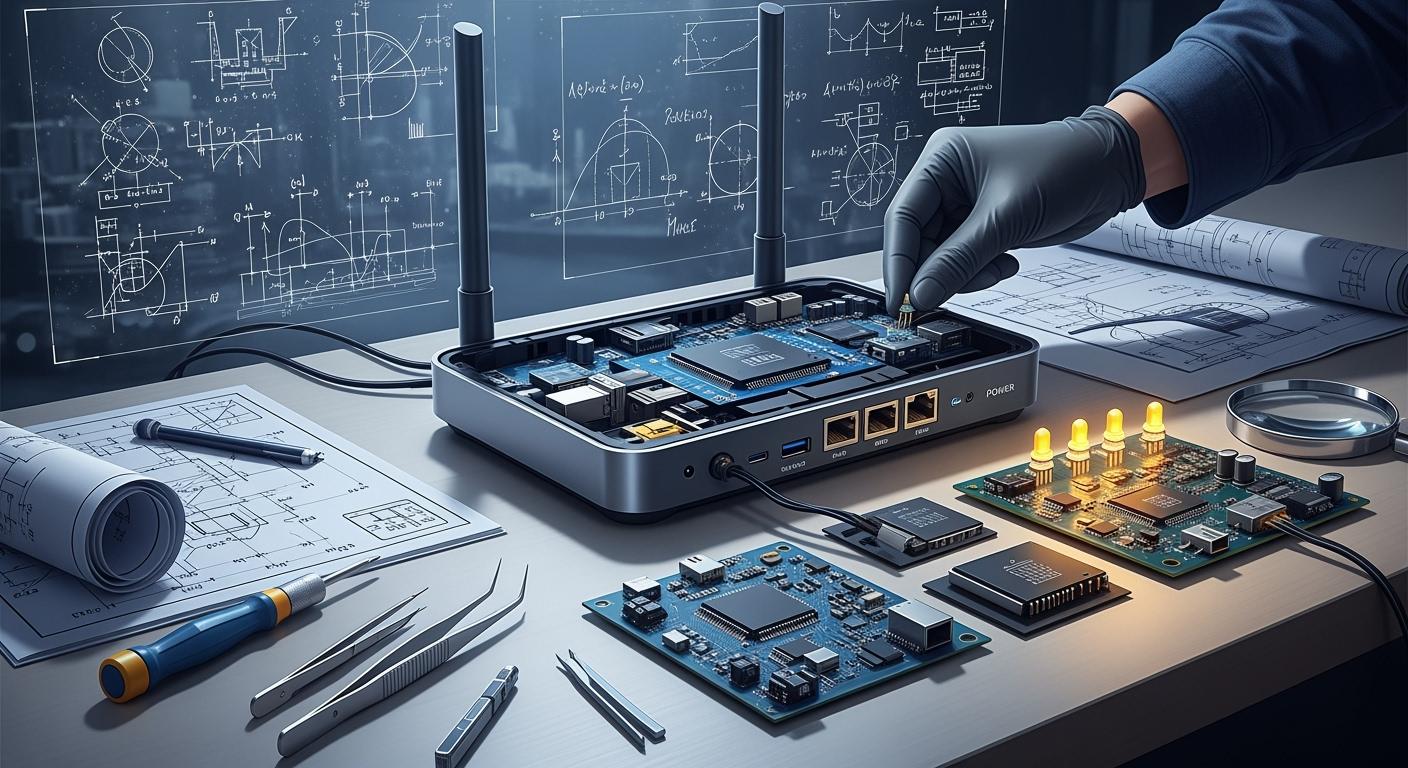
When you see a router, it helps many devices get online. The design and manufacture of a router require careful planning. You use block diagrams to show your ideas. You also work with EMS companies to build it. You must think about PCB design, as this helps the router work well and last longer. Each router is designed and manufactured for a special group. Some are for schools, hospitals, or IT and telecom. The table below lists types and users for routers:
Segment Type | Description |
|---|---|
Type | Wired, Wireless, Single, Dual, Tri |
End User | BFSI, IT and Telecom, Education, Healthcare, Others |
Region | North America, Europe, Asia-Pacific, Latin America, Middle East & Africa |
You must check every part of the design and PCB. This ensures that the router is strong and works well.
Key Takeaways
Router design begins with a block diagram. This shows how each part links and works.
EMS companies help make routers faster. They have skills and tools to keep quality high.
Good PCB design is very important. It helps the router work well and last longer.
Testing is needed at every step. It checks if the router is safe and good quality.
Users want different routers. Add features to fit what consumers, businesses, or carriers need.
Router design and manufacture
Block diagram and specifications
You begin by making a block diagram. This diagram shows how each part connects. It helps you plan how the router will work. You pick features like ethernet ports and wireless modules. You also want your router to handle fast signals. You write down what each part needs to do. You choose ethernet controllers and decide how many ports you want. You plan for fast signal routing so your router can move lots of data.
You follow these main steps when designing and making a router:
Make and buy decision: You pick which parts to build and which to buy. This helps you save money and use your resources well.
Bill of materials: You make a list of every part you need. This includes pcb materials, ethernet controllers, and other pieces.
Preparation of route sheet: You set the order for each step. This helps you keep the process organized.
Lot size determination: You figure out how many routers to make.
The scrap factor: You guess how much material might get wasted.
Provide necessary information and forms: You get all the documents ready for building and checking quality.
You use these steps to help you design and build your router. You make sure your router works well and is reliable.
Integrated circuits and architecture
You pick integrated circuits that fit your router’s needs. You choose chips for ethernet, wireless, and fast signals. You use designs from chip makers to help you work faster. You learn how routers have changed over time. Old routers used simple routing protocols. Later, routers added ethernet and WAN. Today, routers use SD-WAN and AI for better performance. Now, routers can be upgraded without buying a new one.
In the last ten years, router architecture has changed a lot. Routers now use AI, software-defined WAN, and modular designs. These changes help routers work better and stay safe. You can add new features without buying new hardware.
You focus on these trends when you design routers:
Using AI in routing
Using SD-WAN technology
Making routers modular and programmable
Upgrading routers instead of replacing them
You also add line cards to your router. Line cards let you add more ethernet ports or special features. You use engineering to make sure line cards work with fast signals and fit in your pcb. You design your router so you can add or remove line cards when needed.
EMS collaboration
You work with EMS companies to build your router. EMS means Electronics Manufacturing Services. These companies help with engineering, pcb assembly, and product development. They use advanced tools to make sure your pcb is high quality and works with fast signals.
EMS companies are very important in making routers. They offer special services that help you work faster, save money, and get your product ready quickly.
You get many benefits from working with EMS companies:
Saving money: EMS companies help you spend less on building and engineering.
Faster launch: EMS companies help you finish and sell your product sooner.
Special skills: EMS companies use advanced technology for pcb assembly and testing.
Flexible and scalable: EMS companies can make more or fewer routers as needed.
Working with a CM or EMS provider gives you big advantages. You can focus on research, new ideas, and building your brand, without worrying about manufacturing.
You trust EMS companies for quality and making enough routers. They use advanced pcb assembly and strict quality checks. EMS companies help at every step of engineering and building. The table below shows how EMS companies help you make strong routers:
Evidence Type | Description |
|---|---|
PCB Assembly | EMS uses careful and reliable methods for high-performance pcb assembly. |
Lifecycle Support | EMS helps from design to delivery, lowering risk and making building easier. |
Advanced Facilities | EMS uses modern facilities for complex pcb assemblies with fast signals. |
Quality Assurance | EMS uses AOI, X-ray, in-circuit, and functional tests to find problems early. |
Rigorous Inspections | EMS checks every router at every step. |
Certifications | EMS has ISO 9001:2015 and other certificates for quality. |
You work with EMS companies to make sure your router meets all your goals. You focus on engineering, pcb quality, and making your product reliable. EMS companies help you deliver routers that support ethernet, wireless, and fast signals for every market.
Router pcb design
Layout and components
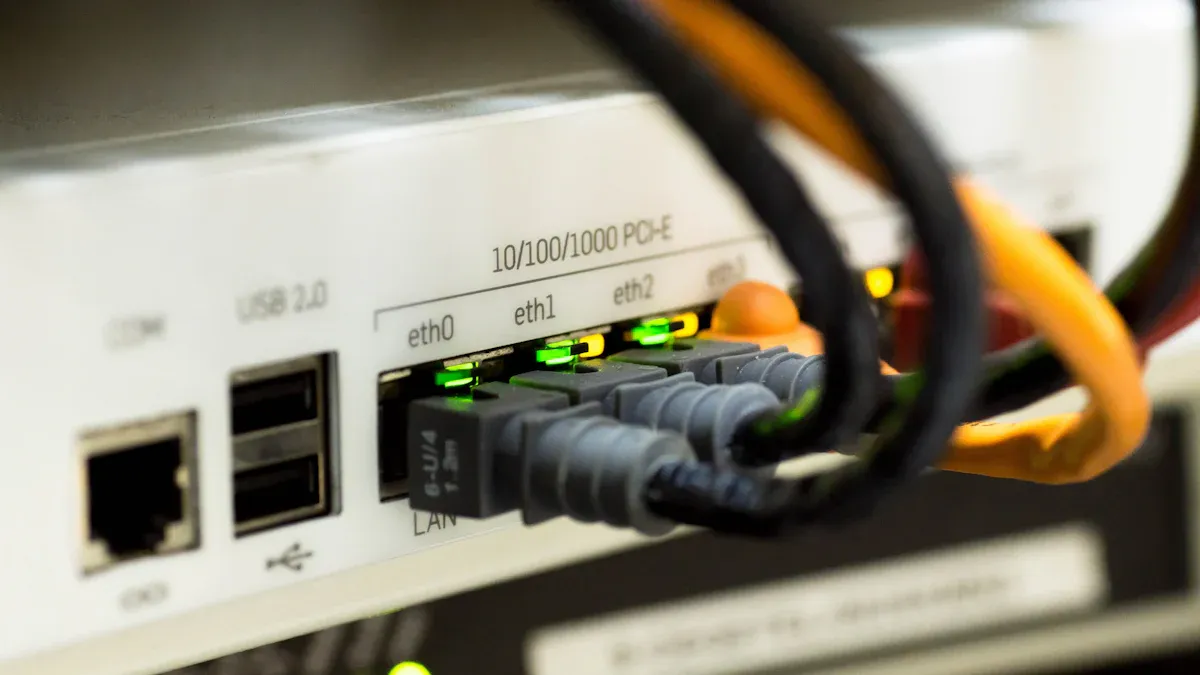
When you design a router pcb, you first plan the layout. You also pick the best parts for your board. The way you arrange parts affects how your router works. You need to put each part in a good spot. This keeps the traces short and helps stop heat problems. Good pcb design means you leave space between traces. This lowers signal interference and crosstalk. You use solid power and ground planes to help the board work better. High-speed signals go over ground planes to keep them strong. You use 135-degree bends to protect the signals. You add thermal reliefs and vias to move heat away from hot spots. Picking the right parts makes your router pcb last longer. It also saves money and makes the board more reliable. If you pick bad parts, you may have more problems and higher costs.
Schematic design
You make a clear schematic before building your router pcb. The schematic shows how every part connects on the board. You talk with the manufacturing team early to avoid mistakes. You place parts for good performance and easy assembly. You choose materials that work well and are easy to make. You follow standard design rules and keep the board simple. You give correct documents and test data to help with building. Making a prototype helps you find problems before making many boards. You check trace width and spacing to stop overheating and electrical issues. You focus on signal integrity and make sure your design fits the process.
Mistake | Consequence | Recommended Solution |
|---|---|---|
Library and Component Errors | Problems in assembly or wrong parts | Use checked libraries and tools for router pcb design |
Schematic Design Oversights | Parts missing or not connected right | Use Electrical Rules Check before layout |
Layout and Routing Issues | Bad performance or hard to build | Keep good trace spacing and avoid parallel runs |
Quality assurance
You use many checks to make sure your router pcb works well. You pick the right materials and stack-up to stop warping and handle heat. You prepare clean design data and set good tolerances for your pcb. You ask for process control and AOI checks during building. You use X-ray and drilling control for multilayer boards. You order electrical tests and impedance control to keep signals strong. You plan for first article inspection and microsections for big projects. You use lab tests to check material quality. You run heat and climate tests to find weak spots. You test interconnects to see how your design handles stress. You work with your pcb supplier to improve design rules over time.
Good router pcb design connects all parts, lowers electromagnetic interference, and keeps signals strong. You make your router work better and fail less by placing parts well, picking good materials, and managing heat on your board.
Router manufacturing steps
Component sourcing
You begin making routers by finding the right parts. You look for good suppliers for each pcb part. Some common parts are semiconductors, connectors, capacitors, resistors, and power modules. Each part takes a different time to arrive. This can change your schedule for making routers.
Component Type | Lead Time (Weeks) |
|---|---|
Semiconductors | 40-52+ |
Connectors | 12-20 |
Capacitors | 16-52+ |
Resistors | 10-34 |
Other passives | Up to 52+ |
SMD inductors | 10-38 |
Power modules | 12-48 |
Electromechanicals | Up to 52+ |
Getting parts is sometimes hard. High demand can slow things down. Prices can go up or down. Fake parts can show up. World events can mess up your supply chain. To lower risk, you should:
Work with more than one supplier.
Keep extra parts for emergencies.
Use designs that let you swap parts.
Plan ahead using forecasting tools.
These ideas help you keep making routers and avoid running out of parts.
Assembly and integration
After you get the parts, you start assembly. Machines put each part on the pcb. You follow your design to make sure everything fits. You also add firmware to the router. Firmware helps the hardware and software work together.
You need to test the firmware with the hardware. You run unit tests, integration tests, and system tests. This makes sure your router works well and stays safe. You also think about updates for the future.
EMS companies help a lot with this step. They use special tools for pcb assembly. They help you make more routers faster. Their skills help you avoid mistakes and finish your product sooner.
Testing and quality control
Testing and quality control are very important. You check every pcb and router to meet standards. You use many tests, like:
Testing Procedure | Description |
|---|---|
High Potential Test (Hipot) | Checks for safe current flow and reliability. |
Electrostatic Discharge Test (ESD) | Tests how the product handles static electricity. |
Surge Test | Makes sure the router survives voltage spikes. |
Underwriters Laboratories (UL) Tests | Confirms the product meets safety rules. |
ISO 9000 | Sets quality standards for product development and manufacturing. |
SCTE | Checks standards for cable and IoT products. |
TL 9000 | Ensures quality in telecom product development and lifecycle. |
You also use AOI, X-ray, and functional tests to find problems early. These steps help you get certified and build trust with customers. Good testing helps your router last longer and work better. You should always care about quality at every step.
Market segments for custom gateways and routers
When you make a router, you need to think about who will use it. Each group wants something different. The table below shows how routers change for each group:
Feature | Consumer Routers | Enterprise Routers | Carrier Routers |
|---|---|---|---|
Environment Tolerance | Made for homes, not tough places | Built for offices, stronger | Made for telecom, very strong |
Component Quality | Uses regular parts | Uses better parts for longer life | Uses top parts for best reliability |
Life Span | Lasts 1-3 years | Lasts 5-10 years | Lasts over 10 years |
Warranty | Short warranty, covers less | Longer warranty, covers more | Best warranty, covers important uses |
Production Volume | Many made, price matters | Fewer made, quality matters | Many made, special for ISPs |
Price Point | Costs less, easy to buy | Costs more, better quality | Price changes, sometimes paid by plans |
Consumer routers
You use a consumer router at home. It helps you connect your devices for work and fun. More people work and learn online now. Home networks are more important. You want fast internet and good security. You also want it to be easy to set up. New Wi-Fi 6 and Wi-Fi 6E routers are faster and cover more space. Mesh systems help you get internet in every room. You care about price, so companies try to keep costs low. You see new features as smart devices and iot products become common. You need a router that works well with iot and gives you good connections.
Enterprise routers
You use an enterprise router at work. It needs to last a long time and handle lots of data. You want strong security and firewalls. You also need VPN support. You look for features like Quality of Service and DNS. You want a router that can grow with your business. You need it to be reliable, so you use backup hardware. More companies use cloud services now. Routers are changing from hardware to software. You need custom gateways and routers that fit your network and iot needs. You focus on making the right product for your business.
Carrier and webscaler routers
Carrier and webscaler routers are used by telecom companies and big data centers. These routers move huge amounts of data. They can handle very fast speeds, up to 322 Tbit/s. They support millions of connections and many Ethernet types. You want a router that never stops working, even when busy. ISPs, iot, and data centers use these routers. You need solutions that save money, use less energy, and work all the time. You work with experts to design routers that meet strict rules for iot and connections.
Every group needs a different router. You must choose the right one for your needs. Custom gateways and routers help your network work its best.
You need to do many things to make a router. First, you plan how it will work. You design the PCB for the router. You also work with EMS companies to build it. You pick features for each group that will use it. You test and check quality at every step. Good PCB design and EMS help your router last longer. Routers are made for many jobs. The table below shows how router types fit different needs:
Router Type | Market Share Contribution | Key Features |
|---|---|---|
High-End Routers | Strong specs, better security, needed by big companies and service providers. | |
CNC Routers | N/A | Used in factories, helps with less skilled workers by using machines and training. |
High-end routers keep big companies safe and fast.
CNC routers help factories by using machines to solve problems.
More people want advanced routers because of 5G, IoT, and AI.
You can see that making a router is not simple. Every step is important for how well it works and how long it lasts.
FAQ
What is the most important part of router design?
You need to focus on the PCB layout. Good PCB design helps your router work fast and last longer. It also keeps signals strong and reduces problems.
How do you test if a router works well?
You use tests like AOI, X-ray, and functional checks. These tests help you find problems early. You make sure your router meets safety and quality standards.
Why do routers cost different amounts?
Routers use different parts and features. Consumer routers use basic parts. Enterprise and carrier routers use stronger parts and better security. You pay more for higher quality and more features.
Can you upgrade a router after buying it?
You can upgrade many routers by adding line cards or updating firmware. This lets you add new features or fix problems without buying a new router.