| Case Study: OEM / Hardware Engineering Smart Early Education Learning Tablet Designing an AI-Powered Interactive Learning Device for Children |
| Industry EdTech Hardware | Markets North America, Europe, SEA | Device Type AI Kids Learning Tablet |
1. Project Overview
1.1 Client Background
An education technology brand walks into smart early education learning tablet development. Sounds like the start of a joke, but it is actually one of the more interesting pivots happening in edtech right now. This client had built a real presence in mobile app learning, preschool and early primary markets, with solid user traction across North America, Europe, and Southeast Asia. The apps worked. Parents downloaded them. Kids used them.
But here is the problem nobody talks about openly: a shared family phone is a terrible learning environment. The child drifts. Notifications pull attention. Older siblings have different apps installed. Parents hand over a device and then spend the next twenty minutes wondering what their child is actually doing on it.
So the brand made the call. Dedicated hardware. A smart early education learning tablet that belongs entirely to the child’s learning experience, not borrowed from someone else’s phone plan.
1.2 Project Objectives
The goals were specific. An AI-powered interactive learning tablet for children at the center of the experience. Screen size between 7 and 10 inches, touchscreen, built for small hands. Parental control and content management baked in from the ground up, not added as an afterthought.
| Key Device Targets at a GlanceBattery life: 8-12 hours of active useDrop resistance: 1.2m minimumCompliance: CPSIA (US), EN71 (EU), ASTM F963Weight: Under 600g for child ergonomicsAI voice interaction tuned for child speech patterns |
2. Industry Challenges in Smart Early Education Learning Tablet
2.1 Child Safety and Compliance
Non-toxic materials are the floor, not the ceiling. BPA-free plastics throughout. Rounded corners and reinforced casing are not styling choices. They are compliance requirements under CPSIA in the US and EN71 in the EU. ASTM F963 adds another layer of physical safety testing that devices in this category must pass before reaching shelves.
Also read: Android OEM Case Study for Banking & Fintech
The challenge is that these standards are not identical across markets. North American certification does not automatically transfer to Europe. A brand targeting both regions is running parallel compliance processes with different testing bodies, different documentation requirements, and different timelines.
2.2 Screen Time and Parental Control
Every pediatric organization in the world has published guidance on screen time for young children. Parents are aware of this. They are anxious about it. So a kids learning tablet that does not have a credible, hard-to-bypass screen time management system is essentially launching with a known objection that cannot be answered.
Time-limited usage modes need to be enforced at a level that a determined seven-year-old cannot easily get around. Content filtering has to actually filter, not just list categories and hope for the best. Remote parental management through a companion app means the parent does not have to physically take the device away to make changes.
2.3 Audio Interaction Accuracy
Here is something that gets underestimated constantly: children’s voices are acoustically different from adult voices. Higher pitch. Inconsistent pronunciation. Idiosyncratic phrasing. Most voice recognition systems in consumer devices are trained overwhelmingly on adult speech data. Put one of those systems in front of a five-year-old in a noisy kitchen and watch the frustration accumulate in real time.
Background noise filtering has to work in actual home and classroom environments, not just quiet testing rooms. Speaker output needs to be clear enough for phonics learning, where sound distinction is the entire point.
2.4 Durability Requirements
A 1.2-meter drop resistance spec is not aggressive. It corresponds roughly to falling from a table. That will happen. Juice spills will happen. Scratches on the display surface will happen. The device has to absorb all of that across a product lifecycle measured in years, not months.
3. Smart Early Education Learning Tablet Architecture Design
3.1 Core Processing Platform
ARM Cortex-A series processor at the core. The selection logic here is not exotic: power efficiency at acceptable performance levels, a wide and mature component ecosystem, and cost management appropriate for education market pricing. Paired with an integrated GPU because learning apps for young children are animation-heavy and visual feedback has to be instantaneous.
The optional NPU path for AI voice processing is an architectural decision that deserves explanation. Not every deployment scenario needs on-device inference. Some AI educational device OEM partners route AI workloads to cloud endpoints without issue. Others, particularly in Southeast Asian markets where connectivity is less reliable, want local processing. Building optionality into the architecture from the start avoids a redesign later.
| Processor | ARM Cortex-A series with integrated GPU |
| OS | Embedded Android-based customized OS |
| AI Processing | Optional NPU for on-device voice inference |
| Connectivity | WiFi 5, Bluetooth 5.0, Optional LTE |
| Charging | USB-C fast charging |
3.2 Display and Touch System
7 to 10 inch IPS panel, 1280 by 800 resolution minimum. IPS over alternatives for one reason that matters in child use: wide viewing angle. Adults tend to hold a tablet at a fairly consistent angle. Children absolutely do not. Multi-touch capacitive screen with calibration specifically adjusted for small finger contact areas. Low blue light certification at the hardware panel level, not just a software color temperature filter.
3.3 Audio Subsystem
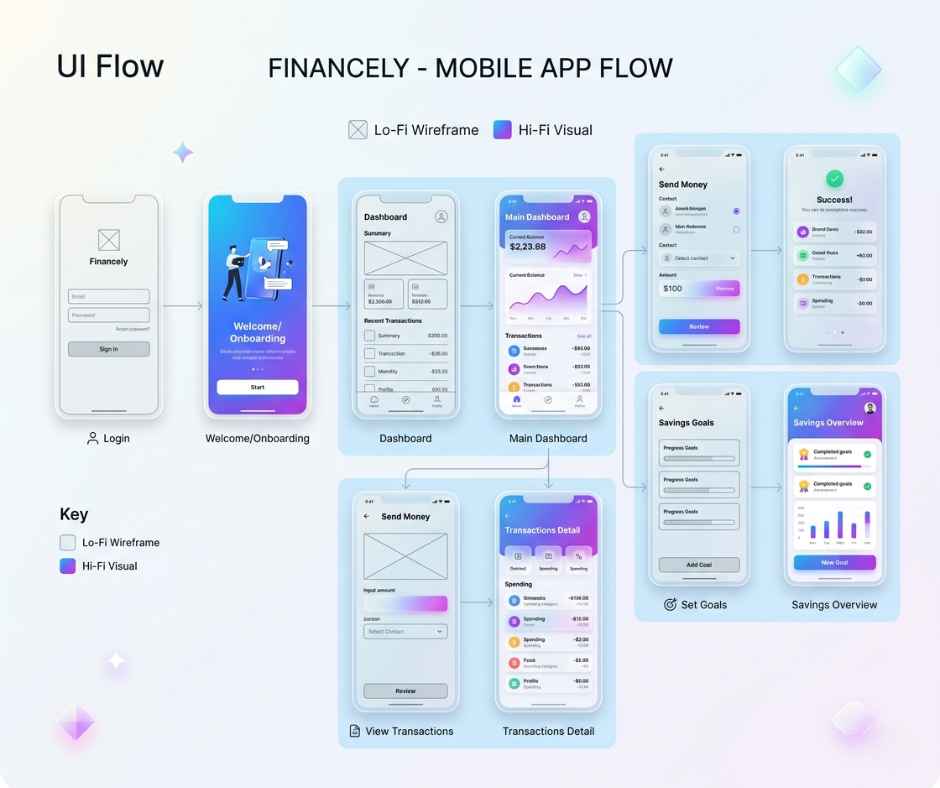
Dual speakers for stereo output. MEMS microphone array for voice input. The array configuration matters because it enables directional filtering. Volume limitation for child hearing protection is implemented at the hardware level. Software-level volume caps can be changed. Hardware-level limits cannot.
Dual speakers for stereo output matter for phonics learning specifically. When a child is learning to distinguish sounds, spatial audio separation between left and right actually aids pattern recognition. That is not just a product feature. It is a pedagogical choice built into the hardware spec.
3.4 Connectivity Architecture
WiFi 5 and Bluetooth 5.0 as baseline. An optional LTE version accommodates school deployments where centralized WiFi management is a consideration. USB-C for charging, because one-port charging simplifies the physical design and reduces points of potential water ingress.
4. AI and Educational Software Integration
4.1 AI Voice Assistant
The voice assistant handles interactive Q&A, pronunciation correction, storytelling, and phonics guidance. Pronunciation correction specifically requires a model that understands not just the correct phoneme pattern, but the common incorrect patterns that appear in child speech at specific developmental stages. A model that treats every mispronunciation the same way fails fast.
Storytelling mode generates narrative content that keeps the child engaged without drifting into content inappropriate for their age. The AI has to hold a coherent narrative thread, adapt to the child’s interactions within the story, and stay bounded by content guidelines simultaneously.
4.2 Adaptive Learning Algorithm
Performance-based difficulty adjustment means the device tracks what the child is getting right and wrong across sessions and responds. Not in a way the child necessarily notices consciously, but in a way they feel: the activities stay in the zone where they are challenged without being overwhelmed. Progress tracking feeds into a personalized learning path that updates continuously.
4.3 Content Ecosystem
| Content Categories Available on PlatformSTEM modules for early scientific thinkingLanguage learning programs with phonics integrationMath and logic games with adaptive difficultyCreative drawing tools for fine motor development |
What differentiates a strong content ecosystem is not the category list. It is the depth within each category, the quality of the individual activities, and whether the adaptive algorithm actually integrates with the content or just sits alongside it.
4.4 Cloud Synchronization
Remote content updates and OTA firmware updates are not optional features. They are the mechanism by which the device stays relevant after purchase. A kids AI learning machine that shipped in year one with year-one content and never changed is a product with a fixed expiration date. Cloud sync plus OTA creates a live service model on top of the hardware platform.
5. PCB and Hardware Engineering
5.1 Multi-Layer PCB Design
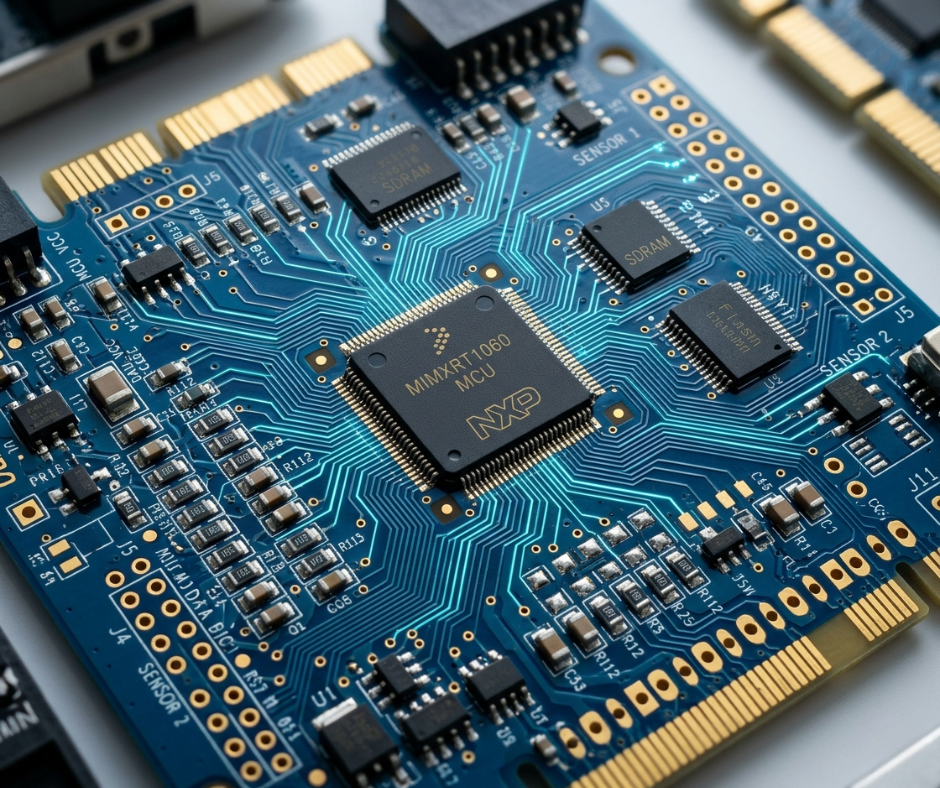
Six layers. Running display data buses, WiFi radio signals, audio processing, and touch controller communication on a shared board generates interference if not managed carefully. Six layers allow enough separation between power planes, signal routing, and ground planes to maintain signal integrity throughout. EMI shielding strategy concentrates specifically around the WiFi antenna region.
5.2 Power Management Design
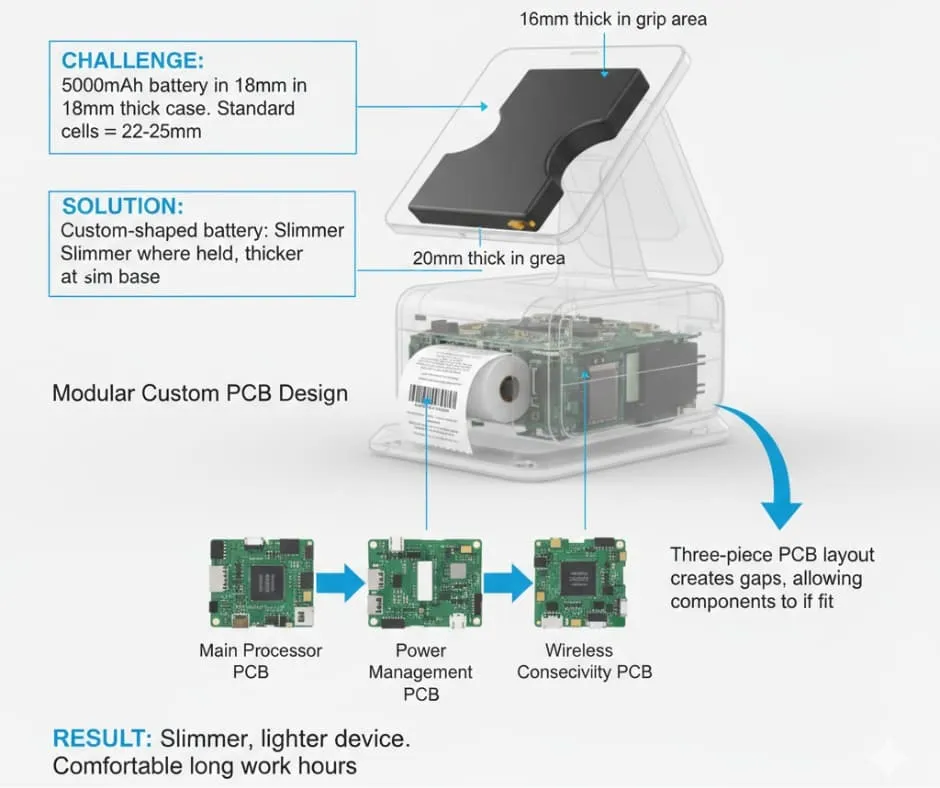
| Battery | 4000-6000mAh lithium-ion |
| Target Runtime | 8-12 hours active use |
| Charging | USB-C fast charging |
| Standby | Intelligent low-power scheduling |
5.3 ESD and Protection Design
Electrostatic protection on both the USB port and the touchscreen interface. In school environments, devices get plugged and unplugged repeatedly, often by children, often in conditions that generate static discharge. Battery protection covers overcharge, over-discharge, and short-circuit scenarios.
6. Mechanical and Industrial Design of smart early education learning tablet
6.1 Child-Friendly Enclosure Design
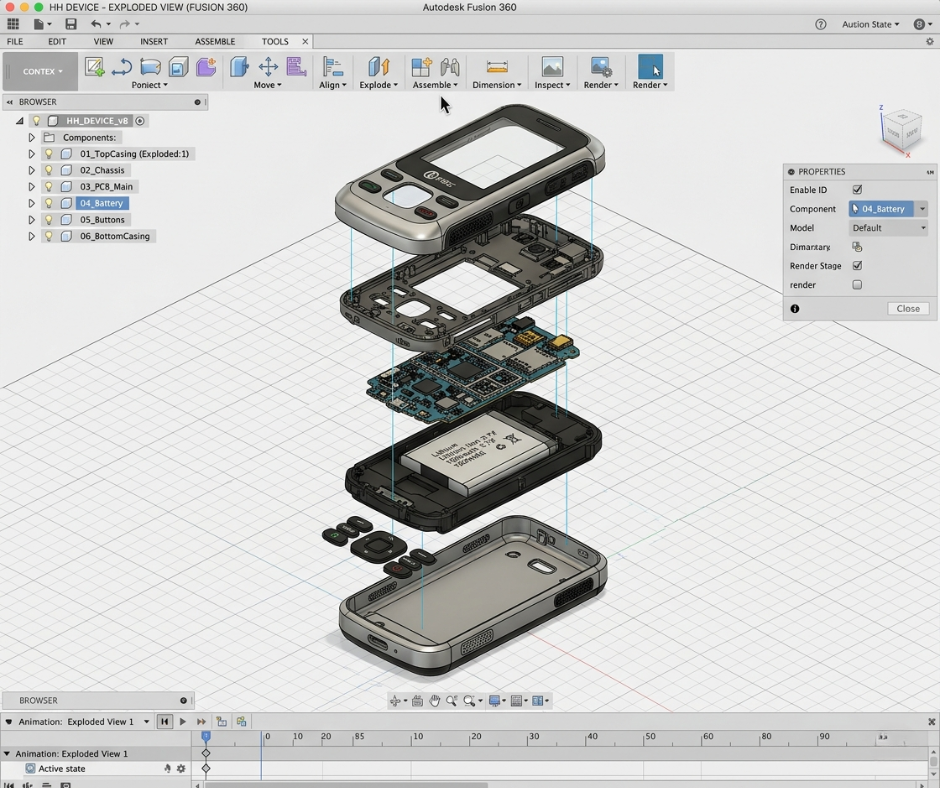
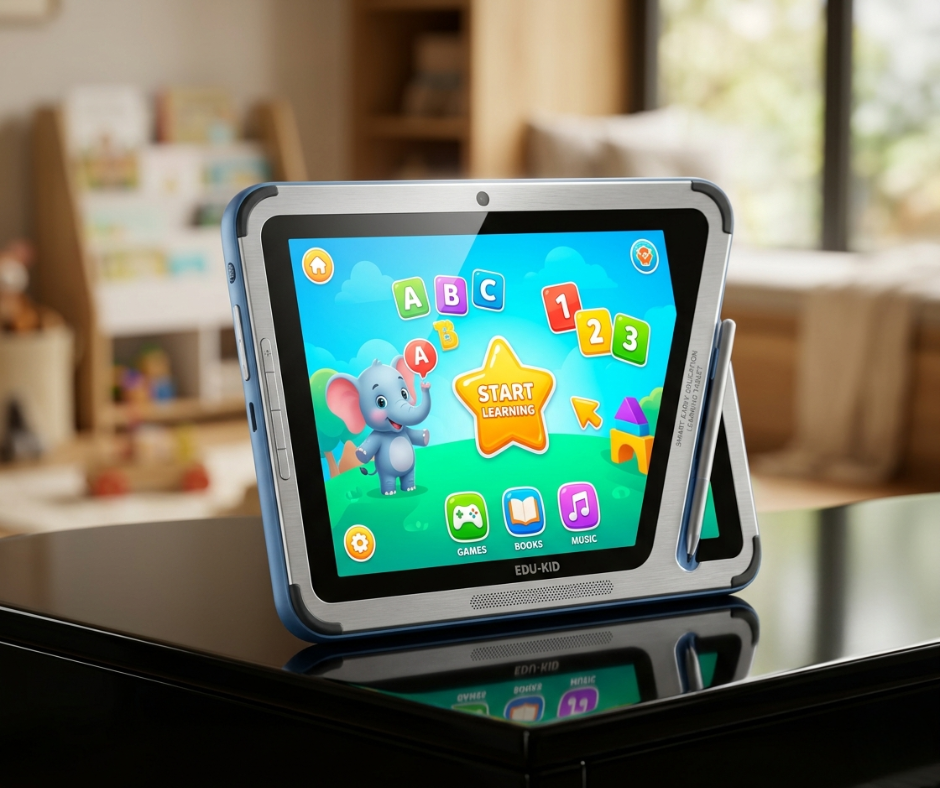
Shock-absorbing silicone protective case bonded to the structural frame. Not a slip-on case. Not a detachable bumper. An integrated structure where the silicone and the chassis work together as a single system under impact. Rounded edges throughout. Anti-slip grip texture on the sides because a dropped device is often dropped because it slipped out of a small hand first.
6.2 Ergonomics
Under 600 grams total. Built-in stand for hands-free use at a table or desk. Optional handle design for younger children who are carrying the device independently. A three-year-old and an eight-year-old interact with a physical object very differently. The mechanical design has to accommodate both ends of that spectrum.
6.3 Thermal Management
Passive cooling only. No fan. An internal graphite sheet spreads heat laterally away from the processor zone toward the larger chassis surface area, where it dissipates into ambient air. Safe surface temperature under sustained processor load is validated in testing, not assumed from simulation.
7. Safety and Certification
7.1 Child Product Safety Standards
CPSIA for the US market. EN71 for the EU. ASTM F963 for physical safety testing applicable to the target age group. These are not interchangeable. Each has distinct testing protocols, documentation requirements, and testing body relationships. Treating them as a single certification process is a mistake that costs months.
7.2 Electronics Compliance
| CE | European conformity marking |
| FCC | US radio emissions certification |
| RoHS | Restricted substances in materials |
| WEEE | End-of-life product handling registration |
7.3 Battery Certification
UN38.3 for transport classification. IEC 62133 for cell-level safety. Both are required before the product can move internationally and before most retail channels will accept it. Total certification cycle from design freeze to all approvals: planned at 4 to 5 months.
8. Testing and Validation
8.1 Durability Testing
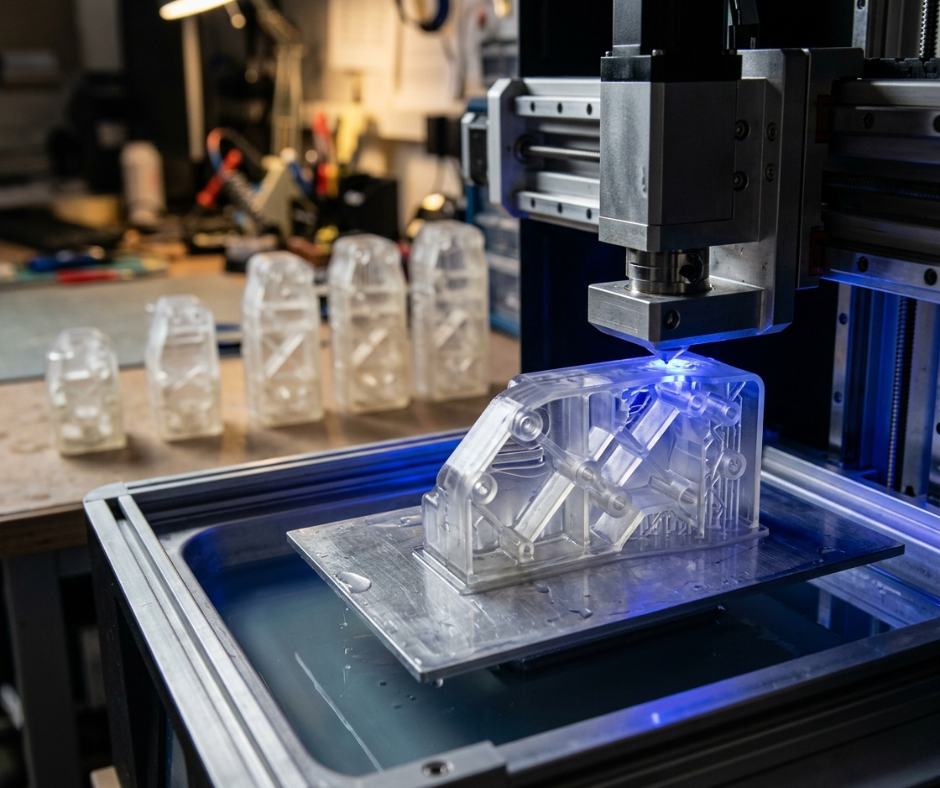
Drop testing at 1.2 meters minimum, escalating to 1.5 meters. Multiple orientations including corner, edge, face, and back impacts. Button lifecycle testing simulates years of use in compressed time. Screen scratch resistance testing in smart early education learning tablet uses standardized abrasion methods.
8.2 Battery and Performance Testing
Continuous playback endurance testing at standardized brightness and volume levels. Charging cycle validation simulates a realistic school-use pattern across a compressed multi-year period. Thermal stress testing pushes the device to sustained high load in elevated ambient temperature conditions.
8.3 Software Testing
Parental control reliability testing includes active attempts to bypass restrictions by testers simulating child behavior, not just functional testing of the controls themselves. Content filtering accuracy is measured against a defined test corpus. OTA update validation specifically tests behavior under degraded network conditions, partial downloads, interrupted connections.
9. Manufacturing and Mass Production
9.1 DFM Optimization
Design for Manufacturing review happened before the design was locked, not after. That sequence matters enormously. Component lifecycle decisions made at the schematic stage determine whether the product can be built at consistent cost and quality two years into production when original parts are discontinued. Alternative component planning for key parts means the line does not stop because a single supplier has a shortage.
9.2 SMT and Assembly
High-volume SMT production with final firmware flashing and audio calibration performed per unit on the line. Audio calibration is the step that gets cut first under schedule pressure and causes the most noticeable quality variance in the field. Speaker-to-speaker output variation across units, if not corrected at individual unit level, creates inconsistent volume that parents and teachers notice immediately.
9.3 Quality Control
| 100% Functional Testing ProtocolDisplay: pixel defects and uniformity inspectionTouch: calibration accuracy per unitAudio: output and microphone input validationWiFi: signal strength against minimum thresholdCharging: USB-C port function check |
10. Project Results
10.1 Technical Achievements
| Outcomes DeliveredAverage battery life in real child-use conditions: 10 hoursAI voice interaction stable across variable accents and ambient noiseDrop resistance validated at 1.2m-1.5m across multiple impact orientationsAll target certifications achieved: CPSIA, EN71, FCC, CE, RoHS100% functional test pass rate at line exit before shipment |
The 10-hour figure held up outside the lab, which is the test that actually matters. AI voice interaction stability under real-world conditions, variable accents, ambient noise, unpredictable child phrasing, achieved accuracy sufficient to sustain learning sessions without repeated frustrating failures.
10.2 Market Impact
Successful launch across retail and education channels in the primary target markets. The OEM and ODM customization framework built into the platform means brand partners can adapt content ecosystems, visual identity, and regional compliance documentation without rebuilding the underlying hardware. Scalable production capacity is in place for volume growth.
11. Future Expansion Capability
11.1 AI Content Upgrade
GPT-style interactive storytelling is the near-term priority in smart early education learning tablet. The capability to generate narrative content that adapts in real time to the child’s reading level, stated interests, and session history changes what the device can be: from a static content player to a genuinely dynamic learning environment. Homework assistance modules targeting the older end of the age range are in parallel development.
11.2 Ecosystem Integration
Smart pen pairing for handwriting development. Interactive learning accessories that pair with specific content modules. Classroom management system integration for school deployments where teachers need to push content, monitor progress, and manage multiple devices from a single interface.
12. Why Choose Us for Smart Education Device Development
| Embedded Engineering | Strong embedded system team with education hardware constraints experience |
| PCB & RF Expertise | High-speed PCB and RF expertise across connectivity and audio subsystems |
| Child Safe Tablet | Hardware design experience covering materials, structural and thermal decisions |
| AI Integration | Capability spanning on-device processing and cloud-connected architectures |
| Mass Production | Scalable capacity with 100% inspection QC processes for children’s products |
| 13. Call to Action Planning to develop a smart early education learning device or kids AI tablet? Contact kids learning tablet manufacturer to discuss your customized educational hardware solution. |