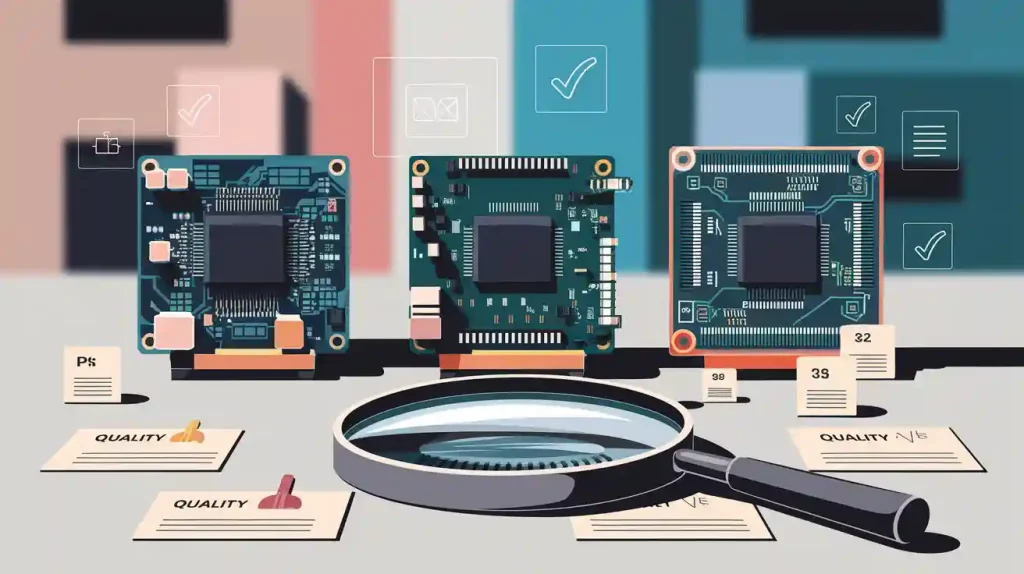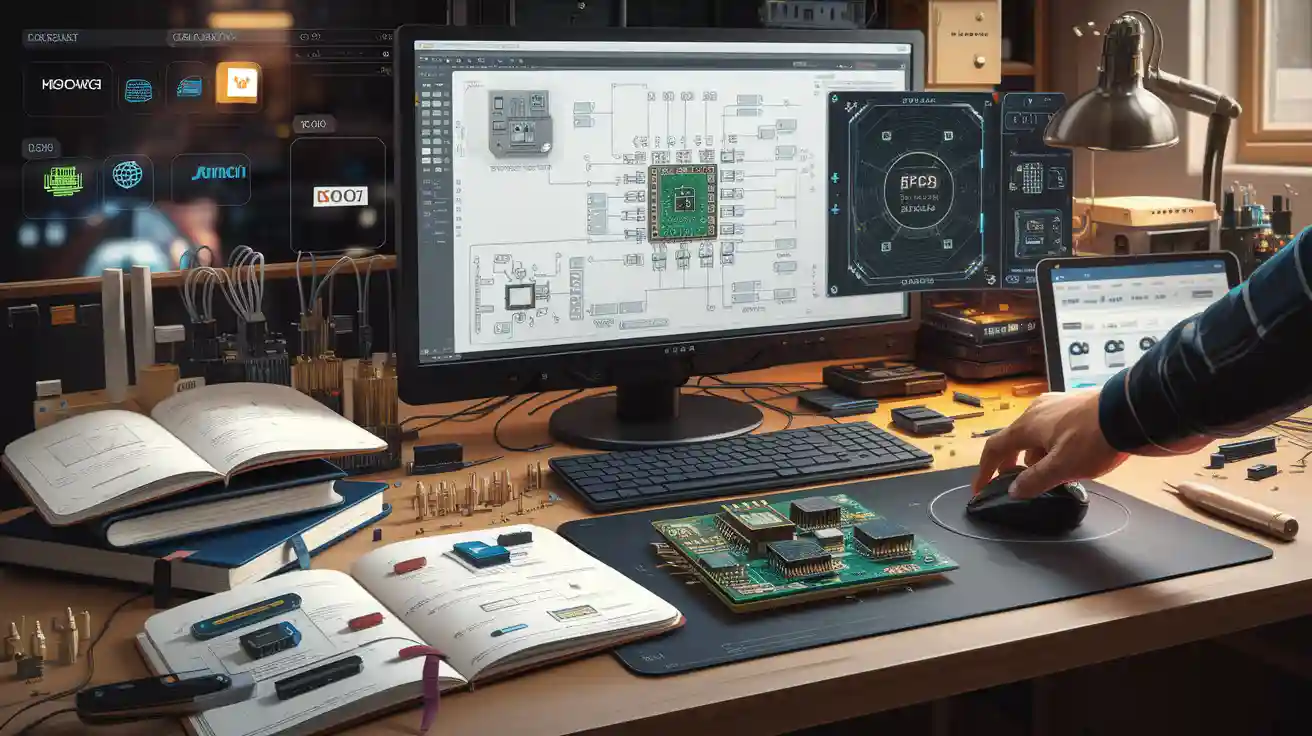
You can find many tools and websites that help electronic designers. These tools help them work better and faster. Some popular tools are pcb design tools, circuit simulation software, and automation platforms. Engineering teams use these tools to make, test, and share pcb layouts. There are also websites to help find parts and join engineering groups. Electronic designers use these tools to fit their project needs, skills, and money limits.
PCB Design
Popular Tools
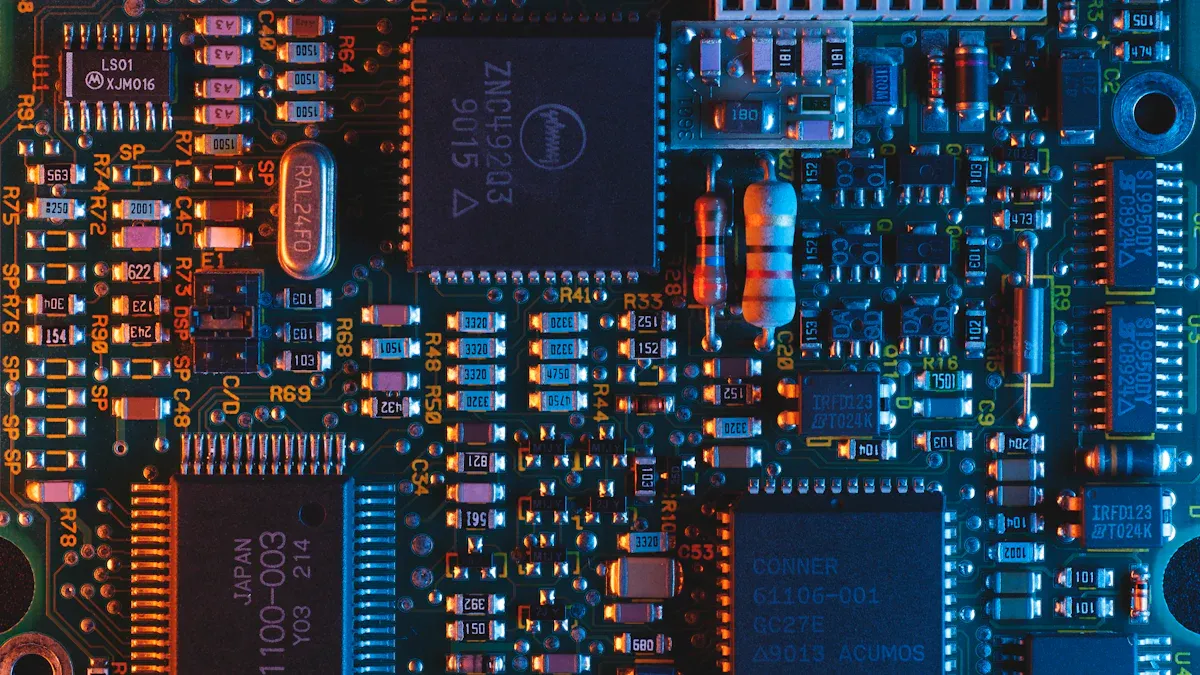
To start a printed circuit board, you need pcb design software. Engineers pick different tools to make and test pcb projects. Here are some well-known pcb design software choices:
Altium Designer: This software is for advanced pcb layout design. It helps with hard engineering projects and has many features for professionals.
Mentor Graphics PADS: This tool helps with schematic capture and pcb layout. Many teams use it because it is reliable.
Autodesk Eagle: Eagle works for small and big pcb projects. It is easy to use for both beginners and experts.
KiCad: This open-source pcb design software is free. Many students and hobbyists use it to learn engineering.
Cadence OrCAD: OrCAD has strong simulation and design tools. You can use it for simple or hard pcb projects.
Tip: Try out different pcb design software to find what works for you. Some software has free trials or open-source versions.
Key Features
Each pcb design software has special features to help you work better. You can use tools for schematic capture, placing parts, and routing. Many software options let you check your design for mistakes before building the printed circuit board. Some important features are:
Schematic Capture: You can draw the electronic circuit before making the pcb.
Auto-Routing: The software can connect parts on your pcb by itself.
3D Visualization: You can see your pcb in 3D to check how it looks and fits.
Design Rule Checking (DRC): The software checks your pcb for mistakes and helps you fix them.
Library Management: You can use built-in libraries to find parts and symbols for your pcb layout.
Feature | Why It Matters for Engineering |
|---|---|
Schematic Capture | Helps you plan your circuit |
Auto-Routing | Saves time on complex designs |
3D Visualization | Lets you spot problems early |
Design Rule Checking | Reduces errors in your pcb |
Library Management | Speeds up part selection |
Use Cases
You can use pcb design software for many engineering jobs. If you want to make a simple LED flasher, you can use free software like KiCad. For a hard robotics project, you might pick Altium Designer or OrCAD. Many teams use these tools to design, test, and share their pcb layouts.
Prototyping: You can quickly make and test new ideas.
Product Development: You can design printed circuit boards for things like phones or computers.
Education: You can learn about electronics and engineering by making your own pcb projects.
Collaboration: You can share your pcb files with other engineers and work together.
You can find both commercial and open-source pcb design software. Commercial software like Altium Designer and OrCAD has more features and support. Open-source options like KiCad let you start designing for free. Pick the software that fits your project, your skills, and your budget.
Note: Good pcb design software helps you avoid mistakes and saves time. You can get better by trying new tools and learning from each project.
Circuit Simulation
Simulation Software
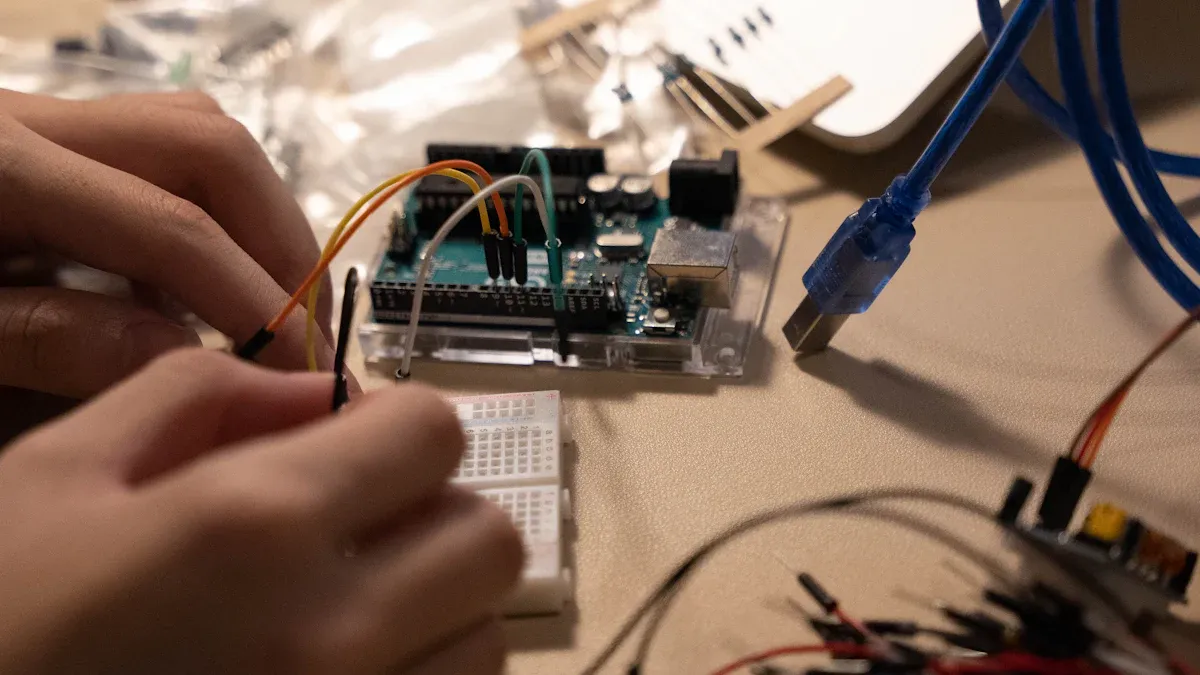
You need special tools to test your electronic circuits first. Circuit simulation helps engineers see if their designs work. Many people use different software for this.
SPICE: This is a classic tool for simulation. Other programs use its engine too.
LTspice: This free software is good for analog circuit simulation. It works for easy and hard circuits.
Multisim: This program lets you design and test circuits easily.
Proteus: You can use Proteus for simulation and PCB design. It is great for microcontroller projects.
PSpice: This tool is strong for simulation and checking circuits. Many teams use it for deep analysis.
Tip: Try out different software to find what you like. Some have free versions for students or hobbyists.
Main Functions
Circuit simulation software shows how your circuit will act. You can change numbers and test ideas without building anything. Here are some main things you can do:
Function | What You Can Do |
|---|---|
Schematic Entry | Draw your circuit on the screen |
Analysis | Check voltage, current, and power |
Fault Testing | Find mistakes before building |
Parameter Sweeps | Test different values quickly |
Simulation software saves you time and money. You can find problems early and fix them before building.
Typical Applications
Circuit simulation is used in many engineering areas. Here are some examples:
Education: Learn how circuits work without buying real parts.
Product Design: Test new ideas before making a prototype.
Troubleshooting: Find and fix mistakes in your design.
Research: Try out advanced circuits for new technology.
You can use circuit simulation and verification to check your design. This step is important because it helps you avoid expensive mistakes.
Note: Always run a simulation before building your circuit. This makes your engineering projects safer and more reliable.
Electronic Design Automation
EDA Tools Overview
Electronic design automation helps engineers work faster and easier. It uses computer programs to design, test, and build electronic circuits. These programs help you draw circuits and make the final pcb. You can use this software for big projects that would take too long by hand.
Many engineers use pcb design software as part of this process. Some popular tools are:
Altium Designer
Cadence Allegro
Mentor Graphics Designer
These tools help you make complex pcb layouts. They also let you check your work and fix mistakes before building. Most teams pick pcb design software that fits their project size and needs.
Tip: Electronic design automation tools help you save time and avoid errors in your pcb projects.
Workflow Integration
You can connect different software to make your work smoother. When you use pcb design software, you may need other tools for simulation, testing, and 3D modeling. Good electronic design automation tools let you move pcb files between programs without losing details.
Here is how workflow integration works in a real project:
Start with schematic capture in your pcb design software.
Run a simulation to check your circuit.
Use auto-routing to connect parts on your pcb.
Export your pcb layout to a 3D modeling tool.
Share your pcb files with your team for review.
Step | Tool Example | What You Do |
|---|---|---|
Schematic Capture | Altium Designer | Draw your circuit |
Simulation | LTspice | Test your design |
Auto-Routing | Cadence Allegro | Connect parts on your pcb |
3D Modeling | Fusion 360 | Check how your pcb fits in a case |
Collaboration | Altium 365 | Share and review pcb files |
Each step uses a different tool, but they all work together. This makes your engineering process faster and more reliable.
Next-Gen Features
Modern pcb design software has new features to help you work better. Cloud-based platforms like Altium 365 let you store pcb projects online. You and your team can work together from anywhere. Automation features check your pcb for errors, suggest fixes, and help you order parts.
Some next-gen features in electronic design automation tools are:
Real-time teamwork with your group
Automatic error checking for your pcb layout
Easy sharing of pcb files and feedback
Direct links to part sourcing websites
Note: These features help you finish projects faster and make fewer mistakes.
Electronic design automation is now important for every engineering team. You use pcb design software and other tools to make sure your pcb works well and is ready for production. To keep up with new technology, try the latest electronic design software and automation tools.
Electrical Engineering Software
3D Modeling
Electrical engineering software helps you make 3D models of projects. Fusion 360 lets you design parts and see how they fit. SolidWorks Electrical helps you build 3D models of electrical systems. FreeCAD is a free tool for making 3D designs. You can look at your ideas before building anything. This step helps you spot problems early. Many students use this software to learn about 3D modeling. You can move your designs between different software. This makes your work go faster.
Testing & Validation
You need electrical engineering software to test your circuits. LabVIEW helps you check if your design works right. Matlab and simulink let you run tests on your models. Matlab helps you do math and see what happens. Simulink lets you build models and test them. You can use this software to find mistakes before building. Many teams use matlab and simulink for testing. You can change numbers and see what changes. This saves both time and money. Electrical engineering software helps keep your projects safe.
Integration Tools
You can connect electrical engineering software with other tools. Matlab and simulink work with PCB design software. You can move your models from simulink to other tools. This helps you finish projects more quickly. Electrical engineering software lets you share your work with your team. You can use simulink to test your design, then send it to other software for more checks. Many teams use this software to link design, testing, and modeling. You can use electronic design software with matlab and simulink for better results. This makes your projects strong and ready for real use.
Tip: Try different electrical engineering software to see what works best for your project. You can use both free and paid options.
Component Sourcing
Sourcing Platforms
When you design a pcb, you need to find the right parts. Many online platforms help you with this step. You can use websites like Digi-Key, Mouser, Octopart, and SnapEDA. These sites let you search for electronic parts, compare prices, and check if items are in stock.
Digi-Key gives you a huge selection of parts. You can see datasheets and order samples for your pcb projects.
Mouser helps you find new components and offers fast shipping. You can use their filters to pick the best part for your engineering needs.
Octopart works like a search engine for parts. You type in what you need, and it shows you options from many suppliers.
SnapEDA lets you download symbols and footprints for your pcb design software. You can save time by adding these files directly to your project.
Tip: Always check the datasheet before you buy a part. This helps you avoid mistakes in your pcb design.
Library Resources
You need good library resources to make your pcb work. Many sourcing platforms give you free libraries with symbols and footprints. These libraries help you place parts in your pcb layout without drawing them yourself.
Platform | Library Type | How It Helps You |
|---|---|---|
SnapEDA | Symbols, Footprints | Speeds up pcb design |
Digi-Key | CAD Models | Fits parts into your pcb |
Mouser | Reference Designs | Shows working examples |
You can use these resources to build your pcb faster. Many engineering teams use these libraries to avoid errors and save time. When you use trusted libraries, your pcb design becomes more reliable.
Note: Good library resources make your engineering projects easier. You can focus on building and testing instead of drawing every part.
Community & Collaboration for Electronic Designers
Online Forums
There are lots of online forums for electronic designers. People use these forums to share ideas and fix problems. All About Circuits is a place where you can ask questions. Engineers and other users will answer and help you. EEVblog has a busy forum for talking about tools and projects. You can also talk about new technology there. On Hackaday, you can look at what others build. You can also post your own projects for others to see. Stack Exchange has a special section for electronics. You can get help with hard questions there.
These forums let you learn from real people. You can ask your own questions or help someone else. Many designers use these sites to keep up with new things. You do not have to work by yourself. You can join a group and get help any time.
Tip: Always read the rules when you join a forum. Be polite to others so you get better answers and make friends.
Learning Resources
You can find many ways to learn more about engineering. Online forums often have guides and videos. They also have project ideas you can try. EEVblog posts videos that teach you how to use tools. These videos also show how to fix problems. Hackaday shares step-by-step builds and explains how things work. All About Circuits has lessons for both beginners and experts.
You can find free courses and articles on these sites too. Many designers use these resources to learn new skills. When you share what you know, you help others. This makes the community stronger. Working with others helps you find better ways to solve problems.
Note: Sharing and working together helps you grow as an engineer. You can learn faster and make fewer mistakes.
Choosing the Right Tools
Project Needs
Think about what your project needs before you start. Every project is not the same. Some projects only need simple circuits. Other projects need more complex systems. If you are doing a school project, you may just need basic electrical engineering software. Bigger projects might need advanced tools like matlab. Write down what your project should do. Make a list of features you want in your design tools. This will help you choose the right electrical engineering software.
Tip: Ask yourself if you need to test your design with matlab or just draw a simple circuit. This question can help you save time.
Experience Level
How much you know matters when picking electrical engineering software. If you are new, start with easy programs. Many students use simple tools before trying matlab. Matlab can do a lot, but it might seem hard at first. Try free versions or student editions to learn. These let you practice without spending much money. As you learn more, you can use more features in matlab and other electrical engineering software.
Experience Level | Suggested Software |
|---|---|
Beginner | Simple electrical engineering software |
Intermediate | Matlab (student version) |
Advanced | Full matlab, advanced electrical engineering software |
Budget Factors
You should think about how much money you have. Some electrical engineering software costs a lot. Matlab is strong, but it can be expensive. Many schools let you use matlab for free. You can also find free or open-source electrical engineering software. These choices help you save money. Always compare prices and features before you buy anything. Try both commercial and open-source tools to see what works best for you.
See if your school gives you matlab.
Look for free trials of electrical engineering software.
Use open-source tools if your budget is small.
Note: You do not have to spend a lot to get good results. Many great projects use free electrical engineering software.
You use these tools and websites to make your electronic designs better and faster. They help you learn, test, and share your work.
Try different tools to see what fits your needs.
Join online communities to get help and new ideas.
Stay curious! New tools and resources appear often. When you keep learning, you become a better designer.
FAQ
What is the best free PCB design software for beginners?
You can start with KiCad. It is open-source and free. Many students and hobbyists use it to learn PCB design. You get basic features and a helpful online community.
How do you choose the right simulation tool?
Think about your project size and type. For simple circuits, LTspice works well. For advanced needs, try Multisim or PSpice. Always check if the tool supports your parts.
Where can you find reliable electronic component libraries?
SnapEDA, Digi-Key, and Mouser offer free libraries. You can download symbols and footprints for your PCB software. These resources help you save time and avoid mistakes.
Can you use different tools together in one project?
Yes! Many tools let you export and import files. For example, you can design in Altium Designer and test in LTspice. This helps you work faster and check your designs.
Why should you join online electronics communities?
You learn from others and get help with problems. Forums like All About Circuits and EEVblog offer advice, project ideas, and support. You can also share your own projects and tips.