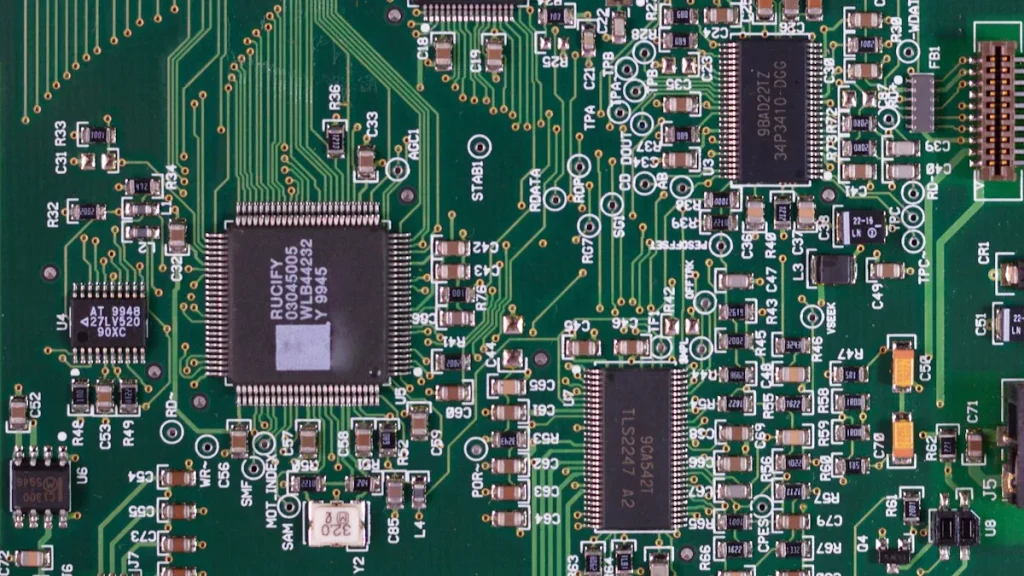
A sensor notices changes around you. It works like your eyes, ears, nose, tongue, and skin. These body parts help you sense things in the world.
Engineers build sensors for machines and robots. These sensors copy how human senses work.
Human Sense | Corresponding Sensor | Functionality |
|---|---|---|
Vision | Photoelectric Sensor | Finds light and pictures |
Hearing | Sound Sensor | Finds sound waves |
Smell | Gas Sensor | Finds gas amounts |
Taste | Chemical Sensor | Finds chemical stuff |
Touch | Pressure/Temperature Sensor | Finds pressure and heat changes |
You can find sensors in your phone. They are also in your car. You might see them in your school’s science lab too.
What is a Sensor

Sensor Definition
A sensor is a tool that helps you notice changes. It can find things like heat, light, or movement. Think of a sensor as something that can “feel” what is happening. It tells another machine or system about these changes.
Scientists and engineers use the word sensor for a part that picks up a change. It turns this change into a signal. The signal can be electrical, optical, or digital.
Here is a table that shows what some words mean:
Term | Definition |
|---|---|
Sensor element | The main part that changes one kind of energy into another. |
Sensor | A sensor element with its case and connections. |
Sensor system | A sensor with extra parts to handle signals. These parts can be inside or outside the sensor. |
Sensors always look for changes. Some common changes sensors can find are:
Temperature: Sensors tell if something is hot or cold.
Humidity: They sense how much water is in the air.
Strain: Sensors notice if something is stretched or pressed.
A sensor helps machines and people understand the world. It turns changes into signals.
Sensor as a Transducer
Sometimes people call a sensor a transducer. A transducer changes one kind of energy into another. A sensor is a type of transducer. It takes information from the world and turns it into a signal.
Here are ways sensors work as transducers:
Sensors change pressure, temperature, and flow into electrical signals. Factories use these signals to control machines.
Hospitals use sensors in devices like thermometers and ECG machines. These help doctors check your health.
Cars use sensors to watch engine performance and tire pressure.
Airplanes use sensors to measure height and help with navigation.
Robots use sensors to know where they are and how much force they use.
A sensor can also be an input device. An input device lets you give information to a computer or system. Some examples are:
Keyboard: Lets you type words into a computer.
Mouse: Moves the pointer on your screen.
Scanner: Changes paper documents into digital files.
Microphone: Turns your voice into a signal for a computer.
Camera: Takes pictures and videos.
Other sensors you might see every day include:
Accelerometer: Finds out how fast something moves.
Gyroscope: Senses which way something turns.
Proximity sensor: Notices if something is close.
Barometer: Measures air pressure.
Thermometer: Checks temperature.
A sensor is a device that connects the real world to machines. It helps machines “see,” “feel,” or “hear” what is happening. This is like how your senses help you understand the world.
How Does a Sensor Work
Detecting Changes
You might wonder, how does a sensor work in your daily life? A sensor starts by noticing changes in its environment. It acts like your eyes or ears, always watching or listening for something new. For example, a motion sensor in your hallway can spot when you walk by. It does this by picking up movement in the air or changes in heat.
Here is a simple table that shows the main steps a sensor follows to detect changes:
Step | Description |
|---|---|
1 | The sensor gathers data from its surroundings. |
2 | It analyzes the data to understand what is happening. |
3 | If needed, it sends an alert or signal to another device. |
A light sensor works in a similar way. It measures how much light is in a room. When the sun goes down, the sensor can tell your smart lamp to turn on. This helps you see better and saves energy.
Tip: You can find sensors in many places at home, like automatic lights, alarms, and even your phone.
Sending Signals
After a sensor detects a change, it needs to send this information to another part of the system. Most sensors turn what they sense—like light, heat, or movement—into electrical signals. These signals can be a small voltage or current. Some sensors, called active sensors, need power to work and give a clear output, like 1 to 10 volts. Others, called passive sensors, work without extra power and react only when something changes.
Many sensors send out an analog signal, which means the signal changes smoothly as the environment changes. Devices can use an analog-to-digital converter to turn this signal into digital data. This makes it easy for computers or smart devices to understand and act on the information.
Think about a motion sensor in a smart home. When you walk into a room, the sensor detects your movement and sends a signal to turn on the lights. When you leave, the sensor notices the room is empty and turns the lights off. This not only makes your life easier but also saves energy.
Light sensors also play a big role in daily life. They measure how bright or dark it is and send a signal to control devices like automatic night lights or alarms. Some light sensors, like photoresistors, change their resistance based on how much light they receive.
Sensors help machines and devices react to the world around you. They make your home smarter and your life safer.
Types of Sensors
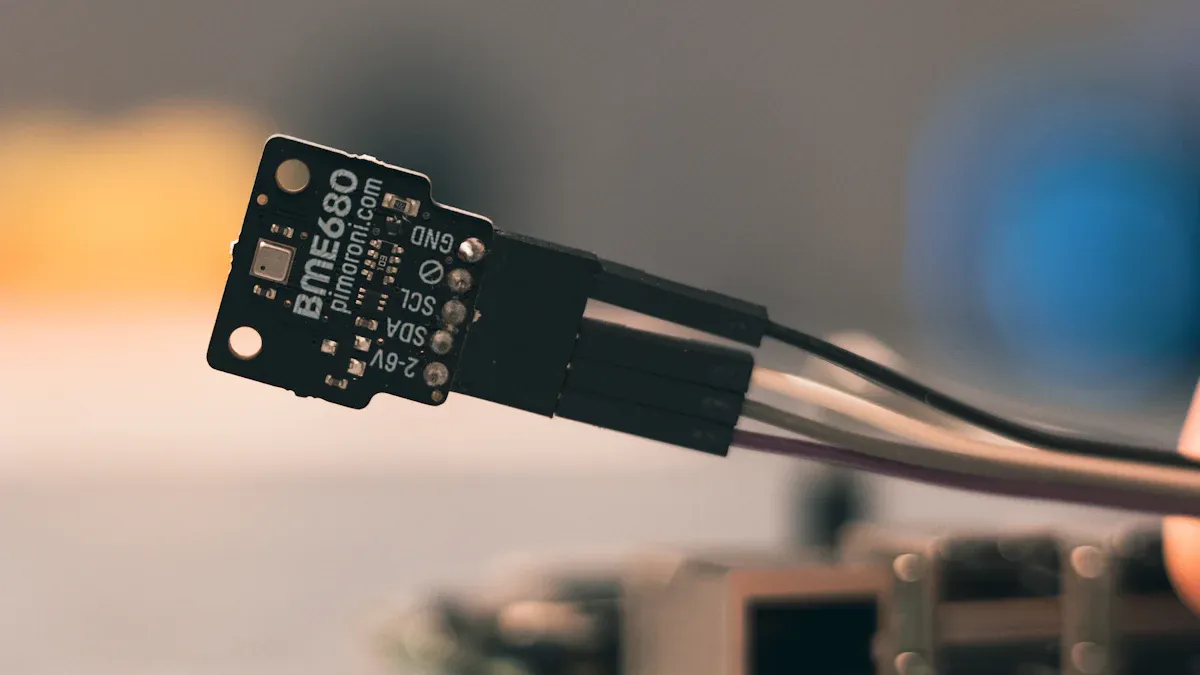
Sensors come in many shapes and sizes. You use sensors every day, but you might not notice them. Each sensor helps a device react to changes around you.
Temperature Sensors
Temperature sensors check if something is hot or cold. You can find these sensors in your fridge, oven, and air conditioner. They help keep food safe and rooms comfy. In smart homes, temperature sensors watch the air and change the heat or cool for you. This makes life easier and saves power. Many home devices need temperature sensors to work well and keep you safe.
Tip: A smart thermostat uses a temperature sensor to keep your home just right.
Light Sensors
Light sensors find out if it is bright or dark. You see these sensors in phones, tablets, and TVs. They change screen brightness so you can read better in any light. Light sensors also help save power by dimming screens when the room is dark.
Light sensors in phones and tablets change how bright the screen is.
They make screens easier to see and help your device use less energy.
Ambient light sensors in TVs change settings for better viewing and lower power use.
Motion Sensors
Motion sensors spot movement. You find these sensors in alarms, smart lights, and your phone. Motion sensors keep your home safe by seeing movement near doors or windows. They turn on alarms and lights to scare away strangers. Motion sensors also help save power by making sure lights and devices only work when someone is close.
Sensor Type | Description |
|---|---|
Motion Sensors | Notice movement and measure speed, gravity, and acceleration. |
Location Sensors | Find where the device is using geomagnetic sensors and accelerometers. |
Environmental Sensors | Check humidity, temperature, pressure, and light to change device settings. |
You use lots of sensors every day. Each sensor helps your device know what is happening and helps you.
Sensor Applications
Everyday Uses
Sensors are used in many places every day. When you enter a room, a sensor can turn on the lights. This helps keep your home safe and saves power. In cars, sensors check tire pressure and look for things in your way. They also help you park. These things make driving safer and easier.
Wearable technology uses sensors to watch your heart rate and steps. It also tracks your sleep. Smart clothes and fitness bands check your health without you noticing. At home, sensors help keep the air clean by checking CO2 levels. They warn you if there is danger. Automatic faucets and doors use sensors to stop germs from spreading.
Here is a table that shows how sensors help in transportation:
Category | Purpose | Types of Sensors |
|---|---|---|
Diagnostic | Checks vehicle status and finds problems | Position, chemical, temperature, pressure, airbag |
Traffic | Watches road conditions | Cameras, radars, ultrasonic, proximity |
Assistance | Adds comfort and convenience | Humidity, temperature, position, rain, distance |
Environment | Monitors weather and trip conditions | Pressure, temperature, distance, cameras |
User | Tracks driver health and behavior | Cameras, ECG, EEG, heart rate |
Importance in Technology
Sensors are very important in today’s technology. You use sensors for safety, comfort, and health. In factories, sensors help machines work well and keep people safe. They collect data right away, control energy use, and help make better products.
Sensors are a big part of smart cities. They help control traffic, save energy, and keep the air clean. City leaders use sensor data to make good choices and help everyone. In hospitals, sensors help doctors check your health. They use blood pressure monitors, glucose meters, and imaging tools.
The sensor market is growing very fast. Experts think it will be worth over $300 billion by 2030. This shows how important sensors are for new ideas and daily life. You can find sensors in almost every device, like phones, cars, and smart homes.
You use a sensor every day, even if you do not notice it. Sensors help devices work in a smarter and safer way.
They help buildings save energy and keep you comfy.
Sensors give machines up-to-date information. This helps machines make fast choices and work by themselves.
You can check your health and what you do more easily.
Next time you use your phone or walk into a room with lights that turn on by themselves, think about how sensors make things easier for you.
FAQ
What does a sensor do in your phone?
You use a sensor in your phone to detect light, movement, or touch. It helps your device adjust brightness and respond to your actions.
Can a sensor help keep you safe at home?
You rely on a sensor in alarms and smart lights. It notices movement or changes, then sends alerts to protect you and your family.
Why do machines need a sensor?
Machines use a sensor to gather information from the environment. This helps them make decisions, work better, and keep you comfortable.