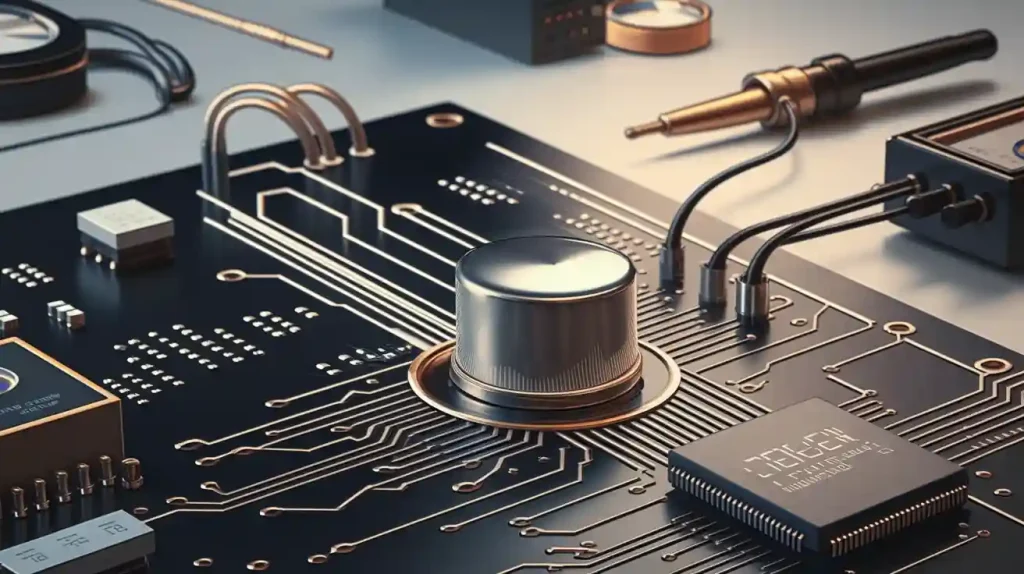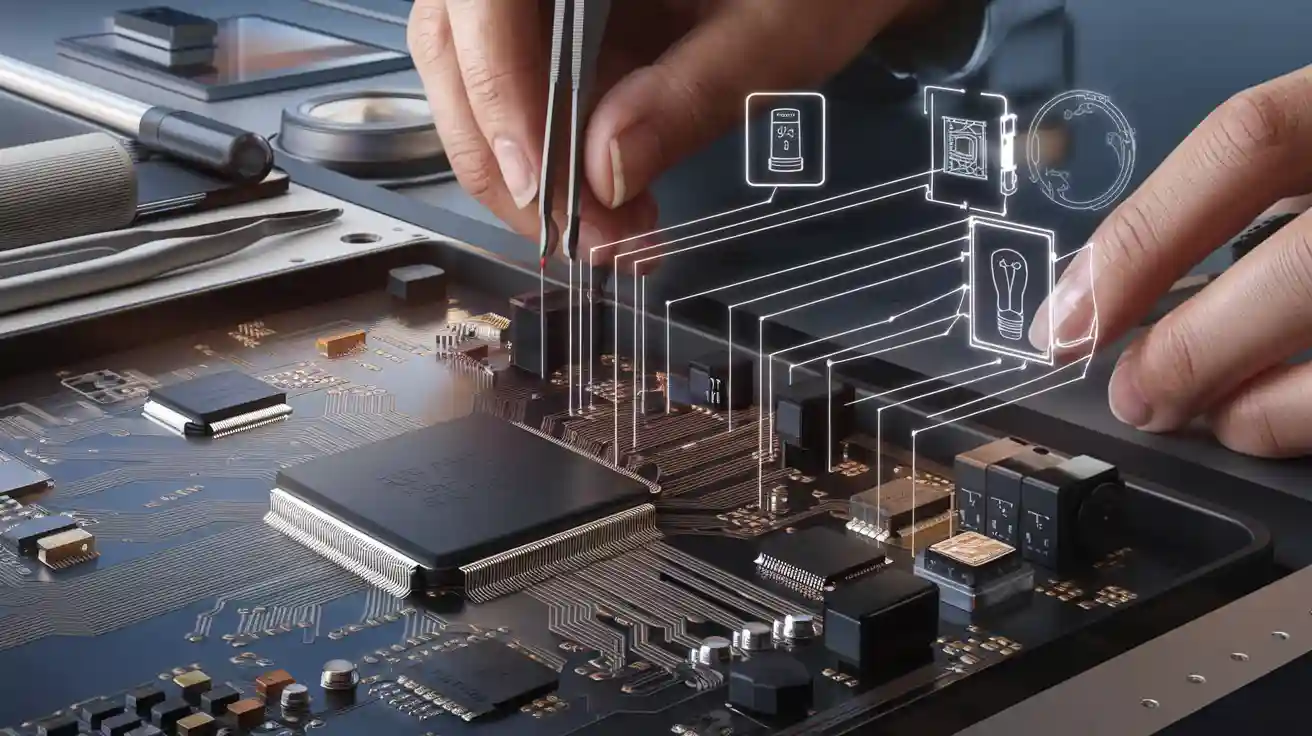
You use smart home electronics to make things work easily and connect well. Good PCB manufacturing helps your smart home work without stopping. When you pick smart solutions, you want them to be steady, strong, and safe. Smart home technology uses special electronics for wireless protocols, IoT sensors, and automation features.
Smart devices need careful design and assembly to work well in every smart home.
Smart Home PCB Requirements
When you make a smart home pcb, you need to think about features for automation. Your pcb should work with wireless connections like Wi-Fi, Bluetooth, and Zigbee. These help your smart home devices talk and work together. You also need to think about how your devices use power. Good pcb design helps save energy and keeps things running well.
Component Selection
You have to pick the right parts for your smart home pcb. Choose parts that let your devices use wireless communication and IoT sensors. These help your devices collect and share data. For example, sensors can check temperature or energy use. Pick low-power modules to help your smart home save energy. If you use good parts, your home appliance control pcbs last longer and work better.
Tip: Always make sure your parts fit your smart home needs. Good parts help you avoid problems later.
Power & Signal Integrity
Power and signal integrity are very important in smart home pcb design. You want your devices to use energy well and send clear signals. If you do not manage power, your devices may waste energy or stop working. Good pcb design helps control energy and keeps signals clean. This is important for smart home energy management. Your home appliance control pcbs must handle changes in voltage and current.
Use power planes to help energy move well.
Add decoupling capacitors to keep signals clear.
Plan your pcb layout to stop interference.
Miniaturization
Smart home devices need to be small. You must design your smart home pcb to be tiny but strong. Miniaturization lets you add more features without making devices bigger. Multi-layer pcb designs save space and work better. Custom pcb designs help your smart home energy management system.
Feature | Benefit for Smart Home PCB |
|---|---|
Multi-layer PCB | More circuits in less space |
Small components | Fit in compact smart devices |
Thin materials | Lightweight and easy to install |
Miniaturization also helps you use less energy and manage devices better.
Compliance & Safety
You must follow safety rules when you design smart home pcb. Compliance keeps your smart home electronics safe and strong. Check if your pcb meets rules for energy and safety. Home appliance control pcbs must pass tests for heat, voltage, and strength. This keeps your devices and home safe.
Note: Always test your smart home pcb for safety before using it. Safe design helps you avoid risks and keeps your system strong.
Smart home pcb requirements focus on energy, reliability, and safety. If you follow these steps, your smart home devices last longer and work better. Good pcb design helps smart home automation and energy management.
PCB Manufacturing for Smart Home Electronics
Professional Fabrication
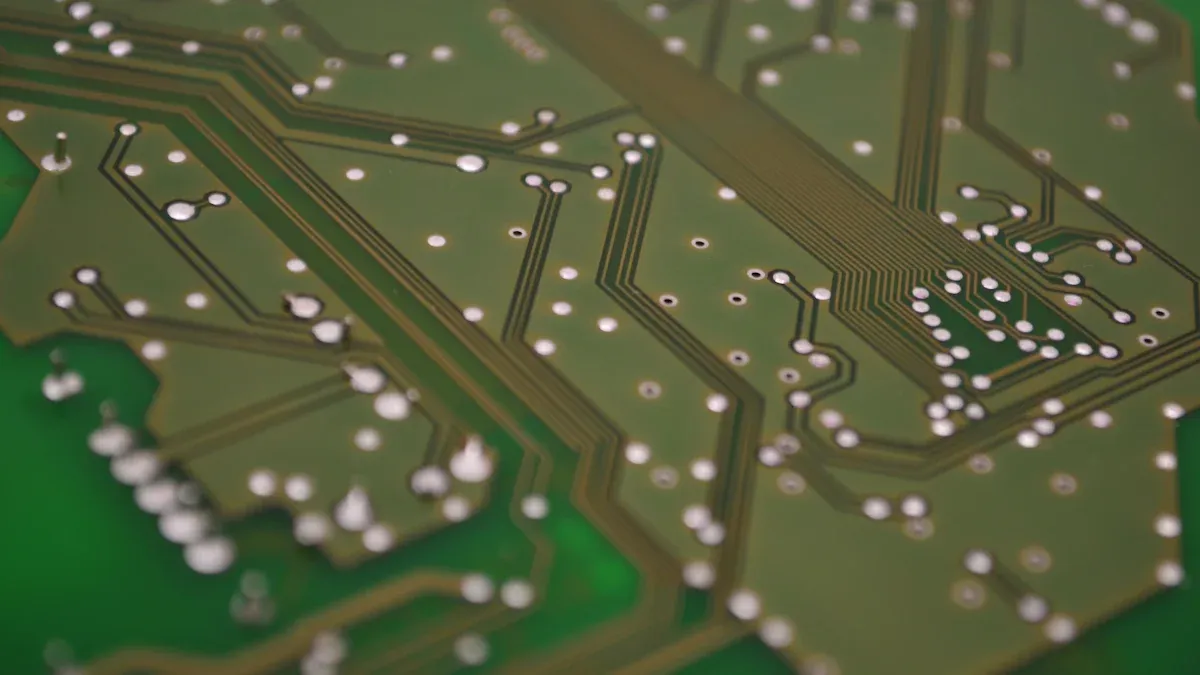
If you pick professional fabrication, your smart home pcb will be high quality. Skilled factories use modern machines and check quality often. They follow rules for making printed circuit boards. This helps smart devices stay safe and last longer. Professional pcb manufacturing can make complex designs, like multi-layer boards. You can trust these factories with small parts and tight spaces. They also help you follow safety rules for smart home electronics.
Tip: Pick professional pcb fabrication if you need strong and advanced features.
DIY Manufacturing
DIY smart home projects let you make your own smart home pcb at home or in a small shop. You can use simple tools and kits for basic pcb manufacturing. This way is good for learning and testing ideas. You control the work and can change things fast. But DIY manufacturing may not work for tiny parts or multi-layer designs. You might have problems with quality and strength. For simple smart devices, DIY smart home projects give you practice.
Good for learning and making samples
Costs less for small amounts
Not good for hard smart home pcb designs
Material & Layers
You must choose the right materials for your smart home pcb. Most smart home devices use FR-4, which is strong and safe for pcb manufacturing. Multi-layer boards let you fit more circuits in less space. This matters for smart devices that need wireless modules and sensors. Advanced manufacturing uses thin layers and special materials to keep your smart home pcb small and strong. You should plan your layers to stop interference and make things work better.
Material | Benefit for Smart Home PCB |
|---|---|
FR-4 | Strong and safe |
Copper | Good for signals |
Special laminates | Better for wireless |
Note: More layers in your pcb help smart home automation work better, but they cost more to make.
PCB Assembly Techniques for Smart Home PCB
SMT & Reflow
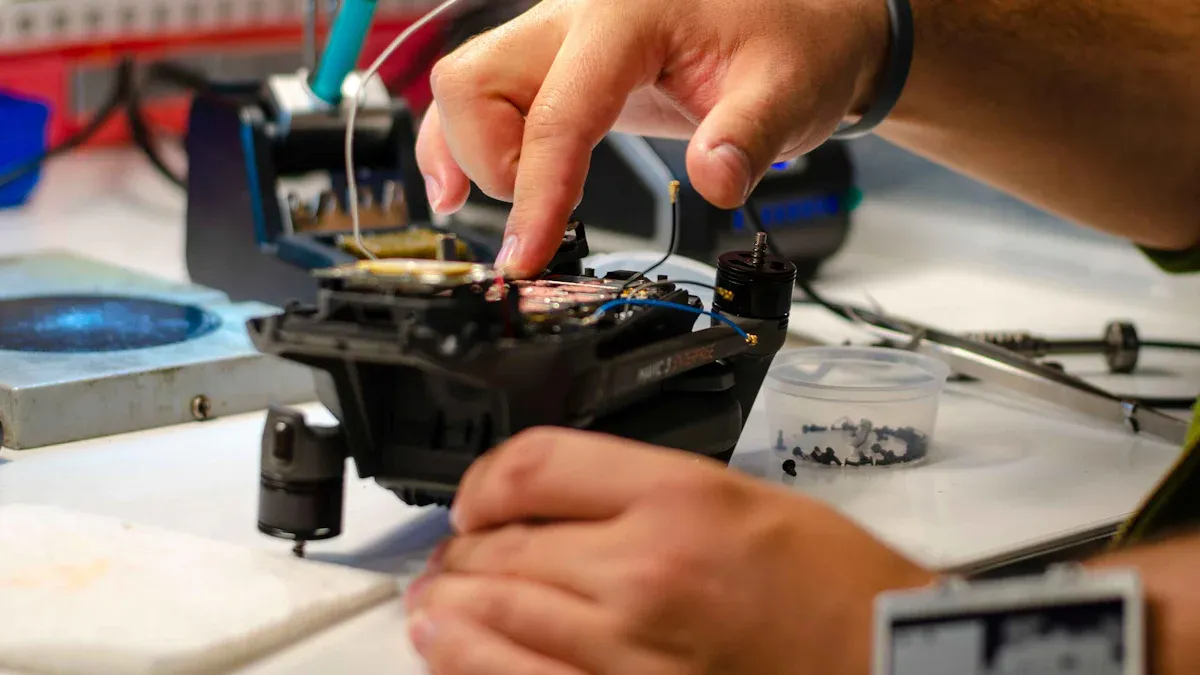
Surface Mount Technology (SMT) and reflow soldering help you build smart home pcb devices with high quality. You place small parts on the pcb surface. Then, you use a reflow oven to heat the board and melt the solder. This process gives you strong connections and keeps the assembly neat. SMT works well for smart devices because it supports tiny parts and complex layouts. You get better signal paths and less interference. SMT and reflow also help you keep the assembly process fast and reliable.
Hand Soldering
Hand soldering lets you work on smart home pcb projects that need special care. You use a soldering iron to attach parts by hand. This method works best for small batches or when you need to fix a problem. Hand soldering gives you control over each connection. You can check the quality of every joint. For smart devices with unique shapes or custom sensors, hand soldering helps you finish the assembly with care.
Tip: Always inspect your hand-soldered joints. Good quality checks prevent weak spots in your smart home pcb.
Wireless Module Integration
You must add wireless modules like Wi-Fi, Bluetooth, or Zigbee to your smart home pcb. These modules let your smart devices connect and share data. Precise assembly keeps the signal strong and reduces noise. Place the modules in the right spot on the pcb. Use short traces and keep them away from power lines. This helps you keep the signal clear and the device reliable. Good wireless integration improves the quality of your smart home system.
Module Type | Benefit for Smart Home PCB |
|---|---|
Wi-Fi | Fast data sharing |
Bluetooth | Easy device pairing |
Zigbee | Low power, mesh network |
Quality Control
Quality control stands at the heart of smart home pcb assembly. You must check every step to make sure the assembly meets high standards. Use visual checks, automated inspection, and electrical tests. These steps help you find problems early. Quality control keeps your smart devices safe and long-lasting. Reliable assembly means fewer failures and better performance in your smart home.
Note: Never skip quality checks. Careful inspection protects your smart home pcb from hidden issues.
Testing for Smart Home Automation
Functional Testing
You have to test each smart home device before using it. First, see if the device turns on and off the right way. Check the sensors to make sure they measure energy use. The sensors should send data to your smart home energy management system. Use a checklist to see if all features work. Try out lights, thermostats, and plugs to see if they respond right. Also, check if energy monitoring and control work well. This helps you find problems early and fix them before you set up the devices.
Tip: Test your devices in real life at home. This shows how they work in your smart home.
Firmware Programming
You need to put the right firmware on your smart home devices. Firmware tells the devices how to work and connect to your smart home energy management system. Use a computer to upload the newest software. Make sure the firmware can manage and watch energy use. Update the firmware often to get new features or fix problems. Good firmware helps your devices save energy and keeps your smart home energy management system working well.
Use the newest firmware for better energy management.
Look for updates from the company that made the device.
Test the device after you add the firmware to see if it works.
Connectivity & Security
You need to check if your devices connect well to your smart home energy management system. Test Wi-Fi, Bluetooth, or Zigbee to see if they work. Make sure the devices send and get data fast. Good connections help with energy monitoring and control. You also need to check security features. Set passwords and see if the devices stop unwanted people from getting in. Safe connections protect your smart home devices and your energy data.
Test Type | What to Check |
|---|---|
Connectivity | Fast, stable data transfer |
Security | Passwords, data protection |
Energy Management | Accurate data reporting |
Note: Safe and steady connections keep your smart home energy management system working well and safe.
Tips & Challenges
Design Pitfalls
Starting a smart home pcb project can be hard. Bad pcb design may cause weak signals or overheating. Devices can stop working if the design is poor. You need to plan your layout carefully. Do not let signal lines cross each other. Keep components apart so they do not touch. If parts are too close, interference can happen. Short circuits may also occur. Always check your pcb design for mistakes. Use design software to test your layout. Simulations help you find problems early.
Tip: Use a checklist to review your pcb layout. This helps you find mistakes before building your devices.
Cost Management
You need to plan your spending for smart home pcb projects. Pick parts that are good but not too expensive. If you buy costly parts, diy smart home projects may cost too much. You can save money by buying pcbs in bulk. Using standard sizes also helps lower costs. Compare different ways to make your pcb. Find the best deal for your project.
Use a budget sheet to watch your spending.
Ask for discounts when you order a lot.
Do not change your pcb design at the last minute.
A good plan helps you spend less money. It keeps your smart home devices affordable.
Long-Term Reliability
Smart home pcbs should last a long time. You want your devices to work well for years. Pick strong materials for your pcb. Test your design in many conditions. If you skip testing, your devices may break early. Use coatings to protect your pcb from water and dust.
Reliability Tip | Benefit for Devices |
|---|---|
Use strong materials | Fewer breakdowns |
Test in real life | Better performance |
Add protection | Longer device lifespan |
Note: Reliable smart home devices save you time and money. Good pcb design and making keep your system strong.
You should make sure your PCBs are good and reliable. Use new ways to help smart features like wireless control. Energy management is also important for smart home electronics. Pick strong materials for your smart devices. Test them in real-life situations to see if they work well. Follow good steps so your smart home electronics last longer. This helps them work better every day.
If you plan well and build carefully, your smart home will be safe and work well.
FAQ
What is the best PCB material for smart home devices?
Most smart home PCBs use FR-4. It is strong and safe. FR-4 also works well for electricity. If you want better wireless features, use special laminates.
How do you ensure wireless modules work well on your PCB?
Keep wireless modules away from power lines. Use short connections to link them. This helps stop interference and keeps signals clear.
Can you assemble smart home PCBs at home?
You can build simple PCBs at home. Hand soldering works for small amounts. For hard designs, professional assembly is better and more reliable.
Why does PCB testing matter for smart home electronics?
Testing finds problems before you use your devices. You check if everything works and is safe. Good testing makes your smart home system work well.
How do you keep your smart home PCB safe from damage?
Tip: Put coatings on your PCB to block water and dust. Use strong materials and test your PCB in real life. This helps your devices last longer.