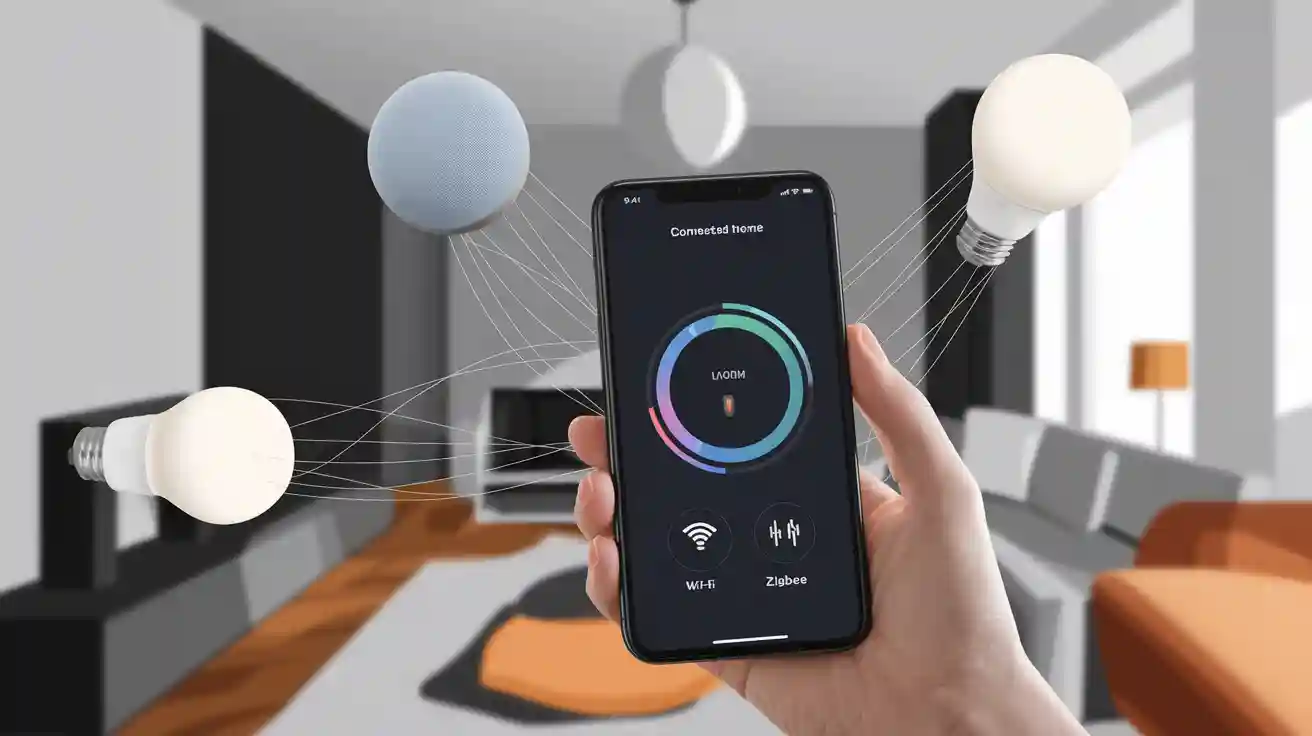
Smart home devices use different ways to talk to each other. You can find wi-fi, Bluetooth, Zigbee, Z-Wave, Thread, Matter, Amazon Sidewalk, and Ethernet in many smart home devices. These ways help smart home systems share information and control smart devices. This makes home automation better. Communication protocols like Zigbee and Z-Wave often use mesh networks. Mesh networks help keep the connection strong. Wi-fi and Bluetooth let smart appliances and other smart home devices join the internet of things. Good communication gives you easy use, safe connections, and smooth smart home automation in your smart home technology.
Picking the right communication technology makes home automation better and helps smart home devices work with your smart home systems.
Smart Home Devices: Communication Basics
What Are Communication Protocols?
You use communication protocols when you control smart home devices. These are rules that help devices share information and commands. When you connect a device to wi-fi, the protocol helps it talk to your smart home system. You see this when smart devices turn on lights or lock doors.
Communication protocols work with wireless technologies. Wi-fi, Bluetooth, Zigbee, and Z-Wave are common choices. Each protocol helps your device send and get signals. Some protocols use mesh networks. Mesh networks let devices pass messages to each other. This keeps your connection strong if one device stops working.
You find communication protocols in almost every smart home device. These protocols help your devices join the internet of things (iot). Your devices can talk to each other for better home automation.
Tip: For reliable communication, check which protocols your smart home technology supports before buying new devices.
Why They Matter
Communication protocols are important because they make home automation work. You need strong connections for smart home automation to work well. If your devices use different protocols, you may have trouble connecting them.
Good communication lets you control smart home devices from your phone or voice assistant. You get quick responses and safer connections. Wi-fi gives wide coverage and fast speed. Bluetooth works well for short distances. Zigbee and Z-Wave use mesh networks to keep your connection stable.
Smart home technology needs good communication. You want your smart devices to work together. You also want safe connections to protect your data. When you pick smart home devices, look for protocols that fit your needs.
Protocol | Range | Speed | Power Use | Mesh Support |
|---|---|---|---|---|
Wi-Fi | High | High | High | No |
Bluetooth | Low | Medium | Low | No |
Zigbee | Medium | Medium | Low | Yes |
Z-Wave | Medium | Medium | Low | Yes |
Key Wireless Technologies
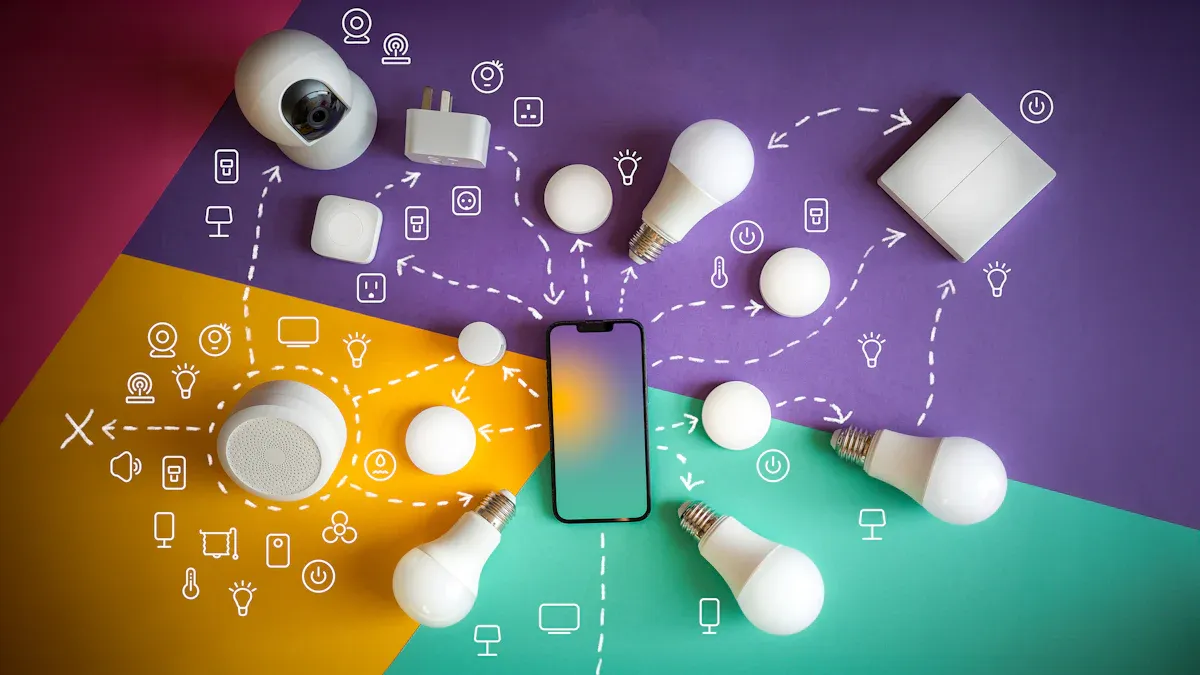
Wi-Fi
Wi-fi is used in homes every day. It connects smart devices to the internet. Wi-fi lets you stream videos and send big files. You can control smart devices from anywhere in your house. Wi-fi is fast and covers a large area. Most smart home devices use wi-fi because it is popular. Wi-fi does not use mesh networks. Each device connects straight to your router. If your router stops, your devices lose connection. Wi-fi uses more power than other wireless types. Battery-powered devices need charging more often.
Tip: Use wi-fi for smart cameras, speakers, and appliances that need fast speed.
Bluetooth Low Energy
Bluetooth Low Energy, or BLE, connects smart devices nearby. BLE is used for smart locks, trackers, and sensors. BLE uses less power than regular Bluetooth. Devices can last longer on batteries. BLE does not use mesh networks for most smart home devices. Each device connects to your phone or hub. BLE gives quick communication for simple jobs. BLE works best for devices that do not send much data.
Note: BLE is good for smart home devices that need low power and short range.
Zigbee
Zigbee is a common wireless technology for smart homes. Zigbee is used for lights, sensors, and switches. Zigbee supports mesh networks that use little power. Devices can send messages to each other. This keeps your connection strong if one device fails. Zigbee uses less power than wi-fi. Zigbee devices can run on batteries for a long time. Zigbee works well for many devices in your home. You need a zigbee hub to connect your devices.
Zigbee helps you build a smart home network with many devices.
Z-Wave
Z-wave is another wireless technology for smart homes. Z-wave is used for locks, thermostats, and sensors. Z-wave supports mesh networking. Devices help send signals to each other. This makes your connection stable. Z-wave uses little power. Battery-powered devices can last for months. Z-wave uses a different frequency than wi-fi and zigbee. You get less interference from other wireless types. You need a z-wave hub to control your devices.
Z-wave is good for smart home devices that need strong communication and low power.
Thread
Thread is a new wireless technology for smart homes. Thread is used for lights, sensors, and thermostats. Thread supports mesh networks that use little power. Devices help keep your connection strong. Thread uses secure communication rules. Thread works well with iot devices. You get fast and steady communication. Thread devices can join your smart home system without a special hub. Many new smart home devices use thread.
Thread helps you make your smart home ready for the future with safe and steady communication.
Matter
Matter is a new standard for smart home devices. Matter connects devices from different brands. Matter works with wi-fi, thread, and ethernet. You get easy setup and strong communication. Matter helps your devices work together. You do not need to worry about compatibility. Matter uses secure communication. You get privacy and safety for your smart home devices.
Matter makes smart home technology easy and reliable for everyone.
Amazon Sidewalk
Amazon Sidewalk is a wireless technology for smart homes. Sidewalk connects devices outside your home, like smart lights and trackers. Sidewalk uses wi-fi, Bluetooth, and other wireless types. You get long-range communication for outdoor devices. Sidewalk keeps your connection strong even far from your router. Amazon Sidewalk uses secure communication to protect your data. You need devices that work with sidewalk.
Amazon Sidewalk lets your smart home network reach outside your house.
Proprietary Protocols
Some smart home devices use proprietary protocols. These are special ways to communicate made by companies. Proprietary protocols are used for smart remotes or custom sensors. These protocols may have special features or better security. Proprietary protocols may limit compatibility. You need to check if your smart home system supports these devices. Some proprietary protocols use mesh networks. Others use direct connection.
Always check compatibility before buying devices with proprietary protocols.
Wired Options in Smart Home Technology
Ethernet
Ethernet lets you connect smart home devices with a wire. You plug a cable into each device and your network. This gives you fast and steady internet. Many smart TVs, cameras, and hubs use Ethernet. You do not have to worry about weak signals or other devices causing problems. Ethernet works well in homes with thick walls or many floors. You get a strong connection in every room if you use cables.
Tip: Use Ethernet for devices that need a steady connection, like streaming boxes or security systems.
Ethernet also helps keep your data safe. Wires are harder for hackers to break into. You can trust your device to send and get information without problems. If you want the best speed and trust, Ethernet is a smart pick.
When to Use Wired Connections
You should use wires when you need the most reliable connection. Some devices, like smart TVs or game consoles, work better with a cable. Wired connections do not slow down as you move farther away. You get the same fast speed everywhere in your home.
Think about using wires if you have many devices or if your Wi-Fi gets busy. Wired connections help you avoid slow internet when lots of people are online. You also get less trouble from other electronics.
Here are some good times to use wires:
You want to watch high-quality video without waiting.
You need a safe connection for smart locks or cameras.
You have a big home with places where Wi-Fi does not reach.
A wired connection can make your smart home work better. You feel good knowing your device will always stay online.
Technology Comparison

Range and Coverage
You want your smart home devices to work in every room. Range tells you how far a signal can travel. Wi-fi covers most of your house, but thick walls can block it. Zigbee and z-wave use mesh networks. Each device helps pass the signal along, so you get better coverage in large homes. Bluetooth works best for short distances, like one room. Thread also uses mesh networking for strong coverage.
Tip: For big homes, choose communication technologies with mesh support like zigbee, z-wave, or thread.
Speed and Bandwidth
Speed and bandwidth show how fast your devices send and receive data. Wi-fi gives you the highest speed. You can stream video or use smart cameras without delay. Zigbee and z-wave have lower speeds, but they work well for lights and sensors. Bluetooth is fast enough for simple tasks. Thread offers good speed for most smart home needs.
Technology | Range | Speed | Mesh Support |
|---|---|---|---|
Wi-Fi | High | High | No |
Zigbee | Medium | Medium | Yes |
Z-Wave | Medium | Medium | Yes |
Low | Medium | No | |
Thread | Medium | Medium | Yes |
Power Efficiency
You want your devices to last a long time on batteries. Zigbee, z-wave, and thread use very little power. These communication methods help sensors and locks run for months or even years. Wi-fi uses more power, so you often need to plug in those devices. Bluetooth Low Energy also saves battery life for small gadgets.
Security
Security keeps your smart home safe. Wi-fi uses strong passwords and encryption. Zigbee, z-wave, and thread also use secure communication to protect your data. Matter adds another layer of safety. Always update your devices to keep your connection secure.
Compatibility
You want all your devices to work together. Matter helps different brands connect. Zigbee and z-wave need a hub, but many products support them. Wi-fi works with most smart home systems. Check if your communication technology matches your other devices before you buy.
Choosing Protocols for Smart Home Devices
Assessing Your Needs
Think about what you want smart home devices to do. Make a list of rooms and places for automation. Decide if you need simple jobs like turning on lights. Or maybe you want more advanced things like schedules. If you want to use your phone, check if the app works with your devices. Some devices are best for safety. Others help make your home comfortable. You can use a table to compare what you need:
Task | Best Protocol | Example Device |
|---|---|---|
Lighting | Zigbee, Thread | Smart bulbs |
Security | Z-Wave, Wi-Fi | Smart locks, cameras |
Scheduling & Automation | Matter, Thread | Thermostats, sensors |
Tip: Write down your most important needs before buying.
Compatibility and Ecosystem
You want all your devices to work together at home. Check if your hub supports the protocols you need. Some systems use only one protocol. Others support many. If you use an app, make sure it connects to all your devices. Devices that work with Matter are easier to use together. If you mix brands, you may need extra hubs or bridges.
Pick devices that match your current system.
Check for updates that add new ways to connect.
Security and Privacy
You need to keep your smart home safe. Look for devices with strong security. Wi-Fi, Zigbee, and Thread protect your data well. Always update your app and devices to fix problems. Use strong passwords for your smart home. If you use a hub, check its privacy settings.
Note: Secure communication keeps your data and privacy safe.
Future-Proofing
You want your smart home to work for years. Pick protocols that support new features and devices. Matter and Thread help you add new devices easily. If you want to grow your smart home, choose technologies that work with many brands. Read about new smart home trends to stay ahead.
Find devices that get updates.
Pick protocols with lots of support in the iot world.
You have many choices for smart home communication. Wi-Fi gives you speed. Zigbee and Z-Wave offer mesh networks for better coverage. Thread and Matter help you connect devices from different brands.
Check your needs before you buy.
Match devices to your home setup.
Look for strong security and easy updates.
Stay curious! New smart home technology appears often. Keep learning to make your home smarter.
FAQ
What is the best wireless technology for smart home devices?
You should pick the technology that fits your needs. Wi-Fi works well for cameras and speakers. Zigbee and Z-Wave help with sensors and lights. Thread and Matter make it easier to connect devices from different brands.
Do I need a hub for my smart home devices?
Some devices need a hub, like Zigbee or Z-Wave products. Wi-Fi and Bluetooth devices often connect directly to your phone or router. Always check the device box or manual before you buy.
Can smart home devices from different brands work together?
Matter helps devices from different brands work together. Many Wi-Fi and Bluetooth devices also support multiple brands. You should check for compatibility before you buy new devices.
Are smart home devices safe from hackers?
Most smart home devices use strong security. You should always update your devices and use strong passwords. Secure your Wi-Fi network to keep your smart home safe.
Will my smart home devices work if the internet goes out?
Some devices, like Zigbee or Z-Wave, can still work inside your home without the internet. Wi-Fi devices may lose remote control features. You can still use many devices with local controls.