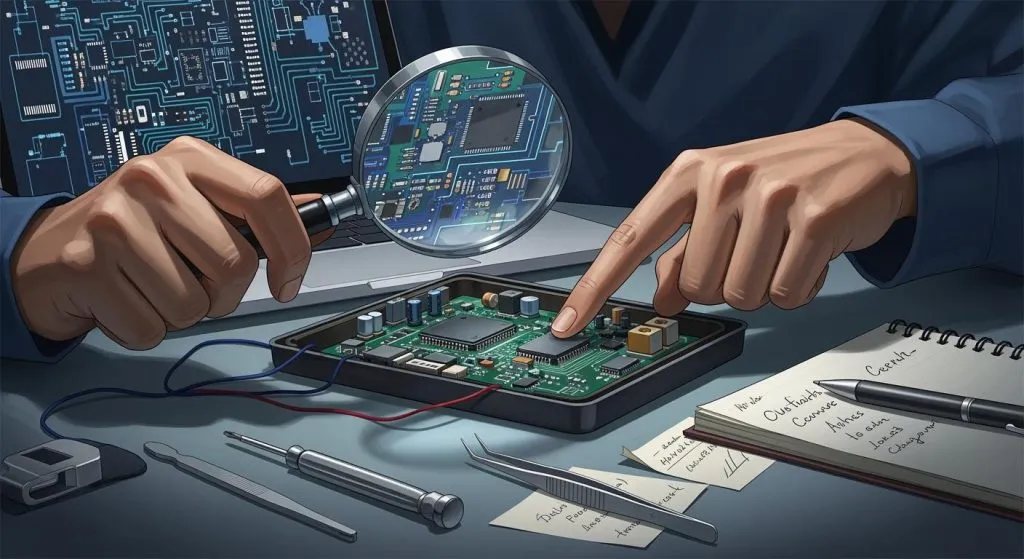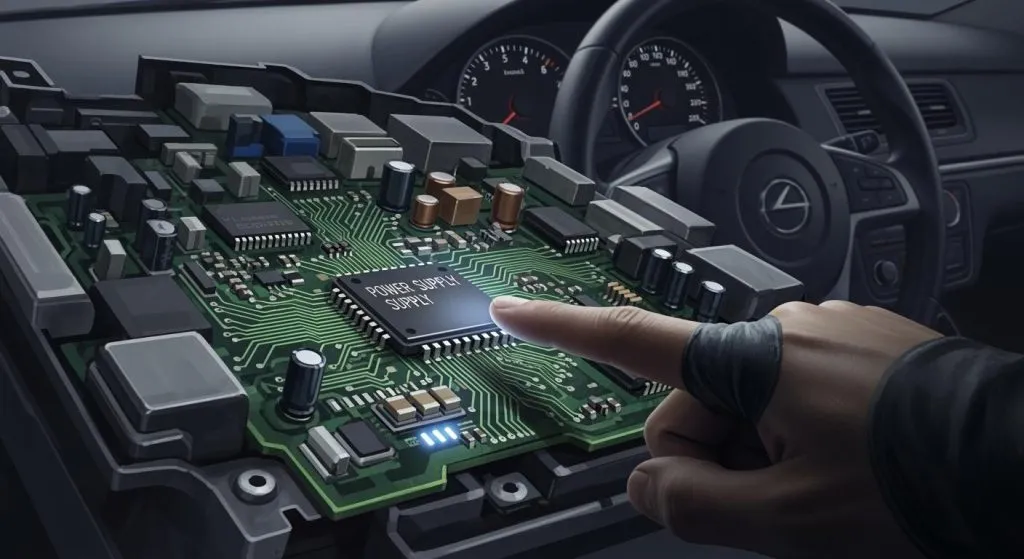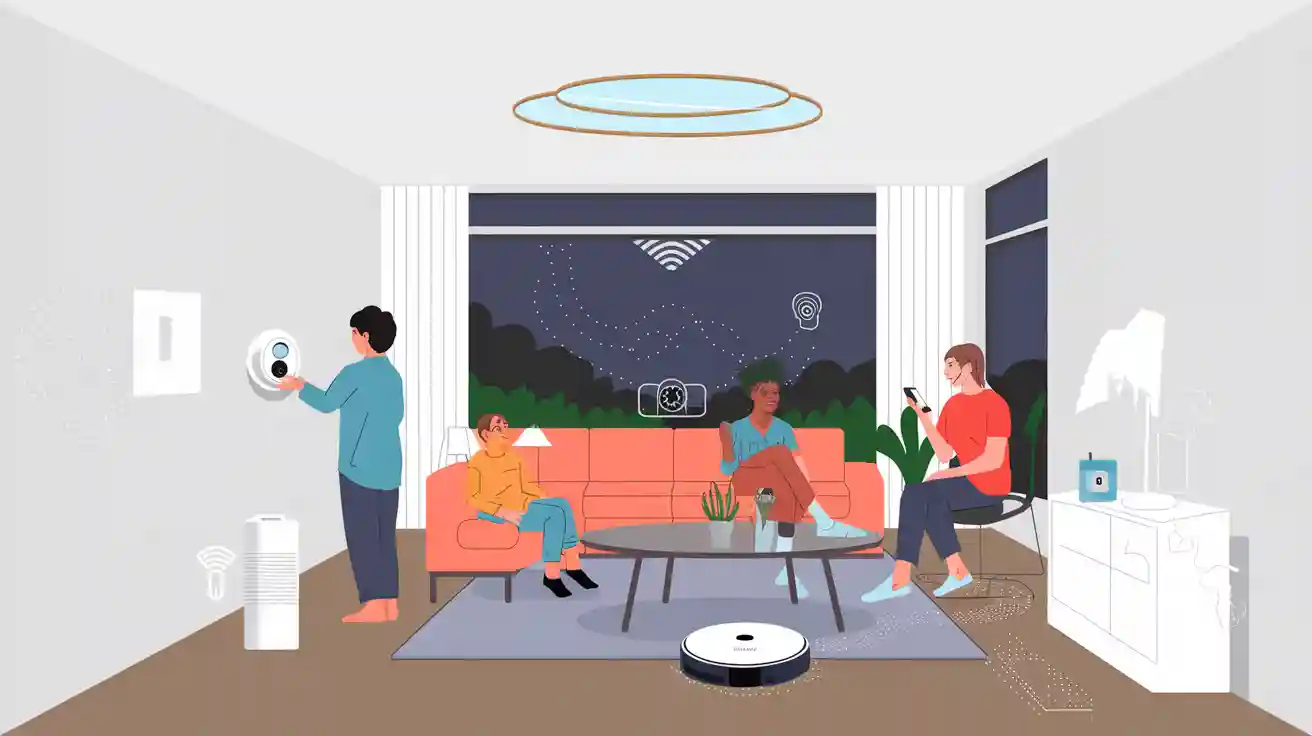
Smart home products use new technology to help with daily life. These smart home devices link together using different systems and networks. Many homeowners and tech experts think smart home technology makes life more comfortable and safe. Electronics makers also see new chances in this growing area. The iot links smart home devices, so people should learn about product types and technology routes before choosing.
Smart Home Products
Security Devices
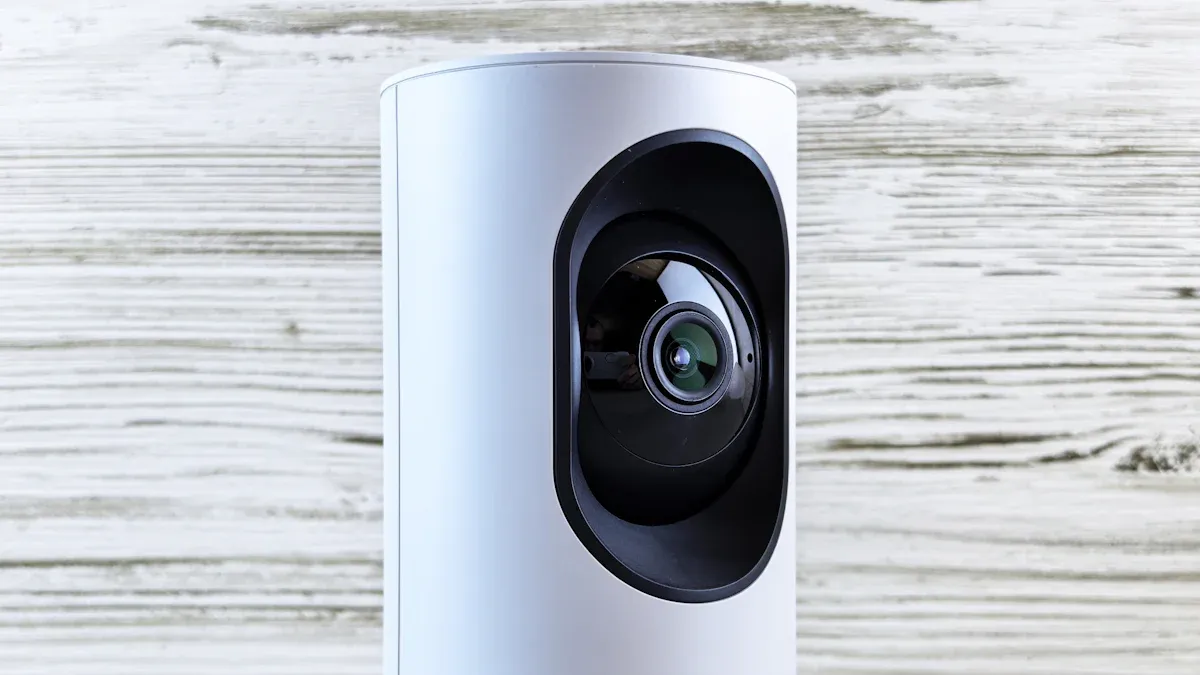
Security devices help keep homes and families safe. Many people use outdoor security cameras to watch outside their homes. These cameras can record video and send alerts if they see movement. Indoor home security cameras help people check rooms inside the house. A video doorbell lets people see and talk to visitors at the door. Some video doorbells record video and send it to a phone or tablet. Many security devices connect to the internet and work with other smart home products. Electronics makers use advanced sensors and PCBs to make these devices fast and reliable.
Smart Lock
A smart lock lets people lock or unlock doors without a key. People can use a phone app, a code, or their voice to control a smart lock. Some smart locks work with a video doorbell, so people can see who is at the door and unlock it from anywhere. Many smart locks send alerts if someone tries to open the door without permission. A smart lock can also keep a list of who enters and leaves the house. Electronics makers use special PCBs to help smart locks work safely and quickly.
Lighting
Smart home products include lighting people can control from anywhere. Smart light bulbs let users turn lights on or off with a phone or voice. Some lighting systems can change color or brightness to match the mood. Many people set schedules for their lights to turn on or off at certain times. Lighting devices often connect to other smart home products, like a smart speaker or smart display. PCB technology helps these lighting products use less energy and last longer.
Climate Control
Climate control devices help keep homes comfortable. A smart thermostat lets people set the temperature from a phone, smart display, or smart speaker. Many smart thermostats learn a family’s habits and adjust the temperature automatically. Some smart thermostats help save energy by turning off heating or cooling when no one is home. These devices often work with other smart home products, like sensors and smart plugs. Electronics makers use advanced PCBs to help each smart thermostat respond quickly and work with many systems.
Entertainment
Entertainment devices make life more fun and easy. A smart speaker plays music, answers questions, and controls other smart home products with voice commands. Many families use a smart display to watch videos, see recipes, or make video calls. Some smart displays show who is at the door when connected to a video doorbell. Entertainment devices often work together, so people can play music in every room or watch shows on different screens. PCB design helps these products give clear sound and sharp images.
Appliances
Smart home products include many kinds of appliances. A smart plug lets people turn regular devices on or off with a phone or voice. Some smart plugs track how much energy each device uses. Many kitchen appliances, like coffee makers or ovens, now connect to smart home systems. These appliances can start or stop at set times or respond to voice commands. Electronics makers use PCBs to help smart plugs and appliances work safely and save energy.
Health Devices
Health devices help people stay safe and healthy at home. Some smart home products track air quality or alert people if smoke or carbon monoxide is present. Other devices remind people to take medicine or check their heart rate. Many health devices connect to a smart display or smart speaker, so users get alerts right away. PCB technology helps these devices work fast and send accurate information.
Note: Smart home products need advanced electronics and PCB design. Electronics makers are important for making these products reliable and easy to use.
Smart Home Devices Integration
Hubs
A hub is the main control for smart home devices. It links different products so they work together. Many hubs can connect to many brands and types. Some hubs use wireless signals. Others use cables to connect. A hub lets people control lights, locks, and cameras in one place. This makes managing a smart home much easier.
Voice Assistants
Voice assistants let people use their voice to control devices. A smart speaker usually has a voice assistant inside. People can say, “Turn on the lights,” or “Lock the door.” The system listens and does what is asked. Many homes have a smart display with a voice assistant. This device can show things, play music, or control other products. Voice assistants help everyone use smart home devices easily.
App Control
Most smart home devices have a mobile app. The app lets people control products from anywhere. People can check cameras or change the thermostat on their phones. They can also turn off lights using the app. Some apps send alerts if something strange happens. App control gives people more freedom. It helps them manage their homes when they are not there.
Interoperability
Interoperability means devices from different brands can work together. This is important for a good user experience. Many hubs, smart speakers, and smart displays support many brands. When devices use the same standards, people can mix and match products. This helps people build a smart home that fits what they want.
Tip: Always check if new smart home devices will work with your current system before you buy them.
Technology Routes

Smart home devices use different ways to talk to each other. Each way has its own good points and uses. Here are the main choices:
Wi-Fi
Wi-Fi lets smart home devices connect to the internet. Most homes already have Wi-Fi set up. Many cameras, speakers, and lights use Wi-Fi to work. This protocol is open for everyone to use. It is good for devices that need fast data and cloud access.
Zigbee
Zigbee is a wireless protocol made for smart homes. It uses less power than Wi-Fi does. Zigbee makes a mesh network, so devices help send signals. This protocol is open and works well for sensors, lights, and switches. Many brands use Zigbee because it is reliable.
Z-Wave
Z-Wave is another wireless mesh protocol for smart homes. It uses a different radio frequency than Zigbee. Z-Wave is not open, but many companies use it. Z-Wave works well for locks, sensors, and alarms. It is safe and uses little power.
Bluetooth
Bluetooth connects devices that are close together. Many smart locks, speakers, and health devices use Bluetooth. This protocol is open for everyone. Bluetooth is best for direct control from a phone or tablet. You do not need a hub for simple setups.
Thread
Thread is a new wireless protocol for smart homes. It uses a mesh network like Zigbee and Z-Wave. Thread is open for everyone to use. It is fast and safe. Many new devices use Thread because it is reliable.
Matter
Matter is a new open standard for smart homes. It helps devices from different brands work together. Matter supports Wi-Fi, Thread, and Ethernet. Many companies use Matter to make setup easier. Matter helps devices work better and gives a good user experience.
Amazon Sidewalk
Amazon Sidewalk is not open for everyone. It connects smart home devices over long distances. Sidewalk uses Bluetooth, LoRa, and other signals. It helps devices stay connected even outside the house. Amazon Sidewalk works well for trackers, sensors, and lights.
Ethernet
Ethernet uses cables to connect devices. It gives fast and stable connections. Many hubs, cameras, and smart TVs use Ethernet. This protocol is open for everyone. Ethernet is best for devices that need high speed and do not move.
NearLink
NearLink is a new wireless protocol for smart homes. It is fast and uses little power. NearLink is open for everyone. It works well for smart home devices that need quick response.
Li-Fi
Li-Fi uses light to send data between devices. It is open for everyone to use. Li-Fi is fast and safe. Some smart home devices use Li-Fi in places where radio signals do not work well.
5G
5G is a mobile network protocol for fast speeds. It is open for everyone to use. Some smart home devices use 5G for backup or where there is no Wi-Fi. 5G is good for cameras and sensors that need to send data quickly.
Proprietary Protocols
Some companies use their own special protocols. These are called proprietary protocols. They may have special features or better security. Proprietary protocols often only work with certain brands. Users should check if these devices work with other smart home technology.
Note: Picking the right technology route helps smart home devices work well together. Each protocol is good for different needs in the iot world.
Technology Routes: Pros and Cons
Range
Different technology routes cover different distances. Wi-Fi covers most homes and reaches many rooms. Zigbee and Z-Wave use mesh networks, so each device helps send signals farther. Bluetooth works best for short distances, like one room. Thread also uses a mesh network and can cover a whole house. Amazon Sidewalk can reach outside the home, which is good for outdoor sensors. Ethernet uses cables, so it can go as far as the cable runs. NearLink and Li-Fi work well in small spaces. 5G covers large areas, even outside the home. Some smart thermostats use Wi-Fi or Zigbee to reach all parts of a house.
Speed
Speed is important for devices that send lots of data. Wi-Fi and Ethernet are fast for cameras and smart TVs. 5G is also fast, which helps with video or real-time alerts. Zigbee, Z-Wave, and Thread are slower but work well for sensors and lights. Bluetooth is fast enough for locks and speakers. Li-Fi is fast in rooms with direct light. NearLink gives quick response for smart home controls. A smart thermostat needs enough speed to send updates and get commands quickly.
Security
Security keeps smart home devices safe from hackers. Wi-Fi and Ethernet use strong encryption to protect data. Zigbee, Z-Wave, and Thread also use secure ways to keep data safe. Bluetooth has gotten better at security over time. Matter adds more safety for devices that use it. Amazon Sidewalk uses encryption to keep information private. Proprietary protocols may have extra security features. Users should always update devices to keep security strong.
Power Use
Power use affects battery life and energy bills. Zigbee, Z-Wave, and Thread use little power, so they are good for sensors and battery devices. Bluetooth also uses low energy, which helps with health devices and locks. Wi-Fi and 5G use more power, so they are best for devices that plug in, like cameras. Ethernet needs power for the cable or device. Li-Fi and NearLink use less power for short tasks. Smart thermostats often use Zigbee or Wi-Fi to balance power and performance.
Compatibility
Compatibility means devices can work together. Matter helps many brands connect, making setup easier. Wi-Fi, Zigbee, and Z-Wave support many products. Thread works with new devices and supports Matter. Bluetooth connects to phones and tablets. Amazon Sidewalk links some brands for outdoor use. Proprietary protocols may limit choices. Users should check if a smart thermostat or other device matches their system before buying.
Tip: Pick technology routes that fit your home size, device needs, and future plans.
Smart Home Technology Trends
Matter Standard
Matter is a new rule that helps smart home devices work together. Many companies like Matter because it makes setup simple. Devices from different brands can link and share info. Matter uses Wi-Fi, Thread, and Ethernet to connect products. This rule makes things easier for users. People can pick the devices they want without worrying about them working together. Matter helps smart home technology be more open and flexible.
AI and Automation
Artificial intelligence, or AI, changes how people use smart home technology. AI learns what people do every day and makes smart choices. For example, a smart thermostat can change the temperature when people are home. Lights can turn on when someone walks into a room. AI helps devices work together to save time and effort. Automation lets people control many things with simple commands or set times.
Security Enhancements
Security is very important in smart home technology. New devices use strong codes to keep data safe. Many products now have two-factor authentication. This means only trusted people can use the system. Companies update software often to fix problems and keep homes safe. Security cameras and sensors use better technology to find threats faster. These changes help keep families and their information safe.
Energy Efficiency
Energy efficiency is a big trend in smart home technology. Many devices use less power to help save money and protect the planet. Smart plugs and thermostats watch energy use and give tips to save. Some products turn off when not needed. Solar-powered sensors and lights are becoming more popular. These trends help people lower bills and waste less.
Tip: Look for new rules and features as smart home technology grows. Future devices will give more ways to connect, save energy, and stay safe.
Choosing Smart Home Products
Needs Assessment
Every smart home begins with knowing what you need. Homeowners should think about what they want to make better. Some people want more safety. Others want their homes to be more comfortable or save energy. Making a simple checklist helps a lot. Write down your top goals. For example:
Safer entryways
Lower energy bills
Easier control of lights and appliances
Health monitoring
This list helps you decide what to do next.
Compatibility
Compatibility is important for every smart home. Devices must work well together. People should check if new products use the same technology routes, like Wi-Fi, Zigbee, or Matter. Many brands show which protocols they support on the box or website. A table can help you compare:
Device Type | Protocols Supported |
|---|---|
Smart Lock | Wi-Fi, Zigbee, Z-Wave |
Light Bulb | Wi-Fi, Zigbee, Thread |
Thermostat | Wi-Fi, Zigbee, Matter |
Tip: Always check if devices are compatible before you buy them.
Budget
Setting a budget helps you not spend too much. Smart home products have many different prices. People can start with just one or two devices, like a smart plug or light bulb. Later, they can add more products. Comparing prices and features helps you get the best deal.
Scalability
A good smart home can grow as your family needs change. People should pick systems that let them add new devices easily. Many hubs and protocols let you add more devices later. Planning for scalability saves time and money in the long run.
Getting Started
It is smart to start small. Pick one room or one goal first. Install a smart speaker or a few smart bulbs. Use the app to learn how to control your devices. As you get better, add more products. Always read the instructions and follow the setup guides.
Remember: Smart home technology works best when it meets your real needs and grows step by step.
Smart home technology changes quickly. People who know about product types and technology routes can choose better. They should write down what they need. They also need to check if devices work together. Security is important for every smart home. Future upgrades are important too. When devices work together, they help each other.
Look at smart home choices or ask an expert before you buy. Good choices now help make your home safer and smarter later.
FAQ
What is a smart home device?
A smart home device uses technology to help people. It can connect to the internet or other devices. People control it with a phone, their voice, or an app.
How do smart home devices connect to each other?
Smart home devices use protocols like Wi-Fi, Zigbee, or Bluetooth. A hub or an app helps them work together. Some use open standards so more devices can connect.
Are smart home products safe to use?
Most smart home products have strong security features. Companies fix problems by updating software. Users should use strong passwords and update devices often.
Can smart home systems save energy?
Yes, many smart home systems help save energy. Smart thermostats change the temperature by themselves. Smart plugs turn off things when not needed. These features help lower bills.
Do all smart home devices work together?
Not all devices work together. Some use different brands or protocols. Matter and other open standards help more devices connect. Always check if devices are compatible before buying.