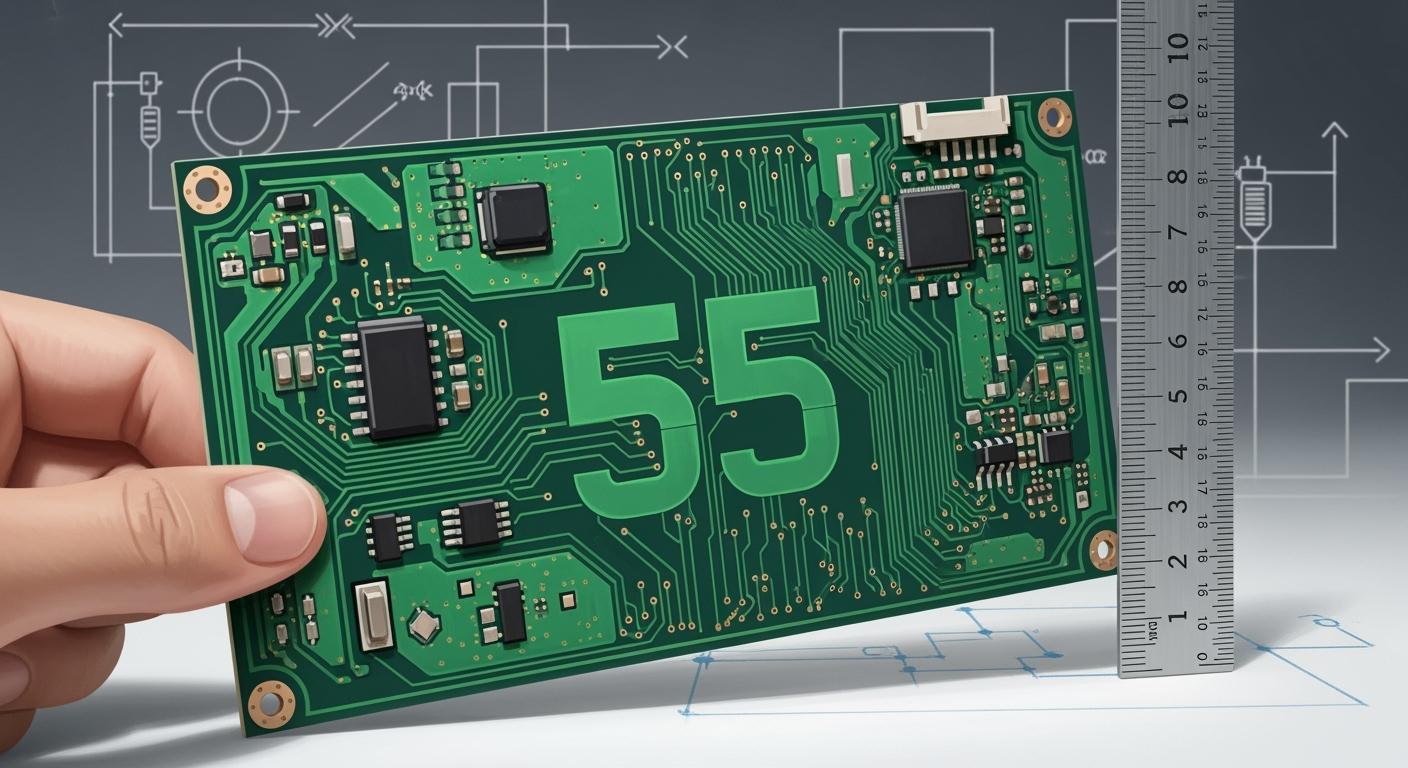
You use the 55 rule in pcb design to keep your signal traces spaced at least five times their width apart. This practice matters most in high-speed circuits. You improve signal integrity and reduce problems like EMI and crosstalk when you follow this rule. You get cleaner signals and more reliable performance.
Key Takeaways
The 55 rule says to keep signal traces apart by at least five times their width. This helps signals stay strong and cuts down on interference.
Make traces wider for high-speed signals to lower resistance. This keeps signals strong and stops noise from hurting how things work.
Keep high-speed traces short and do not use sharp corners. This lowers signal loss and gives your signals a cleaner path.
Use simulation tools to check your design before you make it. This finds problems early and makes the design better.
Talk with your PCB manufacturer about what they can do. Knowing their limits helps you design something that works for them.
55 Rule Overview in PCB Design
What Is the 55 Rule?
You use the 55 rule to help space and size traces on a pcb. This rule says to keep traces apart by at least five times their width. You follow it to stop unwanted effects in high-speed circuits. If traces are far apart, signals do not mess with each other. Signals can move from one spot to another more easily. The 55 rule helps your pcb work well for fast signals.
Technical Basis and Origin
You should know why the 55 rule is important for signal quality. The main idea is to control where signals loop and how wide and far apart traces are. If you use the 55 rule, you lower problems like noise and voltage spikes. You also stop signals from mixing with power traces, which can cause mistakes.
Tip: The 55 rule can make your pcb work better, especially with fast signals.
The table below shows the science ideas that support the 55 rule in pcb design:
Principle | Explanation |
|---|---|
Minimize Parasitic Inductance | Short power traces make the loop area smaller, which helps in high di/dt circuits to stop voltage ringing. |
Use Outer Layers for High-Current Traces | Outer layers cool better; using more vias helps with high currents. |
Prevent Signal-Power Trace Coupling | Signal traces should cross power traces at right angles to stop capacitive coupling and keep signals clean. |
Each principle helps keep signals strong and clean. You lower parasitic inductance by stopping traces from looping too much. You use outer layers for high-current traces to help with heat and current. You keep signal traces away from power traces to stop unwanted mixing. These steps all help the 55 rule work and give better results in high-speed pcb design.
Importance for High Speed PCB Design
Signal Integrity Impact
You need to keep your signals clean and strong in high-speed pcb design. The 55 rule helps you do this by making sure each signal trace stays far enough from others. When you follow this rule, you make the signal path short and direct. This keeps the signal from picking up noise or losing strength. You also stop the signal from bouncing back and causing errors.
The 55 rule is critical for high speed pcb design because it focuses on minimizing the signal loop area. This matters most when you work with high clock speeds or fast signal rise times. A small loop area means the signal has less chance to pick up unwanted noise. You get better performance from your pcb when you use this rule.
Note: A clean signal path means fewer problems and more reliable circuits.
EMI and Crosstalk Reduction
You want to avoid problems like EMI and crosstalk in your pcb. EMI stands for electromagnetic interference. Crosstalk happens when one signal affects another nearby signal. Both can cause your circuit to fail or act in strange ways.
You can use the 55 rule to reduce these risks. When you keep traces apart, you lower the chance that one signal will jump to another trace. You also make it harder for outside noise to get into your signals. This makes your high-speed pcb design more reliable.
Here are some benefits you get when you follow the 55 rule:
Lower risk of signal errors
Fewer random resets or glitches
Better overall performance
You improve your design by keeping signals separate and strong. This leads to a pcb that works well, even at high speeds.
Applying the 55 Rule in PCB Layout

Trace Width and Spacing Guidelines
You must pick the right trace width and spacing. The 55 rule says traces should be five times their width apart. This keeps each signal safe from noise and interference. For fast signals, use wider traces to lower resistance. Wider traces help keep signals strong. Small parts need at least 0.5 mm of space. Bigger parts need 1-2 mm of space. Design rule checks help you spot spacing errors.
Tip: Try to route traces at 45-degree angles. This makes signal paths smoother and stops reflections.
A simple table can help you remember what to do:
Trace Type | Recommended Width | Minimum Spacing (55 rule) |
|---|---|---|
High-speed signal | 0.2 mm | 1.0 mm |
Power trace | 0.5 mm | 2.5 mm |
Analog signal | 0.2 mm | 1.0 mm |
Layer Stackup Strategies
You can use more layers in your pcb to help signals. Put ground planes next to high-speed signal layers. This lowers noise and keeps signals clean. Keep analog and digital signals on different layers. This stops crosstalk and makes your design better. Use wide traces on power layers for good power flow. Put parts with the same power needs together.
Note: Always make trace lengths the same for differential pairs. This keeps signals matched.
Signal Routing Best Practices
You should route signals carefully in your pcb. Keep high-speed traces short and straight. Do not use sharp corners because they hurt signals. Use simulation tools to check for problems. Put hot parts away from important signal paths. Use thermal vias to move heat away from key spots.
Here are some mistakes and how to avoid them:
Wrong part spacing: Use design rule checks.
Bad trace routing: Keep trace widths the same and use 45-degree angles.
Forgetting signal integrity: Use ground planes and match trace lengths.
Weak power flow: Use wide traces and group similar parts.
Not handling heat: Use thermal vias and smart part placement.
Missing manufacturing rules: Follow standard design rules.
You can make your pcb strong and reliable if you follow these steps. The 55 rule helps keep signals clean and your design safe.
Challenges in High Speed PCB Design
Dense Component Placement
You face many challenges when you try to keep the 55 rule in a high-speed pcb. Dense component placement makes it hard to keep enough space between traces. You may see more solder defects when parts sit too close together. This can lead to more rework and repairs. You also risk weak connections if some parts block heat during soldering. Boards with better spacing last longer and handle more thermal cycles before they fail.
Tight layouts can increase rework by 37% because of solder problems.
Tall parts can cast thermal shadows, causing weak joints that break during stress tests.
Good spacing helps your board survive three times more heating and cooling cycles.
You should always plan your design to give each signal enough room. This helps your board stay strong and reliable.
Managing Differential Pairs
You need to route differential pairs with care in high-speed signal designs. Differential pairs carry two signals that must stay close together and match in length. If you cannot keep the right spacing, you may lose signal quality. You should keep the gap between the two traces small, but also keep other signals far away. This helps you avoid crosstalk and keeps your high-speed signal clean.
Try to use multi-layer boards to separate signal layers and ground planes. This gives you more control over trace paths and helps you follow the 55 rule. Always check that both traces in a pair have the same length. This keeps your signal balanced.
Overcoming Manufacturing Limits
You may run into limits set by your pcb manufacturer. Some factories cannot make very thin traces or very small gaps. This can make it hard to follow the 55 rule, especially in high-speed designs. You should talk to your manufacturer early in the process. Ask about their minimum trace width and spacing. Use multi-layer boards if you need more space for high-speed signal routing.
Tip: Always check your design rules before you finish your layout. This helps you avoid costly changes later.
You can solve many problems by planning ahead and working with your manufacturer. This keeps your high-speed signal strong and your board reliable.
Optimizing PCB Performance with the 55 Rule
Layout and Routing Tips
You can make your pcb work better by using smart layout and routing. Placing parts in good spots helps you fix problems faster and saves money. Short traces help signals stay strong and stop interference. Enough space between traces keeps signals from mixing and getting weak. Using the same trace width helps control impedance and stops voltage drops. If you route important signals first, your design works better and is more reliable.
Put parts in smart places to make fixing easier.
Use short traces to keep signals strong.
Leave space between traces to stop signal problems.
Keep trace width the same for good impedance.
Route key signals first to avoid trouble later.
Tip: Make high-speed signal paths short and direct.
Simulation and Validation
You should always check your design with simulation tools before making your pcb. Many tools have over 100 rules, like the 55 rule, to help you find problems early. Fast engines let you check for issues quickly. You can ignore false alarms to save time and focus on real problems. Better filtering lets you make lists for checking important signals. The area-crop tool helps you look at small parts of your design for better checks.
Feature | Description |
|---|---|
Predefined Rules | Over 100 rules for different design needs, including the 55 rule. |
Efficient Embedded Engines | Many engines check for problems fast. |
Management of False Violations | Ignore false alarms to save time. |
Enhanced Filtering Capability | Make lists to check important signals. |
Area-Crop Function | Look at small design areas for better checks. |
Note: Use simulation tools to check signal paths and spacing before making your pcb.
Working with Fabricators
You can make your pcb better by working with your fabricator. Staggered microvias cost less and make your board stronger than stacked microvias. Filling empty vias keeps water out and stops board damage. Using more microvias in QFN thermal pads helps solder flow and stops problems when heating. Keeping space at the edge keeps your board safe when cutting.
Pick staggered microvias for a stronger board.
Fill empty vias to keep water out.
Use more microvias in thermal pads for good soldering.
Keep space at the edge to protect your board when cutting.
Tip: Talk to your fabricator early to make sure your design supports strong high-speed signals.
You get better signal integrity and less mistakes when you use the 55 rule in high-speed PCB design. This rule helps you lower EMI and crosstalk. Your circuits work more reliably. To make your PCB designs better, try these ideas:
Use constraint management to help plan your design.
Use designs that already work well to save time and avoid problems.
Use automation to get files ready for manufacturing and improve quality.
Keep learning new things and practice often to make better PCBs each time.
FAQ
What does the 55 rule mean in PCB design?
You use the 55 rule to keep each signal trace at least five times its width away from other traces. This helps you reduce noise and interference in your circuit.
Can you use the 55 rule for all PCB designs?
You should use the 55 rule for high-speed or sensitive signals. For low-speed or simple circuits, you may not need such wide spacing. Always check your design needs first.
How does the 55 rule help with EMI?
You lower electromagnetic interference (EMI) when you keep traces far apart. The 55 rule makes it harder for signals to jump between traces. This keeps your circuit clean and reliable.
What if your PCB manufacturer cannot meet the 55 rule?
You should talk to your manufacturer early. Ask about their minimum trace width and spacing. If they cannot meet the 55 rule, you may need to adjust your design or use more layers.