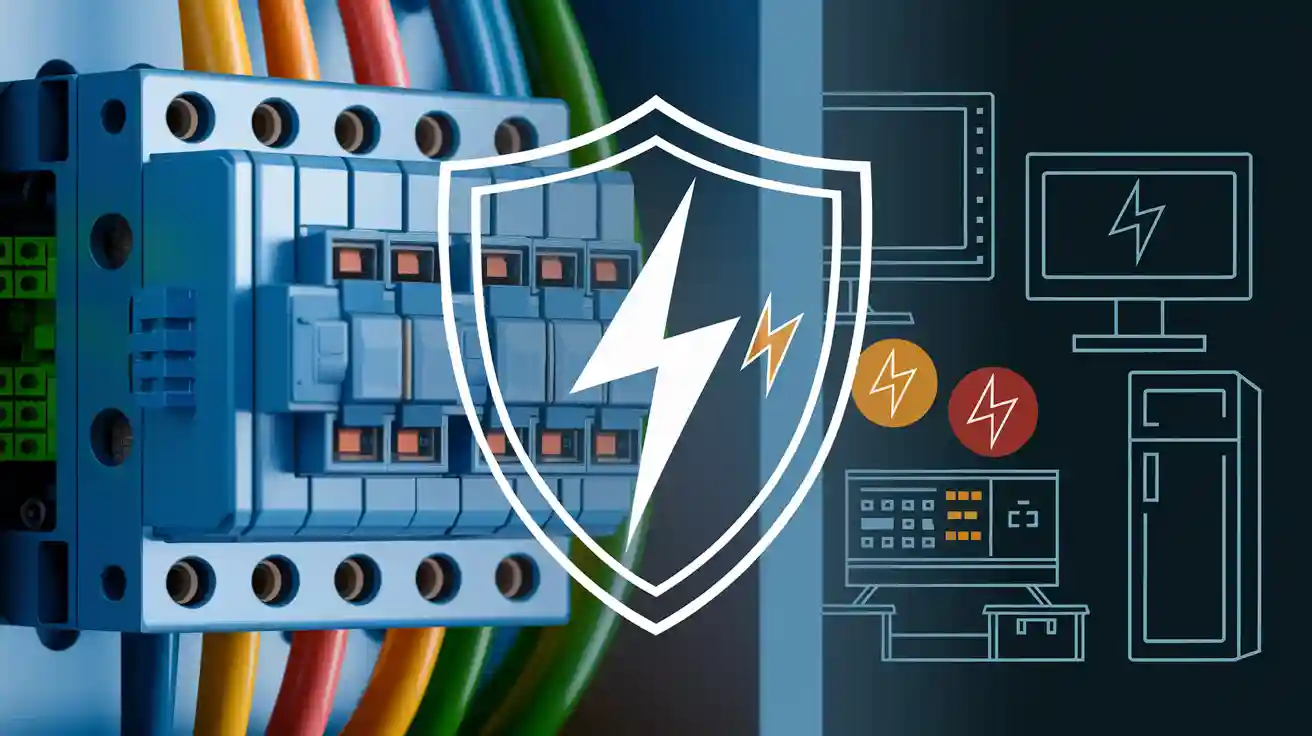
A surge protective device helps keep your electronics safe from sudden jumps in electricity. You use it to stop a surge from hurting your TV, computer, or other important devices at home or work.
Surge protective devices help you avoid expensive repairs and protect your equipment from sudden electrical problems.
Surge Protective Device Basics
What Is an SPD
A surge protective device works like a shield for your electronics. It guards your equipment from sudden voltage spikes called surges. When you plug in your TV or computer, you want them to stay safe. The surge protective device connects to your electrical system and watches for dangerous voltage changes.
You can find surge protective devices in homes, schools, and offices. They come in many shapes and sizes. Their main job is to keep your electronics safe from harm. Some look like power strips. Others fit inside your main electrical panel.
Tip: Always look at the surge current rating before you buy a surge protective device. This rating shows how much surge energy the device can handle before it stops working.
Role in Protection
Surges happen for different reasons. Lightning, power outages, or big appliances turning on can cause surges. These send extra voltage through your wires. Without surge protection, this extra voltage can damage your devices.
A surge protective device acts quickly. It senses a surge and moves the extra electricity away from your electronics. It sends the surge safely into the ground. This keeps your devices safe and helps prevent fires.
Using surge protective devices gives you peace of mind. They help you avoid expensive repairs and keep your home or business safe. Surge protection is a smart way to protect your electronics and electrical system.
How SPDs Work
Detecting Surges
You want your electronics to be safe. A surge protective device helps by watching for sudden changes in electricity. When a surge happens, the voltage jumps higher than normal. This can happen very quickly. The device notices this change right away. It does not wait to react. It acts as soon as it sees a surge.
Imagine the surge protective device as a guard. It is always ready to spot any dangerous spike in voltage.
Diverting Current
After the device finds a surge, it acts fast. It does not let the extra electricity reach your equipment. Instead, it sends the extra current away from your devices. The device moves the surge safely into the ground. This keeps your electronics safe from harm.
You do not have to do anything. The device works by itself. It protects your home or office every time a surge happens.
Here is how it works:
The device finds a surge.
It opens a path for the extra current.
The extra electricity goes safely to the ground.
Your electronics stay safe.
Limiting Voltage
A surge protective device does more than move extra current. It also keeps the voltage at a safe level. When a surge happens, the voltage can get very high. This high voltage is called transient voltage. The device stops the voltage from going above a safe point.
Surge protection means your equipment does not get dangerous voltage levels, even for a short time.
By limiting the transient voltage, the device keeps your electronics safe from damage. You can feel good knowing your devices will last longer and work well.
Types of Surge Protective Devices
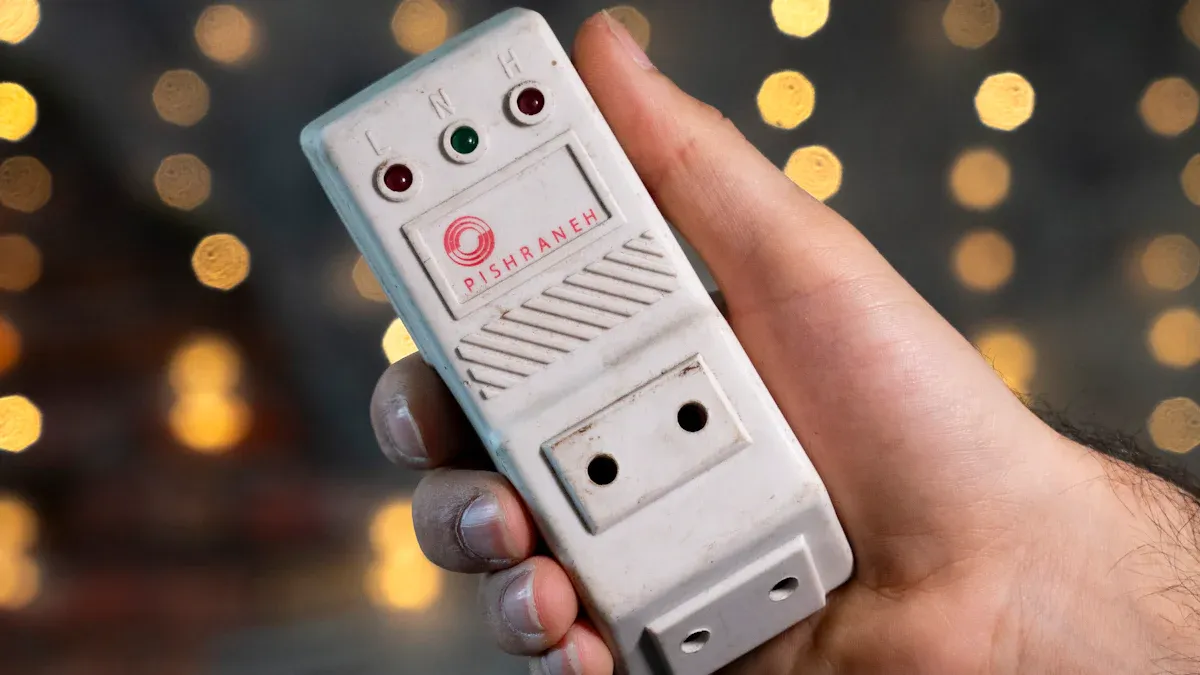
There are three main types of surge protective devices. Each type works best in a certain spot in your electrical system. Knowing about each type helps you pick the right one for your home or business.
Type 1
Type 1 surge protective devices go at the main service panel. You put them before the main breaker. These devices stop big surges, like those from lightning or power grid problems. If you live where storms happen a lot, you should use Type 1 devices.
Type 1 devices stop strong surges. They keep your whole electrical system safe from big dangers.
Type 1 devices can handle a lot of surge energy. This means they can take in lots of power before breaking. They are the first shield for your building.
Type 2
Type 2 surge protective devices go inside the main distribution panel. You put them after the main breaker. These devices stop surges that start inside your building. For example, turning on a big appliance can make a voltage spike.
Type 2 devices catch surges that Type 1 might not stop. They also have a high surge current rating. They focus on stopping smaller surges from your own equipment.
Type 2 devices help by blocking smaller surges before they reach your outlets.
Type 3
Type 3 surge protective devices protect your most sensitive electronics. You plug them into wall outlets near your TV, computer, or game console. These devices catch any small surges that get past the other types.
You should use Type 3 devices as your last layer of protection. They work best when you also have Type 1 and Type 2 devices.
For the best protection, use all three types together. Each type stops surges at a different point.
Type | Installation Location | Main Protection Role |
|---|---|---|
Type 1 | Main service panel (before breaker) | Stops large surges from outside |
Type 2 | Main distribution panel (after breaker) | Blocks surges from inside equipment |
Type 3 | Wall outlets (point of use) | Protects sensitive devices from small surges |
SPD PCB Design and Assembly
PCB Design Considerations
Layout for Surge Protection
When you design a printed circuit board (PCB) for a surge protective device, you need to think about how electricity will flow. You want to keep the path for the surge as short and straight as possible. This helps the device react quickly when a surge happens. If you make the path too long or twisty, the device might not protect your equipment in time.
Tip: Place the surge protection components close to the input and output terminals. This setup helps stop the transient voltage before it reaches sensitive parts.
Component Selection
You must pick the right parts for your SPD. Look for components that can handle high voltages and have a good surge current rating. Metal oxide varistors (MOVs) and gas discharge tubes work well for this job. Always check the surge current rating on each part. This rating tells you how much energy the part can take during a surge.
Manufacturing Process
Fabrication Steps
You start by making the PCB. First, you print the circuit pattern on a copper board. Next, you etch away extra copper, leaving only the paths you need. After that, you drill holes for the components.
Quality Control
You need to test each board before using it. Check for broken paths or short circuits. Make sure every part can handle a surge and that the board can limit transient voltage. Good quality control keeps your SPD working safely.
Assembly Techniques
Component Placement
Place each component in its correct spot on the board. Keep the surge protection parts close to where the surge enters the board. This placement helps the SPD react fast.
Soldering Methods
Use clean and even soldering. Bad solder joints can cause the SPD to fail during a surge. Double-check your work to make sure every connection is strong.
Typical SPD Circuit Diagram
Key Elements of the Circuit
A basic SPD circuit uses a few main parts:
Metal oxide varistor (MOV) to absorb transient voltage
Gas discharge tube to handle large surges
Fuses to protect against overload
You can draw a simple diagram with these parts in line with the power input. Place the MOV and gas discharge tube between the power line and ground. This setup lets the SPD send the surge safely to ground.
Note: Always include a clear circuit diagram when you build or install an SPD. This step helps you understand how each part works together.
SPD Installation
Where to Install
You need to place surge protective devices in the right spots to get the best protection. Start at your main electrical panel. This is where you should install Type 1 SPDs. These devices protect your whole building from large surges that come from outside, like lightning. Next, look at your main distribution panel. Here, you can add Type 2 SPDs. These help stop surges that happen inside your building. For your most sensitive electronics, use Type 3 SPDs. Plug these into wall outlets near your TV, computer, or gaming console.
Tip: Use more than one type of SPD for layered protection. This setup helps keep all your devices safe.
Installation Tips
You should always turn off the power before you start any installation. Read the instructions that come with your SPD. Each device may have different steps. Use the right tools for the job. Make sure you connect the wires tightly. Loose wires can cause the device to fail. Keep the wires as short as possible. Short wires help the SPD react faster to a surge.
Check the surge current rating before you install.
Place the SPD close to the panel or outlet.
Test the device after installation to make sure it works.
Note: If you feel unsure, ask a professional for help.
Professional vs. DIY
You can install some SPDs by yourself, especially Type 3 devices. These plug into outlets and do not need special skills. For Type 1 and Type 2 SPDs, you may need to work inside your electrical panel. This job can be dangerous if you do not know what you are doing. Electricians have the right training and tools. They can make sure your surge protection works well and meets safety codes.
Safety first! If you do not feel confident, hire a licensed electrician.
Importance of SPDs
Safety
You want your home and business to be safe. Surge protective devices help protect your whole electrical system. They keep your consumer units, wiring, and accessories safe from sudden spikes. When a surge happens, these devices act quickly. They stop extra voltage from causing fires or electric shocks. Using the right protection lowers the chance of accidents.
Tip: Check your surge protection often. A working device helps you feel safe every day.
Equipment Longevity
Electronics can be expensive. You want them to last a long time. Surges can slowly damage your devices. Even small spikes can hurt sensitive parts inside your TV, computer, or kitchen appliances. Surge protective devices help your equipment last longer. They stop early breakdowns and keep your devices working well.
Keeps TVs, computers, and smart devices safe
Lowers damage from voltage spikes
Helps prevent sudden equipment failure
Cost Savings
You save money by stopping damage before it happens. Fixing or replacing electronics can cost a lot. One surge can break many devices at once. Surge protective devices help you avoid big repair bills. They also protect your wiring and electrical panels, which are costly to fix.
Benefit | How It Saves You Money |
|---|---|
Prevents equipment loss | No need to buy new devices |
Stops wiring damage | Fewer repair costs |
Reduces downtime | Less time without electronics |
Remember: Spending a little on surge protection can save you a lot of money later.
Surge protective devices help keep your electronics safe. They stop sudden voltage spikes from hurting your devices. You learned about the types and how to put them in. You also learned why surge protection is important. Using SPDs keeps your home safe. It saves you money and helps your devices last longer.
Protect what you own and feel calm. Think about adding surge protection to your home or business today! 😊
FAQ
What causes a power surge?
Power surges can happen for many reasons. Lightning can strike and cause a surge. The power company may switch grids. Big appliances turning on or off can also cause surges. Bad wiring can make surges happen too. These things send extra voltage through your wires.
How often should you replace a surge protective device?
Check your SPD every few years to make sure it works. If it stops a big surge, replace it right away. Some SPDs have lights that show if they still work. Always read what the manufacturer says about replacing your SPD.
Can you use a surge protector with any device?
You can use surge protectors with most electronics. TVs, computers, and game consoles are safe to use. Do not use them with high-power devices like fridges or heaters. Always read the instructions before you plug in your device.
Do surge protective devices use electricity all the time?
SPDs use a tiny bit of electricity when they protect your devices. Most of the time, they do not use much power. You will not see a big change in your electric bill.
How do you know if your SPD is working?
Many SPDs have a light or an indicator. If the light is on, your SPD works. If the light goes out, you should replace it. Always check the instructions for your SPD model.