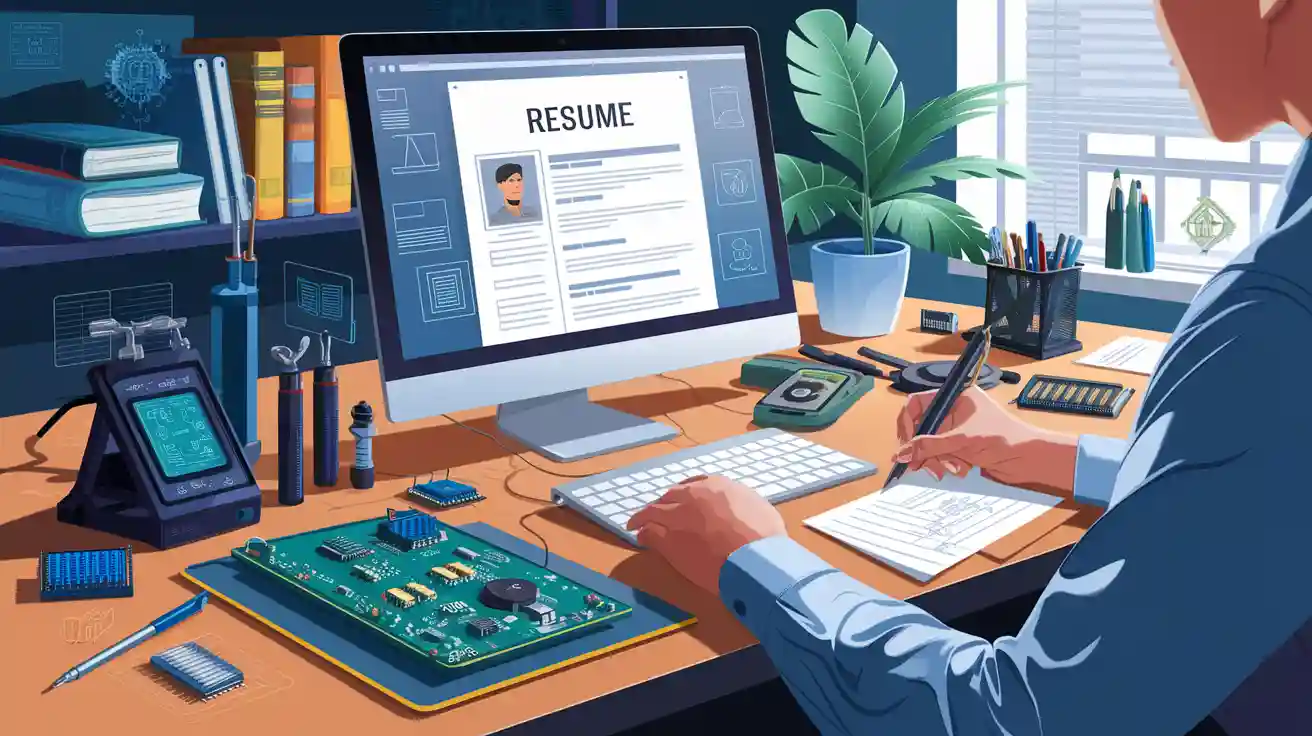
Landing your next electronics job begins when you optimize your resume. By tailoring your resume for each position, you demonstrate that you understand what the company is looking for. An optimized resume highlights your electronics skills, uses the most effective keywords, and features a clear format that applicant tracking systems prefer. This guide will help you optimize your resume to make it stand out. If you need extra assistance, consider using a resume builder to further optimize your resume and increase your chances of success.
Key Takeaways
Use a clear format that shows your work history in order. Make sure your resume looks neat and is easy to read. This helps both people and computer systems understand it.
Write a short summary about yourself that fits the job. Use words from the job ad to show you are a good match for what the company wants.
Show your work experience using numbers and strong action words. This helps prove what you can do as an electronics design engineer.
List your technical skills and certifications in a clear way. Focus on the ones you know best and keep them up to date.
Do not make common mistakes like grammar errors or using fancy pictures. Always include your contact information to keep your resume professional and useful.
Optimize Resume Structure
Chronological Format
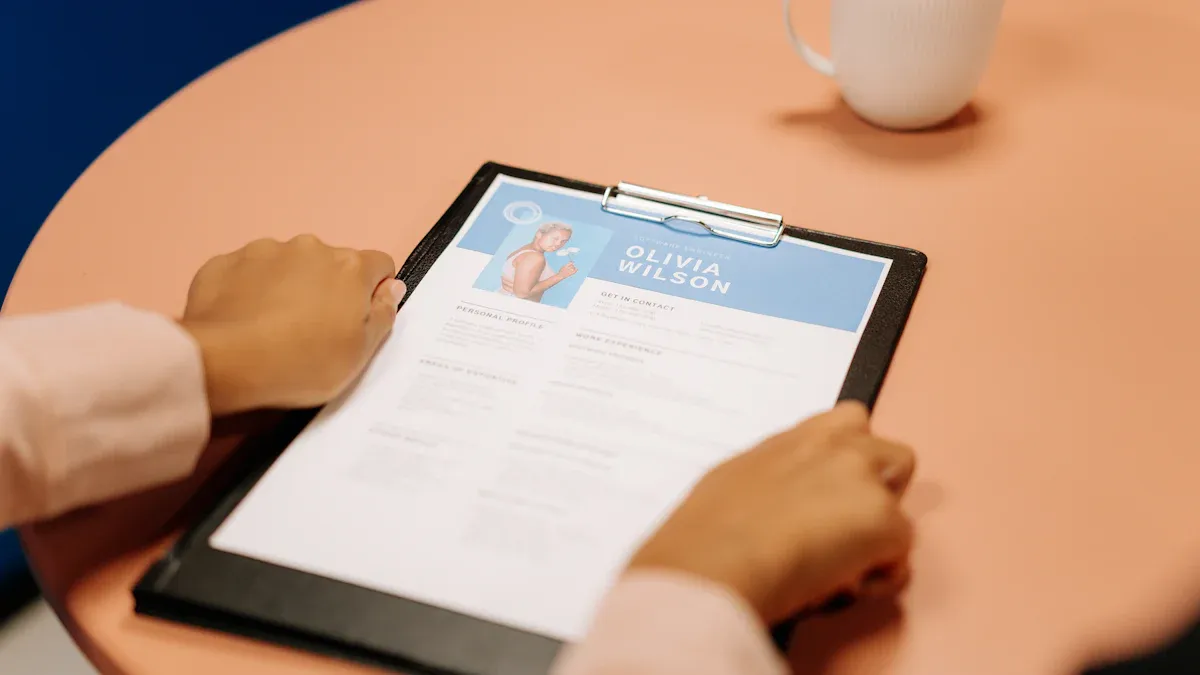
When you want to optimize resume impact, start with the right format. For electronics design engineers, the chronological format works best. This format lists your work experience from the most recent job to the oldest. Employers like this style because they can quickly see your career growth and recent skills. If you have steady work history, this format helps you show off your progress. You make it easy for hiring managers to follow your story.
Tip: Always list your most recent job first. This helps your resume stand out in a stack of applications.
Clean Layout
A clean layout makes your resume easy to read. Use plenty of white space. Avoid graphics, fancy borders, or colors. These extras can confuse applicant tracking systems (ATS) and make your resume hard to scan. Stick to simple formatting. Use bullet points, short sentences, and clear headings. Choose a plain font like Arial or Calibri.
Start your resume with your name at the very top. Place your contact information right below. This helps employers find your details fast. Use plain text for everything. Avoid using tables or columns, since some ATS software cannot read them.
Use simple bullet points for your skills and achievements.
Keep your font size between 10 and 12 points.
Save your resume as a PDF or Word document for best results.
When you optimize resume structure, you make it easier for both people and computers to read your information. A clean, modern look shows you care about details and professionalism.
Professional Summary & Keywords
Tailor to Job Description
The professional summary is the first thing a hiring manager sees. It sits right under your name and contact details. This short part tells who you are as an electronics design engineer. Make sure it matches the job you want. Read the job description very carefully. Find the main skills and tasks the company wants. Use those words in your summary.
If the job asks for PCB design or embedded systems, put those in your summary. If you have done electronics testing or product development, add that too. Show you know what the company needs. This helps your resume stand out.
Tip: Write your summary in three or four sentences. Focus on your best electronics skills, how many years you have worked, and what you can bring as an electronic engineer.
Here is an easy guide to help you:
Start with your job title: “Electronics design engineer with 5+ years of experience.”
Add your main skills: “Skilled in PCB layout, circuit simulation, and embedded systems.”
Show your impact: “Led teams to deliver high-quality electronics products on time.”
End with your goal: “Looking to join a forward-thinking company to design innovative electronics.”
This way, you connect your background to the job. You show the employer you are the right electronic engineer for their team.
Use Electronics Design Engineer Keywords
Many companies use special software called applicant tracking systems, or ATS. These systems scan resumes for keywords from the job posting. If your resume has the right words, you have a better chance to get an interview. As an electronics design engineer, you need to use keywords that fit your field.
Here are some important keywords for electronics design engineer jobs:
Core Keywords | Technical Skills Keywords |
|---|---|
PCB design | |
electronic engineer | circuit simulation |
electronics | embedded systems |
electronics testing | AutoCAD |
product development | MATLAB |
You can use these keywords in your summary, skills, and work experience. For example:
“Experienced electronics design engineer with a strong background in PCB design and circuit simulation.”
“Skilled in electronics testing and embedded systems for consumer electronics products.”
“Certified electronic engineer with hands-on experience in MATLAB and AutoCAD.”
Note: Only use keywords that match your real job skills. Do not add words just to pass the ATS. Always be honest about your experience.
When you use the right keywords, your resume will pass the ATS and reach the hiring manager. This step is important for every electronics design engineer who wants to get noticed. Make sure you update your resume for each job you apply to. This small change can help you in your job search.
Experience & Achievements
When you write about your experience, show what you did as an electronics design engineer. This is your chance to prove you have the right skills. You want your work history to stand out and be remembered.
Quantifiable Results
List your jobs starting with the newest one. This helps employers see how you have grown. For each job, talk about what you achieved, not just what you did. Use numbers to show your impact. Numbers make your work clear and strong.
For example, do not just say, “Worked on PCB design.” Instead, say, “Designed 12 PCB layouts that made products 20% more reliable.” Numbers like these help people see your real results.
Here are some ways to show your results with numbers:
Made production faster by 15% using new circuit simulation.
Cut electronics testing time by 30% with test scripts.
Led a team of 5 engineers to finish 3 new products on time.
Managed projects with budgets over $500,000.
Made products safer, so there were no recalls for two years.
Tip: Use numbers, percentages, and timeframes. These details help your resume stand out from others.
Action Verbs
You want your resume to sound strong and active. Action verbs help you do this. They show you take action and get results. Start each bullet point with a different action verb.
Here are some action verbs you can use:
Action Verbs | Action Verbs | Action Verbs |
|---|---|---|
Designed | Developed | Implemented |
Led | Optimized | Tested |
Coordinated | Improved | Integrated |
Automated | Analyzed | Delivered |
For example:
Developed embedded systems for smart home electronics.
Optimized circuit simulation to lower errors.
Led teams to finish projects early.
Implemented new electronics testing rules.
Using action verbs shows you are an engineer who gets things done. This makes your resume more interesting.
Note: Match your work to the job you want. If the job wants electronics product development, talk about your work there. If you managed projects, make sure you say so.
Explaining Employment Gaps
Sometimes, you may have breaks in your work history. Maybe you took time off to study, travel, or help family. You do not need to hide these breaks. Explain them simply and honestly.
You can write a short note, like:
“Took a break for professional development and finished advanced electronics training.”
“Family care leave (2022-2023). Came back to electronics design engineering with new skills.”
Employers know life happens. When you explain breaks, you show you are honest and ready to work again.
Remember: Your experience section is the most important part of your resume. Show your best work as an electronics design engineer. Use numbers, action verbs, and clear notes. This will help you get noticed for your next electronics job.
Skills & Certifications
Technical Skills Summary
Your resume should show your best skills and tools. This part helps you prove you can work with electronic systems. Listing your technical skills lets hiring managers see what you can do. Put this section right after your summary at the top.
Here are some important skills and tools you might want to add:
PCB design
MATLAB
AutoCAD
Circuit simulation
Embedded programming
Schematic capture
Testing electronic systems
You can use a table to organize your skills and tools. This makes your resume look neat and easy to read.
Skills and Tools | Level |
|---|---|
PCB Design | Advanced |
MATLAB | Intermediate |
AutoCAD | Intermediate |
Circuit Simulation | Advanced |
Embedded Programming | Advanced |
Testing Electronic Systems | Advanced |
Tip: Only list skills and tools you know well. If you use electronic systems every day, make sure to show that on your resume.
Certifications & Training
Certifications and training show you want to keep learning about electronic systems. You can put this part right after your skills and tools. List any certificates, courses, or workshops you finished. These can help your resume stand out from others.
Some good certifications for electronic systems are:
Certified IPC Designer (CID)
MATLAB Associate Certification
AutoCAD Professional Certification
Embedded Systems Training
If you are still working on a course, write “In Progress” next to it. This shows you want to keep getting better at electronic systems.
Note: Always keep your resume up to date. Add new certifications or training as soon as you finish them. This shows you are always learning about electronic systems.
Projects & Additional Sections
Key Projects
Your electronics design engineer resume should show more than jobs. Projects help you do this. When you list projects, you show your skills with electronic systems. Pick two or three projects that show your best work. Tell what you did, what tools you used, and what happened.
Made a smart home controller with embedded electronic systems. Helped save 25% more energy.
Led a group to make a wearable health tracker. Used advanced electronics to check heart rate and steps.
Built a new PCB for a robotics kit. Made the electronic systems smaller and faster.
Tip: Use numbers to show your results. If you made electronics better or more reliable, say how much.
If you have an online portfolio, add a link. You can write:See more of my electronics design engineer projects at: www.yourportfolio.com
Publications & Volunteer Work
You can stand out by sharing your work outside of jobs. If you wrote articles about electronic systems, list them here. Maybe you helped at a robotics club or taught electronics to kids. These things show you care about electronic systems and want to help others.
Publication/Activity | Description |
|---|---|
“Modern PCB Design Trends” | Article in Electronics Monthly |
STEM Club Volunteer | Taught kids about electronic systems |
IoT Conference Speaker | Talked about smart electronics design |
Note: Even small volunteer jobs matter. They show you enjoy electronics and electronic systems.
When you add projects, articles, and volunteer work, you show you are a hands-on electronics design engineer. You prove you can use electronic systems in real life. This helps you stand out in the electronics field.
Avoid Resume Mistakes
Common Pitfalls
You want your resume to help you land your next job, not hold you back. Many people make small mistakes that can cost them an interview. You can avoid these problems if you know what to look for.
Watch out for grammar errors. Even one mistake can make you look careless. Always check your resume for spelling and grammar before you send it.
Do not use fancy graphics or colors. These can confuse the computer systems that scan your resume. Stick to a simple layout with clear headings and easy-to-read fonts.
Avoid using tables or columns. Some systems cannot read them. Use simple hyphens or asterisks for bullet points instead.
Never leave out important details. If you forget to list your skills or experience, you might miss out on a great job.
Tip: Save your resume as a PDF or Word file. These formats work best with most job application systems.
If you want extra help, try a resume builder. It can help you spot mistakes and keep your resume looking clean and professional.
Contact Information
Your contact information is one of the most important parts of your resume. If you leave it out or make a mistake, you might never hear back about the job.
Here is what you should include:
What to Add | Example |
|---|---|
Full Name | Jamie Lee |
Phone Number | (555) 123-4567 |
Email Address | |
LinkedIn Profile | linkedin.com/in/jamielee |
Place your contact details at the top of your resume. Double-check every part for mistakes. Make sure your email looks professional. Do not use nicknames or old email addresses.
Remember: A small error in your contact info can cost you a job. Always check it twice before you send your resume.
Good vs. Bad Resumes

What Makes a Strong Resume
A strong resume helps you get noticed as an electronics design engineer. It shows your skills with electronic systems and your experience in electronics. Good resumes use simple words and talk about what you have done. You should use numbers to show your results. You also need to use keywords from the job ad. This helps both people and computers find your resume.
Tip: Keep your resume simple and easy to read. Use bullet points and short sentences.
Example of a Strong Electronics Design Engineer Resume
Here are things you might see in a strong resume for electronics design engineer jobs:
PCB Design (Altium Designer, Eagle)
Embedded Systems (C/C++, ARM Cortex)
Circuit Simulation (SPICE, MATLAB)
AutoCAD, SolidWorks
Project Management
Led design and development of over 10 PCB projects. Helped lower production costs by 15%.
Worked with software and mechanical teams to launch 5 new products.
Set up automated testing, making QA work 30% faster.
Designed embedded systems for IoT devices. Helped launch 3 new products.
Worked with suppliers to get parts faster and save time.
Certified IPC Designer (CID)
MATLAB Associate Certification
What Makes a Weak Resume
A weak resume makes it hard for you to get noticed as an electronics design engineer. Some resumes use plain words and do not show real skills with electronic systems. Some miss important keywords or have messy formatting. Others do not show what you did in electronics or how you helped your team.
Note: If your resume looks messy or uses too many colors, it can confuse hiring managers and computers.
Example of a Weak Electronics Design Engineer Resume
Here are things you might see in weak resume samples:
Worked on electronics
Did PCB stuff
Helped with projects
Used some tools
Team player
No numbers or results
Missing certifications
Hard to read layout
You want your resume to show your real work with electronic systems. Use clear words, show your results, and keep your resume focused on electronics design engineer skills. If you follow these tips, your resume will help you get the job you want.
You can make your resume better by changing it for each electronics design engineer job. Use a simple format that is easy to read. Add strong keywords from the job ad. Show your real skills and what you have done. Put your best results in every part of your resume. Update your resume often so it stays new. If you want a new job, start these steps now. You will see more chances come your way!
FAQ
How long should my electronics design engineer resume be?
Keep your resume to one page if you have less than 10 years of experience. If you have more, two pages work. Focus on your best skills and results. Less is more!
What file format should I use for my resume?
PDF and Word (.doc or .docx) are the safest choices. Most companies and applicant tracking systems can read these formats. Avoid using unusual file types.
Should I include a photo on my resume?
No, you should not add a photo. Most employers in the U.S. prefer resumes without photos. Photos can confuse applicant tracking systems and may cause bias.
How do I show teamwork on my resume?
Tip: Use action words like “collaborated,” “coordinated,” or “worked with.”
For example:
Collaborated with software engineers to launch a new product.
Worked with a team to improve testing speed by 20%.