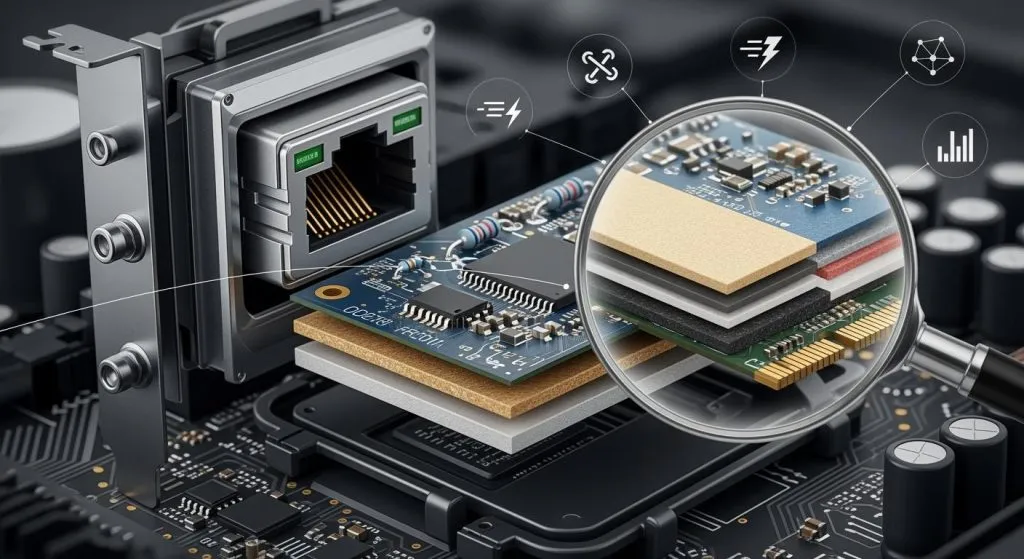
Proper installation of electronic components on the PCB is crucial to reducing soldering defects. When arranging electronic components, avoid areas with high deflection values and high internal stress. Distribute components evenly, especially those with high thermal conductivity. Avoid using oversized PCBs to prevent expansion and contraction. Poor PCB layout design can affect the PCB’s manufacturability and reliability. Many designers, aiming to maximize the utilization of the circuit board space, place components as close to the edges as possible. This practice can create significant challenges for manufacturing and PCBA assembly, even making soldering assembly impossible.
Impact of Edge Component Layout:
1.Board Edge Milling: Components placed too close to the board edge may have their pads milled off during shaping. Generally, the pad-to-edge distance should be greater than 0.2mm. Otherwise, the pads on the board edge components may be milled off, making subsequent assembly impossible.
2. Board Edge V-CUT: If the board edge is a V-CUT, components need to be placed even further away from the edge, as the V-CUT blade passes through the middle of the board. Typically, components should be more than 0.4mm away from the V-CUT edge; otherwise, the V-CUT blade may damage the pads, making soldering impossible.
3. Component Interference: When components are placed too close to the edge, they may interfere with the operation of automatic assembly equipment, such as wave soldering or reflow soldering machines.
4. Equipment Damage to Components: The closer the components are to the edge, the greater the potential for interference with the assembly equipment. For example, large electrolytic capacitors should be placed further from the edge due to their height.
5. Component Damage During Panel Separation: After the product assembly is completed, the panels need to be separated. Components placed too close to the edge may be damaged during separation. This damage can be intermittent, making it hard to detect and troubleshoot.