To protect PCB design from being copied, you should use multiple strong methods together. Try these steps:
Sign legal agreements with your partners.
Add features like encryption or obfuscation.
Implement robust data security policies.
Limit access to your PCB design files to only authorized personnel.
Monitor and document every change made to your PCB design.
Tip: To effectively protect PCB design, combine technical tools with strict data security measures. Start early to keep your PCB design safe from potential threats.
Key Takeaways
Use different technical tools like obfuscation, encryption, and anti-tamper features to make copying your PCB design more difficult. – Protect your design by signing NDAs, using copyrights, and getting patents to defend your work. – Keep your design files safe with strong data security. This includes secure file transfer, access control, and version management. – Add special identifiers to your boards. This helps you track and prove ownership if someone copies them. – Pick trusted partners and use all these protection methods together to keep your PCB design safe from theft.
How to Protect PCB Design
Obfuscation
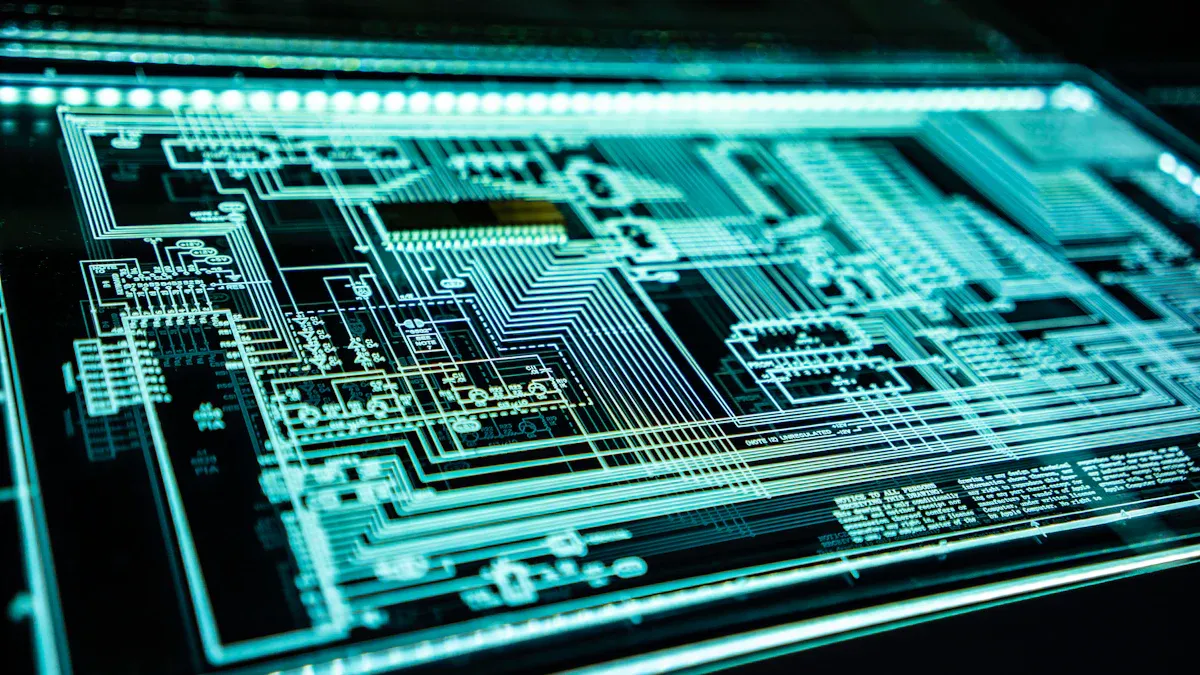
Obfuscation makes your pcb design tricky to figure out. This method confuses people who want to copy your work. Here are some ways to use obfuscation: Change the way your traces go so they do not look simple. Add dummy components that are not part of the main circuit. Hide important signals by putting them under ground planes or inside layers.
Tip: Obfuscation cannot stop copying, but it slows down people who try to steal your design. It makes their job much harder.
If you want to keep your pcb design safe, start with obfuscation as your first step.
Encryption
Encryption keeps your pcb design files safe when you share them. You can use encryption to lock your files so only trusted people can open them. Here is how you can use encryption: Save your design files in an encrypted format. Use strong passwords and change them often. Share files only through safe channels, like SFTP or secure cloud storage.
Note: Many PCB design tools have built-in encryption. Check your software settings and turn this feature on.
Encryption helps protect your electronics by making sure only the right people see your work.
Physical Protection
Physical protection stops people from copying your pcb design by making it hard to get to the hardware. You can use different ways: Cover your circuit board with epoxy or potting material. This makes it very hard to take off parts or see the traces. Use tamper-evident labels or seals. If someone tries to open your device, you will know. Pick One-Time Programmable (OTP) microcontrollers. These chips cannot be changed after you set them.
Tip: Physical protection works best when you use it with other methods. You add more layers to keep your electronics safe.
Unique Identifiers
Unique identifiers help you track and check your pcb design. You can add serial numbers or special codes to each board. Here is how you can use unique identifiers: Print a special serial number on every board. Put a hidden code in the firmware or a memory chip. Keep a list of all identifiers in a safe database.
If you find a copy of your product, you can check the identifier to see if it is real or fake. This step helps you protect pcb designs and find stolen boards.
Note: Unique identifiers do not stop copying, but they help you prove you own your design and find out where copies come from.
By using these technical ways, you protect your designs and make it much harder for others to copy your work. Always use more than one way to protect pcb design and keep your products safe.
Legal Protection
Protecting your pcb design goes beyond technical steps. You need strong legal tools to stop intellectual property theft. Legal protection gives you a way to defend your work if someone tries to copy or steal it.
NDAs
You should always use an nda when you share your pcb design with others. An nda, or non-disclosure agreement, is a legal contract. It tells your partners or manufacturers that they cannot share your design with anyone else. You can ask everyone who sees your design to sign an nda. This includes engineers, suppliers, and even testers.
Tip: Use a clear nda that lists what information is secret and how long the agreement lasts.
An nda does not stop all intellectual property theft, but it gives you proof if someone breaks the rules. You can take legal action if someone leaks your pcb design.
Copyright and Patents
You can use copyright and patents for extra protection. Copyright covers your pcb design files and drawings. You get this protection as soon as you create your design. Patents protect new inventions or special features in your pcb design. You must apply for a patent and show that your idea is new.
Legal Tool | What It Protects | How to Use |
|---|---|---|
Copyright | Design files, drawings | Register with copyright office |
Patent | New inventions, unique circuits | Apply for a patent |
These tools help you fight intellectual property theft in court. They also show others that you take intellectual property protection seriously.
Trusted Partners
Choose your partners with care. Work only with companies that respect your rights. Check their history and ask for references. Trusted partners lower the risk of leaks or theft. You can also use an nda with every partner to add another layer of safety.
Note: Good partners help keep your pcb design safe and support your business.
Legal protection works best when you use it with technical steps. You make it much harder for anyone to steal your ideas.
Data Security
You need to keep your pcb design safe at all times. Data security helps stop leaks and theft. Use strong ways to keep schematics secret. This stops others from getting important design details.
Secure File Transfer
Always use safe ways to share files. SFTP and encrypted cloud tools help move files safely. Do not send design files by email or open networks. Use tools that have encryption. This keeps your data safe and blocks hackers from stealing your pcb design.
Tip: Check the address before you send files. Only let trusted people get your files.
Access Control
Limit who can see your design files. Only give access to people who need it. Use passwords and two-factor codes for more safety. Set up user roles in your design data system. This lets you control who can see or change files.
Write down everyone who has access.
Take away access when someone leaves.
Check permissions often.
Good access control keeps your data safe and stops leaks.
Version Management
Track changes to your files with version management tools. These tools save every update. You can see who made changes and when. If there is a problem, go back to an old version. Version management helps you find mistakes and keeps your data safe.
Benefit of Version Management | How It Helps Data Security |
|---|---|
Tracks changes | Stops unwanted edits |
Saves old versions | Recovers lost data |
Shows user actions | Finds leaks or errors |
Using secure file transfer, access control, and version management builds strong data security for your pcb design. Good design data management keeps your design information safe and protects your work.
Prevent Board Copying
Anti-Tamper Features
Anti-tamper features help stop people from copying your pcb design. These features make it tough to open or change your board without being noticed. For example, you can put tamper-evident stickers on your device. If someone opens the case, the sticker will break. You can also use special screws that need a certain tool. Some companies use sensors that erase data if someone tampers with the board. These anti-counterfeiting steps help you see if someone tries to copy your work.
Tip: Use more than one anti-tamper feature for better safety.
Copy-Protection Circuits
Copy-protection circuits are a common way to stop pcb copying. You can add special chips or logic that checks for the right signals before the device works. Some circuits use secure microcontrollers that lock after you program them. Others use encryption keys that are stored in hardware. If someone tries to copy the board, it will not work. These anti-counterfeiting steps make it much harder to clone your product.
Here is an easy example:
Feature | How It Helps Prevent Board Copying |
|---|---|
Secure microcontroller | Stops code reading and copying |
Hardware encryption | Blocks access to secret data |
Authentication chips | Checks if the board is original |
Community Rules
If you work in a group or share your pcb design online, you need clear rules. These rules tell everyone how to use your design and what happens if someone copies it. You can make rules in your group that ban sharing files without permission. You can also ask members to report anything strange. Good community rules help you find and check original boards. They also help your anti-counterfeiting work.
Note: Clear rules and teamwork help stop board copying in group projects.
You can protect pcb design by using a mix of smart steps. Try technical tools, legal agreements, and strong data rules together. Review your methods often to stay ahead of threats. Pick one new way to boost your security today. Stay alert and keep learning about new ways to stop copying. Your actions now help keep your ideas safe in the future.
FAQ
How can you tell if someone copied your PCB design?
You can look for special codes or serial numbers on the board. Check the board and compare it to your own files. Try to find any hidden marks or features you put in. These steps help you find out if someone made a copy without asking.
Do you need a patent to protect your PCB design?
You do not have to get a patent, but it helps protect your work. Copyright protects your design files. A patent protects new ideas or special parts. Using both gives you more safety.
What is the best way to share PCB files safely?
Always use safe file transfer tools like SFTP or secure cloud storage. Never send files by email or public links. Only let people you trust see your files.
Tip: Change your passwords often and check who can see your files.
Can you stop all PCB copying with technical methods?
You cannot stop all copying with just technical steps. You can make copying much harder by using obfuscation, encryption, and anti-tamper features. Use legal steps too for the best protection.
Method | Helps Prevent Copying? |
|---|---|
Obfuscation | ✅ |
Encryption | ✅ |
Legal Action | ✅ |