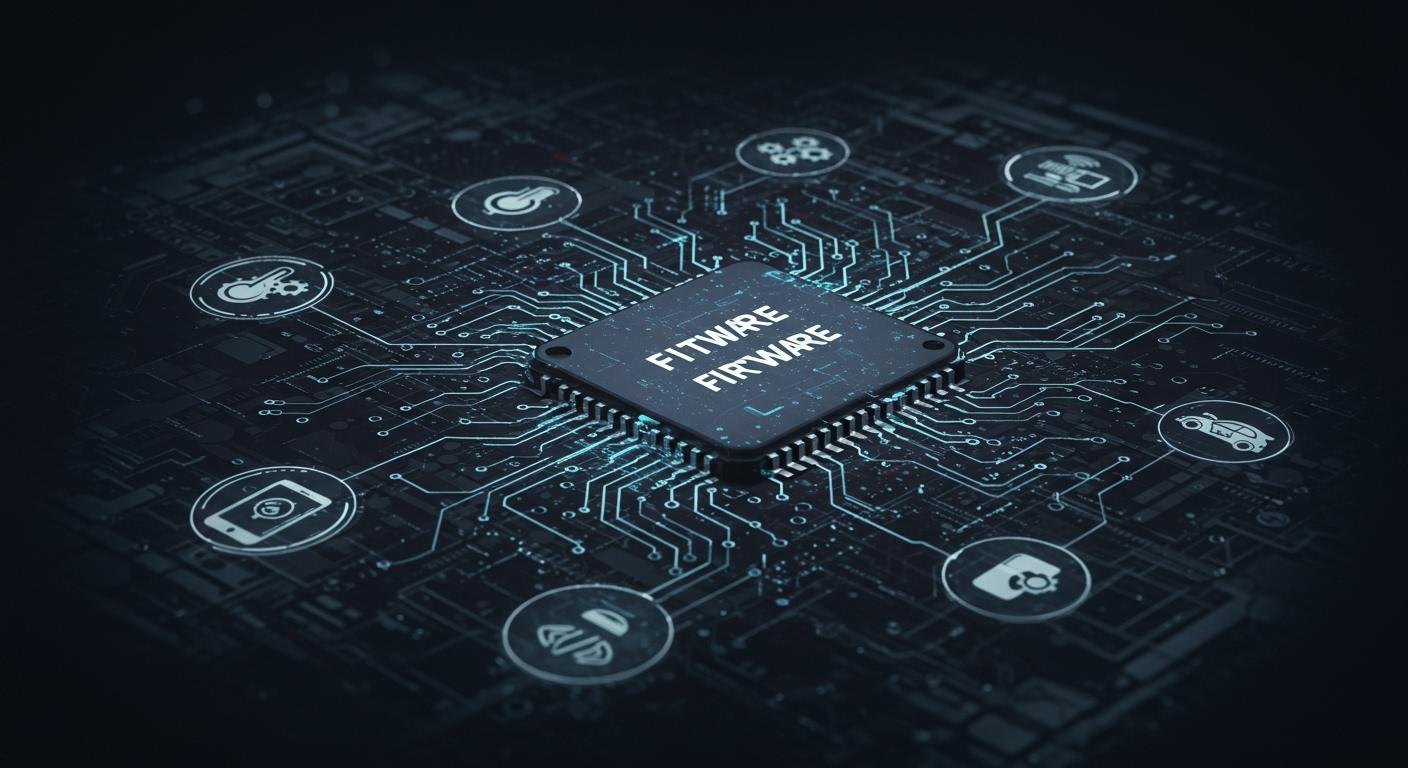
Firmware is a special type of software inside your device. It helps your device work with other programs. You use firmware every day, even if you do not notice it. Firmware acts like a bridge between hardware and the apps you use. In the last ten years, you may have seen more updates and warnings about firmware. This happens because:
Many of these problems are now very serious.
You need firmware every time you turn on a device. You also use it when you use a smart gadget at home. Firmware helps your technology work well and stay safe.
Key Takeaways
Firmware is very important for devices. It helps devices turn on and work well. It also lets them talk to software.
There are many kinds of firmware. These are low-level, high-level, and subsystem. Each kind does something special for the device.
Updating firmware often can fix problems. Updates make devices safer and add new things. Keeping firmware fresh helps your device work longer.
Firmware safety matters a lot. Use strong passwords to keep devices safe. Always check for updates to stop attacks.
Knowing about firmware helps you choose devices wisely. Always get updates to keep devices safe and working well.
What Is Firmware?
Definition
You might ask what firmware really means. Firmware is a special kind of software inside your device. It gives your device simple instructions to work. Firmware is the first thing that talks to hardware when you turn on your computer, phone, or smart fridge.
Note: Firmware is not just regular software. It is written into your device’s memory. It stays there even when you turn off the power.
Here are some important facts about firmware from tech groups:
Firmware gives instructions to your device’s hardware so it can do basic jobs.
It is kept in non-volatile memory, so it does not go away when you turn off your device.
Firmware is put in during manufacturing and helps run user programs.
It works as a bridge between hardware and the software you use.
Firmware is often called embedded software because it is built into the device and does not change much.
The definition of firmware shows it is a permanent helper for your device’s hardware. It is not like apps you download or the operating system you update.
Core Purpose
Firmware has a very important job. It helps your device start, run well, and talk to other software. When you press the power button, firmware wakes up the hardware and tells it what to do next. Without firmware, your device would not know how to start working.
Let’s see how firmware is different from other software:
Aspect | Firmware | Software |
|---|---|---|
Scope | Closely tied to hardware | Broader scope for many uses |
Persistence | Stored on hardware forever | Often stored outside and loaded when needed |
Upgradability | Harder to update and specific to devices | Easier to download and install updates |
Execution | Runs right on hardware | Runs on top of an OS or virtual machine |
Firmware is special. It works with hardware and does not change much. Software, like games or word tools, can be added or removed easily.
The main jobs of firmware are:
Giving control to hardware, like turning on the screen or checking the battery.
Helping the device start by giving the processor its first instructions.
Letting higher-level software, like the operating system, work without worrying about hardware.
💡 Tip: Sometimes, when you update your device, you update the firmware. This can fix problems or add new features, but it does not happen as often as updating apps.
Firmware is the quiet helper that makes sure your device works every time. It controls the hardware, helps load the operating system, and keeps things running well. You do not see it, but firmware is always working in the background.
Types of Firmware
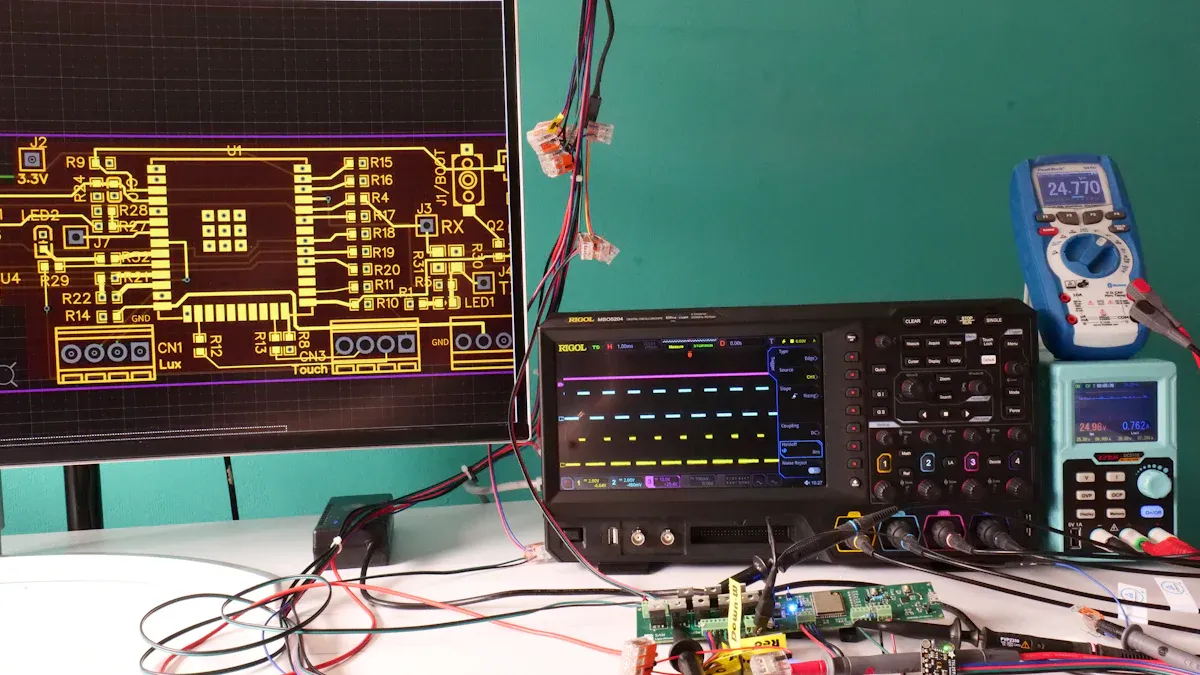
Most devices you use have different types of firmware. Each type does a special job. The main types are low-level firmware, high-level firmware, and subsystem firmware. These types help your devices work well and stay safe.
Category | Description |
|---|---|
Low-level firmware | Kept in memory chips that you cannot change. It gives basic help to hardware. |
High-level firmware | Stored on flash memory, so it is easy to update. It can do more complex jobs. |
Subsystem firmware | Found in embedded systems. It uses microcode and acts like a small system. |
Low-Level Firmware
Low-level firmware gives your device simple instructions. You cannot change this firmware easily. It lives in special memory that keeps data when the power is off. This firmware controls hardware right away and only does a few things.
Characteristic | Description |
|---|---|
Low-Level Control | Manages hardware parts directly. |
Limited Functionality | Does only a few jobs for hardware. |
Stays in ROM, EEPROM, or flash memory, even when off. |
You will not see updates for low-level firmware often. Companies make it to last a long time. Simple devices usually use this kind of firmware.
High-Level Firmware
High-level firmware gives your device more features. You can update this firmware because it is on flash memory. This firmware controls harder tasks and helps your device work better.
Feature | Description |
|---|---|
Control | Gives good control over hardware and makes it work well. |
Stability | Stops crashes and keeps things working right. |
Security | Updates fix problems and add new safety features. |
Cost-effectiveness | Makes the system work better and saves money. |
High-level firmware lets you pick updates and features you want.
You can update only what you need, making your device safer.
This firmware makes your device better by changing to fit your needs.
Subsystem Firmware
Subsystem firmware works inside big devices like phones and cars. It helps different parts talk to each other. You find this firmware in systems that do special jobs.
Subsystem firmware has bootloaders, baseband, and drivers for smooth work.
It manages how hardware and software work together in big devices.
This firmware can be updated, just like high-level firmware.
Subsystem firmware keeps your device working if one part needs to go back or update.
When a new firmware update is ready, your device downloads it and saves it in a special spot. The bootloader checks if the update is safe. If there is a problem, the device can use the old firmware to keep working.
You will see subsystem firmware in many embedded systems. It helps your devices stay safe and up to date.
Firmware Examples
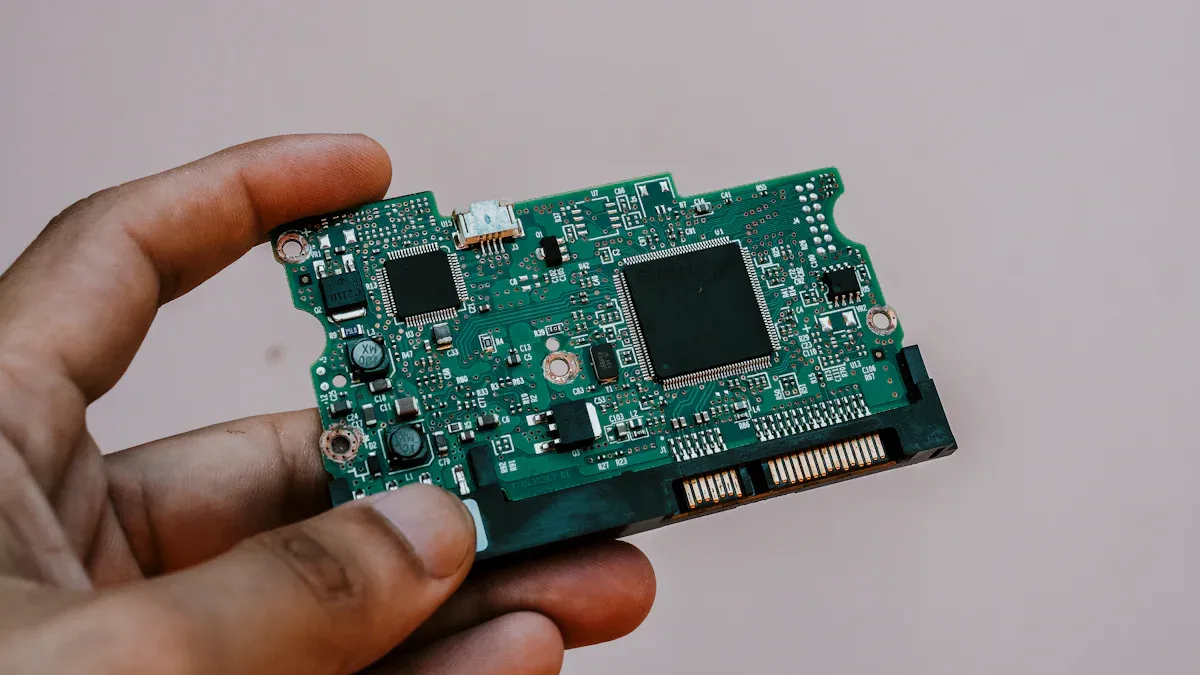
Computers
You use firmware when you turn on your computer. BIOS and UEFI are common types of firmware in computers. These programs help your computer start up. They check all the hardware parts. Firmware acts like a bridge between hardware and the operating system. When you press the power button, firmware checks the memory, processor, and storage. It loads the operating system so you can use your computer. Updating the firmware on your motherboard can fix problems. It can also help your computer work with new hardware. Old firmware may stop your computer from using new parts.
Tip: Updating your computer’s firmware helps it run better and keeps it safe.
Peripherals
Many peripherals need firmware to work with your computer. Printers use firmware to print and connect to networks. Firmware also helps keep your data safe. USB drives and SSDs use firmware to manage data and stop errors. Sensors and actuators use firmware to collect and send information. Updating firmware in these devices can give you new features. It can also make them work better.
Notable Examples | |
|---|---|
Sensors | Temperature, Motion, Light Sensors |
Actuators | Motors, Relays |
Communication Modules | Wi-Fi, Bluetooth, UART |
User Interfaces | Displays, Touchscreens |
Embedded Devices
You see firmware in many embedded systems. Smart washing machines use firmware to control wash cycles. They also save energy. Medical devices use firmware to watch and change important body functions. Cars use firmware to manage the engine and entertainment systems. Industrial robots use firmware to move exactly in factories. Air conditioning systems use firmware to set the temperature. Digital cameras use firmware to process pictures and control settings. Many IoT devices use firmware for updates and safe use.
Device Type | Description |
|---|---|
Smart Washing Machines | Control washing cycles, enable custom programs, and connect to mobile apps. |
Medical Devices | Monitor and regulate vital functions for patient safety. |
Automotive Systems | |
Industrial Robots | Provide precise control for manufacturing tasks. |
Air Conditioning Systems | Adjust temperature and air quality based on user needs. |
Digital Cameras | Process images and manage camera settings. |
You use firmware in embedded systems every day. Home appliances and IoT devices need firmware to work well. These examples show why firmware is important for your devices.
Role of Firmware
Operation
You use firmware every time you turn on a device. Firmware makes sure your device starts and works safely. When you press the power button, firmware wakes up the hardware. It checks if everything is working right. Then, it loads the operating system so you can use your device. Without firmware, your device would not know how to start or what to do.
There are different types of firmware that help in special ways. Each type has its own job in your device:
Type of Firmware | Role in Device Operation |
|---|---|
System Firmware | Gets hardware ready and loads the operating system when you turn on your device. |
Application Firmware | Handles certain jobs and helps extra parts work better. |
Security Firmware | Keeps your device safe from hackers and other dangers. |
Firmware helps your device talk to its parts. It checks things like memory, storage, and sensors. It also helps your device connect to networks and other gadgets. Because firmware does these jobs, your device works better and has fewer problems.
Note: Good firmware helps your device run faster, use less power, and stay strong.
Updates
Firmware updates are important for keeping your device safe and working well. When you update firmware, you fix bugs and close security holes. Sometimes, you also get new features. These updates help protect your device from hackers and make it run smoother.
Here are some ways firmware updates help your device:
Fix problems that hackers could use.
Make your device more stable by fixing bugs.
Help your device work faster and better.
Make sure your device follows safety rules.
Add new features and support for new tech.
Updating firmware can be tricky sometimes. If an update fails, your device might have problems. You need good power and internet for updates. If the update stops, your device might not work right. Always follow the maker’s steps and back up your settings first.
Process/Challenge | Description |
|---|---|
Preparation Steps | Look for risks like losing data or using the wrong file. |
Update Failed or Interrupted | Make sure your internet is good and use the right firmware. |
Incompatible Firmware Version | Pick the correct model and follow the guide. |
Lost Configuration | Back up your settings so you do not lose them. |
Backup and Rollback Procedures | Know how to go back to old firmware if needed. |
Ensure Stable Power and Internet | Keep your device plugged in and online during updates. |
Tip: Updating firmware often keeps your device safe, quick, and ready for new things.
Longevity
Firmware helps your device last longer. When you keep firmware updated, your device stays safe and works better. You can use your device for more years because firmware fixes bugs and adds new features.
Here is how firmware helps your device last:
Impact Type | Description |
|---|---|
Security Fixes | Stops hackers and keeps your data safe. |
Bug Fixes | Fixes problems that can make your device crash. |
Performance Improvements | |
Compatibility Updates | Lets your device work with new apps and tech. |
New Features | Adds new tools to keep your device useful. |
Security Risks | Not updating can let hackers attack your device. |
Decreased Performance | Old firmware can slow down your device and waste power. |
Compatibility Issues | Old firmware may not work with new apps or networks. |
Loss of Features | You might miss out on cool things if you skip updates. |
Limited Support | Makers may stop helping with old devices that do not get updates. |
Updating firmware is important for a long device life. Taking care of firmware helps stop hardware problems and keeps your device running well. When you update firmware, you avoid problems and get better performance.
Updating firmware often means fewer problems, better devices, and more years of use. You get more from your device when you keep firmware up to date.
Firmware Security
Risks
There are many risks when you use devices with firmware. Attackers like to go after firmware because it controls your device. If someone changes your firmware, they can steal your data or control your device. Lots of connected devices use simple hardware. This makes them hard to protect. Every connection can be a way for attackers to get in.
Some common risks are:
Attackers can add bad code before you get your device.
Many devices have easy passwords that attackers can guess.
Some devices do not get updates, so old problems stay.
It is hard to watch for attacks on firmware.
Weak ways of sending data let attackers listen or change things.
Many devices cannot use strong encryption, so your info may not be safe.
You might know about the Target data breach. Attackers used a weak IoT system to get into payment systems. This shows why firmware security matters for every device. In 2023, IoT malware attacks went up by 400%. Old problems still happen because devices do not get updates.
Alert: 86% of router admin passwords have never been changed. This makes it easy for attackers to get in.
Protection
You can keep your device safe with good firmware security steps. Start with a secure boot process. This checks if your firmware is safe before your device starts. Code signing makes sure only trusted firmware runs. Encryption keeps your firmware safe from people who want to read or change it.
Here are some important security steps:
Security Measure | Description |
|---|---|
Secure Boot Process | Checks firmware signatures before starting your device. |
Code Signing | Makes sure firmware comes from a trusted source. |
Encryption | Stops others from reading or changing your firmware. |
Access Control | Limits who can change or see your firmware. |
Regular Security Updates | Fixes problems and keeps your device safe with each patch. |
Hardware write-protection gives extra safety. It stops attackers from changing important parts of your firmware. Anti-tamper features work with hardware protection to keep your device safe. You should update your firmware when new fixes come out. This helps your device stay safe and last longer.
Tip: Always change default passwords and look for firmware updates. These easy steps help keep your devices much safer.
You use firmware whenever you use a device. Firmware helps your device turn on and work well. It also keeps your device safe. If you know about firmware types and what they do, you can make smarter choices. Always look for firmware updates to keep your device safe and working right.
Watch for new firmware updates. Keep your devices safe by using good security steps.
Update your device often.
Change the passwords that come with your device.
Find out what firmware does in your devices.
FAQ
What is the difference between firmware and software?
Firmware helps hardware work right away. Software lets you do things like play games or write. Firmware stays inside your device all the time. It helps your device start and keeps it safe.
How do you know if your device needs a firmware update?
Your device may show a message about updates. Sometimes, your device gets slow or has trouble. You can check the maker’s website or app for updates. Updates fix problems and make your device safer.
Can you fix a device if a firmware update fails?
Try turning your device off and on again. If that does not help, ask the maker for help. Some devices let you use older firmware if needed. Always read the instructions so you do not break your device.
Why is firmware important for security?
Firmware helps keep hackers out of your device. Updates fix weak spots and stop attacks. When you keep firmware updated, your device and data stay safe.