Choosing the right firmware architecture shapes how your project works and grows. You face many options, but only one will fit your needs best. Firmware architecture acts as the blueprint for your system. It guides you to match your hardware, team skills, and security needs. Smart decisions now can save time and money later. Focus on what matters most for your project’s success.
Firmware Architecture Overview
Definition and Role
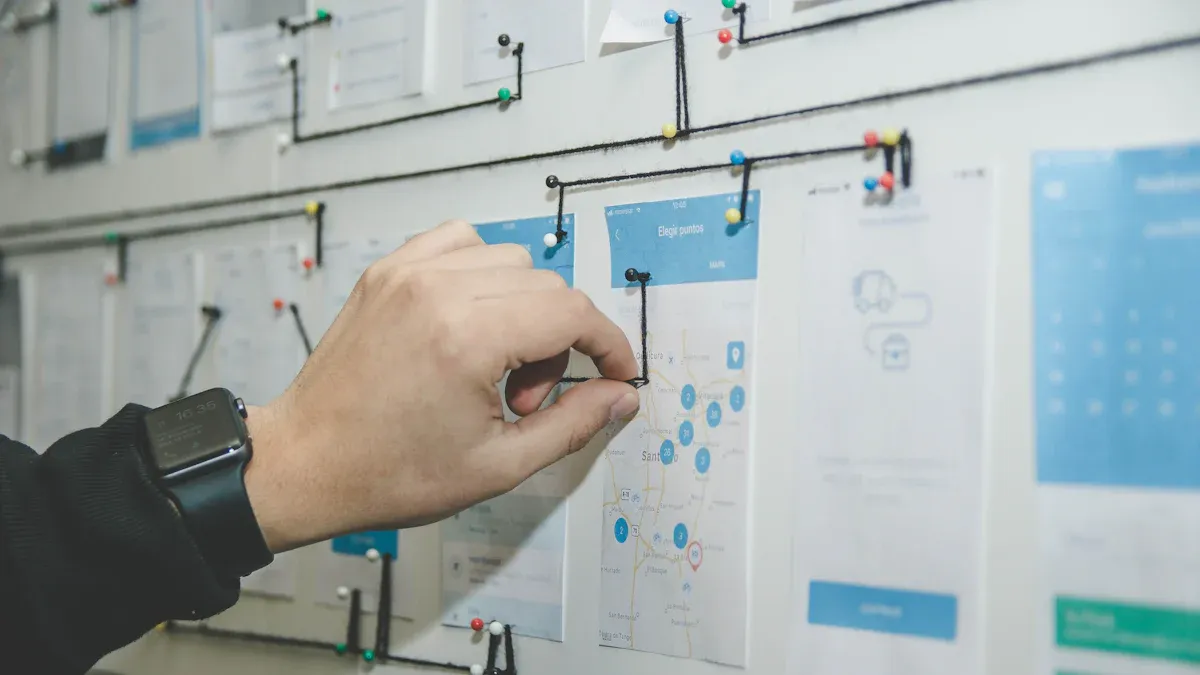
You should know what architecture means in firmware. Architecture is how you set up and design the software for your hardware. Firmware architecture works like a map. It shows how parts of your system link and work together. You can think of it as a plan to help you build strong products.
When you pick a firmware architecture, you choose how your code runs on your device. You make rules for how your system does tasks, talks to hardware, and handles updates. This setup helps keep your code neat and easy to change. Good architecture lets you add new things without messing up old ones.
Tip: If your project is small, start simple. You can make it more advanced later.
Importance for Projects
Choosing the right firmware architecture affects your whole project. You get faster performance, easier updates, and better security. If you use weak architecture, you might get bugs, slowdowns, or security problems.
Here are some reasons why architecture is important:
You can fix issues quickly because your code is tidy.
You can add new things without starting from scratch.
You can keep your device safe from hackers with strong security.
You can save time and money when you build.
Project Size | Recommended Architecture |
|---|---|
Small | Simple, flat |
Medium | Layered, modular |
Large | Scalable, secure |
You should always pick firmware architecture that fits your project. This choice helps you reach your goals and avoid mistakes.
Firmware Architecture Components
OS and Kernel
The operating system helps your device work. The kernel handles memory and tasks. You pick an OS that fits your hardware and project. Some devices need real-time operating systems for quick actions. Others use simple kernels for easy jobs. The OS and kernel are the base of your system.
Note: Choose an OS that matches your hardware and team. This choice helps you avoid trouble later.
Drivers and Chipset
Drivers let your firmware talk to hardware. You use drivers for sensors, screens, and other parts. The chipset is the group of chips in your device. Good architecture uses drivers that match your chipset. Check if your drivers support all hardware features. This step keeps your system working well and fast.
Drivers help your device talk to hardware.
Chipset controls how your device runs.
BIOS and Application Code
BIOS means Basic Input/Output System. BIOS starts your device and checks hardware. Application code does the main jobs. You write application code to help users. Good architecture keeps BIOS and application code separate. This setup makes updates easy and keeps your system safe.
Layered Design
Layered design splits your system into parts. Each layer has a special job. Layered architecture keeps code neat. Layers help you fix bugs and add new things. You can see how each part works without changing others.
Layer | Role |
|---|---|
Hardware | Runs the device |
Drivers | Connects hardware |
OS/Kernel | Manages tasks |
Application | Solves user problems |
Modularity and Security
Modularity means you build your system with separate parts. Modular design lets each part work alone. You can change one part without breaking others. Security is important too. You protect your device from hackers and bugs. Good architecture uses strong security in every layer.
Tip: Modular architecture and security help you build safe and flexible products. You save time when you update or fix your system.
Selection Steps
Analyze Requirements
Begin by making a list of what your project needs. These needs show what your device must do. Write down every feature your product should have. Think about how fast it works, how much memory it uses, and how much power it needs. Also, think about how people will use your device. Remember to add needs for updates, testing, and changes in the future.
Tip: Talk to your team and users. They might know about needs you missed.
For instance, if your device must work quickly, you need an architecture that can respond fast. If your product connects to the internet, add needs for network support and safety.
Assess Hardware
Now, look at your hardware. Hardware decides what your firmware architecture can do. Check the processor, memory, storage, and other parts. Some hardware needs special drivers or only works with certain operating systems.
Make a table to see if your hardware matches your needs:
Hardware Part | Requirement Met? | Notes |
|---|---|---|
Processor | Yes/No | Speed, type |
Memory | Yes/No | Size, type |
Storage | Yes/No | Space, speed |
Peripherals | Yes/No | Sensors, displays |
If your hardware does not meet your needs, you might need to change your plan or pick another architecture.
Evaluate Team Skills
Your team’s skills help you choose the right architecture. Write down what your team does best. Some architectures need special skills. For example, real-time operating systems need people who know timing and scheduling. Modular designs need people who can split code into parts.
Note: If your team is new, pick a simple architecture. You can add more features later when your team learns more.
Ask your team what programming languages, tools, and debugging methods they like. Match your architecture to your team’s skills to avoid problems.
Consider Modularity
Modularity helps you make systems that are easy to change. When you use modularity, you break your firmware into small parts. Each part does one job. You can fix or upgrade one part without changing the others.
Modularity makes testing simple.
You can use parts in other projects.
Updates are safer and quicker.
For example, if you build a smart thermostat, use modularity to keep the temperature sensor code separate from the display code. This way, you can update the display without touching the sensor code.
Address Security
Security keeps your device and users safe. You must think about security from the start. Think about how your device connects to other devices or the internet. Add safety steps like encryption, secure boot, and regular updates.
Alert: Weak security can cause data loss or device problems.
Check each part of your architecture for risks. Use modularity to keep important parts safe. For example, keep user data in a safe module. Test your security often and update it when needed.
Review Cost and Support
Cost affects your whole project. Write down all costs, like hardware, software, and team training. Some architectures need paid licenses or special tools. Others use free tools.
Support is important too. Pick an architecture with good guides and a helpful community. This support helps you fix problems faster.
Cost Area | Estimate | Notes |
|---|---|---|
Hardware | $$$ | Chips, boards |
Software | $$$ | Licenses, tools |
Training | $$$ | Courses, books |
Support | $$$ | Forums, experts |
Pick an architecture that fits your budget and gives you good support for a long time.
Advice and Examples
Selecting Firmware Architecture
You should match your architecture to your project’s needs. Start by listing your main goals. Think about speed, memory, and how your device will connect to other systems. Choose an architecture that supports these needs. If you want easy updates, pick a design that separates code into layers. This makes changes simple. Use modularity to break your system into small parts. Each part should do one job. This helps you test and fix problems faster.
Tip: Ask your team what tools and languages they know best. Pick an architecture that fits their skills.
Common Mistakes
Many people make the same mistakes when picking architecture. You might choose a design that is too complex for your project. This can slow you down. Some teams forget to plan for security. Others do not think about future updates. You should avoid these problems.
Do not pick an architecture that your team cannot support.
Do not ignore testing and updates.
Do not forget to check if your hardware matches your design.
Mistake | How to Avoid |
|---|---|
Too complex | Start simple |
Weak security | Plan safety from the start |
Poor hardware fit | Check hardware early |
Case Studies
Let’s look at two quick examples:
A small sensor project used a simple architecture. The team kept code in one layer. They finished fast but had trouble adding new features later.
A smart home device used layered architecture with modularity. The team updated the display without touching the sensor code. This saved time and kept the system stable.
Note: Good planning helps you avoid problems and build better products.
You have to think about all important things when you pick an architecture for your project. Using a clear plan helps you make good choices. If you choose an architecture that fits your needs, your system will work well for a long time. Good architecture makes updates, security, and growth easier. Follow these steps to help with your next project. Picking the right architecture makes future changes and fixes simple.
FAQ
What is the main benefit of using risc-v architecture in firmware design?
Risc-v architecture gives you lots of choices. You can add new features as your project grows. Many developers like risc-v because it uses open-source tools. You do not have to pay for licenses. This design helps you make devices that are safe and quick.
How does modular design help when working with risc-v architecture?
Modular design breaks your code into small pieces. With risc-v, this makes updates simple. You can fix one piece without changing the rest. Modular design lets you test each piece by itself. This keeps your risc-v project working well.
Can I use risc-v architecture for both small and large projects?
Yes, you can use risc-v for any project size. It works for simple devices and big systems. You can start with a basic setup and add more layers later. Many teams choose risc-v because it is flexible.
What should I consider when starting a risc-v architecture design?
Begin by writing down what your project needs. Look at your hardware and your team’s skills. Good design means you plan for updates and safety. Risc-v lets you use open tools and get strong help. Always match your design to your project’s goals.
Why do many teams choose risc-v architecture over other designs?
Teams like risc-v because it gives them freedom. You can use open-source tools and save money. This design works with many kinds of hardware. You also get help from a big community. Risc-v lets you build systems that are safe, quick, and flexible.