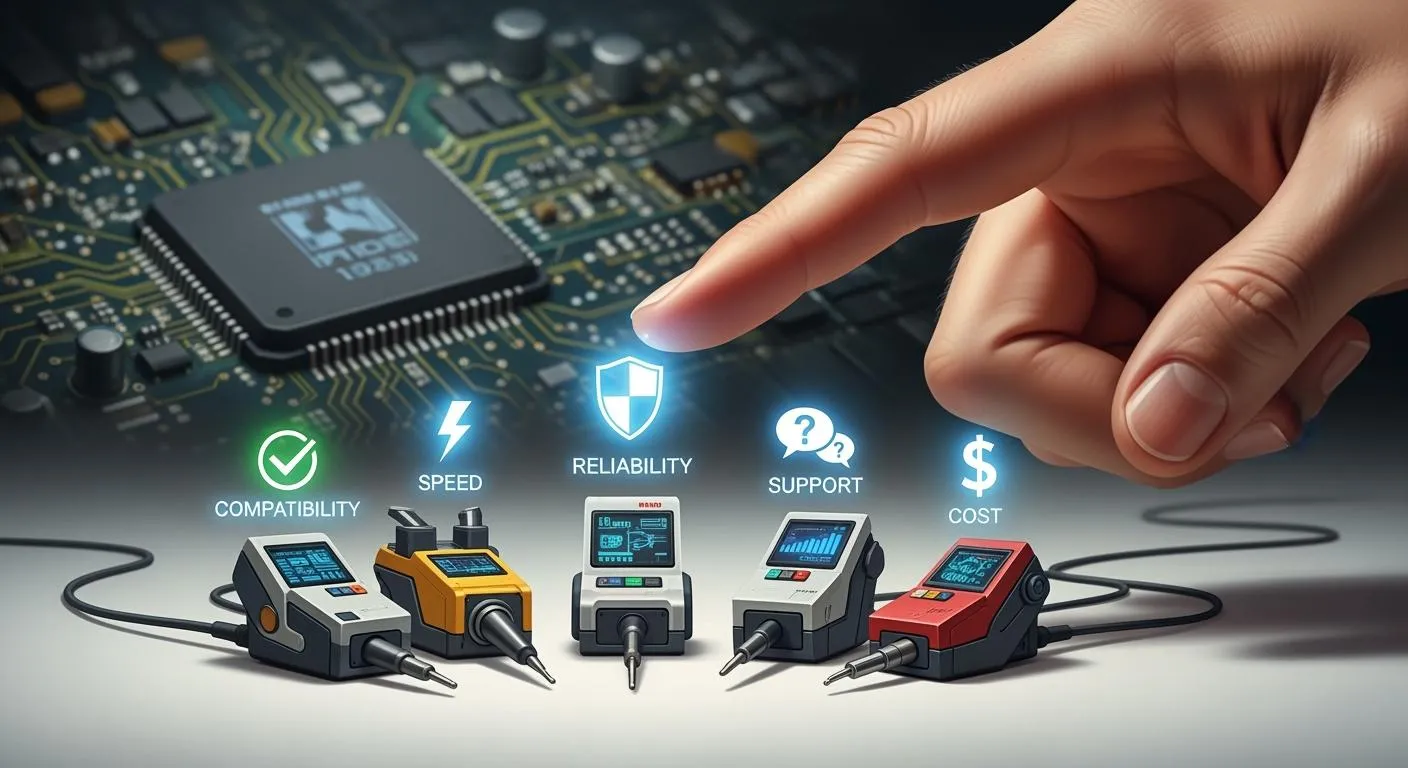
When choosing the right JTAG tools, focus on what is important. You need tools that work well for your project and help make your work easier. There are five main things to think about:
Compatibility with devices and tools
Signal integrity and reliability
Ease of use when choosing the right JTAG tools
JTAG features and expandability
Cost and value
Choosing the right JTAG tools means you want good features. You need strong debugging ability, and the tools should follow industry standards. Think about what you need and ask how each aspect influences your tools and your results.
Key Takeaways
Make sure the JTAG tool works with your devices. Check if it fits your development environment. This helps you test and debug without problems.
Focus on signal integrity for good debugging. A clear TCK signal and steady communication help stop errors when programming firmware.
Pick JTAG tools that are simple to set up. Easy installation and helpful guides save time. They let you begin projects more quickly.
Think about the features and how the JTAG tool can grow. Advanced debugging can make your work better. It can also help with future needs.
Look at both the starting price and future costs. A pricier tool might give better support and features. This can save you money later.
Compatibility With Devices And Tools
When you select a jtag tool, you must check if it works with your target devices and your development environment. Not every jtag tool supports every chip or board. You want to avoid problems during testing or firmware debug by making sure your tool matches your needs.
Chipset Support
You should look at the list of device families that leading jtag tools support. Many popular jtag tools work with a wide range of chips. Here are some device families you often see:
H8 Family
M32R
MN103
68000
ColdFire
PIC32
PowerPC
MPC5xx
Propeller
SuperH
TLCS-900
TriCore
V850
RX
Xtensa
Z80000
If your project uses one of these, you have a good chance of finding a jtag tool that fits. Always check the tool’s documentation for a full list.
Development Tool Integration
You need to make sure your jtag tool works with your software and hardware. Some tools connect well with popular IDEs and test access port systems. Others may need extra drivers or plugins. If you use a specific programmer or test access port, check for support before you buy. This step saves you time during testing and firmware debug.
Connector Types
Jtag connectors come in many shapes and sizes. There is no single standard for jtag headers. You might see 10-pin, 14-pin, or 20-pin connectors. Some boards use custom layouts. Always match your jtag tool’s connector to your board’s test access port. You can use adapters, but direct matches work best for stable jtag access.
Tip: Use a product comparison table to check connector types and test access port compatibility before you decide.
Compatibility Pros & Cons
Pros | Cons |
|---|---|
Wide chipset support for testing | Not all jtag tools fit every test access port |
Easy integration with many IDEs | Some connectors need adapters |
Good for joint test action group tasks | Custom boards may need special cables |
You should always check compatibility first. This step helps you avoid wasted time and failed testing. The right jtag tool gives you smooth jtag access and makes your testing process easier.
Signal Integrity And Reliability
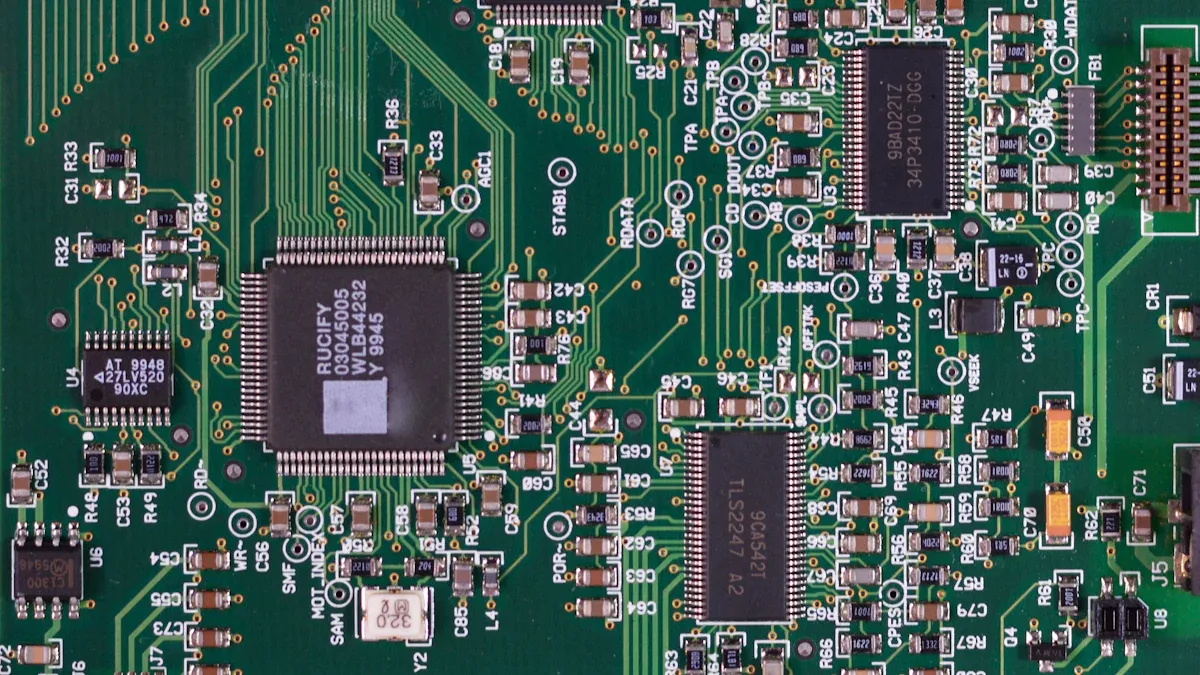
When you use jtag tools in projects, you must watch signal quality. Good signals help you debug and program devices without mistakes. If you do not care about this, you might get random errors or bad results when debugging firmware.
Importance Of TCK Signal
The TCK signal is the clock line for jtag. You need a clean and steady TCK signal for good debugging. If the TCK signal has noise or bounces, your system might miss breakpoints or stop by accident. Many USB jtag programmers work fast, but this can make problems. If you set the adapter too fast, you might see missed events or stops. Slowing down to 1–2 MHz often helps. You should also use 22Ω resistors on the USB D+ and D− lines. These resistors help match the line, cut down bounces, and protect your microcontroller’s pins.
Stable Communication
Stable communication is important for jtag debugging and programming. You want to stop glitches and dropouts, especially in embedded systems. Here are some common problems and ways to fix them:
Long ribbon cables with one ground can cause random dropouts. Make the cable shorter and add more ground pins for better jtag signals.
USB hubs can cause glitches if there is a lot of traffic. Plug your jtag probe right into your computer for best results.
Good termination on USB lines stops signal problems. Use resistors to control the signal’s edge and lower EMI.
Slowing the adapter can help if you see bad debug connections.
If you use these tips, you will get fewer errors and better debug sessions.
Reliability Pros & Cons
Pros | Cons |
|---|---|
Fewer debug mistakes | Fast adapters may cause problems |
Steady jtag communication | Long cables can hurt reliability |
Better system performance | USB hubs can cause glitches |
You should always check your jtag setup for good signals. This step saves you time and stops failed debugging. Good jtag tools make your debug work smooth and easy.
Ease Of Use When Choosing The Right JTAG Tools
Setup Simplicity
You want jtag tools that make setup easy. Simple installation saves you time and helps you start your project faster. Many jtag programmers offer plug-and-play features. You connect the tool, install the driver, and begin debugging. Some jtag adapters work with automatic detection, so you do not need to set jumpers or switches. You should look for debug tools that support quick configuration. If you are new to jtag, you can choose development boards with built-in jtag. These boards help you avoid extra cables and adapters.
Here are some low-cost development boards with built-in jtag that work well for beginners:
Digilent Basys 3: This board uses a Xilinx Artix-7 FPGA. You get switches and LEDs for easy testing.
Digilent Arty A7: You have more I/O options. This board suits advanced projects and also uses Artix-7 FPGA.
TinyFPGA Boards: These boards are small and affordable. They use Lattice FPGAs and fit small projects.
Sipeed Tang Nano Boards: You get a budget-friendly option with GOWIN FPGAs. Documentation may be limited, but features are good for learning.
You can start with these boards and learn jtag basics without spending much money.
Documentation & Support
Good documentation makes jtag tools easier to use. You should check if the manufacturer provides clear guides and tutorials. Many jtag adapters come with step-by-step manuals. You can find online forums and support pages for popular debug tools. If you run into problems, strong support helps you solve issues quickly. You should look for jtag tools with active communities. These groups share tips and answer questions. You can learn from others and improve your skills.
Tip: Always read the quick start guide before you connect your jtag tool. This step helps you avoid mistakes and keeps your device safe.
User Experience Pros & Cons
Pros | Cons |
|---|---|
Fast setup with built-in jtag | Some boards have limited documentation |
Easy-to-follow guides for debug tools | Support may vary by manufacturer |
Helpful online communities | Advanced features may confuse beginners |
You should choose jtag tools that match your skill level. Simple setup and good support make your work easier. You can focus on your project and spend less time fixing problems.
JTAG Features And Expandability
Debugging Capabilities
You need jtag tools that help you fix problems fast. Some jtag tools only let you program chips or do simple tests. Other jtag tools have more advanced debugging features. You can use breakpoints to stop your code. You can watch variables and step through your code. Professional jtag tools can make test patterns by themselves. These tools help you find problems in your circuit. You can also use boundary scan to check board connections. Basic jtag tools are good for small projects. High-end jtag tools work with bigger systems and more devices.
Tool Type | Price | Features |
|---|---|---|
Entry-Level | $40 | Basic USB interface for JTAG programming, suitable for hobby projects. |
Mid-Range | $400 | Compatible with various microcontroller architectures, widely used in development environments. |
High-End | $800 | Advanced debugging features, high-performance capabilities for professional use. |
Future-Proofing
You should think about what you might need later when picking a jtag tool. Some jtag tools let you update their firmware and add new features. You can use these tools with new chips and boards as your projects get bigger. Professional jtag tools often support more devices and get updates often. You can add more modules or software to expand your setup. Basic jtag tools may not work with new chips or standards. If you want to do bigger projects, choose a jtag tool that can grow with you.
Entry-level tools usually do basic programming and testing.
Professional tools have advanced features like automated test patterns and strong debugging.
Professional tools can handle harder jobs and more devices.
Tip: Always check if your jtag tool can get updates and work with new device families. This helps you avoid buying new tools all the time.
Feature Pros & Cons
Pros | Cons |
|---|---|
Advanced debugging and boundary scan | Entry-level jtag tools have limits |
Expandable for future projects | High-end jtag tools cost more |
Supports many device families | Some tools need extra modules |
Pick jtag tools with features that fit your needs. Advanced jtag tools help you debug faster and work with more devices. Expandable jtag tools save you money and time as your projects change.
Cost And Value
Upfront Vs. Long-Term Cost
When you choose a jtag tool, you need to look at both the price you pay first and the money you spend later. Budget jtag tools cost less at the start. Premium jtag tools cost more but may save you time and trouble. You should compare the price ranges before you decide.
Tier | Price Range |
|---|---|
Budget | $50–$200 |
Mid-Range | $500–$900 |
Premium | $1,000–$2,000+ |
Budget jtag tools work for simple jobs. Premium jtag tools give you more features and better support. You need to think about what you want to do with your jtag tool. If you plan to use it for many projects, a premium tool may be worth the extra cost.
Licensing & Hidden Fees
You must check for hidden costs when you buy a jtag tool. Some brands charge for updates or support. Others include these in the price. You should look at the total cost, not just the price tag.
JTAG Tool Brand | Initial Cost | Software Update Fees | After-Sales Support | Total Cost of Ownership |
|---|---|---|---|---|
z3x Easy JTAG Plus Box | Varies | Included/Annual Fee | High | High |
Hyperion Lighting | $95-$100 | Moderate | Exceptional | Moderate |
Trusting Electronics | Low | Potential Hidden Fees | Low | High |
Some jtag tools offer strong support and easy updates. Others may have hidden fees that add up over time. You should read the details before you buy. Good support helps you fix problems fast and keeps your jtag tool working well.
Cost Pros & Cons
You need to weigh the good and bad points of each jtag tool. Here is a quick look:
Pros | Cons |
|---|---|
Budget tools save money | May lack advanced features |
Premium tools offer support | Higher upfront cost |
Some tools include updates | Hidden fees can surprise you |
Tip: Always check if your jtag tool lets you add notes, use color themes, or view layers. These features help you get more value for your money.
You should think about your needs and your budget. A jtag tool with good support and updates can save you money in the long run. Make sure you know all the costs before you choose.
You can pick the right JTAG tool by thinking about five main things: compatibility, signal quality, how easy it is to use, features, and price. Use this checklist before you buy any JTAG tool. First, write down the devices you want to use and what protocols you need. Next, make sure the software and hardware will work together. Then, look at how well the tool is made and if there are good instructions. After that, see if the price matches the features and support you get. Last, do not choose tools with bad specs or missing safety parts.
Factor | Why It Matters |
|---|---|
Scalability | Lets you use new devices later |
Vendor Support | Gives you help when you have trouble |
Performance Benchmarks | Proves the tool works well in real life |
Pick the JTAG tool that matches your project and helps you do your work better.
FAQ
What devices can you use with most JTAG tools?
You can use JTAG tools with microcontrollers, FPGAs, and some processors. Always check the tool’s supported device list before you buy. Popular brands cover many chip families.
How do you know if a JTAG tool is easy to set up?
Look for plug-and-play features. Read user reviews and check if the manufacturer provides a quick start guide. Tools with built-in JTAG on dev boards make setup simple.
Do you need special cables for JTAG connections?
Many boards use different JTAG connectors. You may need adapters or custom cables. Always match the connector type to your board for reliable signals.
What should you check before buying a JTAG tool?
Checklist Item | Why It Matters |
|---|---|
Device compatibility | Ensures tool works with chips |
Software support | Helps with debugging tasks |
Update options | Keeps tool current |
Can you use budget JTAG tools for professional projects?
You can use budget tools for small jobs or learning. For advanced debugging or large projects, you need premium tools with more features and better support.