You use electronic calculators every day. You may not notice how complex their design is. Engineers put together integrated circuits, printed circuit boards, and display units. These parts help make calculators work well for you. Electronic calculators have changed a lot over time. They started as solid-state devices. Now, they are small and easy to carry. Today, calculators must compete with smartphones and other gadgets. Still, calculator technology is important for engineers and finance workers.
The market share of handheld calculators has changed because of:
New technology
More people using smartphones
Need for special calculators
Key Takeaways
Electronic calculators used to be big machines. Now, they are small and easy to carry. This makes them simple to use.
Important parts like integrated circuits help calculators work well. Printed circuit boards also make them more efficient.
Display screens have changed from LED to LCD. This makes them easier to read. It also helps batteries last longer.
Calculator makers now care more about the environment. They use eco-friendly materials and modular designs. This helps calculators last longer.
Knowing the main functions and parts of calculators helps you use them better. You can do daily tasks more easily.
History of Electronic Calculators
Early Innovations
The story of electronic calculators began in the late 1960s and early 1970s. Engineers stopped using large vacuum tubes. They started using solid-state electronics instead. This made calculators smaller and more dependable. Many companies and countries helped with these first steps. Their work is shown in the table below:
Company/Country | Contribution |
|---|---|
Mostek | Made the first “calculator on a chip” in 1971. |
Texas Instruments | Built new solid-state calculator designs in 1971. |
Pico Electronics | Teamed up with General Instrument to make a single chip calculator IC in 1971. |
Busicom (Japan) | Sold the first pocket-sized electronic calculator in 1971. |
Digitron (Croatia) | Created the first European pocket-sized calculator in May 1971. |
Bowmar (USA) | Released the first American pocket-sized calculator in autumn 1971. |
Calculators became smaller and easier to carry. Taiwan startups also helped the industry grow. Moving from vacuum tubes to solid-state electronics made pocket-sized calculators possible.
Microprocessor Revolution
Calculator technology improved a lot when the Intel 4004 microprocessor was made. This chip changed how calculators worked. It lowered the number of chips needed from about twelve to just four. Calculators became smaller and worked better. Using dynamic RAM made memory cheaper and allowed random access. This made calculators faster and simpler to use.
The shift register memory needed six transistors for each bit. Dynamic RAM only needed three.
Dynamic RAM let you get to memory randomly, which made control logic easier.
Display Technology Evolution
Display technology changed quickly. Early calculators used basic LED displays. Later, LCDs became popular because they used less power and were easier to read. Sharp and Casio were leaders in this area. Sharp got an IEEE Milestone award for its work in calculator technology. Casio sold over one billion electronic calculators, showing how important calculators became in everyday life.
Date | Milestone Description |
|---|---|
Aug | Busicom 162C came out, making calculator design easier. |
Sep | Denon announced its first electronic calculator. |
Sep | Sharp introduced add-on programmers for calculators. |
Sep | Shinshu Seiki Co. announced the EP-101 digital printer for calculators. |
Sep | HP 9100A was a big step forward in calculator technology. |
Sep | Dr. An Wang patented new logic for logarithm generation in calculators. |
Dec | Toshiba launched a MOS IC-based calculator. |
Dec | Casio’s calculator sales went over one billion units. |
Dec | Sharp got an IEEE Milestone award for calculator technology. |
You can see how electronics and calculator technology changed to help people.
Calculator Components and Design
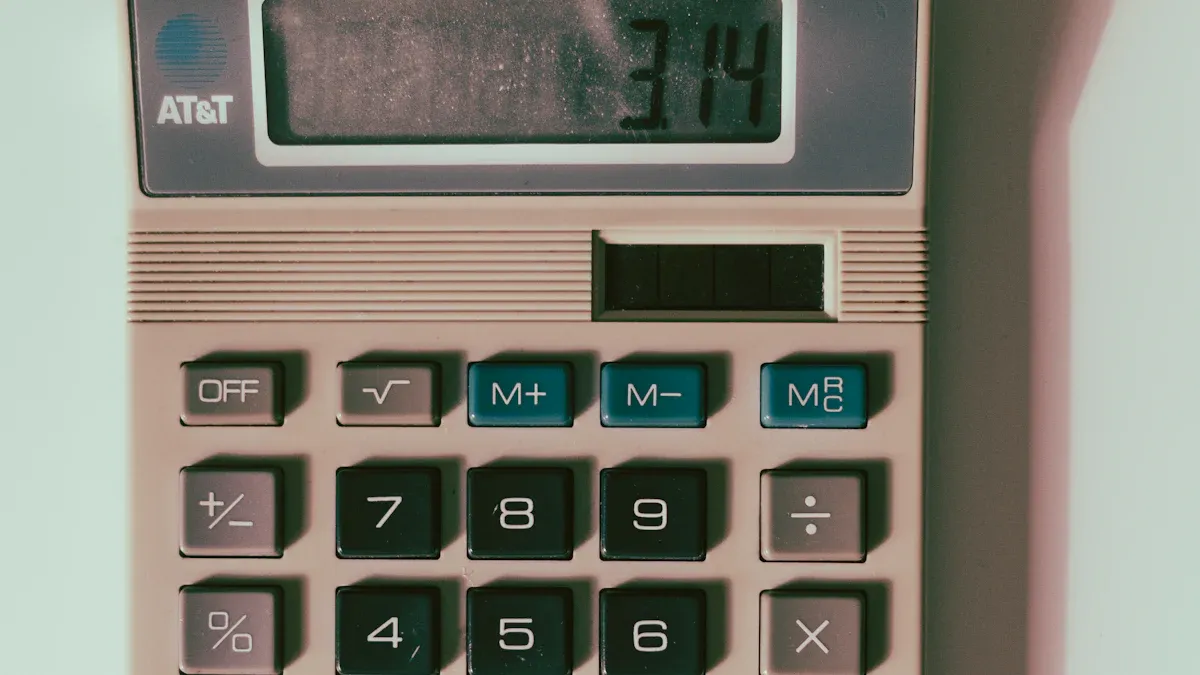
If you open a calculator, you see many parts inside. Each part does something important. These parts help the calculator solve math problems fast and correctly. Let’s look at how each part works and why it matters.
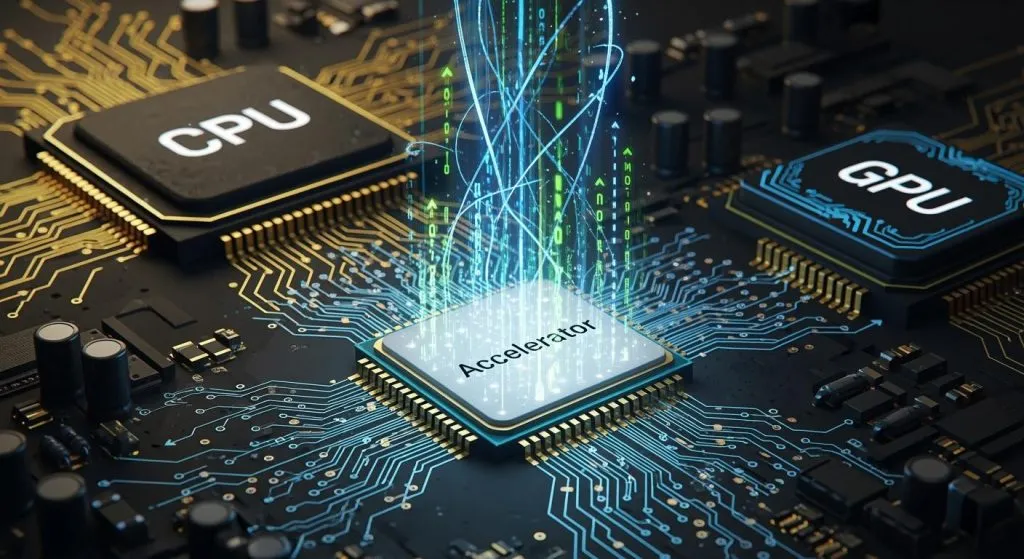
Integrated Circuits
Integrated circuits are like the calculator’s brain. They control what happens inside the calculator. There are three main types of ICs in calculators. Each type does a different job:
Type of IC | Description |
|---|---|
Analog ICs | Work with signals like temperature, sound, or light. |
Digital ICs | Use binary data for math, memory, and logic. |
Mixed-Signal ICs | Mix analog and digital features to help signals talk. |
MOS technology changed calculators a lot. It lets more transistors fit on one chip. This makes calculators faster and smaller. MOS chips use less power, so batteries last longer. They also cost less and help make calculators tiny.
MOS technology puts more transistors on chips, making them better.
MOS chips are easier to make, so they cost less and shrink calculators.
Less power is used, so batteries last longer and calculators work better.
PCB Design and Manufacturing
The printed circuit board connects all the calculator’s parts. You can think of the PCB as the calculator’s skeleton. It holds the ICs, display, keypad, and battery. The PCB design affects how well the calculator works and how long it lasts.
Factor | Description | Cost Impact |
|---|---|---|
Board Dimensions | Bigger boards need more stuff and time. | Bigger boards cost more. |
Number of Layers | More layers make things harder. | More layers cost more. |
FR-4 is cheap. Special stuff costs more. | Cost changes with material. | |
Copper Thickness | Thicker copper needs special tools and more time. | Thicker copper costs more. |
Surface Finish | HASL is cheap. ENIG is better but costs more. | Fancy finishes cost more. |
Minimum Trace/Space | Tiny lines need better tools. | Smaller lines cost more. |
Hole Size/Density | Small or lots of holes take longer. | More or smaller holes cost more. |
Special Features | Gold fingers or cutouts make things harder. | Special features cost a lot more. |
Quantity | Making more calculators lowers the cost for each. | More units mean lower cost per unit. |
Turnaround Time | Faster orders cost more money. | Rush jobs cost more. |
Flexible carriers make PCBs even better. They let the board bend without breaking. Your calculator can handle drops, heat, and shaking. Flexible carriers save space and make building faster.
Benefit | Description |
|---|---|
Repeatable reliability | Custom paths make boards work better. |
Withstands tough environments | Materials resist gravity and rough places. |
Survives high temperatures | Handles heat in many jobs. |
Long-duty cycles | Can bend many times and still work. |
High vibration | Stays strong when shaken. |
Space saving | Needs less wire, saving space and weight. |
Improved signal integrity | Keeps signals clear and quick. |
Decrease in assembly time | Fewer parts mean faster, cheaper building. |
Display Units (LEDs and LCDs)
The display shows numbers and answers. Old calculators used LED displays. LEDs were bright but used lots of power. Most calculators now use LCD displays. LCDs use less energy and are easy to read in sunlight. Some calculators use LED backlights for better viewing and less power.
Display Type | Power Efficiency | Power Consumption | Backlighting Technology |
|---|---|---|---|
LCD (CCFL) | Not as efficient | Uses more power | Cold Cathode Fluorescent Lamp |
LED | More efficient | Uses less power | LED Backlighting |
LCD or LED displays help batteries last longer. This means you use your calculator longer before changing batteries.
Keypad and User Interface
The keypad lets you tell the calculator what to do. The key layout helps you type numbers fast and right. Most calculators use a layout that helps you find keys quickly and remember them.
Keypad Layout | User Accuracy | User Speed | Memory Retention | Implications for Design |
|---|---|---|---|---|
Calculator Layout | More correct | Faster | Medium | Best for typing numbers |
Telephone Layout | Less correct | Slower | Better memory | Not great for calculator use |
A good user interface makes the calculator easy to use. You want clear buttons and simple menus. If the interface is hard, you might make mistakes or get annoyed.
Evidence | Description |
|---|---|
Clear and Intuitive UI | Simple interfaces help you use the calculator easily. |
Customization Options | Some calculators let you change settings for yourself. |
Interactive and Visual Elements | Visual hints and feedback help you know what the calculator is doing. |
Power Supply
The power supply gives the calculator energy. Most calculators use small batteries. Some use solar cells to save power. New power supply designs make calculators smaller and lighter. Switched-mode power supplies and high-frequency circuits let you use tiny parts without losing power.
Smaller power supplies make calculators tiny.
New designs use less energy, so batteries last longer.
High-frequency and noise control let you use small parts.
All these parts work together in your calculator. Good design and smart electronics make calculators fast, reliable, and easy to use. These new parts help calculators stay useful even with new technology everywhere.
Calculation Process in Electronic Calculators
Binary Logic Operations
When you press a button, your calculator starts using binary logic. These steps help it solve math problems fast. Binary logic is like a special language for calculators. It helps them work with numbers. Here are the main types of binary logic operations in calculators:
Add
Subtract
Multiply
Divide
Bitwise Operations:
AND (&)
OR (|)
XOR (^)
NOT (~)
Left Shift (<<)
Right Shift (>>)
Your calculator uses these to do all kinds of math. You can see what each operation does in the table below:
Operation Type | Description |
|---|---|
Addition | Adds binary numbers together in the binary system. |
Subtraction | Takes away one binary number from another. |
Multiplication | Multiplies two binary values. |
Division | Divides one binary number by another. |
Bitwise Operations | Uses AND, OR, and XOR on each bit of binary numbers. |
You use calculators all the time, but you might not know that binary logic is very important. It helps you understand how computers and electronics work. These steps connect math ideas to real calculators.
Software and Firmware
Your calculator needs both software and firmware to work right. Firmware gives your calculator the rules it must follow. It connects the hardware and the software. Without firmware, your calculator would not work at all.
Firmware gives the main rules for calculators to work.
It helps hardware and software talk to each other.
Firmware is built into the calculator’s hardware.
Calculators do math and logic by using both hardware and software.
If you have a programmable calculator, you might get updates from the company. Updates can fix problems, add new things, or make it work better. For example, Texas Instruments lets you update their calculators to keep them working well.
Error Handling
Every calculator must handle errors to give correct answers. Error handling helps your calculator deal with problems. Here are some ways calculators handle errors, shown in the table below:
Mechanism | Description |
|---|---|
Exceptions | Helps the calculator fix problems and keep working. |
Bugs | Mistakes in the program that need to be found and fixed. |
Domain Errors | Happen when you try something the calculator cannot do, so the answer does not make sense. |
Good error handling keeps your calculator safe and easy to use. You can trust it to find mistakes and help you solve math problems.
Manufacturing Process of Calculators
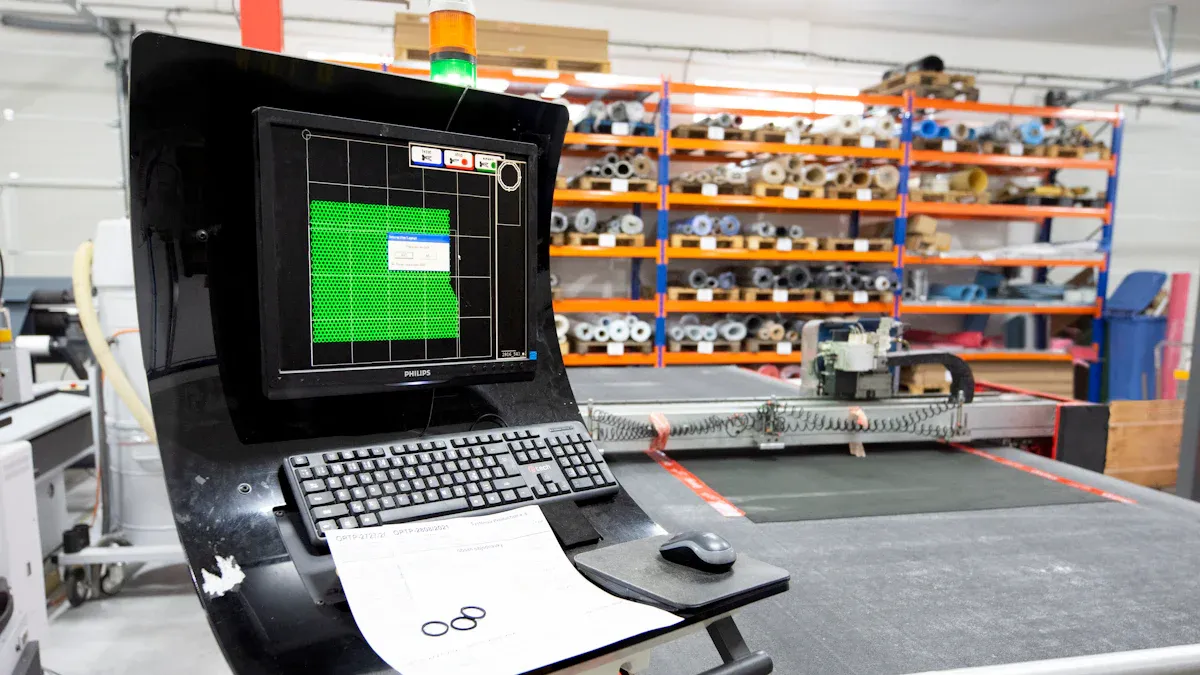
Component Assembly
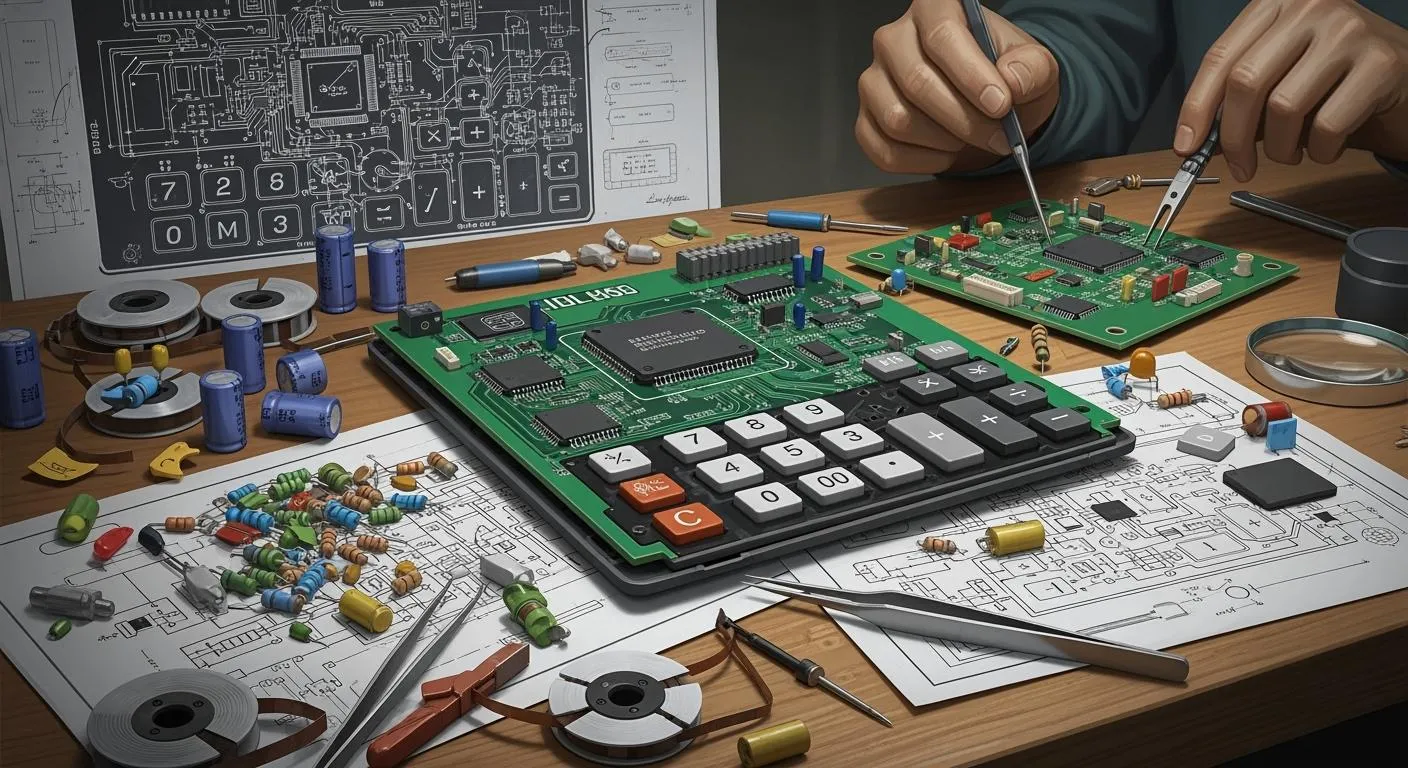
When you open a calculator, you find many small parts inside. These parts must work together to make the calculator run. Here are the main steps for building electronic calculators:
Component Selection: You pick the microcontroller, keypad, display, resistors, capacitors, and power supply. All the parts must fit together well.
Circuit Diagram Drafting: You draw a simple map to show how the parts connect. You try not to cross the lines.
PCB Layout Design: You put the parts on the board. You keep the paths for electricity short and clear.
Prototyping and Testing: You make a sample calculator. You put the parts together, program the microcontroller, and check if it works.
Optimization and Finalization: You make the design better. You try to make the calculator easy to build and use.
Flexible insulative carriers help protect the board. They let the calculator bend and handle drops or shakes. You can find these carriers in many new calculators.
PCB Fabrication
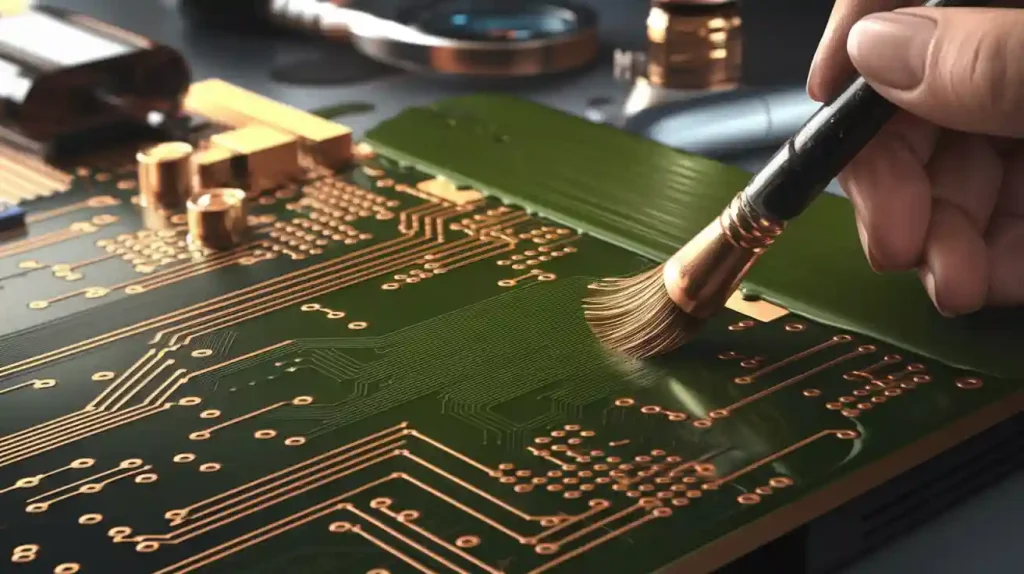
A strong printed circuit board is needed for your calculator. Manufacturers use special materials like FR-4 to make the board tough. Copper traces are printed on the board to connect the parts. Machines put down the traces and drill tiny holes for the parts. Some calculators use flexible PCBs. These boards save space and make the calculator lighter.
Workers solder the parts onto the board. Machines help them work fast and do a good job. The board must stay clean and free from dust. This helps the calculator last a long time.
Quality Control
Quality control makes sure your calculator works well. Inspectors check each calculator after it is built. They test the buttons, display, and battery. They run math problems to see if the calculator gives the right answers.
Final inspection is very important. Workers look for broken parts or mistakes. They use special tools to test the calculator’s functions. If a calculator does not work, they fix it or take it out. This helps you trust your calculator every day.
Tip: You can trust calculator technology because manufacturers test each calculator before you get it.
Making electronic calculators takes careful planning and testing. Each step helps you get a calculator that works well and lasts a long time.
Calculator Technology Trends
Miniaturization and Efficiency
Calculators are getting smaller every year. Engineers use new batteries to make pocket calculators lighter and thinner. These batteries last longer, so you can use your calculator for more hours. Some handheld calculators have IoT connectivity. This lets you share data with other devices. Manufacturers pick energy-saving parts, so your calculator uses less power. These changes make calculators easier to carry and better for the planet. Companies follow strict rules to use eco-friendly materials and meet world standards.
These upgrades help you because your pocket calculator fits in your bag and works a long time without charging.
Aesthetic and Functional Design
Designers want you to like using your calculator. They make pocket calculators with bright colors and smooth shapes. You find buttons that feel good and displays that show numbers clearly. Some calculators have touchscreens or extra features for science and math. You use a handheld calculator with a simple layout, so you solve problems fast. The look and feel of your calculator matter because you use it every day at school or work.
Feature | Benefit to You |
|---|---|
Colorful cases | Easy to find |
Large displays | Easy to read numbers |
Soft keypads | Comfortable typing |
Slim design | Fits in your pocket |
Sustainability
You help the Earth when you pick calculators made with eco-friendly materials. Manufacturers use recycled plastics and metals to make calculators. They design calculators with parts you can replace, so your pocket calculator lasts longer. Companies check the whole life of a calculator to lower its effect on nature. These steps make calculators safer for you and better for the planet.
Eco-friendly materials protect nature.
Modular designs let you fix your calculator.
Companies study the life cycle to reduce harm.
You support the planet when you choose a handheld calculator that uses green materials and lasts for years.
Calculators used to be big machines. Now, they are small and smart. Today, calculator technology helps you learn faster. It also helps you work better. New designs use solar power. They use recyclable materials too. These changes help schools save money. Businesses save money as well. They also help protect the planet.
Future Trend | Benefit for You |
|---|---|
Eco-friendly design | Less waste in your classroom |
Solar-powered calculator | Lower costs for your school |
Reliable tools for your future |
New ideas and strong quality checks help you. You get tools that last a long time. These tools make your daily life better.
FAQ
How do calculators solve math problems so quickly?
Calculators give answers fast because they use integrated circuits. These circuits and binary logic work together. They process numbers and show results almost right away.
What materials make calculators durable?
Manufacturers use strong plastics and metals. They also use flexible carriers. These materials help calculators survive drops and heat. They also protect against vibration. Your device can last for many years.
Can you recycle a calculator?
Most calculators can be recycled. Many companies use eco-friendly materials. You should look up your local recycling rules first. Check before you drop off your old calculator.
Why do some calculators use solar power?
Solar power helps you use your calculator longer. You do not need to change batteries as often. Sunlight charges the calculator. This saves you money and helps the planet.
What is the difference between a basic and a scientific calculator?
A basic calculator lets you add, subtract, multiply, and divide. A scientific calculator has extra functions. It can do square roots and trigonometry. It also has memory storage.