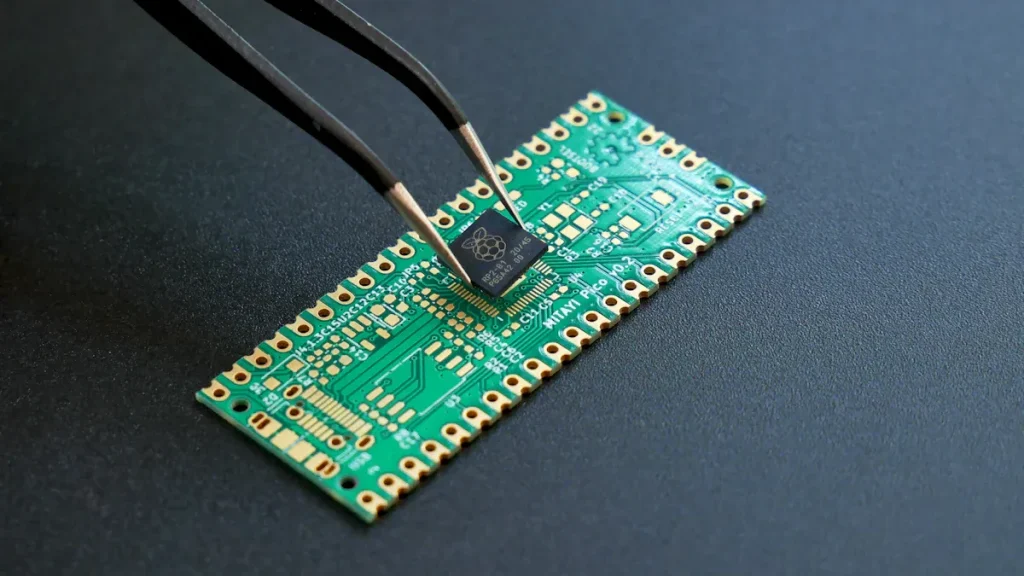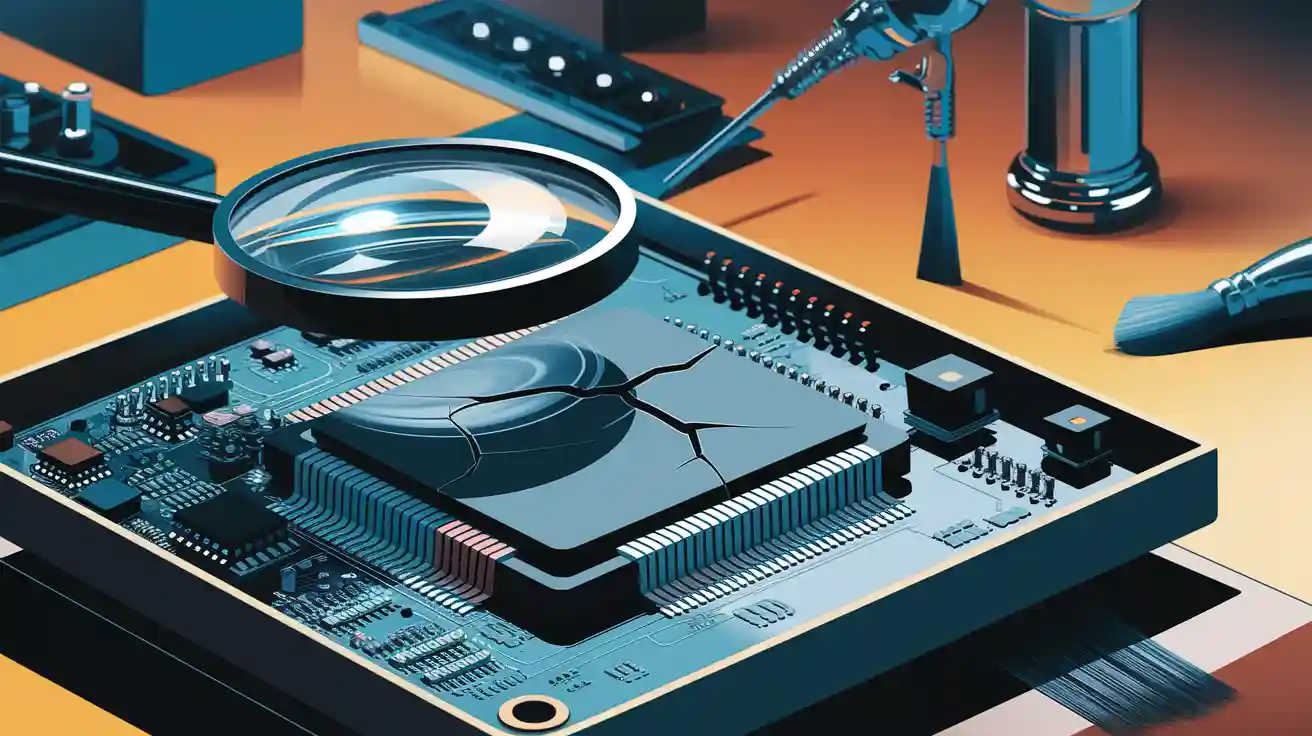
Imagine your gadgets facing water, dust, or very hot weather. Without protection, they might stop working, leaving you upset. That’s why PCB conformal coating is important. It protects circuit boards from tough conditions, helping them last longer and work well.
The facts are clear. The global market for conformal coating tools was $1.2 billion in 2023. By 2032, it may grow to $2.1 billion, rising 6.3% each year! This shows how important it is to keep electronics safe, whether in home devices or factory machines.
Fixing problems with PCB conformal coating makes products more reliable. It’s not just about safety; it’s about making sure devices work their best in any situation.
Key Takeaways
Clean PCB surfaces well before adding conformal coating. This helps it stick better and keeps out dirt.
Pick the right coating for your PCB and its environment. This stops harm and makes it work better.
Put on coatings carefully to avoid bubbles or cracks. Follow directions and keep the right temperature and humidity.
Use safe ways to remove or fix coatings. Test on a small spot first to avoid harming the PCB.
Check coated PCBs often for problems. Finding issues early saves time and makes them more reliable.
Common Challenges in PCB Conformal Coating
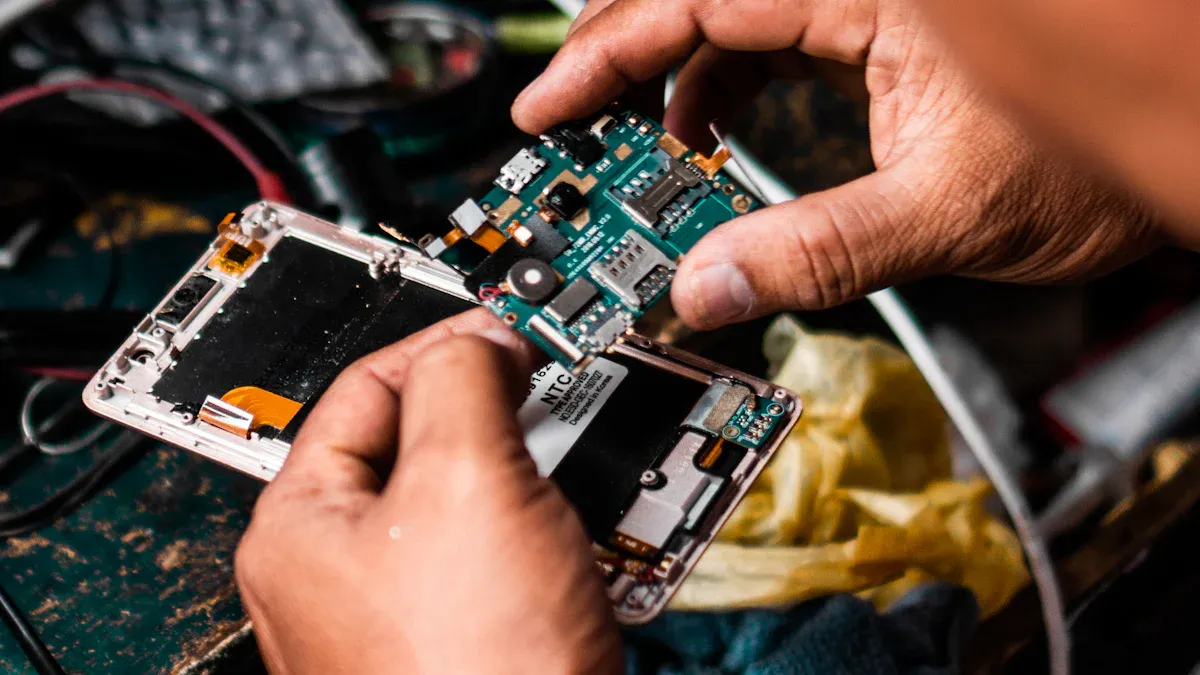
Contamination on PCB Surfaces
Dust, oil, and moisture can ruin PCB coating. Even tiny particles make the coating weak and less protective.
Old building materials can also cause contamination. Paints and caulks from decades ago had harmful chemicals like PCBs. These chemicals release into the air and settle on surfaces, including PCBs. Though emissions drop over time, they still create risks during coating.
To fix this, clean PCBs carefully before coating. Use special cleaners to remove dirt and oils. A clean PCB helps the coating stick better and protect properly.
Conformal Coating Defects
Bubbles, cracks, or uneven layers can weaken PCB protection. These problems happen due to bad application, curing mistakes, or contamination.
Thick coatings may crack because they don’t cure evenly. Thin coatings leave parts of the PCB unprotected. Humidity and temperature also matter. High humidity causes bubbles, while extreme heat changes the coating’s texture.
To prevent defects, apply coatings with care. Use proper tools and follow instructions for curing. Keep the workspace at the right temperature and humidity for best results.
Difficulty in Coating Removal or Rework
Sometimes, you need to remove or fix a coating. This happens when there’s a defect or a PCB part needs repair. Removing coatings can be hard because some are made to last forever.
Wrong removal methods can harm the PCB. Scraping can scratch it, and strong chemicals can damage delicate parts.
Choose the right way to remove the coating. Solvents work for some types, while heat or tools work for others. Test removal on a small area first to avoid ruining the PCB.
Incompatibility with PCB Materials or Components
Not all coatings work well with every PCB material. Some coatings can harm certain materials or lower their performance. For instance, silicone coatings might damage plastics, causing bending or color changes. Also, parts like switches or connectors may not handle the coating process well if the wrong type is used.
To avoid these problems, match the coating to your PCB materials. Check if the coating works with your board’s materials. Many manufacturers provide charts or guides to help. If unsure, test the coating on a small PCB area first. This helps spot issues before coating the whole board.
Another helpful step is masking sensitive parts during coating. Masking keeps connectors or heat-sensitive parts safe from the coating. By taking these steps, you can avoid problems and ensure your PCB works properly.
Environmental Factors Impacting Coating Performance
The environment can affect how well a coating protects your PCB. Things like water, dust, and chemicals can weaken the coating. Here’s how these factors can cause problems:
Environmental Factor | How It Affects Coating |
|---|---|
Moisture | Makes coating less effective |
Dust or Sand | Scratches the coating |
Chemicals | Breaks down the coating |
Water is a big problem. It can sneak through cracks and cause rust or short circuits. Dust or sand can scratch the coating, exposing the PCB. Chemicals, like solvents, can break the coating apart, making it weaker.
To protect your PCB, control the environment during and after coating. Apply the coating in a clean, dust-free area. Use air filters to keep dust away. If your PCB faces strong chemicals, pick a coating that resists them, like urethane-based coatings.
By managing these environmental risks, you can make your PCB last longer and work better, even in tough conditions.
Causes and Solutions for Conformal Coating Defects
Causes of Contamination on PCB Surfaces
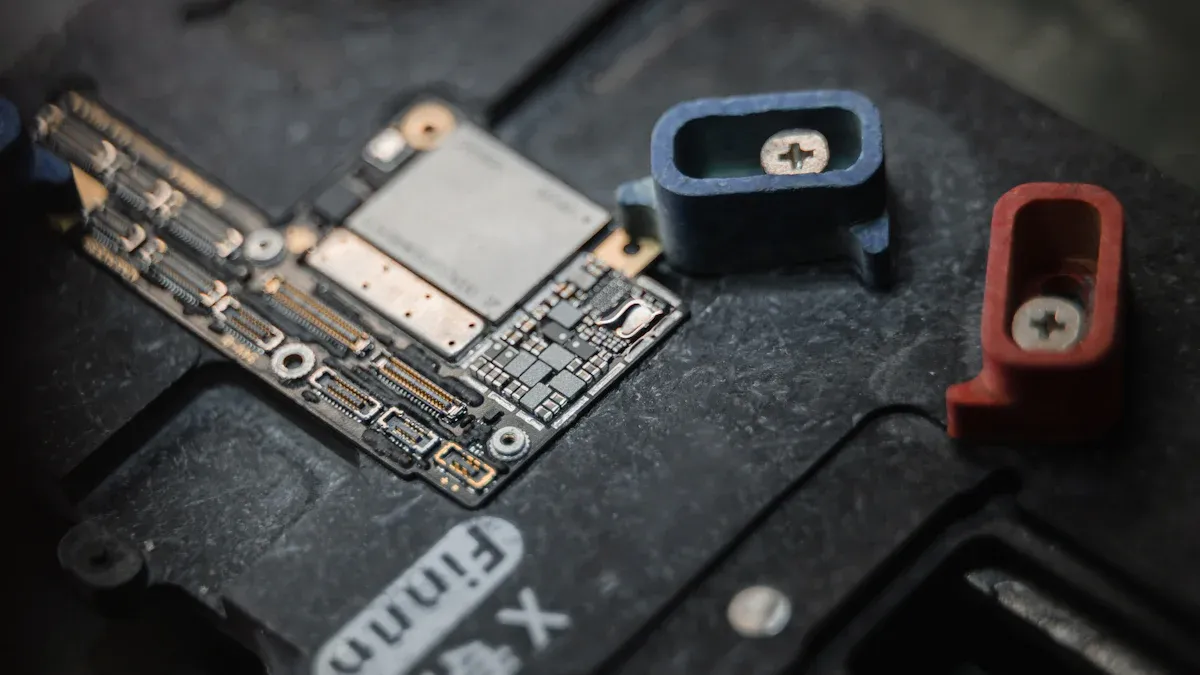
Contamination is a major problem for conformal coating. Even tiny, unseen residues can cause big issues. Common contaminants include flux, oil, silicone, and dust. These can come from how the PCB is made or handled.
Here’s where contamination often starts:
During fabrication: Drilling and etching can leave behind salts, oils, or small bits of plastic, metal, or fiberglass.
During assembly: Soldering can leave flux, and solder prep may add surfactants.
Why is this a problem? A dirty PCB can fail because of partial discharge damage. This can make the coating not work properly. Cleaning the PCB before coating helps avoid this. A clean surface makes the coating stick better and work as it should.
To fix contamination:
Clean the PCB well before applying the coating.
Use cleaning methods like water-based solutions or plasma cleaning.
Check for residues, even if you can’t see them.
Keeping your PCB clean helps the coating last longer and work better.
Addressing Conformal Coating Defects
Defects like bubbles, cracks, or uneven layers can weaken conformal coating. These flaws reduce how well the coating protects the PCB. What causes these problems?
Improper application: A thick coating may crack, while a thin one leaves gaps.
Environmental factors: High humidity makes bubbles, and extreme heat changes the coating’s texture.
Contamination: Residues on the PCB can mess up the coating process.
To avoid defects, focus on careful application. Here’s how:
Follow the instructions for applying and curing the coating.
Work in a clean space with stable temperature and humidity.
Use the right tools, like a spray gun, brush, or machine.
Think of it like painting. Good tools and a clean area lead to better results.
Overcoming Challenges in Coating Removal or Rework
Sometimes, you need to remove or fix a conformal coating. This could be due to a defect or a repair. But removing coatings can be hard since some are made to last forever.
Using the wrong method can harm the PCB. Scraping might scratch it, and strong chemicals could damage parts.
Here’s how to safely remove or rework a coating:
Find out what type of coating it is. Acrylic, silicone, and urethane need different methods.
Pick the right removal method. Solvents, heat, or tools work for different coatings.
Test on a small spot first. This helps avoid damaging the whole PCB.
Tip: If unsure, check the coating maker’s guide. They often explain safe ways to remove it.
By following these steps, you can fix coatings without harming your PCB.
Fixing Material or Component Mismatches
Not all conformal coatings suit every PCB material or part. Problems like bending, fading, or poor performance can happen if the coating reacts badly. For example, silicone coatings might make plastic parts bend or lose color. Also, delicate parts like switches or connectors may not handle the coating well.
How can you avoid these problems? First, learn about your PCB’s materials and parts. Many manufacturers provide charts or guides to check compatibility. These tools can help you avoid mistakes. If unsure, test the coating on a small PCB area first. This helps you find issues before coating the whole board.
Another good idea is masking. Masking protects sensitive or heat-affected parts during coating. Use tape, plugs, or special covers to shield areas that shouldn’t be coated. This keeps important parts safe and working properly.
If you’re still unsure, ask the coating maker for advice. They can give tips for your specific needs. By taking these steps, you can avoid mismatches and keep your PCB working well.
Tip: Always read the datasheets for your PCB materials and the coating. A little research now can save big problems later.
Handling Environmental Issues During Coating
The workspace environment affects how well the coating works. Things like humidity, temperature, and dust can cause problems. High humidity can create bubbles in the coating. Dust in the air can stick to the PCB, making weak spots or uneven layers.
To fix this, set up a clean workspace. Use air filters to keep dust away. Keep the temperature and humidity steady. Check the coating’s instructions for the best conditions.
If it’s humid, use a dehumidifier to lower moisture levels. For coatings sensitive to heat, work in a climate-controlled room. These steps help the coating stick and cure properly.
After coating, protect the PCB until it dries fully. Cover it with a clean, dust-free box to stop contamination. This extra care makes the coating last longer and work better.
Note: If your PCB will face tough conditions like heat or chemicals, pick a coating made for those challenges. Urethane-based coatings are great for resisting chemicals and scratches.
By controlling the environment, you can reduce coating problems and help your PCB last longer.
Best Practices for PCB Conformal Coating
Proper Cleaning and Preparation of PCB Surfaces
Cleaning your PCB is the first step for good coating. Dust, oil, and water can ruin the coating and make it weaker. Make sure the PCB is completely clean before starting.
Use water-based cleaners or special solutions to remove dirt. For tough spots, plasma cleaning can help. After cleaning, dry the PCB well to avoid moisture problems.
Here’s a simple checklist for cleaning:
Wipe off dirt and oil with proper cleaners.
Use air or heat to dry the PCB fully.
Check closely to ensure no dirt is left behind.
A clean PCB helps the coating stick better and last longer.
Selecting the Right Conformal Coating for Your Application
Picking the right coating depends on your PCB and its use. Different coatings work better for different needs. Match the coating to your PCB’s materials and environment.
Here’s a table to help you choose:
Standard | What It Ensures |
|---|---|
RoHS | Follows rules for harmful substances. |
IPC-CC-830 | Sets quality rules for PCB coatings. |
MIL-I-46058C | Military-level standards for insulation. |
CARB | Limits harmful chemicals in coatings. |
OSHA | Keeps workers safe during use. |
UL | Certifies coatings for specific uses. |
For harsh conditions, use urethane-based coatings. For general use, acrylic coatings are common. Always test the coating on a small area first.
Ensuring Optimal Application Techniques
Applying the coating correctly is very important. Bad application can cause bubbles or uneven layers. Follow the best steps for your chosen method.
Here’s a table of tips for each method:
Method | Key Tips |
|---|---|
Spray Coating | Keep the spray even and apply thin layers. |
Dip Coating | Pull the PCB out slowly and let extra coating drip off. |
Brush Coating | Use good brushes and apply with steady pressure. |
After coating, check for even coverage. Measure thickness to ensure it’s correct. Test the PCB to make sure it still works properly.
Tip: Work in a clean space with steady temperature to avoid dust or moisture issues.
By following these steps, your PCB coating will be strong and effective.
Watching Environmental Conditions During Coating
It’s important to check the workspace conditions while coating. If the environment isn’t right, the conformal coating may not stick or dry properly. This can cause problems like cracks, bubbles, or uneven layers.
Pay attention to things like air temperature, surface temperature, humidity, and dew point. These help create the best setting for coating. For instance, if the surface is too close to the dew point, moisture might form and ruin the coating.
Here’s a simple checklist to follow:
Use a thermometer to check air and surface temperatures.
Measure humidity with a hygrometer.
Find the dew point using a dew point calculator.
Tip: Keep the area clean and free of dust. Even small particles can ruin the coating.
By managing these factors, you can avoid coating problems and protect your PCB.
Doing Regular Inspections and Quality Checks
Checking your work isn’t just extra—it’s very important. Regular inspections help find problems early, saving time and money.
Before coating, inspect the PCB for dirt, oil, or water. These can stop the coating from working well. After coating, look for issues like missed spots or uneven layers.
Here’s how to make inspections easier:
Use a magnifying glass to find small flaws.
Check coating thickness with a gauge to ensure it’s even.
Test the PCB to make sure it still works after coating.
Note: Make a checklist for each inspection step. This keeps everything organized and thorough.
Don’t stop checking after coating. Inspect the PCB regularly to ensure the coating stays strong. This helps your electronics last longer and work better.
Fixing problems in PCB conformal coating is very important. Issues like hard flux, water vapor, and rust can hurt performance. Here’s how these problems affect coatings:
Problem | What Happens |
|---|---|
Hard Flux | Stiff flux can crack when paired with rigid coatings. |
Water Vapor | Coatings let some moisture through, affecting long-term use. |
Rust Risk | Soft flux absorbs water, causing rust and electrical failure. |
Process Changes | More “no clean” processes need better coating solutions. |
Complex Designs | As electronics get complex, coatings must cover residues well. |
Using good methods helps avoid these problems and makes PCBs last longer. Cleaning, applying, and curing coatings the right way keeps them working well. Checking for problems early saves time and money.
Here’s why these steps are key:
Cleaning surfaces stops peeling and helps coatings stick better.
Picking the right method spreads the coating evenly for better protection.
Proper curing makes coatings stronger and protects against the environment.
Quality checks ensure coatings meet standards and improve reliability.
Doing these things now means fewer problems later. With care, your electronics can handle tough conditions and work reliably.
FAQ
What does conformal coating do for PCBs?
Conformal coating protects PCBs from water, dust, and chemicals. It acts like a shield, keeping electronics safe in tough conditions. This helps devices last longer and work better. 🛡️
How can I pick the right conformal coating?
Think about your PCB’s materials and where it will be used. For example:
Acrylic coatings: Good for everyday use.
Urethane coatings: Best for resisting chemicals.
Always try it on a small area first!
Is it possible to remove conformal coating?
Yes, but the method depends on the coating type. Use heat, solvents, or special tools to remove it. Test on a small spot first to avoid harming the PCB. If unsure, check the maker’s guide for advice.
Why is cleaning the PCB before coating necessary?
Cleaning helps the coating stick well. Dirt, oil, or water can weaken it and cause problems. Use cleaning methods like water-based solutions or plasma cleaning to prepare the PCB.
What if I coat the PCB in a humid place?
Humidity can create bubbles or uneven spots in the coating. This makes it less protective. Use tools like dehumidifiers to control the workspace conditions for better results.
Tip: Keep your workspace clean and check humidity and temperature for a smooth finish!