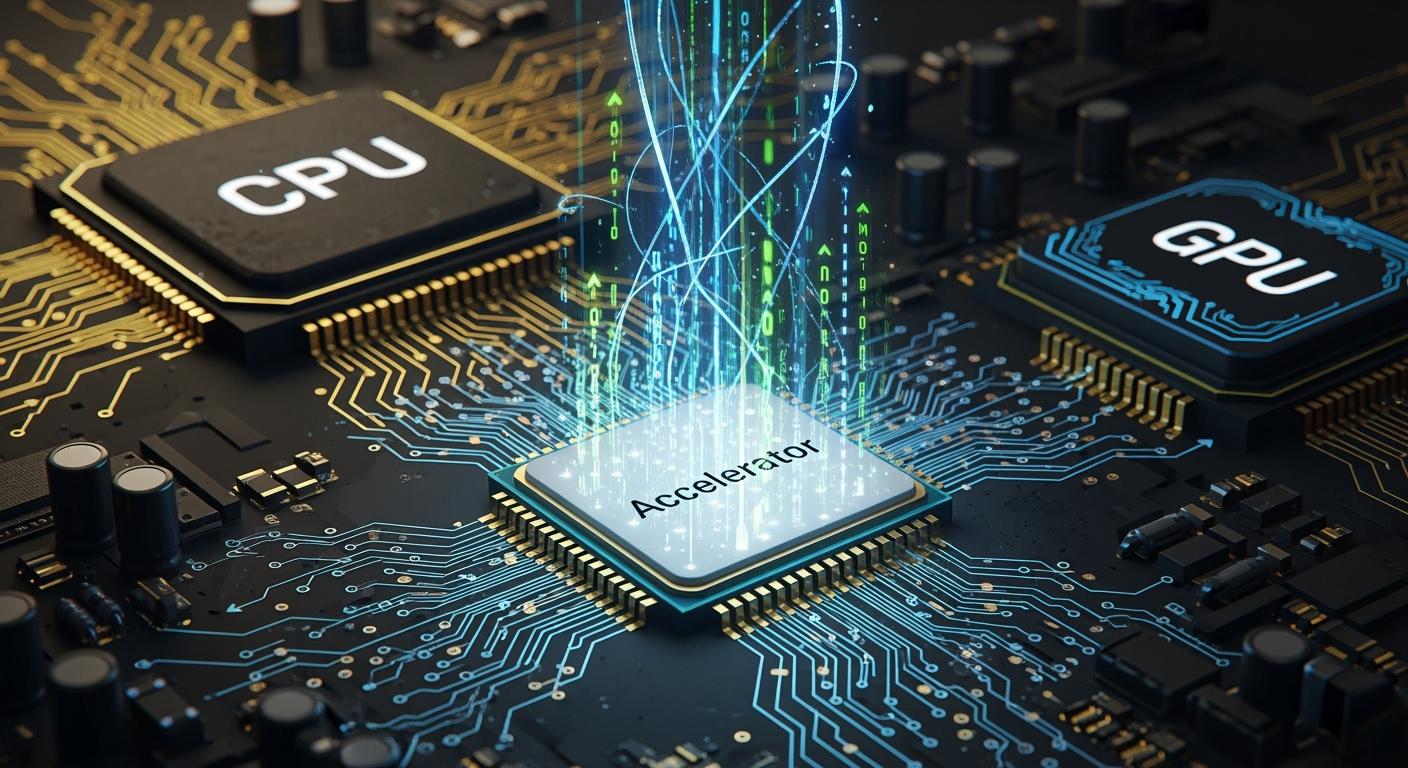
You use hardware accelerators to help your computer work faster. Hardware acceleration means special chips do jobs that slow down a normal CPU. Many companies now use hardware acceleration for AI and cloud work. You can see how common it is:
Statistic Description | Percentage |
|---|---|
Enterprises using accelerators for AI and cloud | 68% |
Organizations using hardware acceleration in AI models | 64% |
Enterprises saving money after using accelerators | 56% |
Hardware acceleration makes computers work better in many ways. For example, RSA computations can do thousands each second with hardware acceleration. Software alone only does tens each second. This shows why accelerated computing is important for today’s work.
Application | Performance with Hardware Acceleration | Performance with Software |
|---|---|---|
RSA Computations | Thousands each second | Tens each second |
Video Processing (4K UHD) | Much more efficient | Doubles CPU workload |
You get better results when you use hardware accelerators.
Key Takeaways
Hardware accelerators, like GPUs and ASICs, help computers work faster. They do hard jobs that can slow down CPUs.
Using hardware acceleration can save power and money. It helps your computer work better and not get too hot.
Parallel processing with hardware accelerators lets you do many tasks at the same time. This makes AI and data jobs more efficient.
Picking the right hardware accelerator for your needs can make things much faster. This is important for gaming, media, and machine learning.
Check and update your system often. This helps hardware accelerators work well and keeps your computer running its best.
Hardware Accelerators and Acceleration
What is Hardware Accelerator
You find hardware accelerators in many new computers. These are special chips that do some jobs much faster than a CPU. You use hardware acceleration when you want your computer to finish work quickly and save power. Hardware accelerators include gpus, asics, and fpgas. Each one helps with different types of computing. For example, a graphics processing unit helps with video and pictures. Asics are made for special jobs like ai data work.
Hardware acceleration means you move hard jobs away from the CPU. You let accelerators do these jobs instead. This makes your computer faster and more efficient. You use hardware acceleration in high-performance computing, ai, and machine learning. You also see it in media, games, and networking.
Purpose and Mechanism
You use hardware acceleration to make computers faster and better. The main goal is to give hard jobs to accelerators, not the CPU. This lets your computer finish more work in less time. You get better results for ai, ml, and data work. Accelerated computing uses hardware accelerators to speed up things like image recognition and video editing.
Tip: Hardware acceleration can help you save energy and money. Special chips like ai accelerators use less power than regular gpus. They remove extra parts and only do ai jobs. This makes them better for artificial intelligence and machine learning.
There is a big difference between hardware acceleration and software optimization. Software optimization makes code better to run faster. You do not need new hardware for this. Hardware acceleration uses special chips to do jobs faster. This can cost more and be harder to set up, but you get much better speed.
Parallel Processing Structure
Hardware accelerators use parallel processing to do many jobs at once. Gpus have thousands of simple cores that work together. These cores finish big jobs quickly. You use parallel computing to handle lots of data, like in ai and ml.
Gpus use a single instruction/multiple thread model. Many threads run the same instruction on different data at the same time. NVIDIA gpus have streaming multiprocessors that control many cores. Each multiprocessor tells threads when to run together. This helps with things like image editing and ai data work.
Hardware Accelerator | Throughput | Latency |
|---|---|---|
GPUs | High | Low |
NPUs | Superior | Low |
FPGAs | High | Low |
ASICs | High | Low |
You get high throughput and low latency with hardware acceleration. Gpus and fpgas process data faster than CPUs. NPUs are best for ai and deep learning. FPGAs can change their circuits for special jobs, so they are good for low-latency work.
How Hardware Accelerator Work
You use hardware accelerators by following steps. First, you find out which jobs need acceleration, like image work or neural networks. Next, you use hardware with many cores to do the work. You use parallelism in things like ai and ml.
Here is how hardware acceleration works in a system:
You pick jobs that need acceleration, like matrix math in ai.
You send data from CPU memory to accelerator memory using buses like PCIe.
The accelerator, like a gpu, does the work with thousands of cores.
The accelerator uses its own memory while running instructions.
The CPU controls data and tells the accelerator what to do.
You see gpu scheduling in many systems. The gpu does the hard work while the CPU manages data. You get faster results for ai, machine learning, and media work.
Hardware accelerators work with system memory and I/O in two steps. First, you move data between CPU and accelerator memory. Then, the accelerator uses its own memory while working. This helps you handle big data and hard models.
You use hardware acceleration in hpc, ai, and parallel computing. You get better speed, use less energy, and finish work faster. Hardware-accelerated gpu scheduling makes your system better for data and ai.
Types of Hardware Accelerators
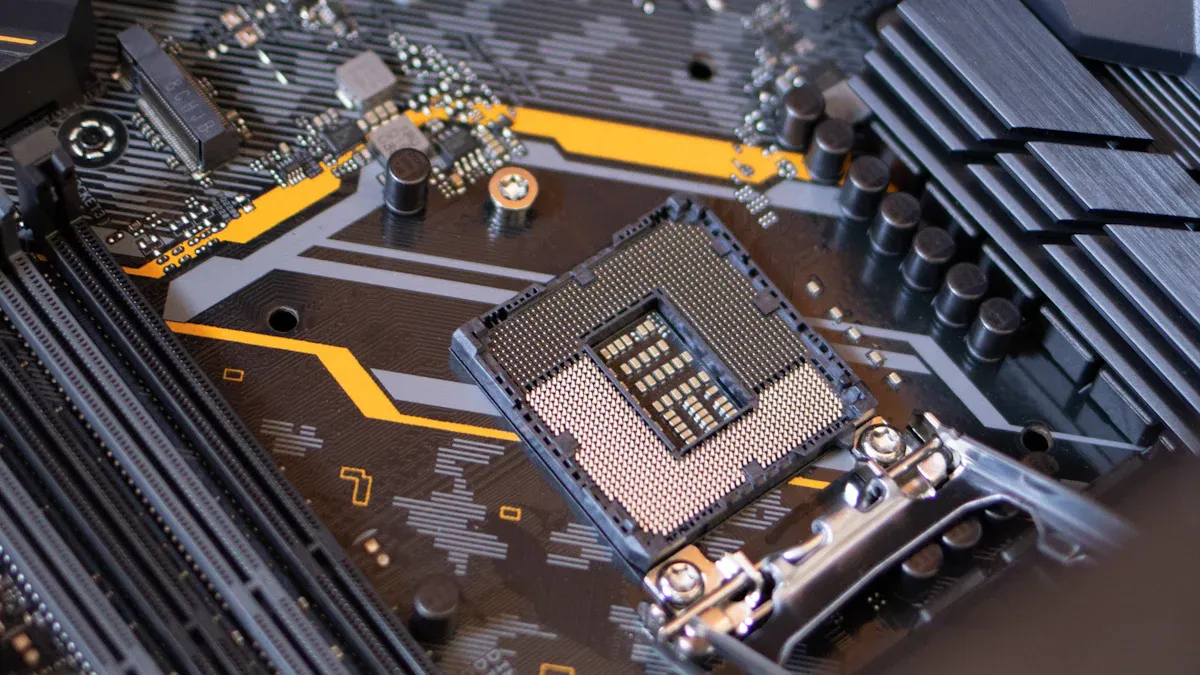
GPUs
You use GPUs to make computers faster in many ways. A graphics processing unit helps with hard data jobs. You see GPUs in high-performance computing, AI, and machine learning. GPUs have lots of cores that work together. This lets you handle big data sets quickly. You use GPUs for science, video editing, and cloud work. GPUs also help with AI data and blockchain mining. You get better speed and use less energy with hardware-accelerated GPU scheduling.
Note: GPUs can run thousands of threads at the same time. This makes them great for AI and ML jobs.
Here is a table that shows how GPU and CPU architecture are different:
Feature | CPU Architecture | GPU Architecture |
|---|---|---|
Core Design | Made for doing one thing after another | Made for doing many things at once |
Number of Cores | Has fewer cores for single jobs | Has many cores for many jobs together |
Performance Focus | Tries to finish jobs quickly | Tries to do lots of jobs at once |
Thread Support | Can only run a few threads | Can run 1024 threads in each block |
ASICs
You use ASICs when you need the best speed for one job. ASICs are special chips made for things like AI and mining coins. You get faster work and use less power with ASICs. These chips are best for AI and big data in large systems. ASICs can save up to 70% of costs compared to GPUs for AI.
Advantages of ASICs | Limitations of ASICs |
|---|---|
Made for one job, so they work very well | Not as flexible as regular processors |
Can be much faster for special jobs | May fail if the custom chip has problems |
Can make a lot of money if they work well | Not easy for small companies to use |
FPGAs
You use FPGAs when you want chips you can change. FPGAs let you set up their circuits for new jobs. You see FPGAs in phones, signal work, and HPC. These chips can do many jobs at once and save energy. FPGAs give you fast and steady work with low wait times. You can change FPGAs for AI, ML, and data jobs.
FPGAs can be set up for special jobs.
They use less energy.
Their design lets them do many jobs at once.
Type | Flexibility | Performance |
|---|---|---|
FPGA | High | Like ASICs, better than GPUs |
GPU | Medium | Can do many things, but not as strong as ASICs |
ASIC | Low | Very strong, made for one job |
You get the best results when you pick the right hardware accelerator for your needs.
Applications in Accelerated Computing
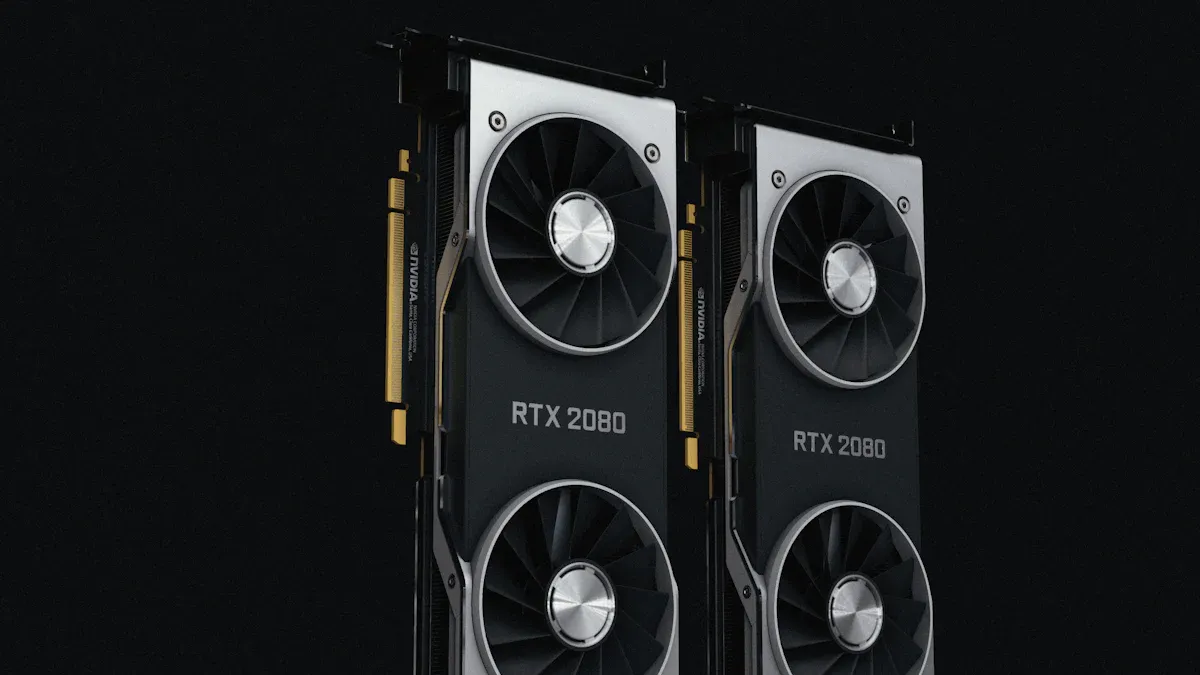
AI and Machine Learning
Hardware acceleration changes how you use artificial intelligence and machine learning. When you train deep learning models, you must handle lots of data. Accelerators like gpus, asics, and fpgas help you finish these jobs much faster. You can make training and inference 5 to 20 times faster than just using a cpu. This is because a graphics processing unit can work on many pieces of data at once. You get more work done and wait less time.
Hardware acceleration lets you:
Make deep learning models better and faster on ai chips.
Use special hardware to speed up math like matrix and convolution.
Use less energy, which is good for phones and small devices.
You use accelerated computing for ai and ml to get real-time answers. Hardware-accelerated gpu scheduling helps you get results quickly and save energy. You can handle more data and finish more jobs in less time.
Media and Gaming
You use hardware acceleration when you play games or watch videos. Accelerators make graphics look smoother and videos play better. When you use a gpu, you get faster pictures and less lag. Hardware-accelerated gpu scheduling lets your computer do many things at once without slowing down.
Hardware accelerators help you:
Make games and video editing work better.
Play videos smoothly on streaming sites.
Lower cpu use, so your computer can do more.
Save power, which is good for laptops.
Contribution | Description |
|---|---|
Offloading Compute-Intensive Tasks | Hardware accelerators do hard jobs like encoding and decoding, so the cpu can rest. |
Reduced Latency | Wait times are much lower, so real-time work is possible. |
Improved Throughput | Special hardware can handle more streams at once than cpus. |
Better Resource Management | Using hardware well means less power and less heat. |
When you use hardware acceleration for live video, wait times drop from 100ms-1sec to 25ms-50ms. Accelerated computing makes media and gaming more fun and efficient.
Networking and Data Centers
You need hardware acceleration in data centers and networking to keep up with more data. Accelerators like gpus and dpus help networks move data faster and with less delay. Fast networking and better traffic flow make things work better and use less energy.
Accelerated computing gives you:
Fast, low-delay systems for ai data centers.
Ways to stop slowdowns in big data jobs.
Better use of resources and energy savings.
You often start ai projects in the cloud with hardware accelerators. As you need more, you might use special hardware for better speed. New chips and ai processors help you manage data, save money, and work better. Companies also use edge computing and high-performance computing for hard jobs. Hardware acceleration helps with parallel computing and hpc, so your system is ready for the future.
Performance Optimization and Integration
System Integration
You can make your computer work better by adding hardware accelerators. Hardware acceleration helps you finish data, AI, and ML jobs faster. You need to follow some steps to get the best results:
Find out which jobs need acceleration, like machine learning or graphics.
Pick the right accelerator for your needs. You can choose GPUs, TPUs, FPGAs, or ASICs.
Make sure the accelerator works with your system. This helps you avoid problems.
Test how well the accelerator works compared to your CPU.
Keep checking how your system is doing. This helps you find ways to make it better.
When you use hardware acceleration, you can handle more data and get better performance. Accelerated computing lets you use parallel processing to finish jobs faster. You see this in high-performance computing and parallel computing. Hardware-accelerated GPU scheduling helps you manage many tasks at the same time.
Tip: Always check if your software can use hardware acceleration. Some programs need updates to work with accelerators.
Benefits and Challenges
You get many good things from hardware acceleration. Accelerators like FPGAs can give you high throughput and use little power. For example, an FPGA-based accelerator can use only 4.996 W and stay cool at 36.6 °C. It can reach 2.11 TOPS, so you get strong performance and save energy. This makes hardware acceleration great for edge computing and systems with less resources.
You also save power and money. Accelerated computing helps you use less energy and finish more data jobs. Hardware-accelerated GPU scheduling lets you run AI and ML jobs with less waiting.
You may have some problems. You need to make sure your accelerators fit your system. Some accelerators, like ASICs, are not flexible. You may need special software or drivers. You must keep testing and updating your system to get the best results.
Note: Hardware acceleration gives you better performance, but you need to plan for setup and updates.
You see hardware accelerators changing how you use computing every day. These tools boost performance and help you finish jobs faster. You get more value from accelerated computing in AI, media, and data centers. New trends show strong growth ahead:
Year | Market Size (USD Billion) | Key Trends |
|---|---|---|
2025 | 4.81 | High-performance needs in AI and big data |
2033 | 10.72 | More GPUs, FPGAs, and ASICs for speed |
You can expect even better results as new memory and chip designs arrive. Think about how these advances might help your work or studies.
FAQ
What is a hardware accelerator?
A hardware accelerator is a special chip in your computer. It helps your computer finish some jobs much faster. You use it for things like graphics, AI, or data work.
Why should you use hardware acceleration?
Hardware acceleration lets your computer finish work faster. It also helps save energy. Your computer can do big jobs, like editing videos or machine learning, without slowing down.
Can you use hardware accelerators with any computer?
Some computers cannot use hardware accelerators. You must check if your computer has the right slots, like PCIe. You also need to see if your software works with the accelerator.
What are the main types of hardware accelerators?
GPUs: Good for graphics and AI.
ASICs: Best for one special job.
FPGAs: Can change to do new jobs.
Do hardware accelerators help save power?
Yes! Hardware accelerators use less energy for hard jobs. They help your computer work better and stay cooler.