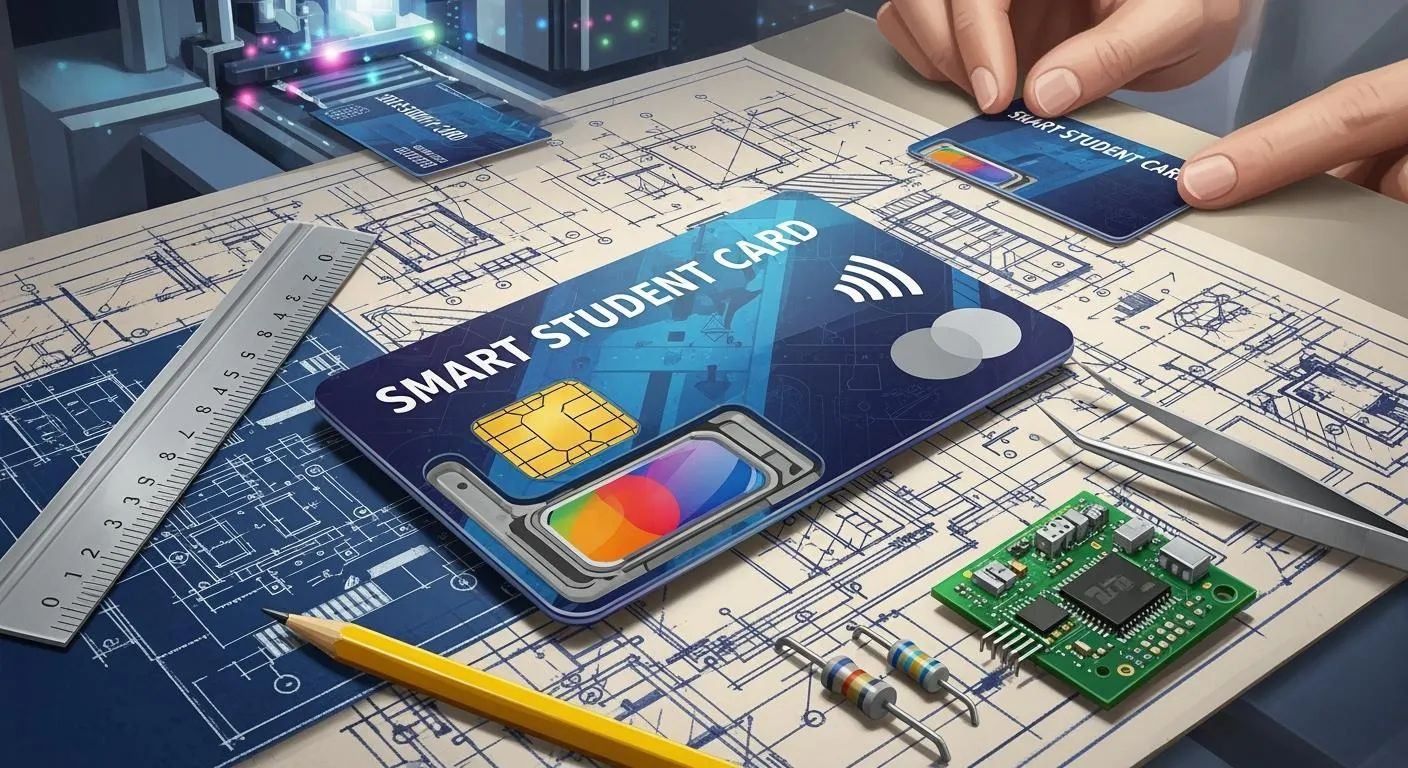
Smart student cards change how you use your student id card. You get better security because encrypted codes stop copying. Experts say smart student cards protect your id more than magnetic stripe cards. You also get more uses, like access and payments with rfid technology. Schools and universities use smart cards more, with 9% already using them. The market for these cards will reach USD 2,452.7 million in 2025. It will grow at 6.3% each year. Good design and strong manufacturing help your school give out tough cards with advanced features.
Key Takeaways
Smart student cards use special codes to keep things safe. They are safer than old magnetic stripe cards. These cards can do many things. You can pay without cash, track attendance, and get into places easily. This makes school life easier. Good design and strong materials are important. They help smart student cards work well and last longer. Picking the right technology, like RFID or biometrics, keeps cards safe. It also makes sure they work with school systems. Schools should check and test cards often. This helps find problems early and keeps everything working well.
Smart Student Cards Overview
Key Functions and Benefits
Smart student cards do more than show your name. These cards use rfid technology to help you every day. You tap your card to pay for lunch or borrow books. You can also enter secure places with your card. You do not need cash or lots of passwords.
Here are some main functions and benefits you get from smart student cards:
You pay for meals and supplies without using cash.
The attendance system tracks when you come and go. This helps teachers save time.
You borrow and return books with one tap. Library work gets easier.
Automation means your school needs fewer cards for different things.
Touchless transactions keep things clean and quick in busy spots.
Security features like biometrics protect your id and personal data.
You buy snacks or print pages fast with micropayments.
Fee collection is easy for your school to manage payments.
Tip: Smart student cards use rfid technology to keep your data safe and make checking your identity quick and easy.
Feature/Benefit | Description |
|---|---|
Access Control Systems | Only you and people allowed can enter certain places. |
Durable Design | Cards last a long time and do not break easily. |
Cost Effective | Schools save money by using one student id card for many jobs. |
Common Applications in Schools
You see smart student cards used all over your school. Schools use rfid technology to control who enters buildings. This makes your campus safer. Your student id card can open doors, pay for food, and start printers.
Use Case | Description |
|---|---|
Access to Campus Facilities | You use your card or phone to enter buildings, use printers, and buy snacks. |
Safety and Discipline | RFID technology tracks attendance and helps keep everyone safe. |
Practical Learning Experiences | Some schools use rfid technology and IoT for hands-on learning in labs and skill centers. |
Campus Management Systems | Colleges use smart cards for virtual testing labs and better campus management. |
Inclusivity and Accessibility | New id card design makes it easier for everyone to use school services. |
Many universities, like Northwestern, use rfid technology for dorm keys. This keeps your id safe and makes campus security better. Schools also use smart student cards to check who you are and connect with payment systems. You help your school save time and money by using one card for many things. With strong data security and easy identity checks, smart student cards make school life better.
Designing Smart Student Cards
Requirements Gathering
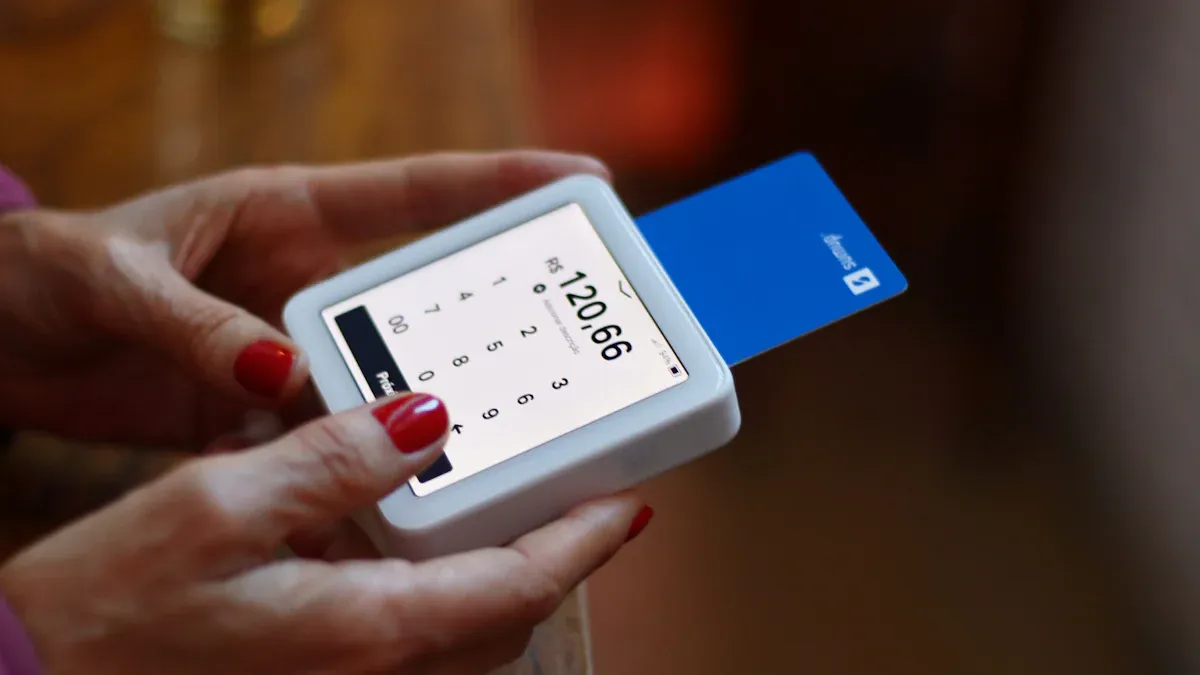
You begin by talking to everyone who will use the cards. You need to learn what students, teachers, and staff want. You can use surveys and group meetings to get ideas. One-on-one talks help you understand needs better. Write down all the things people ask for. Check with everyone to make sure you got it right.
Find all people who will use the cards.
Use stories and diagrams to show how cards work.
Hold meetings or send surveys to get feedback.
Talk to important people for more details.
Write down what is needed and share it for agreement.
The card’s features should match what your school needs. Students want easy ways to use services. Administrators want better control and safety. The table below shows how you can match these needs:
Feature | Benefit for Students | Benefit for Administrators |
|---|---|---|
Integration of Services | One card for many things makes life easier. | Easier for staff to manage campus services. |
Enhanced Security | Students feel safe using their cards. | Staff can keep data and places secure. |
Cloud-based Access | Students use phones for services. | Staff get correct student data fast. |
Customizable Applications | Students get cards that fit their needs. | Staff can change cards for school needs. |
Security and Privacy
You must keep student data safe. Security is very important for smart student cards. RFID technology helps make sure only the right person uses the card. You can add things like biometrics or extra checks for more safety. These steps stop people from getting in without permission.
You also need to follow rules that protect student data. The table below lists some important rules:
Regulation | Description |
|---|---|
GDPR | Rules for keeping data private in the European Union. |
HIPAA | Rules for keeping medical data safe and private. |
Always check that your card design follows these rules. This keeps your school safe from legal trouble. It also helps students and parents trust your school.
Note: Good security and privacy rules help keep student identity safe and make attendance checks correct.
Branding and Customization
Your student id card shows what your school stands for. Branding helps your card look special. AI can help you make a card with your school’s colors and logo. You can pick from different types of cards, like PVC or RFID. You can print your card in many ways.
Feature | Description |
|---|---|
Branding | AI helps make cards with your school’s logo and colors. |
Customization | Unique designs help people know your school right away. |
You can add many things to your card:
Photos
School logos and mascots
Grade levels or class years
Barcodes or QR codes for scanning
Magnetic stripes or chips for access
Tamper-resistant covers
Student cards now do much more than before. You can use them for library books, lunch, and attendance. Safety and checking who you are are very important for these cards.
Tip: A good-looking student id card helps your school look modern and trustworthy.
Technology Choices
You have many choices for smart student card technology. Each type has its own price and features. The table below compares the main choices:
Technology Type | Functionality Description | Cost Considerations | Advantages/Disadvantages |
|---|---|---|---|
Proximity Cards | Cards you tap to use, but may not be very safe. | Medium price | Easy to use, but security can be a problem. |
Barcodes | Simple cards you scan, but hold little data. | Low price | Cheap, but can’t store much information. |
RFID Cards | Tap-to-use cards that are safe but cost more. | Medium to high price | Safe and easy, but more expensive. |
Biometric Technology | Uses things like fingerprints for safety. | High price | Very safe, but costs a lot. |
RFID technology makes cards quick and easy to use. Students can use phones or cards for services. Staff can update mobile ids right away. Biometric technology is safest, but costs more.
New tools like AI and online design make things faster. AI helps you make special designs that follow rules. Here is how you use these tools:
Make an account to see design choices.
Write what you want the AI to make.
The AI shows your card in an easy editor.
Change your card with different tools.
Download your card in many formats.
These tools help you make cards fast and make each card special. You can also check that your cards follow payment and identity rules.
Callout: Picking the right technology and design helps you make smart student cards that are safe, modern, and easy to use.
Manufacturing and PCB Integration
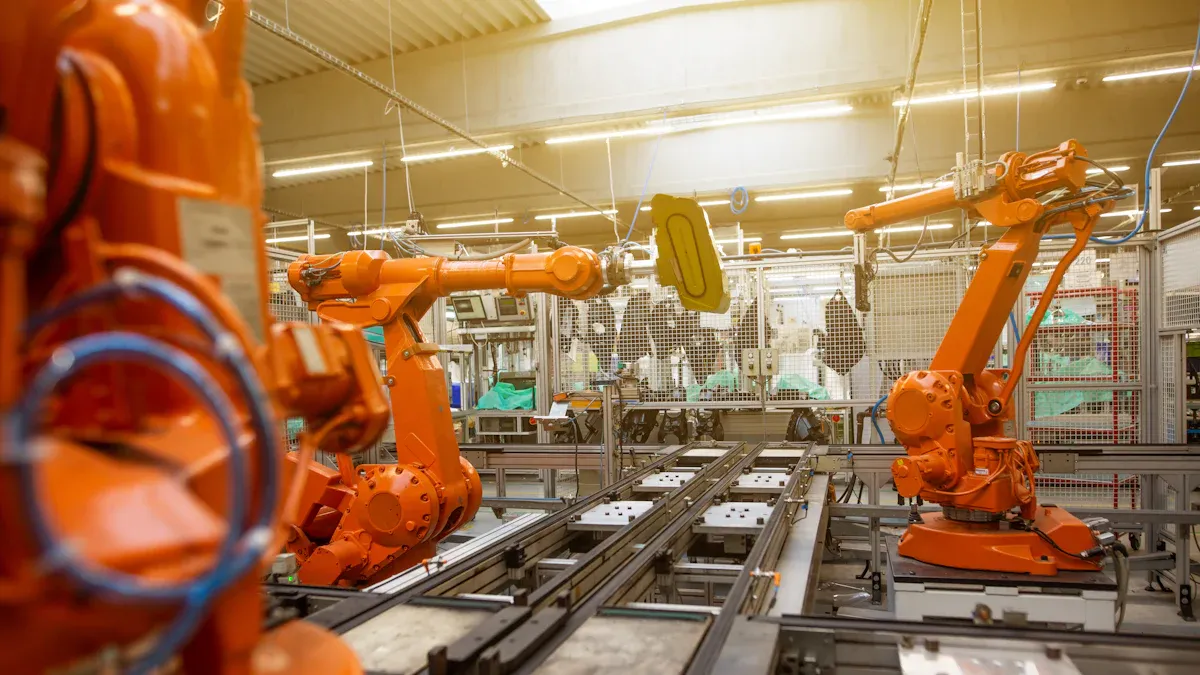
When you create smart student cards, you need to follow a careful process. You start with the design and finish with a strong, reliable card. Each step matters for durability, sustainability, and performance. You want your student id card to last, work well with rfid technology, and support your school’s needs.
PCB Design Essentials
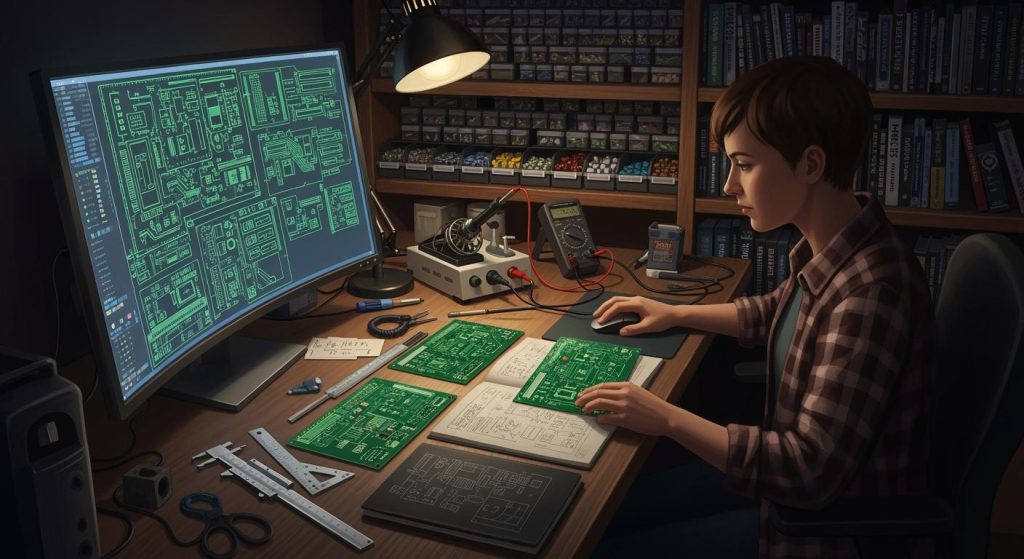
The printed circuit board (PCB) is the heart of your smart student cards. You use the PCB to connect rfid technology, chips, and other parts. Good PCB design helps your card work better and last longer. Here are some best practices you should follow:
Place high-power components where they can lose heat easily.
Keep important ICs close together and use short traces for strong signals.
Put clock parts in the center to avoid timing problems.
Separate sensitive parts from high-current areas to stop interference.
Use edge connectors if you want to add more features later.
Make sure buttons are easy to reach and not near high-frequency parts.
Arrange LEDs so you can see them and they do not get too hot.
Add mounting holes for strength and space.
Place heat sinks near hot parts and make sure air can flow.
PCB design choices affect how well your card works. You need to pick the right materials, stack-up, and trace sizes. These choices help your card handle daily use, keep signals strong, and make sure rfid technology works for access control systems, attendance system, and payment system features. If you use a flexible PCB, you must think about how it bends and how to solder it. A rigid-flex design changes how you connect parts and makes your card more reliable.
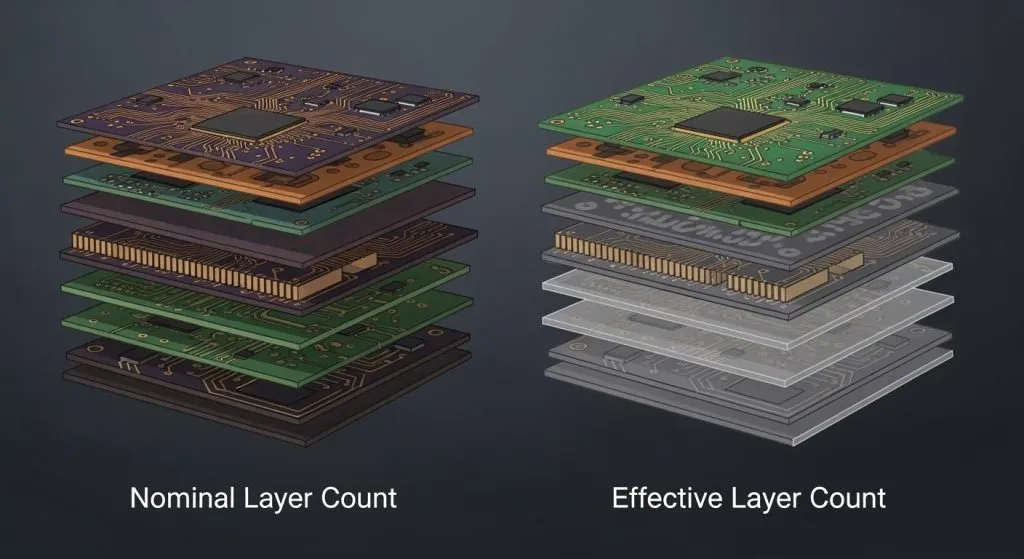
When you arrange the layers in your PCB, you improve performance for high-speed and EMI-sensitive designs. You control the thickness and order of layers to keep signals clear. This is important for identity verification and data security.
Material Selection and Durability
You want your smart student cards to last for years. The material you choose affects how strong your card is and how it handles heat, bending, and sunlight. Here is a table that shows common materials and their features:
Material | Durability Characteristics |
|---|---|
PVC | Least expensive, lasts 3-5 years, not strong against heat, UV, or bending, can wear out or peel. |
PC | Handles heat, bending, and UV well, but can break and does not like strong chemicals. |
PET | Very strong, stable in heat, tough, and safe from chemicals, often mixed with other materials for better results. |
You can also choose sustainable materials to help the environment. Bamboo and recycled plastics are good options. Bamboo grows fast and needs little care. Recycled plastics come from ocean waste and help reduce pollution. Each plastic card creates 21 grams of CO2, so using bamboo can cut plastic waste by 2,700 tons each year.
Material | Benefits | Environmental Impact |
|---|---|---|
Bamboo | Grows fast, needs little help | Cuts plastic waste and lowers carbon footprint |
Recycled Plastics | Made from ocean waste | Fights pollution and reduces trash |
Tip: Choosing the right material makes your card last longer and helps protect the planet.
Technology Compatibility
You need your smart student cards to work with your school’s systems. RFID technology lets your card connect with access control systems, attendance system, and payment system tools. You can use QR codes, which work with most card readers. Digital cards give you flexible access settings and let you control who can enter buildings or use services.
You want your cards to fit with your school’s student database. This makes it easy to issue new cards and update information. Many systems are made for K-12 schools, so you can use them without changing your whole setup. RFID technology helps you keep your id safe and lets you use identity verification for secure access.
Sometimes, you face challenges when you try to connect new cards with old systems. You may see problems like:
No standard way to share data or talk between systems.
Worries about data security and privacy when you connect with other companies.
Different rules in different places make it hard to use the same card everywhere.
Old systems may cost a lot to upgrade for new features.
You need to plan for these issues so your cards work well with your institution’s needs.
Production and Quality Control
You want every student id card to meet high standards. You follow industry rules to make sure your cards are the right size, shape, and strength. Here are some important standards:
Standard | Specification |
|---|---|
ISO 7810-2019 | Size: width 85.595 mm, height 54.980 mm, thickness 0.760 mm |
ISO 7816.1 | Handles bending, twisting, and heat |
ISO 7816 | Controls how the chip works and where it sits |
ISO 7811-6:2018 | Sets the place and features of the magnetic stripe |
You check each card for quality before you send it out. You test the rfid technology, make sure the id card design is correct, and check that the card works with your school’s systems. You also look at how long it takes to make and deliver the cards. Good quality control helps you avoid problems with identity verification, attendance system, and data security.
Note: Strong quality control means your cards will work well, last longer, and keep your school safe.
By following these steps, you make smart student cards that are strong, safe, and ready for daily use. You help your institution keep students safe, manage access, and support learning with the latest rfid technology.
Implementation Tips
Vendor Selection
You need to pick a good partner for your smart student cards. Find vendors who know rfid technology and have helped schools before. The best vendors make sure your cards work with school systems. Use this table to compare vendors:
Criteria | Description |
|---|---|
Experience | Vendors should have a strong record with smart card solutions for schools. |
User-friendliness | Students and staff should use the system easily, without much training. |
Integration capabilities | The system must work well with your current school software. |
Security measures | Vendors must protect student and staff information with strong data security. |
Access control options | The system should offer different ways to manage who enters buildings or rooms. |
Attendance management | The solution should track attendance system data quickly and accurately. |
Resource management | The system should help you manage books and equipment. |
Tip: Ask vendors to show you a demo. See how their rfid technology works with your id card design and school systems.
Pilot Testing
Try a pilot test before giving smart student cards to everyone. This helps you find problems early and fix them. Follow these steps for a good pilot:
Pick leaders who will help and guide the program.
Use feedback to make changes and keep getting better.
Test different ways to run the program and save money.
Check your database tools to keep student data safe.
Pilot testing lets you see how rfid technology works with your attendance system and identity verification. You can fix problems before the full launch.
Maintenance and Support
Take care of your smart student cards so they work well. Regular care helps you avoid problems and saves money. Here are some good habits:
Check and clean card readers often to keep rfid technology working.
Replace cards that are broken or worn out to keep id and access safe.
Plan regular checks to find small problems before they get worse.
Regular care can cut downtime by more than half and help your equipment last longer. If you see problems, like a card reader not working or a broken card, try easy fixes first. Clean the card or use another USB port. If it still does not work, update drivers or get a new reader.
Note: Good support and regular checks help your smart student cards last longer and keep your school safe.
You can design and manufacture smart student cards by following these steps:
Assess your campus needs and set clear goals.
Research providers with strong records in ID card systems.
Check that your system meets data security rules.
Train students and staff to use the cards well.
Staying updated with new technology helps you keep your cards secure, durable, and useful for everyone at your school.
FAQ
What is a smart student card?
A smart student card is a special ID card with a chip or RFID. You use it for access, payments, and tracking attendance. It keeps your information safe and helps you do many things at school.
How do you keep your smart card safe?
You should not share your card or let others use it. Keep it in a safe place. If you lose it, tell your school right away. Your card uses security features to protect your data.
Can you use your smart card for payments?
Yes, you can use your smart card to pay for lunch, snacks, and school supplies. You tap your card at payment stations. This makes buying things quick and easy.
What should you do if your card stops working?
Tip: Clean your card and try again. If it still does not work, ask your school for help. You may need a new card or a reader update.
Which materials make student cards last longer?
Material | Durability |
|---|---|
PVC | Lasts 3-5 years |
PET | Strong and tough |
Bamboo | Eco-friendly and durable |