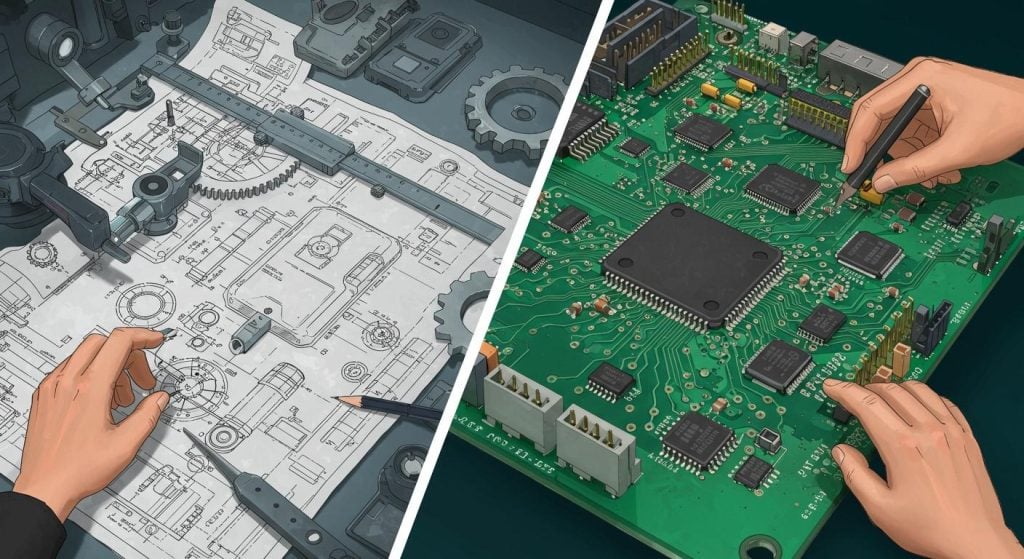
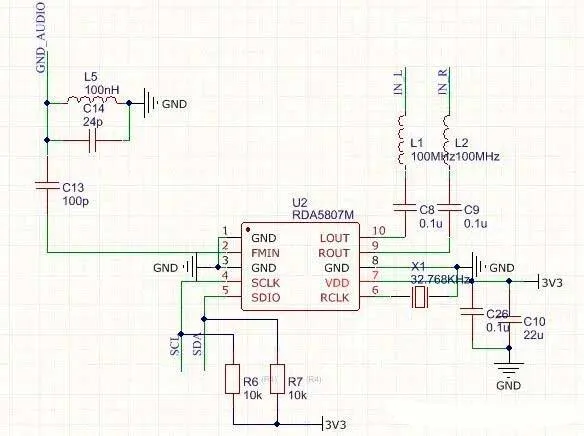
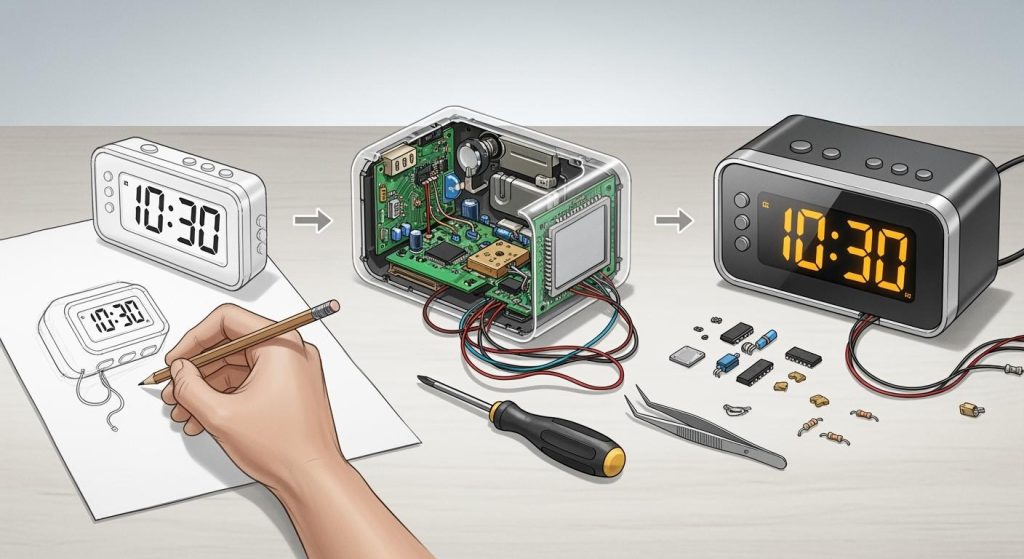
Designing printed circuit boards (PCBs) can be tricky, but with the help of PCB and ChatGPT, the process becomes much easier. This AI assistant provides ideas, resolves issues, and saves time. It serves as a valuable tool for engineers, offering tips on electronics and design challenges. However, your expertise is essential for achieving success in PCB design alongside ChatGPT. Combining AI with your knowledge leads to better and more effective results. ChatGPT is most effective when you verify its responses and utilize it as a supportive resource rather than a replacement for your skills.
Key Takeaways
ChatGPT can give ideas and help fix PCB design issues, but your skills are very important for success.
Always check ChatGPT’s math and advice with reliable sources to prevent errors.
Ask clear and detailed questions to get the best answers from ChatGPT for your PCB work.
Mix ChatGPT’s ideas with your team’s knowledge to make better designs and meet project goals.
Begin using ChatGPT for easy jobs like making templates or finding parts, then slowly try harder tasks.
Understanding PCB and ChatGPT
Capabilities of ChatGPT for PCB Design
Generating design ideas and concepts
ChatGPT is a helpful AI tool for brainstorming PCB ideas. It can suggest solutions to design problems by using large amounts of data. For example, it can simulate questions to find user needs or study reviews for useful tips. ChatGPT also helps create user profiles and research plans to understand design needs. While it gives broad ideas, you should adjust them to fit your project goals.
Assisting with calculations and formulas
ChatGPT makes hard PCB calculations easier to handle. It can quickly help with tasks like finding voltage levels or impedance needs. This makes it useful for solving high-speed or dense PCB problems. But, you should double-check its math with trusted sources to be sure. Using ChatGPT can save time and reduce mistakes in simple math tasks.
Providing insights on industry standards and best practices
ChatGPT shares advice on PCB rules, like cleanliness and voltage needs. It also suggests tips for layouts, like controlling impedance and placing parts. This knowledge helps you meet professional design standards. However, since ChatGPT isn’t updated live, you should confirm its advice with the latest rules.
Limitations of Using ChatGPT for PCB Design
Lack of real-time data and updates
ChatGPT doesn’t have live data or internet access. This means it can’t give the newest information. For example, it can’t suggest parts based on current prices or stock. You’ll need other tools to get the latest details when buying PCB parts.
Challenges with interpreting complex design software outputs
ChatGPT has trouble understanding results from special PCB software. It often gives general or unhelpful advice for tricky questions. For instance, it once wrongly suggested a power amplifier for a different design need. This shows why you must carefully check its advice and use it as a helper, not your main tool.
Risks of over-reliance on AI-generated information
Relying too much on ChatGPT can cause mistakes in PCB work. It’s good for learning and research but less accurate for tough tasks. For example, it only answered 75% of basic questions correctly and failed with advanced designs. To avoid problems, combine ChatGPT’s help with your skills and check its advice with industry rules.
Practical Applications of ChatGPT for PCB Design

Component Selection and Sourcing
Finding parts that meet your needs
ChatGPT helps find parts for your PCB project. It looks at details like voltage, power, and frequency. This makes it easier to pick parts for high-speed designs. But, you should check its suggestions carefully. For example, ChatGPT gives a list of parts, but you must confirm they fit your design.
Offering cheaper or available options
If parts are too costly or out of stock, ChatGPT helps. It suggests other options based on price and availability. However, its results can vary, so always double-check. ChatGPT is good for starting your search, but use other tools to confirm.
Solving Design Problems
Tips for high-speed PCB designs
High-speed PCBs need good signal flow and less interference. ChatGPT gives tips like keeping trace widths steady or using pairs of traces. These ideas help fix problems in high-speed designs.
Advice for crowded or high-voltage PCBs
Crowded PCBs need smart layouts, and high-voltage PCBs need safe spacing. ChatGPT suggests using layers and placing parts wisely for crowded boards. For high-voltage boards, it advises keeping enough space to avoid sparks. These tips make your PCB safer and better.
Improving Documentation
Making templates for design papers
ChatGPT creates templates for design files like schematics or part lists. These templates save time and keep your work neat. They also make it easier for others to understand your design.
Writing clear reports and descriptions
Reports explain your PCB’s purpose and details. ChatGPT helps write simple and clear descriptions. For example, it can explain why your PCB needs high speed or high voltage. This makes your reports look professional and easy to read.
Best Practices for Using ChatGPT for PCB Design
Crafting Effective Prompts
Asking clear and detailed questions
When using ChatGPT for PCB design, good questions matter. Be specific and clear in what you ask. For example, instead of saying, “Give me PCB tips,” ask, “What are the rules for high-voltage PCB spacing?” This helps ChatGPT give better and more useful answers. Zachariah Peterson, an electronics expert, noticed ChatGPT struggles with unclear questions. He said making good prompts takes effort, just like designing does. By asking precise questions, you can get better advice for your PCB work.
Adding important details for better answers
Giving extra details helps ChatGPT understand your needs better. For example, if you need help with high-speed PCBs, mention issues like signal flow or impedance. This makes ChatGPT’s advice more helpful for your project. Share details like the PCB type, working conditions, or limits you face. The more context you give, the better ChatGPT can respond. Remember, ChatGPT depends on what you tell it to give good answers.
Refining and Iterating Prompts
Trying different ways to ask questions
Testing different questions can help you get better answers. If one question doesn’t work, try rephrasing it or breaking it into smaller parts. For example, instead of asking, “How do I design a PCB for AI?” try, “What should I consider for a PCB with AI chips?” Trying new ways to ask lets you find better information. This process is important for tricky tasks like spacing rules in PCB design.
Changing questions based on ChatGPT’s replies
ChatGPT’s answers can help you improve your questions. If the reply is too general or not helpful, adjust your question. For example, if ChatGPT gives a broad answer about PCB design, ask about a specific topic like crowded layouts. This back-and-forth helps you get clearer and more useful answers. Talking clearly with ChatGPT is key to making the most of its help.
Validating ChatGPT’s Outputs in PCB Design
Cross-Checking with Industry Standards
Verifying compliance with IPC and other standards
When using ChatGPT for PCB work, check its outputs carefully. Industry rules like IPC set guidelines for PCB cleanliness and spacing. For example, IPC-2221 explains trace width and spacing for high-voltage designs. ChatGPT can suggest these rules, but always confirm them with trusted sources. This ensures your design follows professional standards and avoids costly mistakes.
Ensuring alignment with project-specific requirements
Each PCB project has unique needs and goals. ChatGPT gives general advice but may miss specific project details. For instance, in high-speed designs, check if trace layouts and impedance values fit your needs. Comparing ChatGPT’s suggestions with your project goals ensures safety and proper function.
Collaborating with Human Expertise
Using ChatGPT as a brainstorming tool
ChatGPT is great for generating ideas and suggestions. It can help with part choices, layouts, or templates. For example, it might suggest other parts if one is unavailable. Use these ideas as a starting point, then refine them with your knowledge. In studies, ChatGPT helped professionals brainstorm and improve designs.
Combining AI insights with team knowledge
ChatGPT provides helpful insights, but human skills are still needed. Your team can check and adjust AI suggestions for real-world use. For example, ChatGPT might suggest a layout, but your team can improve it for easier manufacturing. Combining AI speed with human expertise leads to better results. Engineers often verify ChatGPT’s calculations to ensure they are correct.
Tip: Use ChatGPT to support your work, not replace human skills. This keeps your PCB design accurate and meets all project needs.
ChatGPT is a helpful tool for improving your PCB design work. It can give ideas, fix problems, and make documents better. But, it has limits you should know. Always check its advice with industry rules and project needs. Use ChatGPT as a helper, but trust your skills for big choices. This way, your designs stay correct and professional.
Tip: Begin by using ChatGPT for small tasks like making templates or finding parts. Slowly use it more as you learn its strengths.
FAQ
How should I start using ChatGPT for PCB design?
Start with easy tasks like making templates or sharing ideas. Slowly use it more as you learn its abilities. Always check its answers with trusted sources to make sure they’re correct.
Can ChatGPT take the place of PCB design software?
No, ChatGPT cannot replace PCB design software. It helps with ideas, math, and writing but cannot handle complex software results or give live updates.
How do I make sure ChatGPT’s advice follows industry rules?
Compare its answers with IPC or other important standards. For instance, check trace width and spacing with IPC-2221 to ensure they meet the rules.
Is ChatGPT good for advanced PCB designs?
ChatGPT can help with tips and math for advanced designs. But it might not handle hard tasks well. Use it as a helper and trust your skills for big choices.
Can ChatGPT assist in finding components?
Yes, ChatGPT can suggest parts and alternatives. But it doesn’t have live data. Always confirm prices and stock on trusted websites.
Tip: Let ChatGPT guide you, but don’t rely on it fully. This way, your PCB designs stay correct and professional.