You turn on your TV, but the picture is blurry or some channels do not show up. Many people have this problem. About 72% of people with indoor antennas have bad reception. Millions of homes in the U.S. only use over-the-air signals. Television signal amplifiers make weak signals stronger and help stop interference. How these amplifiers are made is important, too. Good design and the right materials can help your TV work better. The way the PCB is set up also matters a lot.
Key Takeaways
Check your TV signal amplifier setup often. Look for cables that are loose or parts that are broken. This helps keep your signal strong.
Use an active amplifier if your signal is weak. It boosts the signal more than a passive amplifier. This is helpful in places with interference.
Change the gain on your amplifier. Too much gain can make the picture look bad. Find the right amount for clear pictures.
Put your amplifier close to the antenna. This makes weak signals stronger before they go through long cables.
Clean your equipment a lot. Dust and dirt can make your signal weak. Keep your amplifier and antenna clean and working well.
Television Signal Amplifiers Overview
Amplifier Basics
Television signal amplifiers make weak TV signals stronger. These devices help your TV show clear pictures and sound. Long cables or splitters can make the signal weaker. Amplifiers boost the signal so you do not lose channels or see fuzzy images.
Tip: If you live far from a broadcast tower or have thick walls, a tv signal amplifier can help you get better reception.
Here is what television signal amplifiers do for your home:
They make radio frequency (RF) signals stronger.
They help fix signal loss from long cables or splitters.
They lower problems from interference, like static or dropouts.
Types: Passive vs. Active
There are different types of tv signal amplifiers. The two main types are passive and active. Passive amplifiers do not use power. They only let the signal pass through. Active amplifiers use electricity to make the signal much stronger.
Scenario | Passive Antenna | Active Antenna |
|---|---|---|
Rural 4G signal (-95dBm) | Unstable, frequent drops | Stable, boosted to -75dBm |
Long-range Wi-Fi (1km) | Weak or no connection | Clear signal with 15dB gain |
Satellite radio (obstructed) | Static-heavy | Near-perfect reception |
Active amplifiers are better for weak signals or lots of interference. Passive amplifiers work well for short cables and strong signals.
Key Features and Design
When you pick television signal amplifiers, look for these features:
Gain control lets you change how much the signal gets boosted. Too much gain can make the picture worse.
Noise reduction keeps the signal clear and free from static.
The right frequency range makes sure you only boost the channels you want.
Coaxial ports make it easy to connect your cables.
The inside of television signal amplifiers is important, too. Good PCB design and quality parts help the amplifier work well and last longer. A well-made amplifier gives you better TV reception and fewer problems.
TV Signal Amplifier Troubleshooting
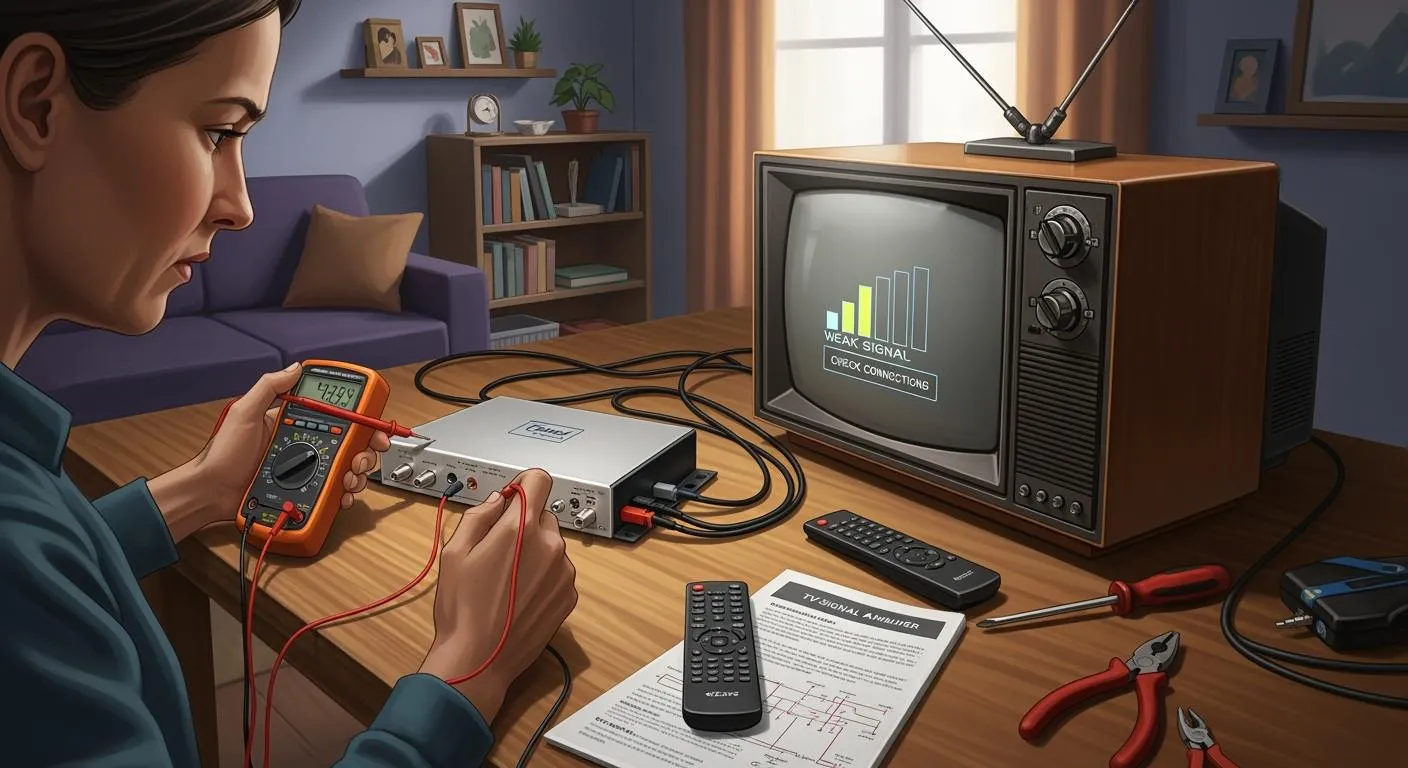
If your TV picture is fuzzy or the signal drops, you need a plan. This part gives you easy steps to fix your TV signal amplifier. You will learn how to find problems, test your setup, and use quick fixes to get your TV working.
Common Issues
Lots of people have the same problems with TV signal amplifiers. Knowing what to check helps you start fixing things fast. Here is a table that lists the most common issues and what they mean:
Issue | Description |
|---|---|
Too much gain can overload the TV receiver, causing distortion and interference. | |
Noise and Interference | Amplifiers can amplify noise, degrading signal quality, especially in urban areas. |
Power Issues | Faulty power supplies or incorrect voltage can lead to malfunction or failure of the amplifier. |
Cable Damage | Damaged or corroded cables can significantly reduce signal strength, making the amplifier ineffective. |
Environmental Factors | Weather conditions can weaken the signal or cause physical damage to the antenna or cables. |
You might see static, missing channels, or no signal at all. Sometimes, the amplifier is the problem. Other times, it is the cables, power, or even the weather. By checking these common issues, you can find the cause fast.
Diagnostic Steps
You can use simple steps to find out what is wrong. Follow these steps to check your TV signal amplifier:
Isolate the Problem: Unplug everything except the amplifier and antenna. Plug in each part one by one. Watch for buzzing or lost signal as you add each piece.
Check Cables and Connections: Look at all coaxial cables. Replace any that are bent, broken, or rusty.
Test Different Outlets: Plug your amplifier into other outlets. This helps you see if noise comes from the power.
Adjust Amplifier Settings: Change the gain on your amplifier. Lower the gain if you see too much static or a blurry picture.
Use a Ground Isolator: If you still hear buzzing, try a ground isolator to stop the noise.
These steps help you find what is wrong with your TV signal. You do not need special tools. You just need to be patient and careful. If you follow these steps, you can fix most problems without calling for help.
Tip: Write down each step you try. This helps you remember what you did and makes it easier if you need help later.
Quick Fixes
After you finish the steps, you might find an easy fix. Many people fix their TV signal amplifier with one of these quick fixes:
Quick Fix | Description |
|---|---|
Replace old amplifier | Change to LTE700 protected amplifiers to avoid interference from LTE signals. |
Check connections | Inspect other electrical devices for damage that may cause interference. |
Optimize antenna sizing | Make sure the antenna is the right size and in the best position to avoid obstacles. |
Add line amplifier | Use a line amplifier if your indoor network causes too much signal loss. |
Remove or downgrade amplifier | If your amplifier is too powerful or not needed, remove it or switch to a less powerful model. |
You can often fix problems by getting a new amplifier or moving your antenna. Sometimes, you only need to check your cables or change the amplifier settings. These quick fixes work for most people and help you avoid bigger repairs.
If you follow these steps, you will get better at fixing TV signal amplifier problems. You will save time and get a clearer TV picture.
Optimizing TV Signal Amplifier Performance
Placement and Setup
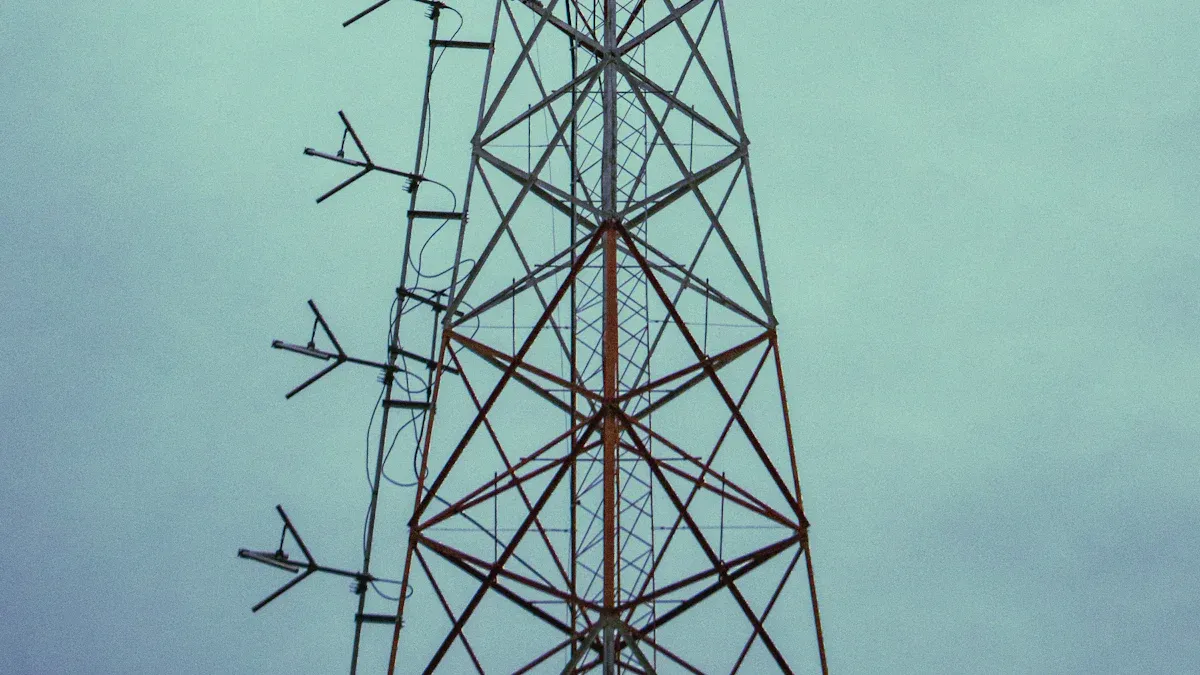
You can make your tv work better by putting your amplifier and antenna in a good spot. Where you put them changes how strong the signal is. Put your antenna up high and away from thick walls or metal things. Concrete and metal can block signals and make channels drop out. Trees and buildings outside can also mess with radio waves and cause signal loss.
Try these ideas to help your signal:
Put the amplifier close to the antenna. This helps weak signals before they go through long cables.
Keep the amplifier away from things like routers or microwaves. These can send out waves that mess with your signal.
Use a signal strength meter to check and change your setup for the best signal.
Clean your antenna and amplifier often. Dust and dirt can make your signal weaker.
Tip: Always use good coaxial cables and make sure they are tight. If cables are loose or broken, your signal will not be as strong.
Lots of people want to make their tv signal better without problems. Only use a signal amplifier if your signal is weak. If you live close to a transmitter, use an attenuator. This stops your picture from breaking up when the signal is too strong.
Component Checks
Check your parts often to keep your system working well. Good cables and tight connections help your signal stay strong and clear. Rusty or loose connectors can make your signal bad.
Here is a simple checklist to help your setup:
Look at all coaxial cables for bends, breaks, or rust.
Make sure every connection is tight and not rusty.
Use cables made for boosting tv signals. This helps stop interference.
Change any broken parts right away.
Taking care of your setup helps you avoid mistakes. Some people use the wrong antenna or do not point it the right way. Pick an antenna that works for your area and use tools to aim it. Do not forget about grounding and safety. Grounding keeps your equipment safe and protects your home.
Minimizing Interference
Interference can make your signal weak and your tv work badly. You can use different ways to stop problems from electromagnetic and radio frequency interference. Electronics, FM signals, and cell signals can mess up your tv signal.
Common types of interference are:
Electromagnetic interference from electronics nearby.
Radio frequency interference from things outside.
Physical barriers like walls, floors, and big objects.
Try these ideas to stop interference:
Plan your frequency bands so they do not mix with other systems.
Move your amplifier and change power levels to help coverage and stop dead zones.
Try new antenna designs to get better tv reception and stop multipath interference.
Put in RF filters to block signals you do not want and control bandwidth.
Use amplifiers with filters built in to stop FM and cell signals from getting boosted.
Add an attenuator if your signal is too strong and makes the picture break up.
Note: Humidity, dust, and pollution can also make your signal weak. Clean your equipment often and keep it dry.
You can make your tv work better by following these steps and setting things up the right way. Checking your system and putting things in smart places helps your amplifier work its best. Use these tips to keep your signal strong and clear.
Advanced Amplifier Design and Upgrades
PCB Design Improvements
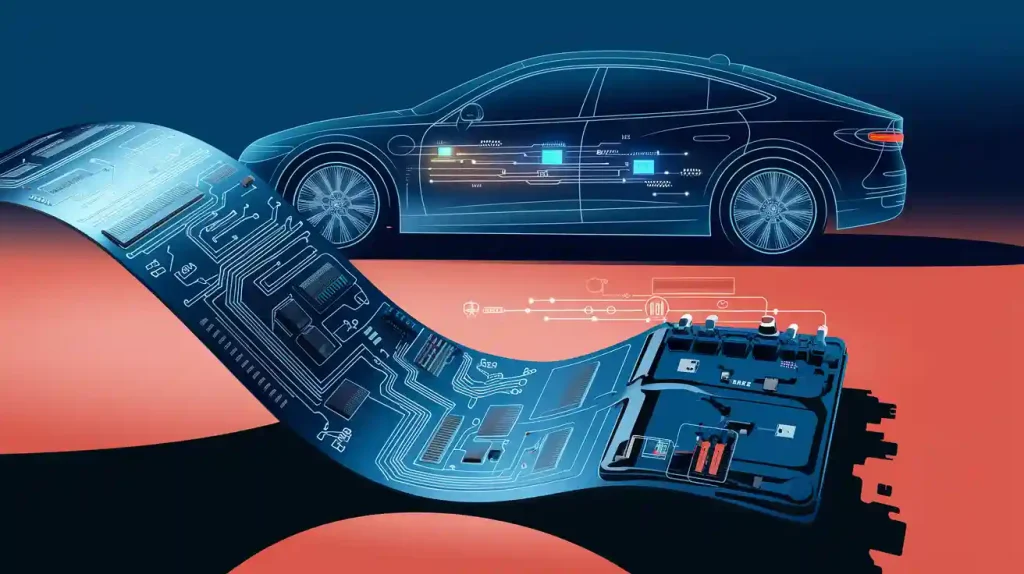
You can make your antenna amplifier work better by improving the printed circuit board (PCB). When you build a tv signal amplifier, think about where you put each part. Put parts close together to keep signal paths short. This helps lower noise. You should also design PCB traces that protect the signal. Good trace design stops signal loss and keeps your antenna amplifier steady.
A strong ground plane helps stop ground loops and cuts down on noise. You also need to think about heat. Too much heat can hurt your powered amplifier. Use heat sinks or thermal vias to keep it cool. Shielding and smart layout choices block electromagnetic interference. Many companies use these tricks to make the best tv signal amplifier.
Here are some advanced PCB design tips:
Put parts close together for short signal paths.
Use strong ground planes to lower noise.
Add heat sinks or thermal vias to cool things down.
Shield important parts to block interference.
Use decoupling capacitors to filter out power noise.
Upgrading Components
You can make your antenna amplifier better by picking good parts. High-quality connectors and cables keep your signal strong. If you want to build a diy tv signal amplifier or a homemade tv signal amplifier, pick parts that meet industry rules. Good companies use special placement rules and power tricks to make sure your powered amplifier works well.
Look at this table to see how industry rules help reliability:
Aspect | Description |
|---|---|
Regulatory Environment | Stricter rules on signal quality and electromagnetic emissions keep your amplifier reliable. |
Minimum Reliability | Products must meet all rules, which shapes design and making. |
Quality of Tower Top Amplifiers | High-quality amplifiers keep signals clear and strong, even in tough conditions. |
If you want to build a diy tv antenna booster, follow the tv reception improvement guide from trusted sources. This helps you get the most from your upgrades.
Maintenance Checklist
You need to take care of your antenna amplifier for the best results. Regular checks and cleaning help your amplifier last longer and work better.
Follow this maintenance checklist:
Check and clean connectors and cables often.
Look for damage on antennas, cases, and circuit boards.
Make sure your amplifier does not get too hot.
Update firmware or software when you can.
Calibrate your amplifier to keep it working well.
By following these steps, you make sure your antenna amplifier stays reliable. You will get clear TV signals and have fewer problems over time.
You can keep your TV signal strong by doing a few easy things. First, check every part of your system. Fix any problems outside. Make sure your antenna is the right size and in a good spot. Here is a simple maintenance checklist:
Checklist Item | Description |
|---|---|
Measure amplification factor | Look at input and output signals |
Check gain setting | See if the gain is set right |
Inspect for overheating | Check for hot or broken parts |
Clean housing and connections | Wipe off dust and dirt from all parts |
If you check your system often, you can find problems early. This helps your TV work better and makes your amplifier last longer.
FAQ
How do you know if your tv amplifier is working?
Check your TV channels. If they look clear and do not freeze, your tv amplifier is working. You can use a signal meter to see the signal strength when you set things up. If nothing gets better, look at your cables and make sure all connections are tight.
Where should you place your amplifier for the best reception?
Put your amplifier right next to the antenna. This makes weak signals stronger before they go through the cables. Put it up high and make sure nothing blocks the way to the broadcast towers. Always check your setup for things that might block signals.
What causes poor reception even after amplifier installation?
You can still have bad reception if your cables are broken or connectors are loose. Electronics can also cause problems. Weather and things like walls or big objects can make the signal weak. Use a tv signal amplifier tutorial to check every part of your setup.
How often should you check your setup for reception problems?
Look at your setup every few months. Watch for changes in how your TV works, new things in the way, or broken parts. Checking often helps you find problems early and keeps your TV working well.
Can you improve reception without buying a new amplifier?
Yes! You can move your antenna, clean the connectors, and change your setup. Sometimes, just moving things or stopping interference helps your TV work better. Try these ideas before you buy anything new.
Tip: Write down any changes you make to your setup. This helps you remember what made your TV work better.