You might see the terms pcb and pcba often in electronics. A pcb is a flat board that holds copper tracks. These tracks connect different parts in a circuit. When you add electronic parts like chips and resistors to a pcb, you create a pcba. This process is called Printed Circuit Board Assembly. Knowing the difference helps you choose the right steps for building and testing electronics.
PCB vs. PCBA

What Is a PCB?
A pcb is where most electronics begin. The board is flat and made from fiberglass. It has copper tracks that link parts of a circuit. These tracks work like tiny roads for electricity. You use a pcb to hold electronic parts in place. The board does nothing until you add components. Printed circuit boards come in many shapes and sizes. You can find them in computers, phones, and toys. When you look at a pcb, you see only the board and copper lines. There are no chips or resistors on it yet.
Tip: Imagine a pcb as the base or plan for building electronics.
What Is a PCBA?
A pcba is a pcb with all its electronic parts attached. You put chips, resistors, capacitors, and other pieces on the board. This step is called printed circuit board assembly. After this, the board can do things like turn on a light or run a computer. A pcba is ready to be used in a device. You find printed circuit board assemblies in almost every modern gadget. The assembly step makes the board work. Without parts, a pcb cannot do anything. With parts, a pcba becomes the main part of electronics.
PCB: Just the board and copper tracks.
PCBA: Board with all the parts attached and soldered.
Key Differences Between PCB and PCBA
Feature | PCB | PCBA |
|---|---|---|
Components Attached | No | Yes |
Functionality | Not functional | Fully functional |
Role in Electronics | Foundation | Ready-to-use product |
Appearance | Bare board | Board with components |
Use in Manufacturing | Early stage | Final stage |
It is important to know the difference between pcb and pcba when you make electronics. A pcb gives you the starting point. A pcba gives you the finished item. Printed circuit board assembly changes a simple board into something useful. You see printed circuit boards at the start of making devices. You see printed circuit board assemblies in the products you use every day.
Printed Circuit Board Assembly Process

Design Steps
You start with a plan for your electronic device. First, you draw a schematic. This shows how each part connects on the pcb. Next, you create a Bill of Materials (BOM). The BOM lists every part you need for the printed circuit board assembly. You design the layout, placing each part in the right spot. You run simulations to check if your design works. Design for Manufacturability (DFM) helps you avoid mistakes before you build the board.
Tip: Careful planning in the design steps saves time and money later.
Fabrication Steps
You move to the building stage after your design is ready. The pcb gets made from layers of fiberglass and copper. You apply solder paste to spots where parts will go. Machines place components like chips and resistors on the board. The board goes through reflow soldering, which melts the paste and attaches the parts. You inspect the board to catch any errors. If you use parts with long leads, you use through-hole soldering to secure them. These steps turn a bare pcb into a working pcba.
Step | Description |
|---|---|
PCB Manufacturing | Make the board itself |
Solder Paste | Apply paste for components |
Component Placement | Put parts on the board |
Reflow Soldering | Attach parts with heat |
Inspection | Check for mistakes |
Through-Hole Soldering | Secure parts with leads |
Testing Methods
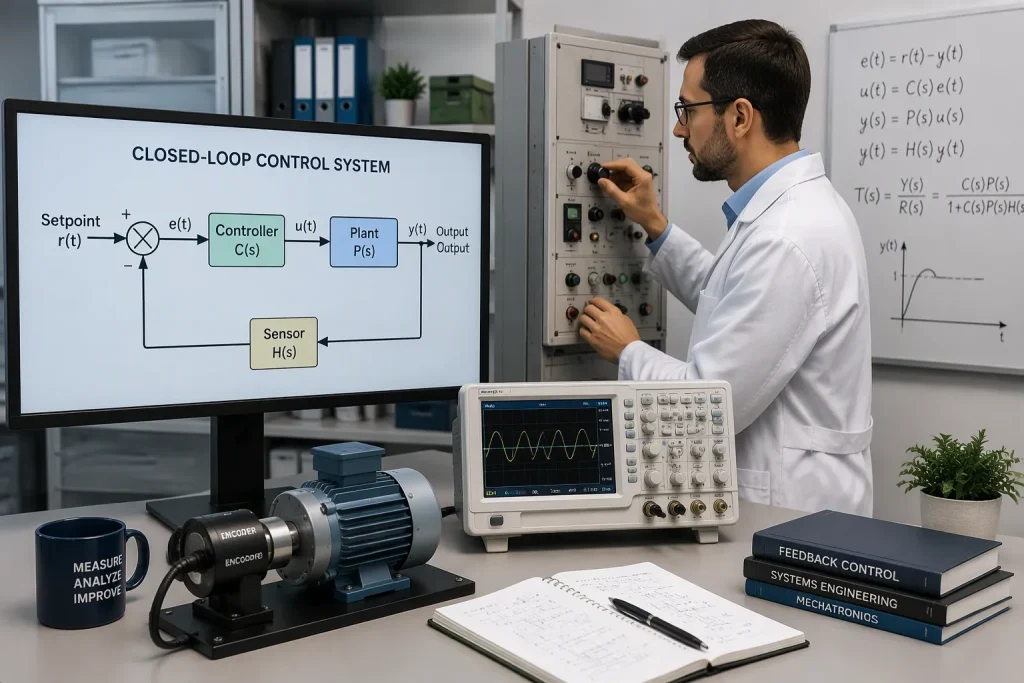
You need to test your circuit board assembly to make sure it works. In-Circuit Testing (ICT) checks each part on the pcba. Functional testing makes sure the board does its job. Burn-in testing runs the board for a long time to find weak spots. Environmental testing exposes the board to heat, cold, and moisture. These tests help you catch problems before the product reaches customers.
Note: Good testing keeps your printed circuit board assembly reliable and safe.
PCBA Benefits
Miniaturization
Printed circuit board assembly helps make devices smaller. You can put many parts close together. This lets you build small gadgets like smartphones and smartwatches. You save space and make things lighter. Smaller electronics are easier to carry and use.
Tip: Small devices use less power and fit in small places.
Reliability
You want your electronics to work every time. PCBA makes each part stay on the board. Machines place and solder parts very carefully. This means fewer mistakes and loose parts. Reliable boards last longer and break less often.
Cost-Effectiveness
Printed circuit board assembly helps lower costs. Machines build many boards fast. This saves time and money. Making lots of boards at once lowers the price for each one. You spend less on workers and materials. Cost-effective assembly lets you sell products for less.
Benefit | How It Helps You |
|---|---|
Lower Costs | Spend less to make things |
Faster Output | Get products sooner |
Less Waste | Use materials better |
Scalability
You can grow your business with scalable assembly. PCBA lets you make more boards when you need them. You can start with a few and make more as people buy them. Factories change machines to build more units. Scalability helps you meet demand without waiting.
Customization
You can design boards for special needs. PCBA lets you pick parts and layouts for each job. You can make custom electronics for cars, hospitals, or home use. Customization gives you control over how things work.
Note: Custom boards help your products stand out.
PCBA Applications
Consumer Electronics
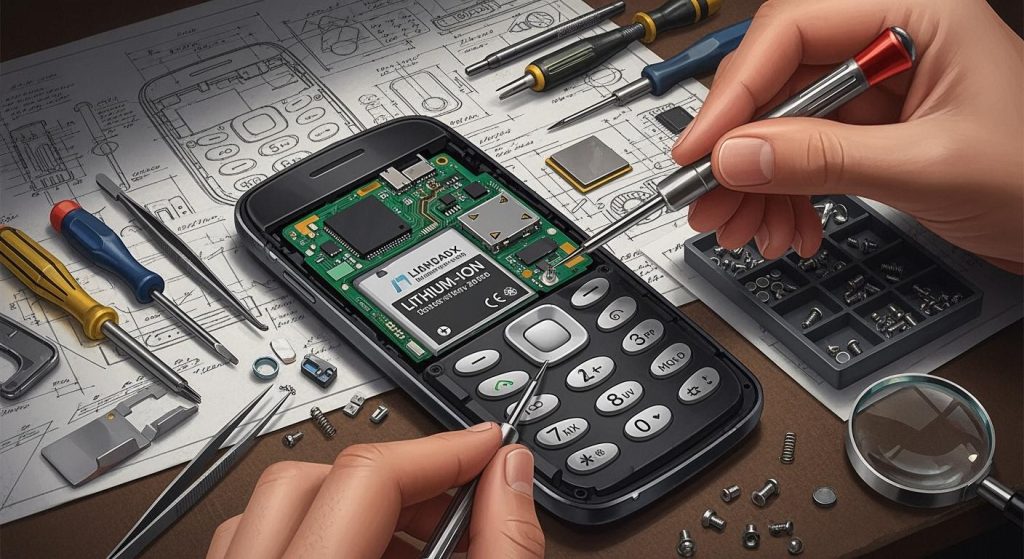
You use things like smartphones and laptops every day. These devices need pcba to work right. The assembly puts small parts in the correct spots. This helps your gadgets work better and last longer. You also find pcba in TVs and game consoles. Even smartwatches use these boards inside. When you press a button, the board makes it work. Swiping a screen also uses the board inside.
Tip: When you use your phone, remember pcba makes it work.
Automotive
Modern cars have many electronic systems inside. You see pcba in engine controls and airbags. Entertainment systems in cars also use these boards. Sensors and cameras need pcba to help you drive safely. Car makers trust these boards in hot or cold weather.
Medical Devices
Doctors and nurses need equipment they can trust. PCBA helps heart monitors and pumps work safely. You find these boards in X-ray machines and health trackers. The assembly keeps each device working right. Hospitals need electronics that always work, so pcba is very important.
Industrial Equipment
Factories use machines that need smart control. PCBA gives power to these machines. Robots and conveyor belts use these boards. Testing tools in factories also need pcba. The boards help control big machines and track data. This makes factories safer and better.
Aerospace and Defense
Airplanes and defense systems must be very reliable. PCBA helps with navigation and safety controls. These boards work in tough places with high pressure. Engineers use special materials and test the boards a lot. This makes sure each board works just right.
Note: PCBA helps planes fly and keeps missions safe.
how to choose PCBA Manufacturer
Picking the best PCBA manufacturer helps you get good products. You should think about a few key things before you decide.
Selection Criteria
Certifications and Compliance
See if the manufacturer has the right certificates. Look for ISO 9001, ISO 13485, or IATF 16949. These show the company follows strict quality rules. You want a partner who meets safety and industry standards.
Manufacturing Capabilities
Ask what kinds of boards the company can make. Some companies only make simple boards. Others can build more complex, multi-layer boards. Make sure they can handle your design and how many you need.
Quality Assurance Processes
Quality checks help keep your products safe and working. Ask if the company uses inspections, automated tests, and final checks. Good quality assurance means fewer mistakes and better products.
Cost Structure
You need to know the total cost. Ask for a clear price list. Check if the price covers materials, assembly, and testing. A good company gives fair prices with no hidden fees.
Lead Time and Delivery
Fast delivery helps you finish on time. Ask how long it takes to make a pcba order. See if the company can handle big or rush orders. Reliable delivery keeps your project moving.
Technical Support and Communication
You want a team that answers your questions fast. Good support helps you fix problems quickly. Clear communication makes everything easier.
Experience with Similar Projects
Pick a company with experience in your area. If you need boards for medical devices, choose a company that has made them before. Experience means better results and fewer problems.
Tip: Make a checklist of these things before you pick your PCBA manufacturer.
You now know that a PCB is just the board, while a PCBA is the board with all its parts attached and working. The assembly process turns your design into a real product. This step helps you get reliable and high-quality electronics. When you pick a PCBA manufacturer, use the checklist from this guide. Careful choices lead to better results and more innovation in your projects.
Remember: The right partner helps you build safe and smart devices.
FAQ
What is the main difference between PCB and PCBA?
A PCB is just the board with copper tracks. A PCBA has all the electronic parts attached. You use a PCB as a base. You use a PCBA in finished products.
Can you reuse a PCBA after removing the components?
You can sometimes reuse a PCBA, but it is not easy. Removing parts can damage the board. Most people use new boards for better results.
Why do you need to test a PCBA?
Testing helps you find problems before you use the board. You make sure every part works. Good testing keeps your devices safe and reliable.
How do you choose the right PCBA manufacturer?
You should check for certifications, quality checks, and experience. Ask about prices and delivery times. Good support and clear communication also help you get the best results.