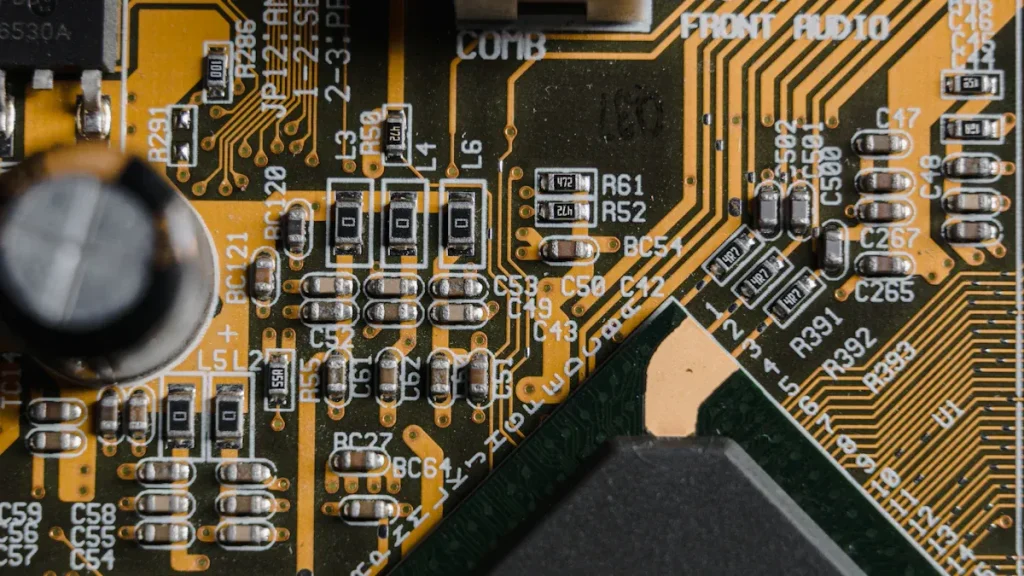
What is the BOM? A simple understanding is: the list of electronic components, a product consists of many parts, including: circuit boards, capacitors, resistors, diodes, crystals, inductors, driver chips, microcontrollers, power supply chips, step-up and step-down chips, LDO chips, memory chips, connectors, connectors, pins, rows of mother, and so on. Engineers will be based on the product design, do a list of product parts called BOM table.
What is a pad? PCB pads are divided into plug-in hole pads, SMD patch pad, is to solder components to PCB The components are fixed on the PCB with solder. , the wires inside the printed circuit board connect the pads, accomplish The electrical connection of components in a circuit.
Reasons for BOM Errors
1. Wrong BOM Model
BOM files are generated and output from EDA software. There are many situations that may lead to data errors in BOM files during the entire design process. For example: modifying the PCB engineering drawing without modifying the BOM file in time. , resulting in incorrect component purchases. Or the component model is incorrect when sorting the BOM table data. , resulting in purchasing the wrong components.
See the figure below: The PCB package uses 1201 chip capacitors, but the component model is 0603 chip capacitors. As a result, the purchased components cannot be used.
The BOM file in the figure above shows the component model CC0603JRX7R7BB104. The purchased components are 0603 chip circuits. Allow.
2. PCB Packaging Error
There are many reasons for the incorrect use of PCB packaging, such as the fact that there are many similar electronic components. PCB packaging, it is easy to make mistakes when looking for component specifications, resulting in PCB package drawing errors. Or using an already drawn PCB package, Component association errors due to non-standard package names The purchased components cannot be used use.
See the figure below: The package used by the PCB is 4 pins The purchased components have 2 pins. , totally unusable. The reason is that the PCB package name is B3528, and the actual component B3528 has 2 pins, so because of the package name This results in the wrong PCB footprint being used.
Connect to the above PCB package name B3528 , the actual component is 2 pins.
Real Case of BOM Wrong Material
The BOM material package does not match the PCB pad.
Problem description: When a product is SMT, according to the corresponding position number of the materials purchased from the BOM list, the position number capacitor is 0805 Encapsulation During the actual patch placement, it was found that the package with the corresponding position number on the PCB board was 0603 package.
Impact of the problem: SMT cannot be mounted normally, the material will fly after passing through the furnace. Temporary replacement of materials takes time, affecting the normal delivery of products Expect;
Problem extension: If the corresponding 0603 package on the PCB does not have the required corresponding capacitance and voltage resistance material, then there is the risk of changing the board. This means that this batch of products has been made in vain, wasting time and manufacturing costs. If damaged, the resulting costs will be more serious.
When performing assembly analysis, the function of matching BOM files to components is realized by comparing the dimensions and pin counts of the components in the BOM file with the actual PCB package. If there is a size difference or pinout inconsistency, a mismatch will be displayed when matching components so that the wrong components are not purchased.
Prior to this feature, the common industry method was to print out PCB drawings to actual size and then compare the actual components to the packages on the drawings. This method is not only cumbersome and costly but also prone to errors.
Now, by importing the PCB layout file and BOM file into the system, the components in the BOM file can be automatically analyzed to match the PCB package, which is simple and efficient and reduces the possibility of errors.
As shown in the figure below, the PCB package for Bit No. J2 has 12 plug-in pins, but the corresponding component in the BOM file has 4 pins in a single row, making it impossible to use the purchased component.
The component model of position J2 and J4 in the BOM file is PZ254V-11-04P, Pin header, female header/pin header 2.54mm 4P Single row inline.
Continuing from the previous picture, Component Model PZ254V-11-04P, the actual object is a single row of 4 pins.
When using software to match component libraries, if the pin number is inconsistent and the prompt fails, you can determine whether it is a component error in the BOM model or a PCB package error. If it is a BOM component error, you can change the component model and rematch it or replace other components. If it is a PCB package error, you need to modify the PCB package.
Using software matching component library can prevent the problem of mismatch between BOM materials and PCB package pads. This can avoid delays in production cycle and loss of R&D costs caused by mismatch between BOM materials and PCB package pads.