You use Wireless Mice every day, and their design affects how you work and play. Companies make shapes that fit your hand to help you feel comfortable and avoid pain. This makes people happier when they use them. New wireless technology like Bluetooth and RF helps the mouse work better and makes it simple to use. The world market for Wireless Mice is getting bigger. The value goes from USD 2,927.4 million in 2023 to USD 5,599.2 million by 2033. Makers use new materials to build products that give you good performance and look nice.
Key Takeaways
Ergonomic designs can lower wrist pain. They make using the mouse more comfortable. Pick a mouse that fits your hand well. This helps keep your hands healthy.
Advanced sensors make the mouse more accurate. They give you better control. Some mice let you change settings. This is good for gaming or design.
Wireless technology includes Bluetooth and RF. Each type has its own benefits. Think about what matters most to you. You may want speed or longer battery life.
Many mice now use sustainable materials. Eco-friendly designs help the planet. Choose products that create less waste. This is better for the environment.
Good quality control makes sure your mouse works well. It also helps the mouse last longer. Buy from brands with strong safety rules. These brands test their products for performance.
Wireless Mice Design Principles
Ergonomics and Comfort
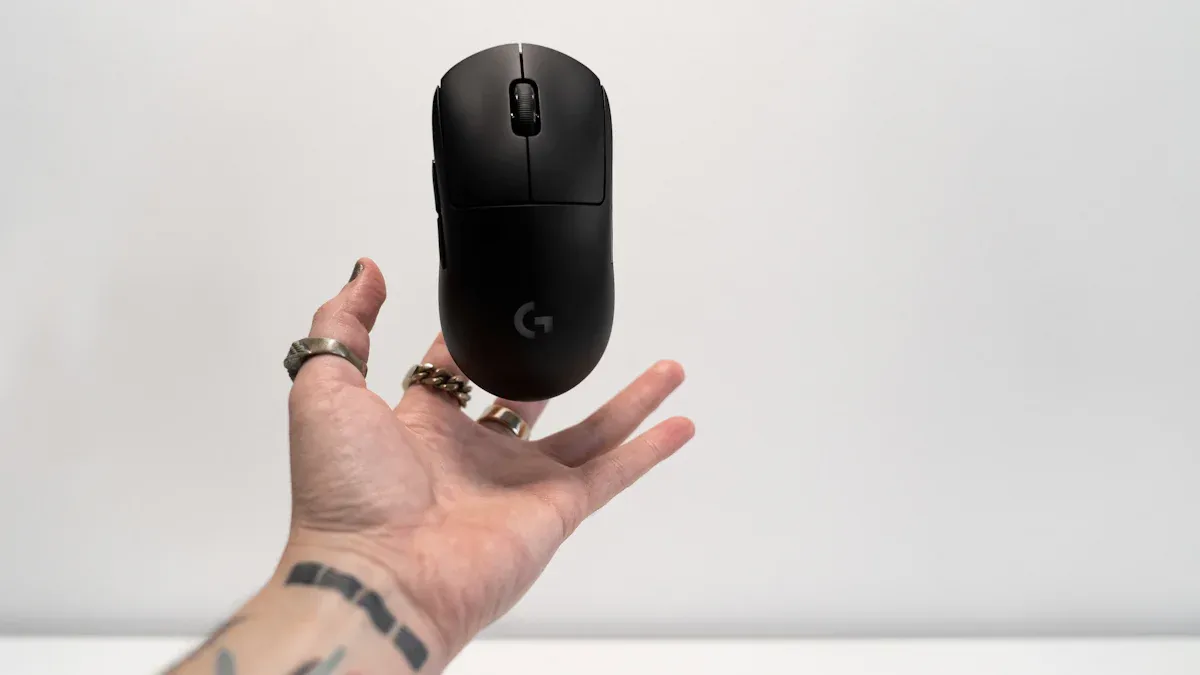
When you use a mouse that fits your hand, it feels better. Good design helps stop wrist pain. It makes long computer hours easier. Companies make shapes like vertical or wave forms. These shapes keep your hand in a natural way. Lightweight materials help you move the mouse easily. They also help you feel less tired. Gaming wireless mice have flexible designs. These help you react fast when playing. Many popular wireless mice have features for comfort and performance. Here are some common features in the table below:
Feature | Description |
|---|---|
Ergonomic Designs | Vertical or wave-shaped forms that help maintain a natural hand position, reducing strain. |
Wireless Connectivity | Options for Bluetooth or 2.4GHz connectivity for compatibility with various devices. |
Advanced Sensor Technology | High DPI sensors for precision and performance in various tasks. |
Multi-Device Support | Ability to connect to multiple devices, enhancing productivity for users switching between devices. |
Customization and Aesthetics | RGB lighting and customizable layouts appealing to gamers and users who value aesthetics. |
Ergonomic design helps you work, play games, or make art. Many people want comfort for long use. Companies make wireless mouse shapes for different hand sizes and grips.
Aesthetics and Form
Designers know you care about how your mouse looks and feels. You see many styles, from simple to colorful. Gamers want gear that matches their personality. Companies offer features like RGB lighting and parts you can change. Younger users often pick eco-friendly products. You also find wireless mice that work with many devices. These include computers and consoles. The table below shows some trends in looks and form:
Trend | Description |
|---|---|
Modularity and Customization | Gamers seek gear that reflects personal style and gameplay needs, leading to demand for customizable features. |
Software and Cloud Integration | Unified platforms allow users to sync profiles and remap buttons, enhancing user experience. |
Sustainability | Eco-friendly materials and packaging are becoming important, especially for younger users. |
Cross-Platform Compatibility | Increased focus on compatibility across devices, including PC, Mac, and consoles. |
You pick wireless mice based on your style and needs. Some people want a small mouse for travel. Others like a stylish mouse for their desk. Companies listen and make products for your lifestyle.
Functionality and Button Layout
You use wireless mice for many things, so button layout matters. Gamers want high DPI and extra buttons for quick moves. Designers need perfect tracking and buttons they can program. You might like simple layouts for daily use. You may want advanced layouts for gaming or design. Wireless mouse design changes for what you need. Here are some common types and their influence:
Design Type | Description | Market Influence |
|---|---|---|
Ergonomic Design | Focuses on health and comfort during prolonged use. | Strong growth driven by demand for comfort and reduced discomfort. |
Compact Design | Aims for portability and convenience. | Steady expansion as consumers prioritize ease of transport. |
Vertical Design | Aligns with ergonomic principles to reduce wrist strain. | Gaining prominence as users seek to alleviate discomfort. |
Stylish Design | Combines aesthetic value with functionality. | Moderate increases in market participation from users valuing design. |
Gamers want high DPS and buttons they can change.
Designers want perfect tracking and many programmable buttons.
Both groups like ergonomic designs for comfort during long use.
Wireless mice give you many choices. Companies design products to fit your hand, match your style, and help you work or play better.
Wireless Technology Integration
RF and Bluetooth Protocols
Wireless mice connect to your computer without wires. They use RF or Bluetooth protocols. These two ways have different speeds and power use. You can look at the table below to see the main differences:
Protocol | Speed | Power Consumption |
|---|---|---|
Bluetooth | Up to 2 Mbps (low to moderate, very low for BLE) | Low to moderate, very low for BLE |
RF | Up to 1 Gbps | Varies, generally moderate to high |
Bluetooth uses less power, especially with BLE. This helps your mouse battery last longer. RF sends data faster. This is good for gaming or design work. You pick the protocol based on what you want most—speed or battery life.
Signal Reliability
You want your wireless mouse to work well. Sometimes, it may lag or lose connection. Many things can cause these problems:
Low battery life
The wireless mouse has been desynced from your computer
The wireless connections are not able to function due to disconnections or interferences
Your mouse drivers are not up to date
Hardware issues
You can fix many problems by checking your battery. You can update drivers or reconnect your mouse. A strong signal gives you a better experience every time you use your mouse.
Interference Management
Other devices can cause interference in your home or office. Companies use different ways to solve this problem. Here is a table that shows some common methods and how well they work:
Method | Description | Effectiveness |
|---|---|---|
Performance Testing | Verifying RF performance to ensure basic antenna patterns and quality in standard chambers. | Ensures basic functionality but may not account for real-world interference. |
Recording Interference Scenarios | Capturing wireless interference signals in real-world environments. | Provides a realistic understanding of interference issues faced by users. |
Wireless Environment Reconstruction | Replicating interference conditions in a controlled environment to test product performance. | Allows for thorough testing without the need for extensive fieldwork, improving user experience. |
Tip: If your mouse acts strange, move other wireless devices away or change the USB port.
You get better performance when companies test for interference. This helps you use your wireless mouse smoothly and reliably.
Sensor and Battery Tech in Mouse
High-Quality Sensors
You want your mouse to be fast and accurate. Good wireless mice use advanced sensors for better control. The table below shows a popular sensor and how well it works:
Sensor Type | CPI (Counts Per Inch) | Maximum Tracking Speed (IPS) | Pre-defined CPI Steps |
|---|---|---|---|
BAMF 3.0 (PixArt PAW3950) | Up to 30,000 | 750 | 400, 800, 1600, 3200, 6400, 12,800 |
New sensor technology, like the PAW3395, makes tracking better. You get more control for games and art. Some sensors, like the XERO Sensor in the StormBreaker mouse, are very accurate. They can track over 99.8% and support high DPI up to 36,000. You can move the sensor to fit your grip style. This can make you faster and more accurate by up to 14%. The Logitech G305 Lightspeed mouse has almost no click delay and tracks very well.
Battery Life and Efficiency
You want your wireless mouse to last a long time. Makers use smart sensors and power-saving tech to help batteries last longer. Many new mice use low-power Bluetooth or special RF chips. You can use your mouse for weeks or months before charging or changing batteries.
Tip: Turn off your mouse when you are not using it. This saves battery power.
Rechargeable vs. Replaceable
You can pick between rechargeable or replaceable batteries for your mouse. Rechargeable batteries cost more at first, but you save money later. You do not need to buy new batteries often. Replaceable batteries are easy to use, but you spend more over time. Rechargeable batteries are better for the environment. You make less waste and can recycle them. Replaceable batteries make more electronic waste. You need to plan for charging with rechargeable batteries. Replaceable batteries work right away.
Wireless Mouse PCB and Manufacturing
Flexible PCB Design
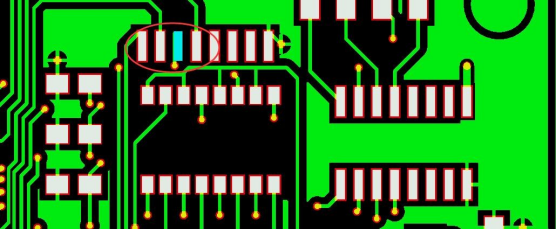
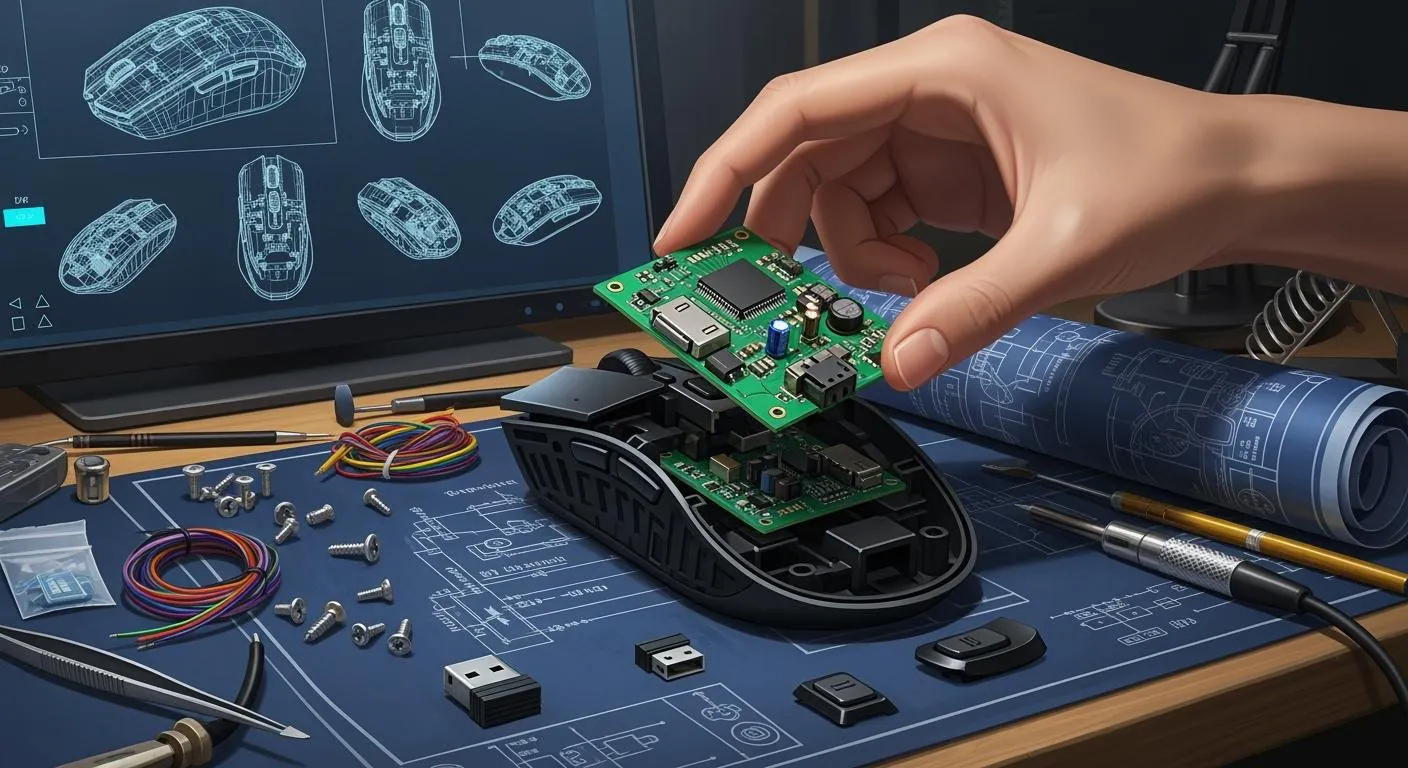
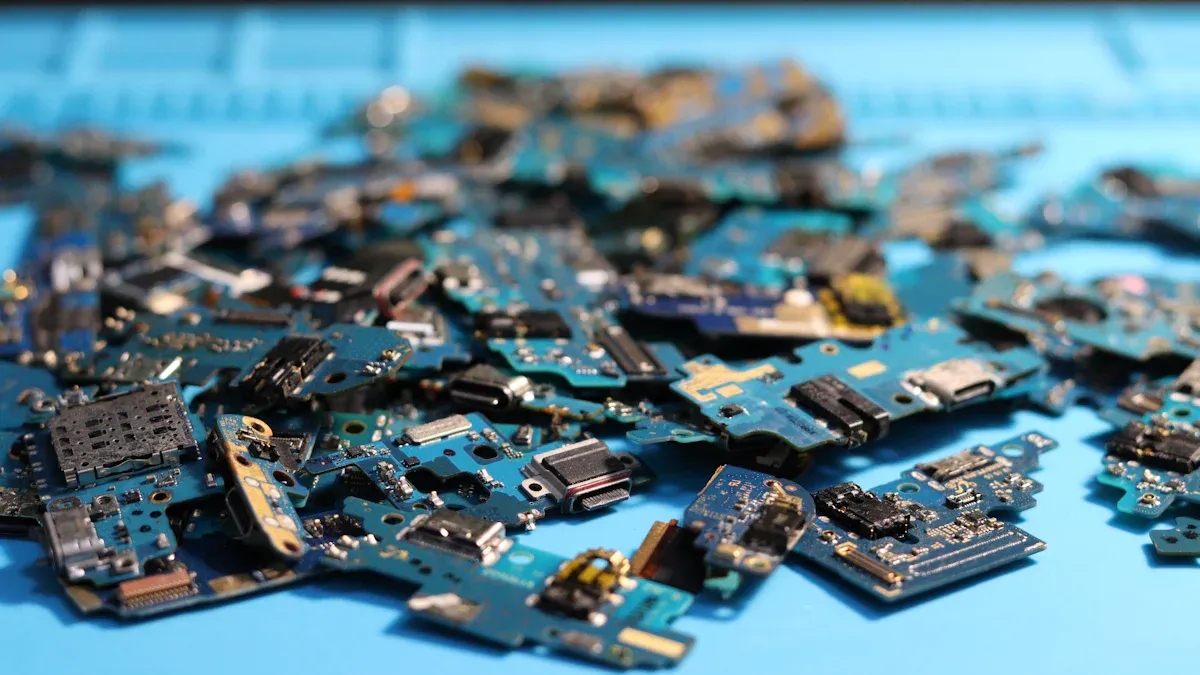
Have you ever wondered why your wireless mouse is so light? The reason is the flexible PCB inside. Flexible PCBs let engineers make shapes that fit your hand. They also help keep the mouse small and light. This makes it easier to use for a long time.
Flexible PCBs work with advanced optical and laser sensors. These sensors help your pointer move where you want.
The small and light design makes the mouse easy to carry. It also feels better in your hand.
Rigid-flex circuit boards let designers fit many parts inside. The mouse does not get big or heavy.
Flexible PCBs help connect different parts inside the mouse. This makes the mouse work better.
Flexible PCBs are important for new wireless mouse designs. You get more comfort and better use. Tracking is more accurate, and new tech fits inside. This gives you a better mouse every time you use it.
Component Selection
Picking the right parts for the PCB is very important. You want your wireless mouse to last and work well. Engineers think about a few things when they choose parts:
They check if the parts fit big factory needs.
They see how the parts work in real life.
They try to keep the price low for you.
Each part changes how your mouse works. Here is a table that shows some key properties and what they do:
Property | Impact on Functionality |
|---|---|
Dielectric Constant (Dk) | Controls the size of the traces and helps keep signals steady. Lower values make signal paths more predictable. |
Dissipation Factor (Df) | Affects how much signal is lost as heat. Lower values help keep signals strong. |
Thermal Expansion | If the parts expand at different rates, the board can crack or break during soldering. Good matching means better durability. |
You also want your mouse to be safe and good for the planet. Engineers follow rules and standards:
IPC-A-600 tells what a good printed circuit board should look like.
RoHS and REACH make sure no harmful stuff is used.
UL 94V-0 means the board does not catch fire easily.
When engineers pick the best parts, your mouse works better and lasts longer. This helps everyone, even people who play games a lot.
Assembly and Quality Control
After engineers design the PCB and pick the parts, they build the mouse. Workers and machines put all the pieces together. Quality control checks happen at every step. This makes sure your mouse works well and lasts a long time.
Here is a table with some main quality control standards used in making mice:
Quality Control Standard | Description |
|---|---|
Underwriters Laboratories UL NOM-019-SCFI-1998 | Safety Standard for electronic devices. |
ISO/IEC 14776-362:2006 | Standard for mouse technology and performance. |
ISO/IEC 15288:2008 | Standard for system life cycle processes. |
FCC Declaration of Conformity | Makes sure the mouse follows communication rules. |
CE Certification Marking | Shows the mouse meets health, safety, and environmental rules. |
Canadian Standards Association Certification | Checks for Canadian safety standards. |
Federal Acquisition Regulations Section 508 | Makes sure the mouse is accessible for everyone. |
United Kingdom Certification Category 3 | Checks for UK safety and performance standards. |
Note: Quality control is not just about safety. It also checks if the mouse feels good in your hand and if all the buttons work right.
These checks help you get a safe and strong mouse. Good building and testing mean you can trust your mouse for work, school, or games.
Materials and Production Trends
Shell Materials
Wireless mice can feel different when you hold them. The shell material changes how comfortable and sturdy your mouse is. Companies use many materials for the shell. Each material has special benefits. Here is a table that lists common materials and what they are good for:
Material | Advantages |
|---|---|
ABS Plastic | Durable, comfortable, provides a non-slip grip. |
Rubber | Enhances grip and comfort, suitable for prolonged use. |
Silicone | Offers a soft touch and comfort, ideal for ergonomic designs. |
Magnesium Alloy | Lightweight, premium quality, better heat dissipation, fast response. |
Traditional Plastic | Cost-effective, widely available, suitable for general use. |
You can pick a mouse that fits what you need. If you want a light mouse for games, magnesium alloy is a good choice. If you want comfort for long use, silicone or rubber may be best.
Automated Assembly
Factories use machines to build wireless mice fast and well. Automated assembly lines help companies make more mice quickly. This also helps keep the quality high. Here is a table that shows how different machines help in making mice:
Automation Technology | Role in Production Efficiency and Consistency |
|---|---|
Robotic Arms | Assemble and package parts, increasing speed and precision. |
Automated Testing | Checks if each mouse works, improving quality control. |
IoT | Monitors the process in real time, fixing problems fast. |
Big Data | Analyzes data to make production better over time. |
You get a mouse that works well because of these smart systems. Automated testing checks every button and sensor before the mouse leaves the factory.
Sustainability and Future Trends
Many companies care about the planet. They use recyclable materials and energy-saving parts. They also make eco-friendly packaging. Many wireless mice now have rechargeable or replaceable batteries to cut down on waste.
About 39% of new wireless mice use eco-friendly materials.
Around 29% of brands use packaging that is better for the environment.
Companies make luxury ergonomic designs for more comfort.
Wireless models now make up 58% of global shipments, showing strong market growth.
You will see more green products soon. As factories grow in Asia Pacific, companies find ways to make more mice while keeping costs low and quality high.
You get help from wireless mice with comfy shapes, smart sensors, and good building methods. These things make it easier for you to work and play. You feel less tired and can use the mouse for a long time.
Ergonomic design keeps your hand in a natural position. It helps stop pain and makes using the mouse easier.
Advanced sensors and software let you change settings. This gives you better control when you use the mouse.
New ways to build and new materials make the mouse last longer. They also help the battery work better.
You will find more wireless mice with smart options and ways to change them. As more people buy these mice, companies make new designs that match what you want and follow new styles.
FAQ
How do you connect a wireless mouse to your computer?
You need to plug in the USB receiver or turn on Bluetooth. Press the connect button on your mouse. Your computer will find the mouse. Pick the mouse from the device list. Now your mouse is ready to use.
Why does your wireless mouse sometimes lag or disconnect?
The battery might be low. Other devices can cause interference. Old drivers may also be the problem. You can charge your mouse. Move other electronics away. Update your drivers to fix these issues.
What is the difference between RF and Bluetooth wireless mice?
| Feature | RF Mouse uses a USB dongle. It works up to 10 meters. Power use is moderate. | Bluetooth Mouse uses built-in Bluetooth. It works up to 10 meters. Power use is low. |
How long does a wireless mouse battery last?
Most wireless mice work for weeks or months before you need to charge or change the battery. Battery life depends on how much you use it, the sensor type, and the battery size.
Can you use a wireless mouse for gaming?
You can use a wireless mouse for gaming. Many models have fast response times and high DPI. Some have extra buttons. You get smooth tracking and comfort for long play sessions.