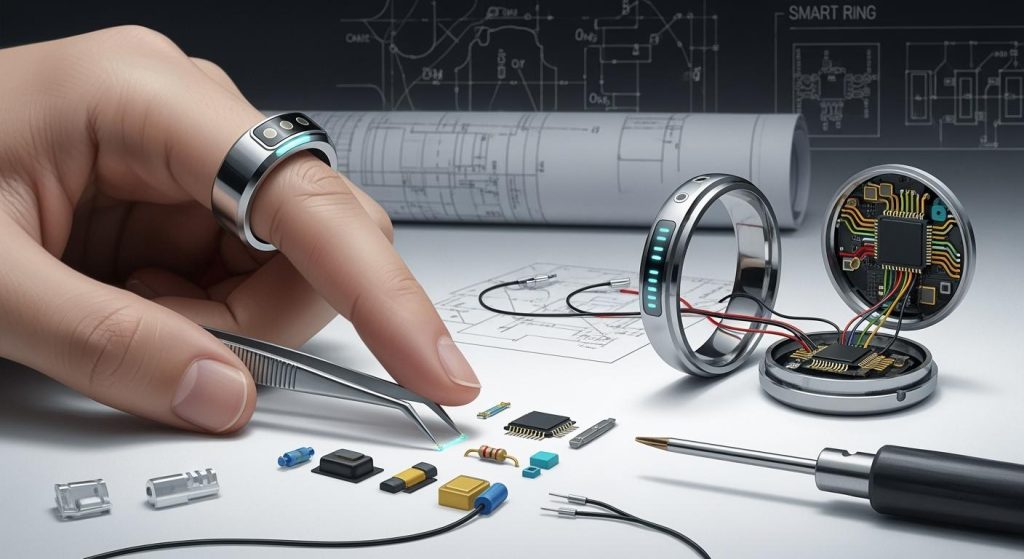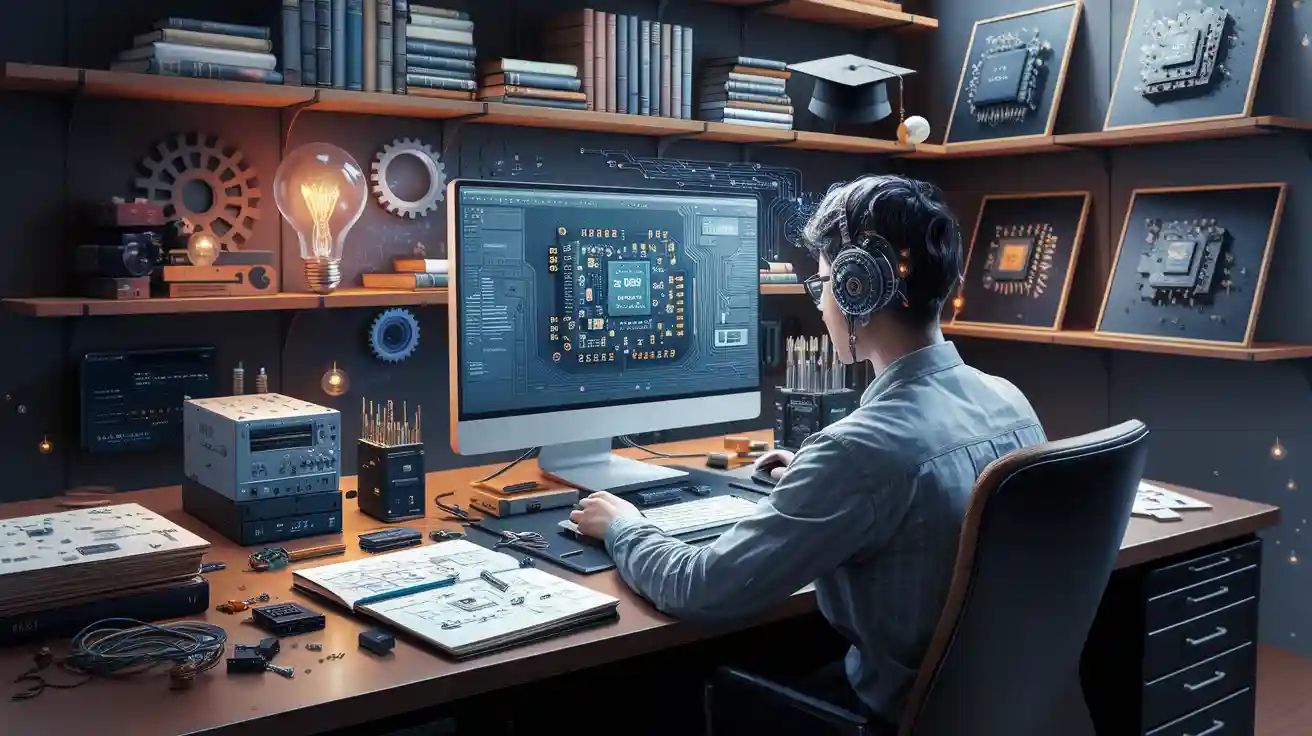
You can start a pcb designer job in 2025 by learning what a pcb designer does and building strong technical skills. Try the best ways to become a pcb designer, such as practicing with design tools and working on real projects. Companies need people for this job, so you will find many options, including remote work. Becoming a pcb designer opens doors to creative and stable work.
Key Takeaways
Learn what a PCB designer does and why making circuit board layouts with design software matters.
Get good at using tools like Altium Designer and KiCad, and work on real projects to practice.
Work on soft skills like paying attention to details, talking clearly, solving problems, and managing your time to do well.
Make a portfolio that shows your best designs to get noticed by employers and find jobs.
Keep learning about new trends, join online groups, and meet new people to help your career and find job leads.
PCB Designer Job Overview
Main Responsibilities
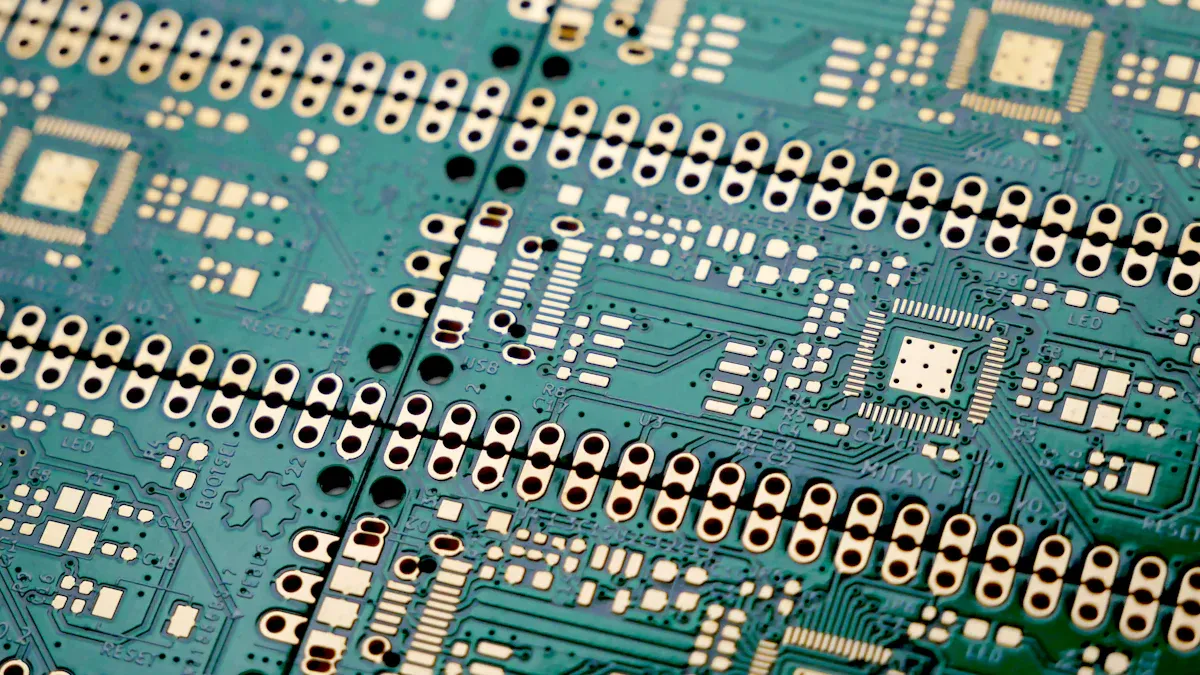
In this job, you help make printed circuit boards. These boards are very important for electronics. You draw where the electrical signals will go. You also put the parts in the right places. You use special computer programs to do this work. You check your designs to make sure they are safe and work well. You talk with engineers and other people to fix problems. You look at designs again to find mistakes before making the boards. This job lets you help turn ideas into real things.
Typical Work Settings
You can work as a pcb designer in many places. Some people work in offices with teams. Others work from home or as freelancers. You might see job names like PCB Designer or PCB Layout Engineer. Many fields need pcb designers, like electronics, cars, planes, and medical tools. You may work on small or big projects. Some jobs let you do one part of the design. Other jobs let you do the whole thing. You use computers and design programs every day. Your work place can change depending on the company and project.
Skills and Qualifications
Education and Training
You can start your journey in pcb design with different types of education. Many people choose to get a college degree in electrical engineering or a related field. This path gives you a strong base in electronics and design. Some companies look for a degree, but you can also learn through hands-on training or technical schools. Many successful designers start with online courses or self-study. You can build your skills by working on small projects at home. If you enjoy solving problems and working with technology, you can find a way to enter this field. Both degree and non-degree paths can help you become a pcb designer.
Technical Skills
You need strong technical skills to work in pcb design. You will use special software every day. Some of the most popular tools include Altium Designer, OrCAD, and other EDA or CAD programs. These tools help you draw and test your circuit boards on a computer. You must understand how to place parts, route signals, and check your work for errors. High-speed design is also important. This means you know how to design boards that work well at fast speeds. You should learn about electronics, circuit theory, and how to read schematics. Practice using these tools and skills will make you better at your job.
Tip: Try to use different design tools and work on real projects. This will help you learn faster and show your skills to employers.
Soft Skills
Technical skills are important, but soft skills help you stand out. You need strong attention to detail. Small mistakes can cause big problems in pcb design. Good communication helps you work with engineers and other team members. You must explain your ideas clearly and listen to feedback. Problem-solving is key. You will face challenges and need to find smart solutions. Time management helps you finish projects on schedule. Being open to learning new things will help you grow in your career. These soft skills make you a better team member and help you succeed in becoming a pcb designer.
Learning and Certification Paths
Degrees and Courses
You can start your journey as a PCB designer by choosing a degree or a course. Many colleges offer programs in electrical engineering or electronics. These programs teach you the basics of circuits and design. Some schools have special classes for printed circuit boards. If you want a faster path, you can look for the best courses for pcb design. These courses often focus on real-world skills. You will learn how to use design software and work on projects. Some courses last a few weeks, while others take longer. You can pick what fits your schedule and goals.
Online Resources
You have many ways to learn pcb design online. Many websites offer free and paid lessons. You can watch video tutorials, read guides, or join online forums. Some platforms let you practice with design tools in your browser. You can also find sample projects to try at home. Online communities help you ask questions and get feedback. If you get stuck, you can search for answers or join a group chat. These resources help you learn at your own pace.
Tip: Try to join online groups or forums. You can meet other learners and share your progress.
Certifications
Certifications show employers that you have real skills. Many companies look for designers with proof of training. You can earn certificates from online courses or industry groups. Some certificates focus on using certain software, like Altium Designer or OrCAD. Others test your knowledge of design rules and safety. You can add these certificates to your resume or LinkedIn profile. This helps you stand out when you apply for jobs.
PCB Design Tools
Popular Software
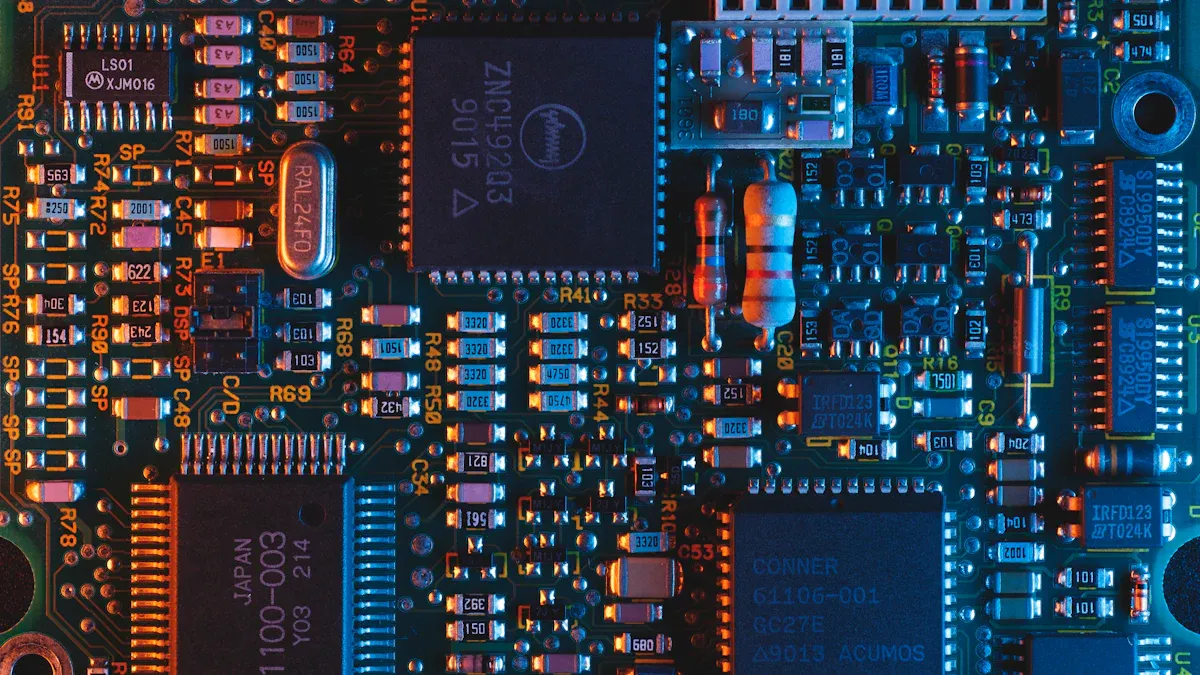
You need to use the right tools to succeed in pcb design. Many companies look for designers who know the most popular software. Here are some of the top choices:
Altium Designer: Many professionals use this tool. It helps you create and test your circuit boards. You can also check your work for errors.
OrCAD: This software is great for drawing circuits and making layouts. You can use it for both simple and complex boards.
Eagle: Many beginners start with Eagle. It has a simple interface and lots of online support.
KiCad: This is a free tool. You can use it for personal or small business projects. Many people like it because it costs nothing.
Mentor Graphics PADS: Large companies often use this tool for advanced pcb design.
Tip: Try out different software. You will learn which one fits your style and project needs.
Industry Trends
The world of pcb design changes fast. You need to keep up with new trends to stay ahead. Many companies now use cloud-based tools. These let you work with teams from anywhere. You may also see more use of artificial intelligence. AI can help you find errors and suggest better layouts. Boards are getting smaller and more complex. You must learn how to design for high-speed signals and tight spaces. Many jobs now ask for skills in 3D modeling. This helps you see how your board fits inside a product.
Trend | Why It Matters |
|---|---|
Cloud-based design | Work with teams worldwide |
AI in design | Faster error checking |
Smaller boards | More tech in less space |
3D modeling | Better product fit |
Stay curious and keep learning. You will find many new tools and trends in pcb design every year.
Gaining Experience
Projects and Portfolio
You build your skills by working on real projects. Start with simple circuit boards at home. Try to design a small LED light or a basic sensor board. Each project helps you learn new things. Save your best work in a portfolio. A good portfolio shows your growth and creativity. You can use photos, screenshots, and short notes to explain your designs. Employers want to see your pcb design experience. They look for clear examples of your work. A strong portfolio helps you stand out.
Tip: Share your projects on websites like GitHub or personal blogs. This makes it easy for others to see your progress.
Internships and Entry-Level Roles
You gain valuable experience by joining internships or entry-level jobs. Many companies offer summer internships for students or beginners. These roles let you work with real teams and learn from experts. You get to use professional tools and see how projects move from start to finish. Entry-level jobs often give you simple tasks at first. As you learn, you take on bigger challenges. You build confidence and learn how to solve problems in real work settings.
Opportunity | What You Learn |
|---|---|
Internship | Teamwork, tools, workflow |
Entry-Level Job | Real projects, feedback |
Freelance and Remote Work
You can also gain experience by working as a freelancer or remote designer. Many companies hire people online for short-term projects. You find these jobs on websites like Upwork or Freelancer. Freelance work lets you choose your projects and set your schedule. Remote work gives you a chance to work with teams from different places. Each project adds to your experience and helps you grow your skills.
Note: Always ask for feedback from clients. Good reviews help you get more jobs in the future.
Finding a PCB Designer Job
Job Search Platforms
You can find many pcb designer jobs online. Companies post jobs on popular websites. You should check these sites often to see new openings. Here are some of the best places to look:
Indeed: This site lists many jobs for pcb designers. You can search by location or job type.
LinkedIn: You can find jobs and connect with people who work in pcb design. Many companies post jobs here first.
Glassdoor: This site lets you read reviews about companies. You can also see salary information.
Upwork: You can find freelance pcb design projects here. Many people start with small jobs to build experience.
ZipRecruiter: This site sends you job alerts. You can set up your profile and get matched with jobs.
You will see different types of jobs. Some jobs are for beginners. Other jobs need more experience. You can find full-time, part-time, remote, and freelance roles. Many companies now offer remote work, so you can work from home.
Tip: Set up job alerts on these platforms. You will get emails when new pcb designer jobs appear.
Resume and Interview Tips
You need a strong resume to get noticed. Show your skills and experience clearly. Use simple words and short sentences. List the design tools you know, like Altium Designer or OrCAD. Add your best projects to your resume. If you have a portfolio, share the link. Employers want to see real examples of your work.
Here are some tips for your resume:
Start with your contact information.
Write a short summary about your skills.
List your education and training.
Show your technical skills and software knowledge.
Add your work experience or projects.
Include any certifications you have.
When you get an interview, prepare well. Practice talking about your projects. Be ready to explain how you solve problems. Show that you pay attention to details. Listen carefully to questions and answer clearly. If you do not know an answer, say how you would find the solution.
Note: Bring a copy of your portfolio to the interview. You can use it to show your designs and explain your process.
Salary Insights
PCB designer salaries can change based on many things. Your pay depends on where you live, your experience, and the company you work for. Entry-level jobs pay less, but you can earn more as you gain skills.
Here is a simple table to help you understand salary ranges:
Job Level | Salary Range (USD/year) | Notes |
|---|---|---|
Entry-Level | $50,000 – $70,000 | For beginners |
Mid-Level | $70,000 – $90,000 | Some experience needed |
Senior/Lead | $90,000 – $120,000+ | Many years of experience |
Freelance/Remote | Varies | Pay per project or hour |
Big cities often pay more. Some companies offer bonuses or extra benefits. If you work as a freelancer, your pay depends on the project and your skills. You can earn more if you have special skills or certifications.
Tip: Research salaries in your area before you accept a job offer. This helps you know your value.
If you want more tips for getting into pcb design, talk to people who work in the field. They can share advice and help you find good job leads.
Career Growth
Professional Development
You can grow your career as a PCB designer by always learning new things. Technology changes fast. You need to keep your skills up to date. Try to read articles about new design methods. Watch video tutorials on advanced PCB tools. Many companies offer workshops or training sessions. You can join these to learn from experts.
Set goals for yourself. For example, you can aim to master a new design software each year. You can also try to get advanced certifications. These show employers that you take your job seriously. If you want to move up, ask for feedback from your team. Use this advice to improve your work.
Tip: Keep a learning journal. Write down what you learn each week. This helps you see your progress and plan your next steps.
Here are some ways to keep growing:
Attend webinars or online classes.
Read industry magazines or blogs.
Practice new design techniques on small projects.
Ask a mentor for advice.
Industry Networking
Building a strong network helps you find new jobs and learn from others. You can join online groups for PCB designers. Many people share tips, job leads, and project ideas in these groups. LinkedIn has many groups for electronics and PCB design. You can also join local meetups or workshops.
Try to talk with other designers at events. Ask questions and share your own ideas. You can learn a lot from people with more experience. Sometimes, a simple chat can lead to a new job or project.
Networking Activity | Benefit |
|---|---|
Join online forums | Get answers and share ideas |
Attend local meetups | Meet people in your area |
Connect on LinkedIn | Find job leads and mentors |
Note: Always be polite and helpful in your network. People remember those who support others.
To start your career as a PCB designer in 2025, follow these steps:
Learn what a PCB designer does.
Build your technical and soft skills.
Practice with design tools and real projects.
Create a strong portfolio.
Search for jobs and connect with others in the field.
Keep learning and stay curious. New trends appear every year. Take your first step today—your future in PCB design starts now!
FAQ
What does a PCB designer do every day?
You create circuit board layouts using design software. You check your work for errors. You talk with engineers to solve problems. You update designs when needed. You help turn ideas into working products.
Do I need a college degree to become a PCB designer?
You do not always need a college degree. Many people learn through online courses or technical schools. Some companies prefer a degree, but you can show your skills with a strong portfolio and certifications.
Which software should I learn first for PCB design?
Start with Altium Designer or KiCad. Both are popular and have many tutorials online. Altium is common in companies. KiCad is free and good for beginners. Practice with real projects to build your skills.
Can I work from home as a PCB designer?
Yes, many companies offer remote jobs. You can also find freelance projects online. Good internet and strong communication skills help you succeed when working from home.
How can I show my PCB design skills to employers?
Build a portfolio with your best projects. Add screenshots, notes, and links to your designs. Share your work on GitHub or a personal website. Employers want to see real examples of your skills.