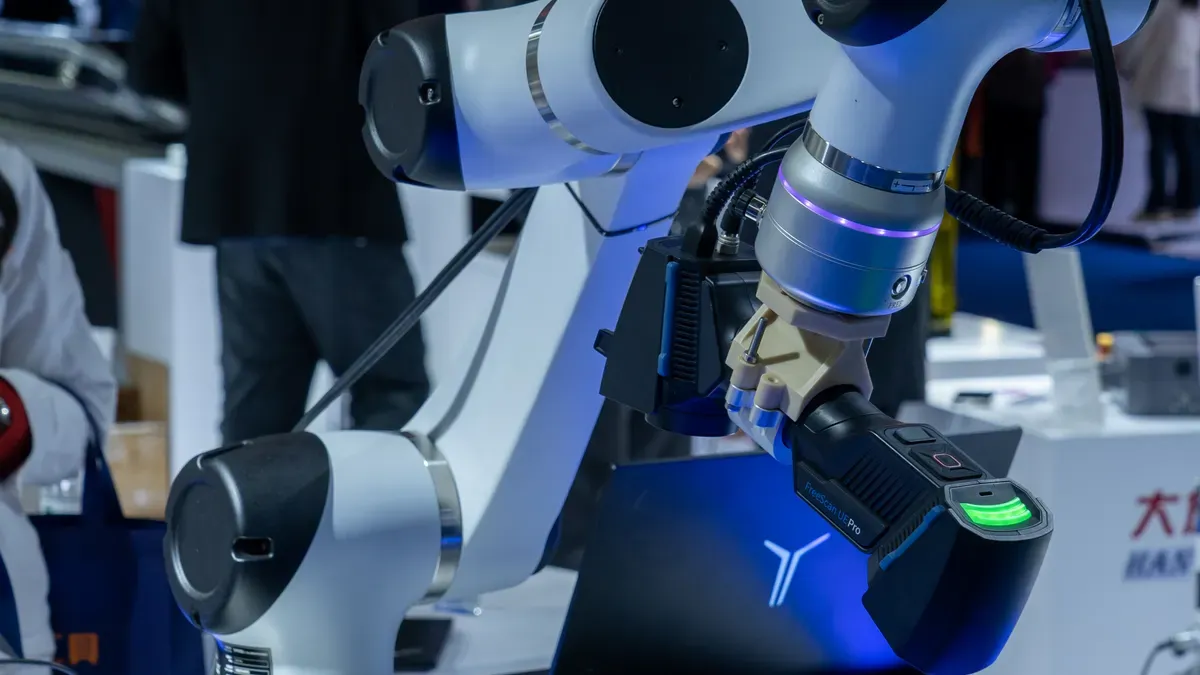
You need clear lenses and fast speeds for business VR equipment.
This leader guide looks at VR in factory work. It helps make engineering tasks much easier. You must balance computer power and movement tracking. You also need good sensor setups. Strong VR gear cuts worker practice time a lot. Running key VR programs takes a good plan. This plan boosts factory output. Dependable VR tools stop blurry screens during practice. Smart gear design speeds up heavy factory work. It also helps modern factory lines run smoothly.
Key Takeaways
Direct cables give clear graphics for detailed CAD checks.
High screen resolution stops eye strain. It shows small defects clearly.
Laser tracking systems give exact measurements. They help factory simulations.
Fast refresh rates stop motion sickness. Low delay helps too.
Strict device management protects secret company files on headsets.
Compute Architecture for Virtual Reality CAD Workflows
Pick the right compute architecture now. Fast virtual reality workflows need it. Big CAD models use heavy power. They draw millions of shapes live. Factories need clear visual fidelity. Clear views speed up engineering tasks. Learn how processing setups work. They change your engineering performance. They affect virtual reality deployments too.
Tethered DisplayPort Architectures for Heavy CAD
Cables link hardware to enterprise workstations. Direct cables give huge graphics power. They run tough simulation tasks easily. Render huge datasets without losing frames. No visual delay will show up. Choose modular vr systems components now. They keep data moving very fast.
Cables keep your visual quality high. Read this table for CAD workflows:
Connection Type | Transmission Characteristics | Impact on CAD Design Accuracy |
|---|---|---|
Uncompressed Tethered DisplayPort | Raw signal uses native resolution and GPU | Keeps accuracy for small CAD overlay details |
Compressed USB-C Display Stream | Codecs compress video with low bandwidth | Lower clarity hurts your visual accuracy |
Engineers need clean uncompressed video signals. They check tiny surface details well. Top vr engineering tools need cables. Cables run real-time physics calculations smoothly. Deploy vr headsets to inspect machines. You lose zero visual quality. VR setups need steady frame rates. Fast speeds keep spatial realism high.
Tip: Use direct cable setups today. Help staff check models on assemblies.
Standalone Mobile SoCs and Thermal Constraints
Standalone headsets hold mobile chips inside. They include memory and battery units. These standalone units remove annoying wires. Workers move freely across shop floors. Wires will not stop operational reviews.
Mobile chips have real hardware limits. Tough engineering tasks create big heat. Small headset cases trap this heat. Thermal throttling slows down your processors. Heat builds during long simulation runs. Manage heat limits to stay smooth. Standalone units suit simple industrial applications. They run lightweight augmented reality tasks. They also handle mixed reality overlays. This vr platform handles graphics locally. It keeps your workers moving fast.
Hybrid Edge Streaming over Wi-Fi 6E and 5G
Hybrid edge streaming brings mobile freedom. It adds deep server-class graphics rendering. Edge servers render complex 3D scenes. They stream high-definition video over networks. Wi-Fi 6E and private 5G help. They send data with low delay.
This hybrid model helps collaborative design. Teams build prototyping across many plants. Specialists check digital twins together today. They work from totally different rooms. Enable great remote collaboration for teams. Local servers handle heavy graphics rendering. A dedicated vr router cleans signals. It works well on shop floors. Boost your vr deployment speed today. Use smart cloud rendering options.
Hardware tuning drops delay times fast. It extends overall battery life too. Engineers mix physical parts with virtual content. They use strong augmented reality features. Staff uses mixed reality simulation software. They check factory layouts very safely. Advanced vr environments help your technicians. They find bad structural defects quickly. Every vr display cuts user eyestrain. Staff works comfortably during long sessions. This setup helps collaborative workspace setups. Good enterprise vr equipment brings success. It lifts manufacturing operations every day. It boosts total engineering productivity too.
Optical Display Systems and Visual Clarity

Screen hardware shapes work success. Good screens show clear lines. Text looks sharp to workers. Modern virtual reality screens need high brightness. They show very clean images.
Micro-OLED vs Fast-LCD Panel Performance
Choose your main screen type now. Micro-OLED screens light up single pixels. They show deep contrast for CAD. Fast-LCD panels cost much less money. They offer bright backlights instead. Fast screens cut down motion blur. Quick response stops annoying ghosting effects. High contrast reveals tiny dark defects.
Angular Resolution and PPD for Technical Inspection
Basic screens miss fine surface cracks. Inspection tasks need dense pixel setups. Human eyes require strong resolution numbers:
Visual Acuity Benchmark / Threshold | Angular Measurement | Equivalent Resolution (PPD) |
|---|---|---|
Standard 20/20 Vision | 1 minute of arc | 60 PPD |
Peak Human Visual Acuity Limit | 0.47 arc minutes (28 arc seconds) | 128 PPD |
Most humans see at 94 PPD. Perfect vision needs 128 PPD. VR optics match human eye limits. Dense pixels show tiny details clearly.
Field of View and Interpupillary Distance Mechanisms
Wide lenses boost side vision naturally. Good lens positioning prevents eye strain.
Tip: Buy headsets with motorized lenses today. They keep optics aligned for shifts.
Motorized parts move lenses for users. Manual sliders create bad blurry views. Proper alignment keeps images very sharp. Correct setup stops motion sickness fast. VR headsets save custom user profiles. Fast setup saves valuable work time. High clarity raises your VR ROI. Great lens design keeps workers comfortable.
Industrial VR Tracking and Motion Sensors

Exact motion tracking hardware works well. It turns simple virtual reality tools into reliable vr equipment. You need good tracking sensors. Use them for every key industrial process simulation.
Inside-Out Camera Arrays and Sensor Fusion
Inside-out tracking uses small cameras. These optical cameras sit on vr headsets. Fast units send rapid movement data. Local processors get this data quickly. Smart algorithms merge visual data instantly. They also combine physical data streams fast. Smooth hardware integration helps engineering teams. They build interactive 3D models easily. These models have tiny position errors.
New vr gear needs smart hardware integration. This keeps absolute positional stability high. Camera arrays track physical spaces well. They do not need outside base stations. Your engineering specialists work very quickly. They do interactive task simulation on floors. Smooth tracking feeds clear movement data. It helps your training workflows run well. Fast integration of spatial controllers helps. It improves hands-on engineering training every day.
Outside-In Lighthouse Tracking for Precision
Tip: Pick special vr units with laser emitters. Put them around fixed work cells today. They give fast spatial measurements now.
Outside-in systems use fixed laser stations. They sweep light across a set space. Sensors on vr hardware catch light pulses. They quickly find exact user locations. Complex digital twin simulation tasks need this. They require very high tracking accuracy.
Tracking Method | Primary Hardware Requirement | Best Use Case |
|---|---|---|
Inside-Out | Onboard cameras and sensors | Flexible worker movement |
Outside-In | External laser base stations | High-precision engineering simulation |
Exact spatial tracking builds better skills. It helps workers during safety training. Smart vr system design supports good programs. It helps engineering assessment training work well. You improve vr performance very fast. Workers use delicate tools in technical training.
Mitigating Factory Floor Interference
Factory floors create huge physical problems. They disrupt optical cameras and tracking systems. Shiny metal parts reflect bright room lights. Big electric motors make strong magnetic fields.
Add polarizing filters to optical cameras fast. They cut down annoying bright glare.
Use smart sensor software today. It changes camera gain levels automatically.
Add multi-sensor fusion boards now. They fix local magnetic field problems.
Custom sensor design saves tracking tools. It keeps systems running on shop floors. These hardware upgrades give great stability. They help all enterprise vr applications daily.
Haptics, Latency, and Physiological Ergonomics
Haptic Feedback Devices for Hands-On Operations
Touch tools turn virtual reality into a real asset. Use strong force-feedback gloves now. Active actuators give instant touch resistance. Workers feel real pressure from digital parts. Precise hardware lets staff practice hard steps safely. Hands-on procedure simulation builds strong muscle memory. Clear touch cues improve high-precision task training.
VR Frame Rates and Latency Limits
High frame rates stop physical pain fast. Keep frame delivery well above 90Hz today. Total motion-to-photon delay stays under 20 milliseconds. This rule stops ugly simulator sickness fast. Low delay numbers keep movement feeling natural. Match screen refresh rates with tracking speeds. Fast systems keep teams focused on assembly. Quick rendering supports your total VR deployment.
Ergonomics and Vestibular Fatigue Mitigation
Even weight distribution stops bad neck strain. Balance front optics with rear batteries evenly. Active cooling fans stop dark lens fogging. Use clean interface pads for shift changes.
Tip: Set high hardware standards for factory comfort. Balanced VR headsets cut user strain fast.
Smooth software tracking stops weird camera jumps. Limit side vision flow to stop disorientation. Smart visual hardware stops sudden vestibular fatigue. Sensor setups boost spatial accuracy inside work cells. Stable screens drive better safety results daily. Good hardware supports quick VR training steps. Great comfort helps staff share quick updates. Modern displays stop annoying eye fatigue now. Upgraded hardware brings long-term comfort to teams. This custom VR ROI solution keeps focus high. Smart ergonomics drive steady work performance daily. True simulation raises overall worker retention rates. Structured training builds critical skills much faster. Continuous practice creates high factory output. Lighter hardware gives far better training results.
Procuring Industrial VR Equipment
Total Cost of Ownership and Lifecycle Management
Every CTO calculates total costs first. You buy strong VR gear. It helps your plant work well. Teams need good VR tools. Long shifts require durable gear. Good plans guide future tech choices. A smart roadmap helps long investments.
You create easy software update steps. Good hardware setups update fast. Safe practices reduce factory accidents. Quick assembly practice boosts worker output. Techs learn fast in virtual rooms. Practice builds good muscle memory.
Expense Category | Management Focus | Impact on Production |
|---|---|---|
Hardware Purchasing | Ruggedized headset selection | Supports daily factory training |
Maintenance & Parts | Battery swap systems | Prevents delays during skill training |
Teams track metrics to measure ROI. Quick work gives strong plant ROI.
Device Management and Enterprise Security
Every CTO locks down 3D models. IT teams send VR tools worldwide. Field techs use AR overlays. Supervisors check machines with AR guides.
You add MR tools for repairs. Techs use MR views on lines. Staff run VR apps for checks. These uses help modern plants greatly.
Tip: Implement strict device policy controls today. Encrypt all local CAD files on remote headsets to safeguard corporate data.
Engineers build custom VR practice tasks. New hires start VR training early. Leads run interactive VR lessons weekly. Staff practice emergency VR drills safely. This VR setup builds skills fast. Mobile VR gear saves encrypted data. Remote VR gear needs safe logins. Safe VR management protects company secrets. Your team creates great factory results.
Think like a CTO now. Check computer power, lenses, tracking, touch, and fit before buying VR tools.
The right VR gear changes heavy factory work fast. Smart VR sensors give your team safer learning tools. Low delay keeps workers clear-headed during hard VR lessons. Good hardware design cuts stress. It brings strong money returns too. Interactive VR tasks help your team build real hands-on skills. A solid hardware plan leads your team to long training wins.
FAQ
How does virtual equipment accelerate worker onboarding?
VR gives real practice for hard building jobs. Workers practice dangerous tasks very safely. They do not stop real factory work. Fun practice builds muscle memory fast. It cuts learning time a lot.
Which tracking method fits heavy manufacturing environments best?
Outside laser tracking gives super exact spatial measurements. It helps with tiny detail inspections. Inside cameras allow free worker movement instead. They suit big open floor spaces well.
How do you stop motion sickness during long VR sessions?
Keep screen refresh rates fast and high.
Good weight balance stops bad head strain. Small fans stop lens fogging during work. This helps workers stay very comfortable.
Why do enterprise teams need specialized VR hardware?
Industrial gear cools small mobile chips fast. Clean face pads support long work shifts. Strong encryption locks up sensitive files well. Tough parts protect your private business secrets.