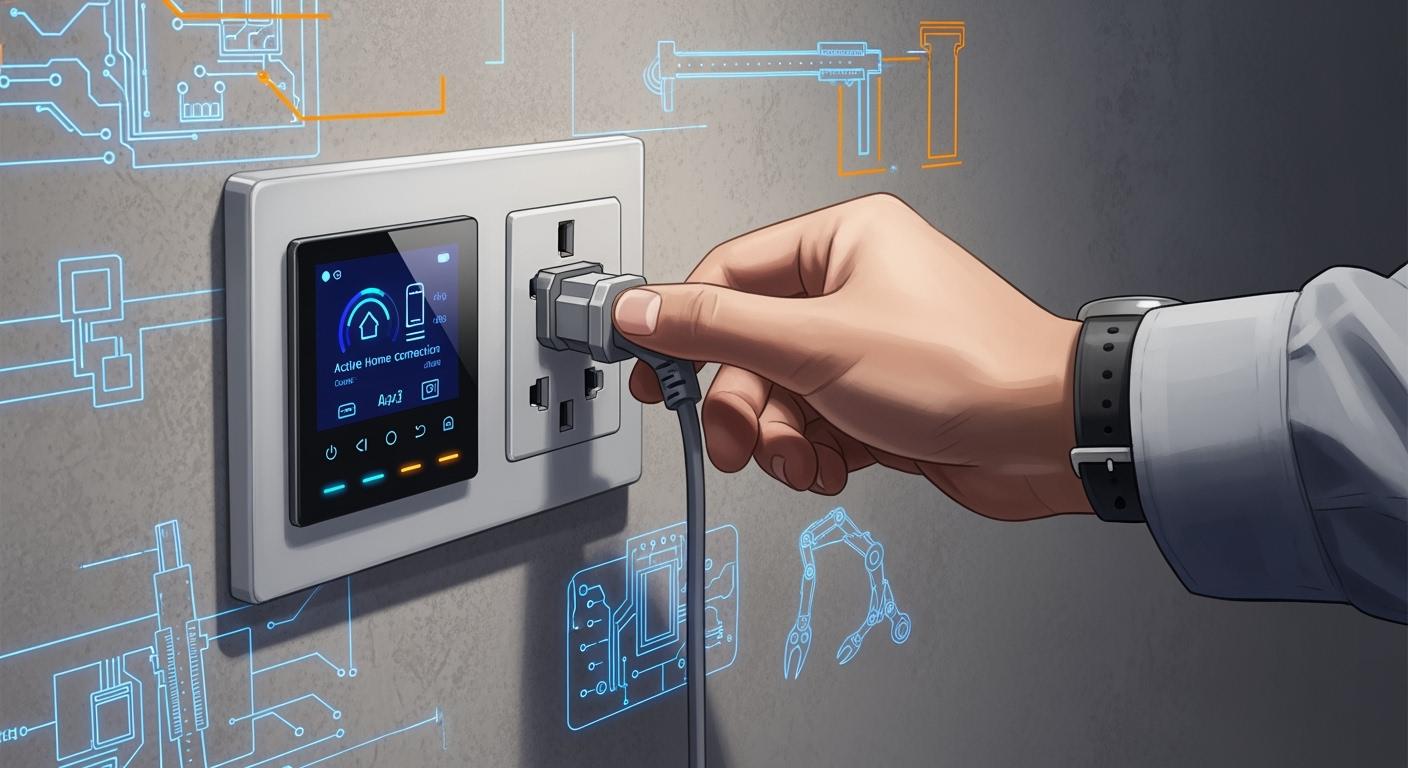
You use Smart Sockets to save energy and make your home safer. Designers add IoT features so you can control devices from your phone. Safety improvements protect you from electrical problems. The market for these sockets keeps growing. In 2024, the global market size reached $1.61 billion. By 2033, it may hit $4.94 billion.
Year | Market Size (USD) | CAGR (%) |
|---|---|---|
2024 | 1.61 billion | N/A |
2025 | 1.83 billion | N/A |
2033 | 4.94 billion | 13.2 |
IoT sensors help you check energy use in real time. You get alerts when something goes wrong. Smart Sockets also help you use electricity during cheaper hours and fix problems before they get big.
Key Takeaways
Smart Sockets help save energy and make homes safer. You can control devices from far away using mobile apps.
Check for safety certifications like ETL, CE, and FCC before you buy Smart Sockets. These show the product is safe and works well.
Pick Smart Sockets that work with your smart home systems. This makes everything easier to use together.
Manufacturers test and check Smart Sockets often. This helps make sure they are safe and work right.
Smart Sockets can lower your energy costs a lot. You might save up to 30% on your electricity bills.
Smart Sockets Requirements
User Needs
Smart Sockets help you save energy and make life simple. Many people want sockets with easy apps for their phones. You can turn devices on or off from anywhere. If you use smart home systems, you want your sockets to work with them. You also want to check how much energy each device uses. Automation lets you set times for devices to turn on or off. These tools help you spend less money and stop wasting power.
Easy-to-use mobile applications
Advanced energy monitoring
Automation and scheduling
Smart electric sockets have features that let you set times for appliances, check energy use, and control things from far away. Using a phone app helps you save energy and makes sure you do not leave things plugged in when you do not need them.
Safety Standards
Smart Sockets must keep you safe at home. Makers have to follow important safety rules. Sockets need to pass tests and get special marks before you use them. These marks show the socket is safe and good for the environment in different places.
ETL Certification for North America
CE Certification for Europe
FCC Certification for the United States
ROHS Certification for global environmental safety
SAA Certification for Australia
SANS-168 Certification for South Africa
KC Certification for Korea
You should look for these marks when you buy a socket. They help stop overheating and other problems. Good brands also keep your data safe from hackers.
Feature Objectives
Smart Sockets do more than just turn things on and off. They protect your data and keep your home safe. You can see reports about how much energy you use. Voice assistants let you control things by talking. You can spot problems fast with real-time checks. Wireless updates help your sockets stay up to date.
Feature | Description |
|---|---|
Connectivity Options | Wireless ways to connect and update for better use. |
Energy Monitoring Capabilities | Real-time checks and energy tracking to help you see your use. |
User Interface Design | Phone app control and works with home automation. |
Security Protocols | Data protection and safety steps to keep your info safe. |
Integration with Smart Home | Works with voice helpers and smart home systems. |
Smart Sockets help you use energy in a smart way. You can set devices to run when power is cheaper. Studies say smart home tech can lower energy use by up to 30%. These sockets make your home safer and help you save energy.
Design and PCB Development
System Architecture
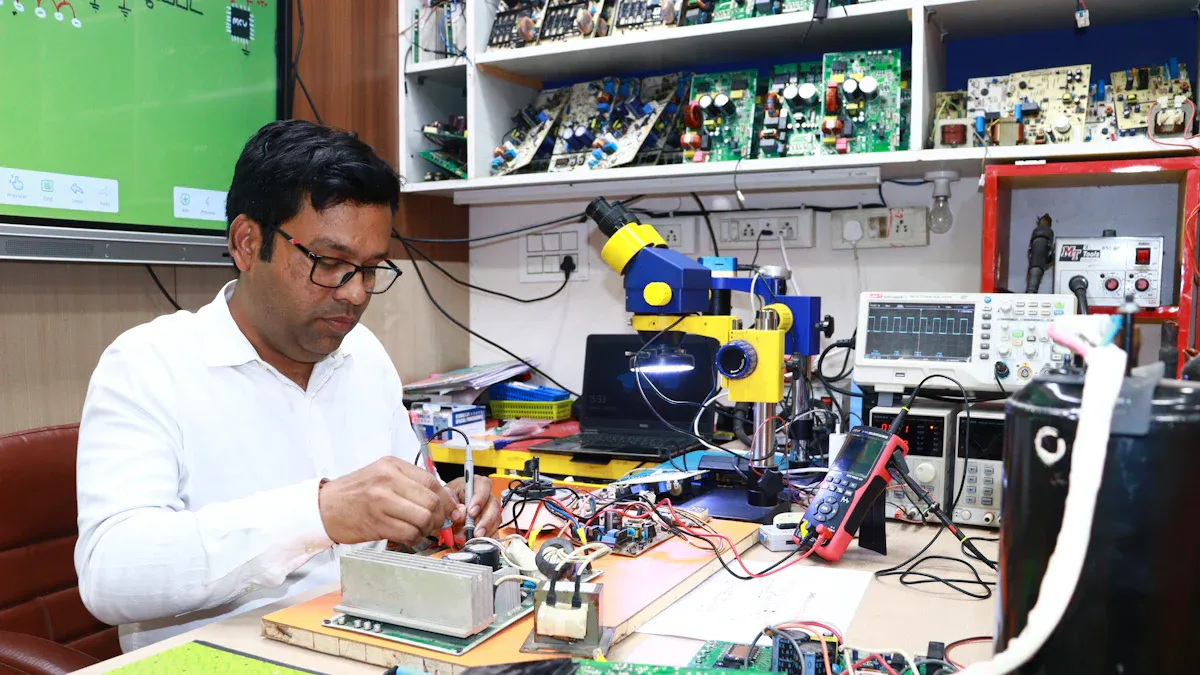
You start with the system architecture when you design Smart Sockets. This step helps you decide how each part will work together. You need to make sure your socket is reliable and safe. You also want it to connect well with your smart home system. Security is important because you do not want anyone to control your devices without permission. You must follow rules and test your design to meet safety standards.
Here is a table that shows the main parts of a Smart Socket and what they do:
Component | Function |
|---|---|
Control Circuit | Manages the operation of connected devices. Lets you turn things on or off from your phone. |
Power Module | Changes high voltage from the wall to a lower voltage for the microcontroller and other parts. |
Measurement Circuit | Checks how much power you use. Sends this data to your app so you can track energy use. |
You need to pay attention to both hardware and software. You must choose the right parts and test them. You want your Smart Socket to work well with voice assistants and other smart devices. You may use Wi-Fi, Zigbee, or Z-Wave for wireless connections. Each option has benefits. Wi-Fi is easy to use. Zigbee and Z-Wave work better in large homes but need a hub.
Tip: Always check if your Smart Socket works with your smart home system. This makes setup easier and improves your experience.
Component Selection
You must pick the right components for your Smart Socket. Good choices help your socket last longer and work better. You want parts that support wireless connections and save energy. Here are some things to think about:
Smart plugs with Wi-Fi let you control devices from your phone or with your voice.
Zigbee and Z-Wave need a hub but can make your system more reliable, especially in big homes.
Energy monitoring chips help you see how much power you use. This helps you save money and energy.
You should choose parts from trusted brands. This helps your socket work well with other smart devices. If you use devices from the same brand, you may get better performance. Make sure your socket can connect with systems like Amazon Alexa or Google Assistant. This makes your smart home easier to use.
PCB Design
You need a good PCB design to make your Smart Socket safe and reliable. The PCB is the board that holds all the electronic parts. You must place each part in the right spot. This helps your socket work well and makes it easier to build.
Here are some best practices for PCB design:
Best Practice | Description |
|---|---|
Component Placement | Put parts in smart locations for better performance and easier manufacturing. |
Ground Planes | Use ground planes next to signal layers to stop interference. |
Thermal Routing | Add thermal vias and copper pours to help manage heat. |
You should follow these steps:
Lay out the board carefully and keep good records.
Design for easy manufacturing to improve quality.
Use passive thermal routing to keep your socket cool.
You need to use wider traces for power lines. This helps with heat management. You must follow precise rules to get better results. Careful layout helps your socket last longer and work safely.
You may face challenges when you add smart features to your PCB. You have limited space, so you must fit all parts in a small area. You need to manage power well to save energy. Wireless connections need good antennas and low interference. Heat can build up, so you must plan for cooling. You must protect signals from noise and make sure your socket works in tough environments.
Common problems include bad parts, broken traces, power issues, and poor soldering. You can fix these by choosing quality parts, placing them well, and checking your design. Good grounding and shielding help stop electromagnetic problems.
Smart Sockets need strong PCB design to work safely and reliably. You must test your design and fix any problems before you build many units.
Prototyping and Firmware
Hardware Prototype
You start by putting together the main boards. First, build the control, communication, and function boards. These boards make the base of your smart socket. Next, connect the microcontroller unit (MCU) to the socket. Set up the module protocol with Arduino. This step helps the boards talk to each other. Then, log in to a platform like Tuya IoT. Make a new socket product and pick the features you want. Move to hardware development and choose a Bluetooth module. Download the materials you need for debugging. Use sample code to test if the socket works. Now, you can send commands from your app and see if the socket answers.
Steps to build a hardware prototype:
Build the control, communication, and function boards.
Connect the MCU and set up Arduino communication.
Make a socket product on an IoT platform.
Pick a Bluetooth module and get debugging materials.
Test and debug with sample code.
Firmware Integration
Firmware makes your hardware work. You flash firmware like Tasmota onto the smart socket. This lets you control the socket and set up automation. You need to solder wires for programming. Make sure you reach the power and GPIO pins. Sometimes, you must update firmware files for your hardware. Security is very important. Always check the firmware before you use it. Use cryptographic signatures to find tampering. Build trust from the firmware to the kernel and drivers. Make your device safer by turning off extra features. Use encryption and allow over-the-air updates. Some companies use hardware security modules or safe languages like Rust to stop attacks.
Testing and Refinement
Testing checks if your smart socket works and is safe. You use many tests to check how well it works and how long it lasts.
Testing Method | Purpose |
|---|---|
Drop Testing | Checks if the socket survives drops. |
Wi-Fi and Bluetooth Testing | Makes sure wireless features meet FCC rules. |
Insertion Testing | Tests how many times you can plug and unplug things. |
Abrasion Testing | Checks if the socket can handle rubbing and wear. |
Temperature Testing | Tests if the socket works in hot and cold places. |
Shock Testing | Checks if the socket can handle sudden hits. |
Vibration Testing | Makes sure the socket stays together when it shakes. |
Push/Pull Force Testing | Tests if parts are strong under stress. |
You also check energy efficiency. For example, a smart socket can save up to 77.76% energy for TV receiver boxes and 38.76% for stereo systems. Over 20 years, you could save up to 14 times what you paid at first. Standby energy waste can be as high as 32.63% of total use, so saving energy is important.
You make your design better by listening to users. Get feedback from surveys and usability tests. Look at what users say and update your test plans. Test the changes and make sure they fix real problems. This helps you build Smart Sockets that are safe, save energy, and are easy to use.
Manufacturing Process
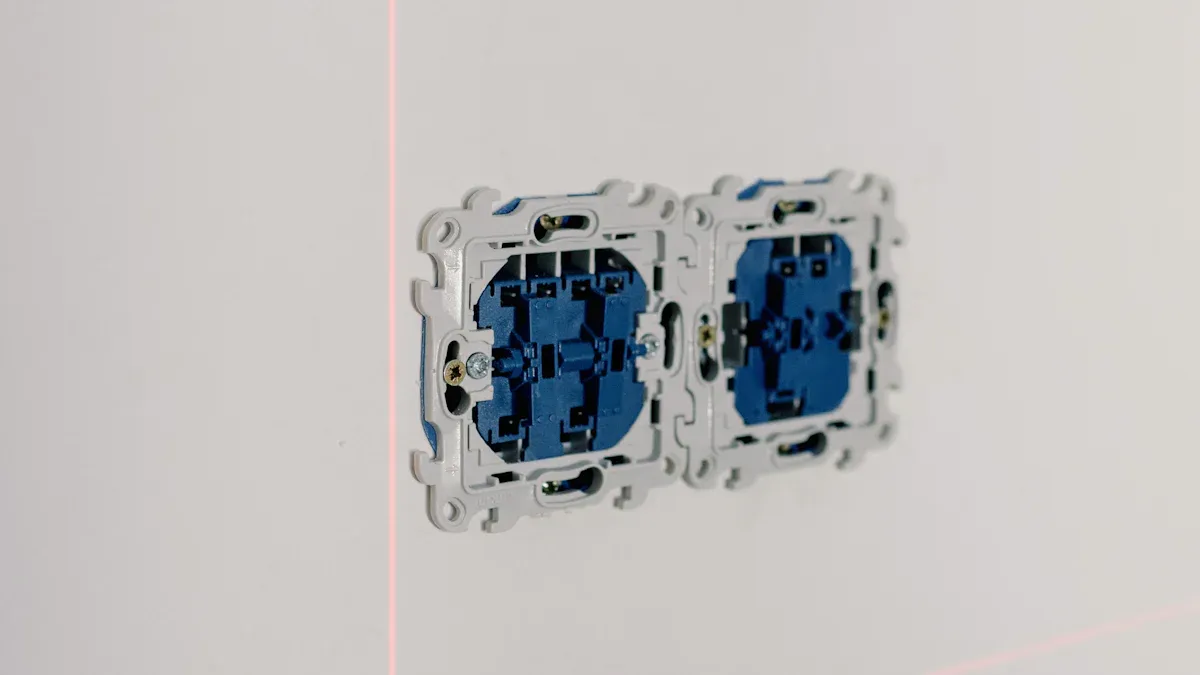
PCB Assembly
You start making Smart Sockets by putting together the printed circuit board, or PCB. This board is very important for the socket. First, you put solder paste on the right spots. Machines then place each part on the paste. After that, you heat the board so the solder melts and sticks the parts together. You check the board to find any mistakes. At the end, you test the board to see if it works right. Here is a table that shows each step:
Stage | Description |
|---|---|
Preparation | Putting solder paste on the right spots of the PCB. |
Component Placement | Machines put parts on the solder paste. |
Soldering | Heating the paste so it melts and connects the parts to the PCB. |
Inspection | Checking the board for problems or mistakes. |
Final Testing | Turning on the board to make sure it works well. |
There are rules all over the world for safety, data privacy, and saving energy. These rules tell you how to build and test each socket.
Product Testing
You test every socket to make sure it is safe and works well. You use special tests to check how strong it is, how hot it gets, and how long it lasts. Here is a table that shows some common tests:
Test Type | Description |
|---|---|
Pressure Test | Each socket is tested with high voltage to check if it is strong. |
Temperature Rise Test | Checks how hot the socket gets to make sure it is safe. |
Mechanical Life Test | Tests how long the socket will last by turning it on and off many times. |
You look for problems when you test the sockets. Some problems are loose wires, bad connections, or software bugs. You fix these before sending the socket out.
Category | Common Defects |
|---|---|
Functionality & Performance | Can’t connect to devices, loses connection, wrong power numbers, slow to answer commands |
Electrical & Safety | Loose wires, wrong voltage, bad grounding, overload problems, wrong plug pins, gets too hot |
Appearance & Build Quality | Scratches, bad parts, ports not lined up, weak build, color problems |
Software & Firmware | App crashes, update problems, security issues, does not work with other systems |
Packaging & Labeling | Missing safety labels, wrong info, broken box, hard to read numbers, missing marks |
Tip: Careful testing helps stop safety problems and makes your socket last longer.
Packaging
You finish by putting each socket in a box. You use packaging that keeps the socket safe and is good for the planet. Many companies pick boxes that can be recycled and make less trash. You make sure every box has the right safety labels and instructions. Here are some important things about packaging:
The packaging uses materials that can be used again and again.
WEEE Recycling helps you get rid of old sockets safely.
Each smart socket can save about 9.87kg of CO2 every month, which is good for the earth.
Life Cycle Assessments (LCAs) check if the packaging is really good for the environment.
You follow rules that help save energy. This helps you meet world standards and protect nature.
You follow important steps to design and make Smart Sockets:
Study the market and plan your product.
Set up your factory and get the right machines.
Check costs and make sure you follow the rules.
Hire and train your team.
A strong PCB design and careful testing help your socket stay safe and work well. You can expect new features like better safety, eco-friendly materials, and more ways to match your home style.
FAQ
What is a Smart Socket?
A Smart Socket lets you control devices from your phone. You can turn things on or off, check energy use, and set timers. It helps you save power and makes your home safer.
How do you install a Smart Socket?
You plug the Smart Socket into a wall outlet. Connect it to your Wi-Fi using the app. Follow the steps in the app to finish setup. You do not need special tools.
Can Smart Sockets help you save money?
Yes! Smart Sockets track energy use and let you set schedules. You can turn off devices when you do not need them. This helps lower your electricity bill.
Tip: Use the app to set timers for your devices. You will waste less energy.
Are Smart Sockets safe to use?
Smart Sockets follow safety rules like CE and FCC. They protect you from overheating and electrical problems. Always check for safety marks before you buy.
Safety Mark | Region |
|---|---|
CE | Europe |
FCC | United States |
ETL | North America |